 ChecklistGuro
Dental Practice Compliance Checklist Template
Ensure your dental practice is audit-ready! Our Dental Practice Compliance Checklist Template simplifies regulatory adherence, covering patient safety, HIPAA, OSHA, and more. Download now and streamline your compliance efforts.
This Template was installed 5 times.
HIPAA Compliance
Ensuring patient privacy and data security.
Business Associate Agreements (BAAs) Reviewed?
Last Privacy Rule Training Date
Designated Privacy Officer Assigned?
Summary of Privacy Rule Updates & Training
Patient Access Request Procedures in Place?
HIPAA Risk Assessment Report
Number of Patient Data Breaches Reported (Past Year)
OSHA Safety & Infection Control
Maintaining a safe environment for patients and staff, adhering to OSHA guidelines.
Last Sharps Container Disposal Date
Hand Sanitizer Dispenser Fill Level (inches)
Surface Disinfectant Used (EPA Registered)
PPE Availability (Check all that apply)
Last Autoclave Maintenance Date
Autoclave Spore Testing Result
Notes on any safety or infection control concerns
Patient Record Management
Procedures for handling patient records, consents, and documentation.
Last Record Audit Date
Summary of Record Audit Findings
Record Storage Method
Number of Paper Records (if applicable)
Retention Schedule Compliance
Last Consent Form Review Date
Notes on Consent Form Updates/Revisions
Financial Compliance
Ensuring accurate billing, coding, and revenue cycle management.
Current Fee Schedule Review Date
Billing Software Version
Last Audit of Claim Denials
Claim Denial Rate (%), Current Period
Summary of Recent Coding Updates Implemented
Compliance Training for Billing Staff (Completed?)
Copy of Current Fee Schedule
State & Federal Regulations
Adherence to relevant state and federal laws and regulations.
Last Review Date of Federal Regulations
Summary of Recent Federal Regulatory Updates
DEA Registration Number (Federal)
State Dental Board Reporting Requirements
Date of Last State Dental Board Audit
Summary of State-Specific Dental Practice Act Compliance
Compliance with Stark Law?
Controlled Substances Management
Protocols for handling, dispensing, and documenting controlled substances.
Last Inventory Date
Initial Quantity of [Specific Substance]
Quantity Used/Dispensed
Quantity Returned/Wasted
Date of Discrepancy (if any)
Explanation of Discrepancy (if any)
Method of Destruction (if any)
Inventory Record Documentation (Attach)
Signature of Person Performing Inventory
Emergency Preparedness
Procedures for handling emergencies, including fire, medical incidents, and natural disasters.
Last Emergency Drill Date
Emergency Contact List – Primary Contact
Emergency Contact List – Secondary Contact
Emergency Evacuation Plan Description
Emergency Supplies Checked
Quantity of Fire Extinguishers & Inspection Date
Location of Emergency Shut-Offs (Water, Gas, Electricity)
Procedure for Medical Emergencies (e.g., Patient Cardiac Arrest)
Consent Forms & Documentation
Review and verification of consent forms for procedures and treatments.
Consent Form Received Date
Patient Explanation of Procedure
Patient Questions and Concerns
Patient Understanding
Patient Signature
Witness Signature (if required)
Scanned Consent Form (if applicable)
Equipment Maintenance & Calibration
Ensuring all dental equipment is properly maintained and calibrated.
Last Calibration Date - Ultrasonic Scaler
Ultrasonic Scaler Power Output (Watts)
Last Maintenance Date - Dental Chairs
Details of Dental Chair Maintenance (e.g., lubrication, upholstery)
X-Ray Machine Exposure Rate (mR/s)
Last X-Ray Machine QA Test Date
Autoclave Validation Method
Last Autoclave Validation Date
Employee Training & Credentials
Verification of employee training, certifications, and licenses.
Employee Name
Last Training Date (HIPAA)
Next Training Date (OSHA)
Completed Training Modules
Copy of Certification/License
License Number
Expiration Date (License)
Frequently Asked Questions
Can I customize this template after installing it?
Absolutely. Once installed, you can add, remove, or reorder tasks, add custom fields, and adjust deadlines to fit your specific workflow.
Can I add images or photos to these checklist items?
Yes. Our platform allows you to attach photos, signatures, and notes to any checklist item for better verification and proof of completion.
Can I create a custom checklist from scratch instead of using a template?
Yes. You can use our "Create your own checklist" feature to build a unique workflow tailored exactly to your operational requirements.
Can I add dependencies between tasks?
Yes, you can set up conditional logic and dependencies to ensure your team follows the correct sequence of operations.
Can I assign specific checklist items to different team members?
Yes. You can assign individual tasks to specific employees, ensuring clear accountability across your entire team.
Can I use these checklists on mobile devices in the field?
Yes. Our platform is fully responsive, allowing your team to complete, update, and upload photos to checklists directly from any smartphone or tablet.
How do I notify my manager when a checklist is completed?
You can set up automated notifications (via email, push notification, or in-app alerts) to trigger whenever a checklist is finished or if an item fails inspection.
Can multiple people work on the same checklist simultaneously?
Yes, the platform supports real-time updates, allowing multiple users to contribute to a single live checklist.
Where is the data from completed checklists stored?
All completed checklists are stored securely in your Work OS dashboard, creating a permanent, searchable audit trail of your operations.
Can I generate reports based on my checklist results?
Yes. You can track completion rates, identify recurring issues, and monitor team performance through our integrated reporting and analytics tools.
How can I use these checklists for compliance or auditing purposes?
Because our checklists capture timestamps, photos, and digital signatures, they serve as a robust digital paper trail for regulatory compliance and internal audits.
Can I export my completed checklist data for use in other tools?
Yes. You can export your data in various formats (CSV, Excel, etc.) to integrate your operational insights with your other business software.
Comments
There are no comments yet. Be the first to add one!
Dental Management Solution Demo
Simplify your dental practice & enhance patient care! ChecklistGuro streamlines appointment scheduling, patient records, and billing. Improve efficiency, reduce errors, & boost patient satisfaction. Manage it all with our Work OS.
Related Checklist Templates
Dental Dental Hygienist Workflow Checklist 2026: Prophy & Periodontal Care
Dental Clinical Audit Checklist 2026: Documentation & Treatment Accuracy
Dental Post-Operative Care Checklist 2026: Patient Instructions & Follow-up
Dental Practice Financial Health Checklist 2026: Overhead & Profitability Analysis
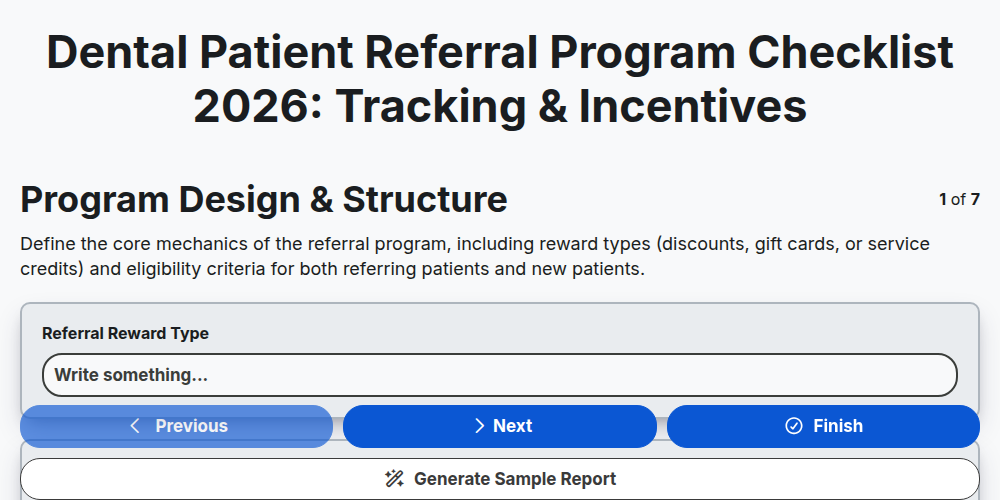
Dental Patient Referral Program Checklist 2026: Tracking & Incentives
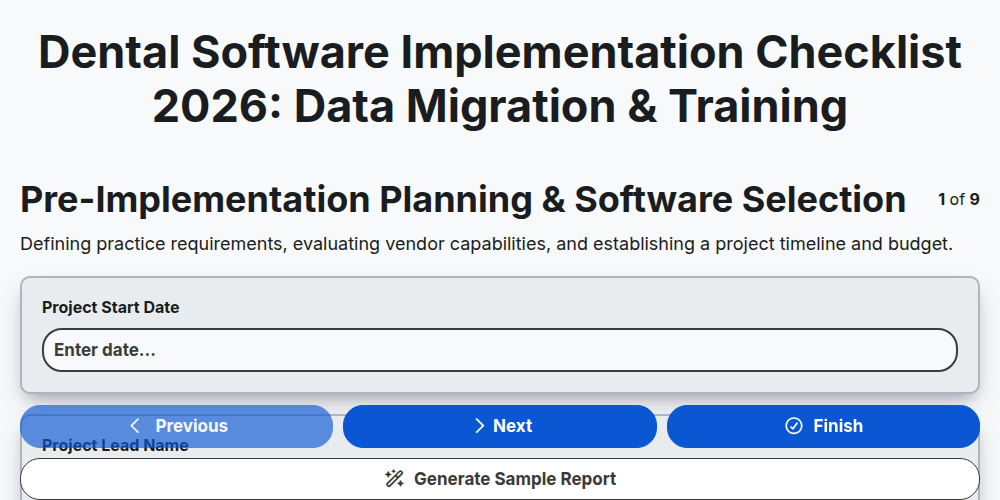
Dental Software Implementation Checklist 2026: Data Migration & Training
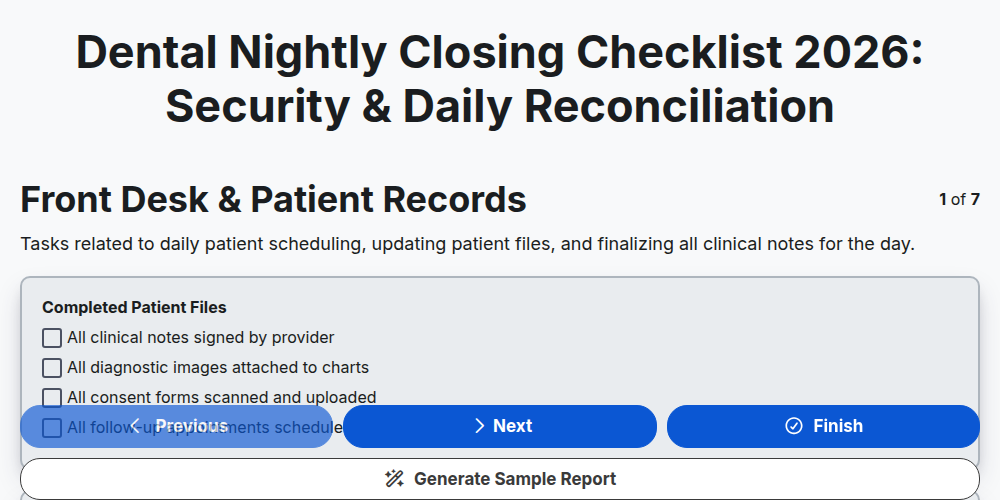
Dental Nightly Closing Checklist 2026: Security & Daily Reconciliation
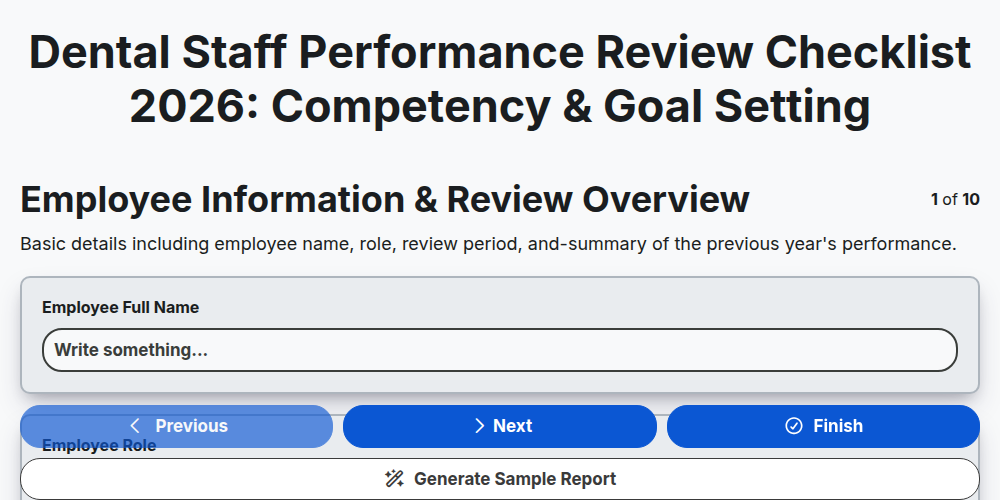
Dental Staff Performance Review Checklist 2026: Competency & Goal Setting
Need help with
Dental Management?
Have a question? We're here to help. Please submit your inquiry, and we'll respond promptly.