 ChecklistGuro
 Flower Shop Workshop End-of-Day Closing & Security Checklist 2026
Ensure your flower shop stays secure and prepared for tomorrow with our professional Flower Shop Workshop End-of-Day Closing & Security Checklist 2026. This essential management tool provides a step-by-step guide for florists to systematically secure premises, manage daily cash reconciliation, finalize workstation cleanup, and verify floral hydration levels. Perfect for shop owners and managers looking to standardize closing procedures, minimize operational risks, and maintain peak shop efficiency. Download this ready-to-use 2026 operational template to streamline your nightly shutdown and protect your floral business assets.
Floral Inventory & Perishables Care
Procedures for hydrating remaining stems, checking hydration levels, and transferring delicate blooms to temperature-controlled environments.
Completed Hydration Tasks
Total Number of Buckets Replaced
Note any wilted or unusable flowers
Date of Inventory Check
Florist/Staff Member Confirmation
Station & Workspace Sanitization
Cleaning protocols for floral shears, buckets, worktables, and disposal of organic waste to prevent bacterial growth.
Surfaces & Tools Cleaned
Cleaning Agent Used
Number of Buckets Sanitized
Notes on Spills or Deep Cleaning Needs
Sanitization Supervisor Approval
Equipment & Tool Maintenance
Inspection and storage of electrical tools, water heaters, and precision cutting instruments to ensure readiness for the next morning.
Tools Inspected and Sanitized
Condition Report
Tool Sanitization Method Used
Number of Tools Sent for Sharpening
Maintenance Supervisor Sign-off
Point of Sale (POS) & Financial Reconciliation
Steps for closing out daily transactions, reconciling cash drawers, and reconciling digital payments and gift card balances.
Total Daily Cash Sales
Total Digital/Card Sales
Cash Drawer Discrepancy
End-of-Day Reconciliation Tasks Completed
Daily Transaction Report Image
Manager/Closer Signature
Order Management & Morning Prep
Reviewing the next day's delivery schedule, verifying prepared arrangements, and organizing prepared notes/cards for early morning pickups.
Completed Arrangements for Tomorrow Morning
Next Day Delivery Date
Total Number of Pending Deliveries
Urgent Notes for Morning Staff
Photo of Prepared Delivery Manifest
Closing Manager Verification
Facility Lighting & Climate Control
Verifying that cooler temperatures are stabilized, all non-essential lights are extinguished, and heating/AC settings are optimized for overnight energy saving.
Lights Deactivated
Flower Cooler Temperature (°C/°F)
HVAC/Climate Setting Status
Temperature Discrepancy Notes
Climate Check Completion Time
Closing Manager Verification
Security & Perimeter Lockdown
Final inspection of all entry/exit points, window locks, alarm system activation, and securing high-value inventory or cash storage.
Points of Entry Verified
Alarm System Status
Safe/Cash Box Secured
Final Lockdown Time
Closing Manager Verification
Frequently Asked Questions
Can I customize this template after installing it?
Absolutely. Once installed, you can add, remove, or reorder tasks, add custom fields, and adjust deadlines to fit your specific workflow.
Can I add images or photos to these checklist items?
Yes. Our platform allows you to attach photos, signatures, and notes to any checklist item for better verification and proof of completion.
Can I create a custom checklist from scratch instead of using a template?
Yes. You can use our "Create your own checklist" feature to build a unique workflow tailored exactly to your operational requirements.
Can I add dependencies between tasks?
Yes, you can set up conditional logic and dependencies to ensure your team follows the correct sequence of operations.
Can I assign specific checklist items to different team members?
Yes. You can assign individual tasks to specific employees, ensuring clear accountability across your entire team.
Can I use these checklists on mobile devices in the field?
Yes. Our platform is fully responsive, allowing your team to complete, update, and upload photos to checklists directly from any smartphone or tablet.
How do I notify my manager when a checklist is completed?
You can set up automated notifications (via email, push notification, or in-app alerts) to trigger whenever a checklist is finished or if an item fails inspection.
Can multiple people work on the same checklist simultaneously?
Yes, the platform supports real-time updates, allowing multiple users to contribute to a single live checklist.
Where is the data from completed checklists stored?
All completed checklists are stored securely in your Work OS dashboard, creating a permanent, searchable audit trail of your operations.
Can I generate reports based on my checklist results?
Yes. You can track completion rates, identify recurring issues, and monitor team performance through our integrated reporting and analytics tools.
How can I use these checklists for compliance or auditing purposes?
Because our checklists capture timestamps, photos, and digital signatures, they serve as a robust digital paper trail for regulatory compliance and internal audits.
Can I export my completed checklist data for use in other tools?
Yes. You can export your data in various formats (CSV, Excel, etc.) to integrate your operational insights with your other business software.
Comments
There are no comments yet. Be the first to add one!
Flower Shop Management Solution Demo
Bloom with efficiency! ChecklistGuro simplifies flower shop management - from order tracking to inventory control and delivery scheduling. Enhance customer service, reduce waste, & boost profits. Manage it all with our Work OS.
Related Checklist Templates
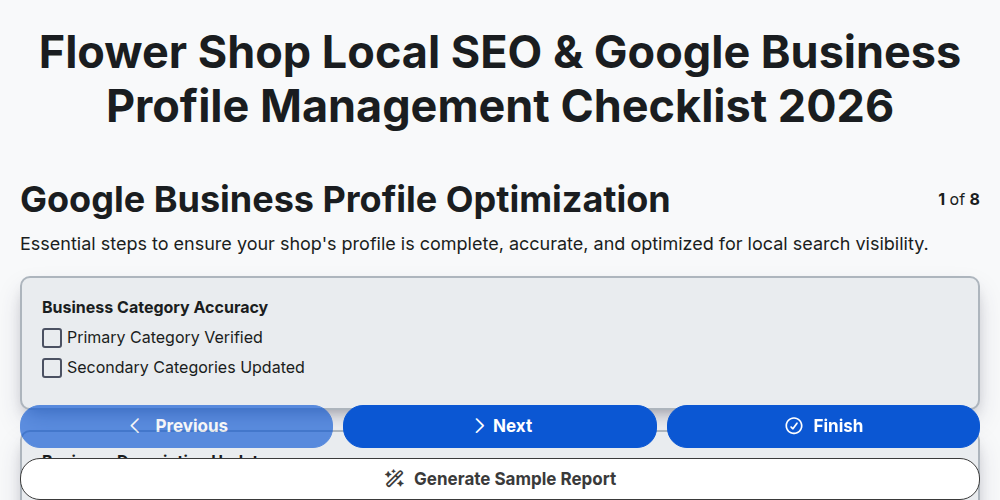
Flower Shop Local SEO & Google Business Profile Management Checklist 2026
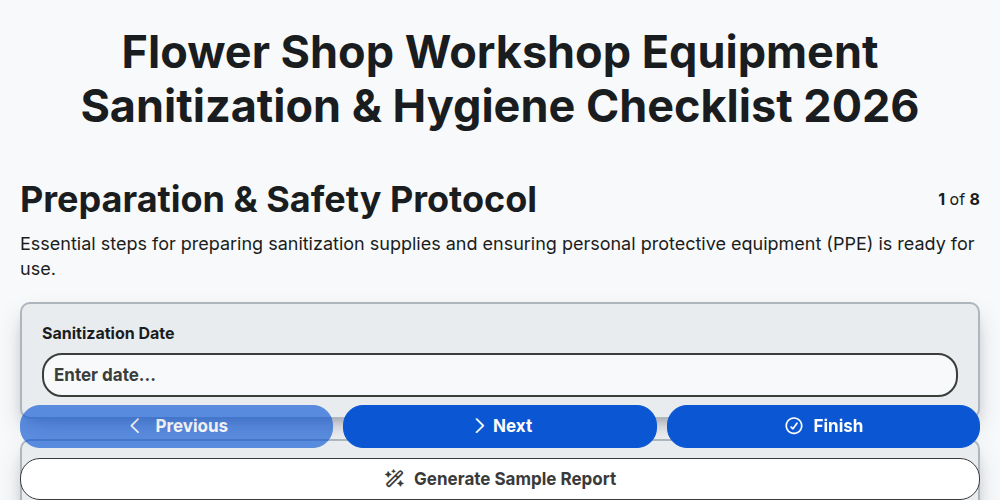
Flower Shop Workshop Equipment Sanitization & Hygiene Checklist 2026
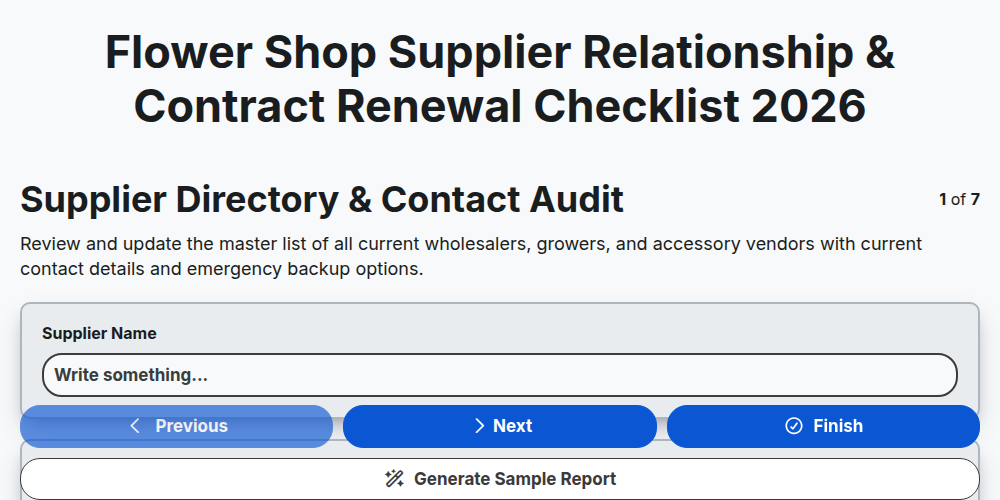
Flower Shop Supplier Relationship & Contract Renewal Checklist 2026
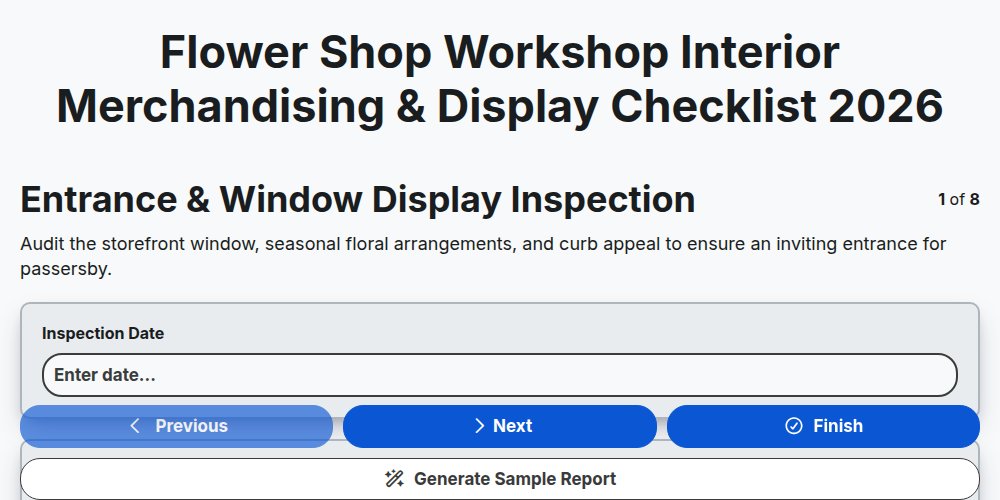
Flower Shop Workshop Interior Merchandising & Display Checklist 2026
Flower Shop Seasonal Pricing & Margin Management Checklist 2026
Flower Shop Grand Opening & Shop Launch Checklist 2026
Flower Shop Workshop Safety & Tool Maintenance Checklist 2026
Flower Shop Perishable Stock Rotation & Freshness Audit Checklist 2026
Need help with
Flower Shop Management?
Have a question? We're here to help. Please submit your inquiry, and we'll respond promptly.