 ChecklistGuro
 Lead-Based Paint Disclosure Checklist (For pre-1978 properties)
Ensure legal compliance! Download our free Lead-Based Paint Disclosure Checklist for pre-1978 properties. Protect yourself and your clients - easily navigate disclosure requirements & avoid penalties. Real estate professionals, landlords, & sellers, get yours now!
This Template was installed 3 times.
Property Information
Details about the property being transferred.
Property Address
Year Built (approximate)
Date of Ownership Transfer (Estimated)
Legal Description (if available)
Property Type
Seller's Name(s)
Buyer's Name(s)
Seller's Disclosures
Statements and information provided by the seller regarding lead-based paint hazards.
Known Lead-Based Paint or Hazards?
Description of Known Lead-Based Paint or Hazards (if any)
Details of any Lead-Based Paint Inspections or Risk Assessments performed on the property.
Details of any repairs or remediation work performed to address lead-based paint hazards.
Date of most recent lead-based paint inspection/risk assessment (if applicable)
Any other relevant information regarding lead-based paint or hazards on the property.
Upload of any prior inspection reports (optional)
Disclosure of any known lead-based paint on removable surfaces (e.g., doors, trim)
Buyer's Acknowledgements
Confirmations from the buyer acknowledging receipt of the disclosure and understanding of lead-based paint risks.
I/We have received a copy of the Lead-Based Paint Disclosure Form.
Buyer's Acknowledgment of Receipt and Understanding
Did you/your inspector conduct a risk assessment or inspection?
If yes, briefly describe the findings of the risk assessment/inspection (if any).
Do you intend to take any corrective actions regarding lead-based paint?
Date of Acknowledgement
Buyer's Signature
Inspection/Risk Assessment (Optional)
Documentation of any lead-based paint inspection or risk assessment performed, if applicable.
Inspection/Risk Assessment Date (if performed)
Summary of Inspection/Risk Assessment Findings (if performed)
Copy of Inspection Report (if available)
Type of Assessment Performed (if applicable)
Description of Areas with Potential Lead-Based Paint Hazards (if identified)
Estimated Lead Dust Levels (ppm) in Affected Areas (if measured)
Recommended Remediation Actions (if any)
Photos of Areas with Potential Lead Hazards (Optional)
Signatures & Dates
Space for all parties to sign and date the disclosure form.
Seller Signature
Seller Signature Date
Buyer Signature
Buyer Signature Date
Agent Signature (Seller's Agent)
Agent Signature Date (Seller's Agent)
Agent Signature (Buyer's Agent, if applicable)
Agent Signature Date (Buyer's Agent, if applicable)
Appendices/Supporting Documents (if any)
List of any additional reports or documents attached to the disclosure.
Lead-Based Paint Inspection Report
Lead-Based Paint Risk Assessment Report
Summary of Previous Repairs/Removals (if any)
Type of Remediation (if any)
Date of Remediation (if applicable)
Name of Contractor (if remediation occurred)
Estimated Square Footage of Affected Areas (if known)
Description of Areas with Known Lead-Based Paint
Comments
There are no comments yet. Be the first to add one!
Audit/Inspection Management Solution Demo
Ensure compliance & improve performance! ChecklistGuro streamlines audit/inspection creation, execution, and reporting. Reduce risk, enhance quality, & maintain consistency. Manage it all with our Work OS.
Related Checklist Templates
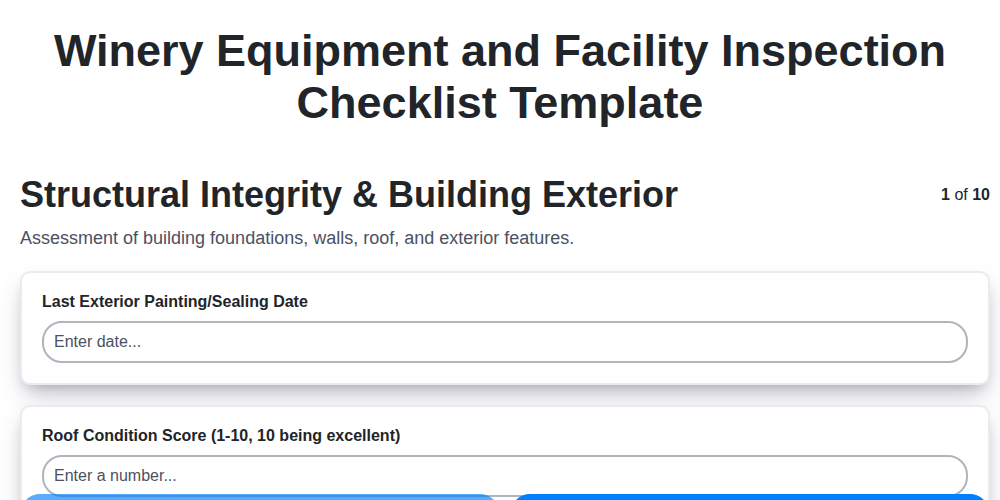
Winery Equipment and Facility Inspection Checklist Template
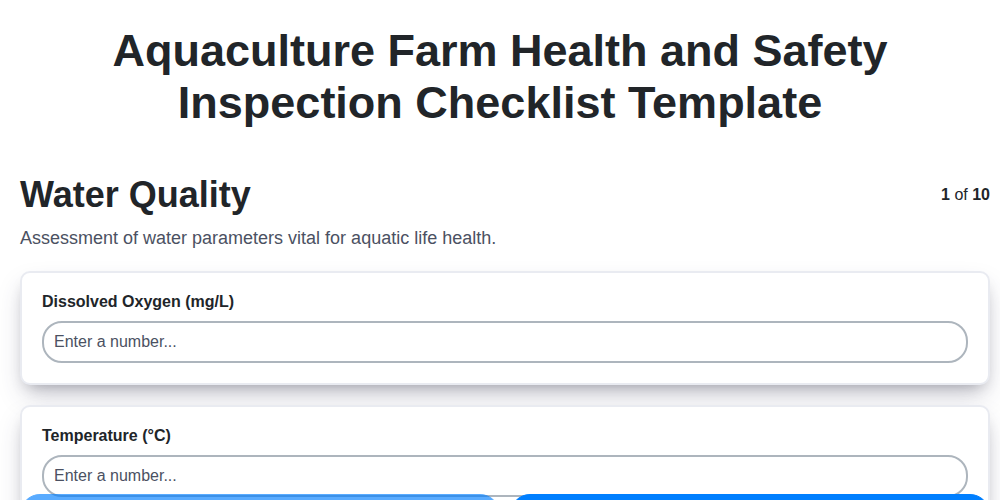
Aquaculture Farm Health and Safety Inspection Checklist Template
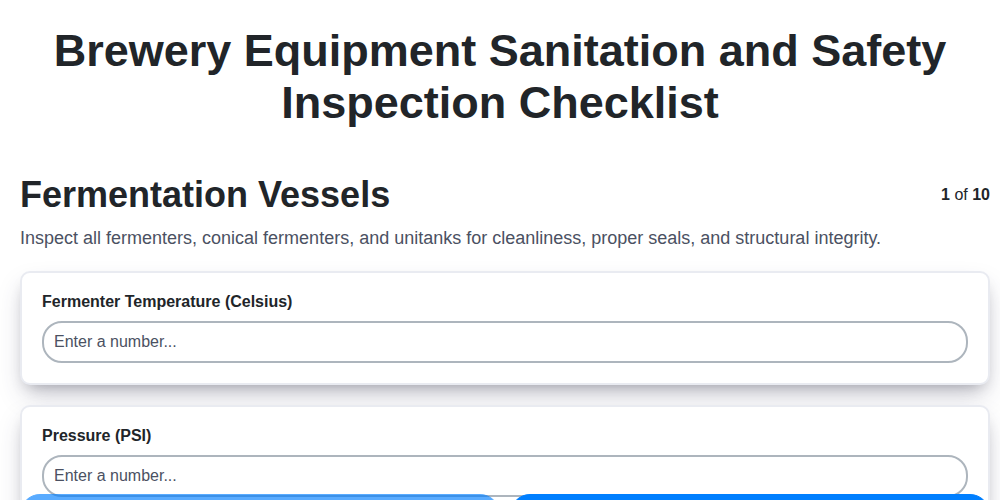
Brewery Equipment Sanitation and Safety Inspection Checklist
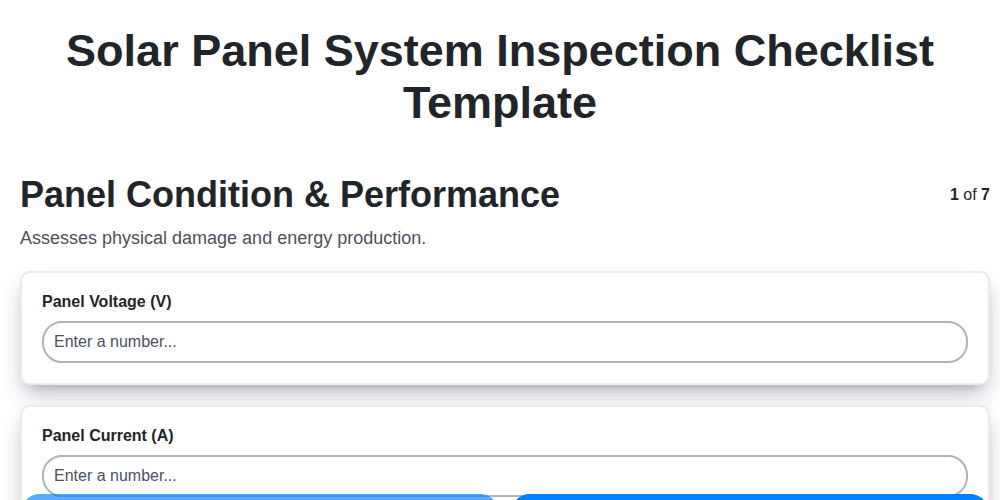
Solar Panel System Inspection Checklist Template
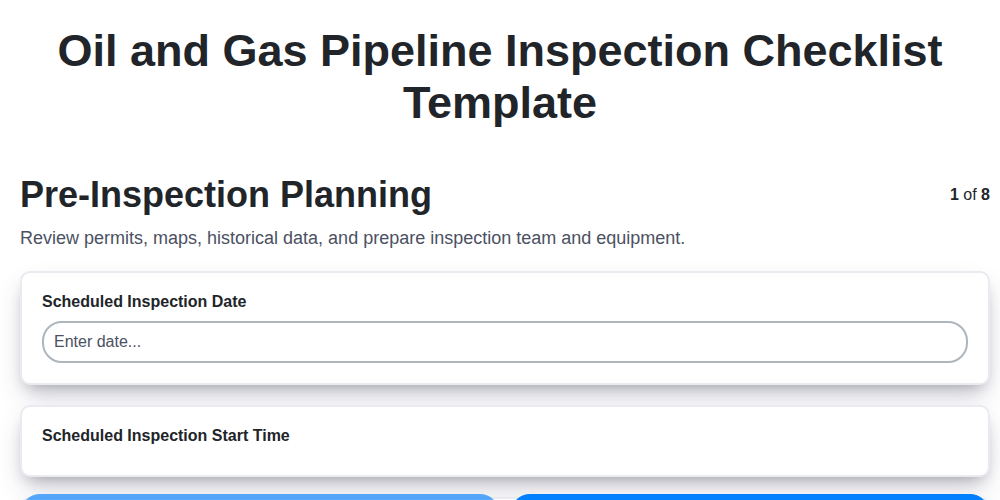
Oil and Gas Pipeline Inspection Checklist Template
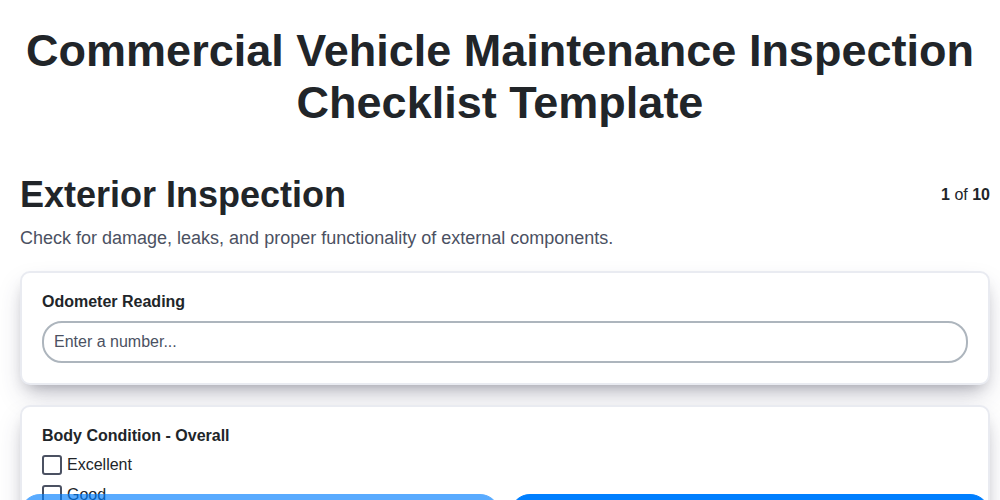
Commercial Vehicle Maintenance Inspection Checklist Template
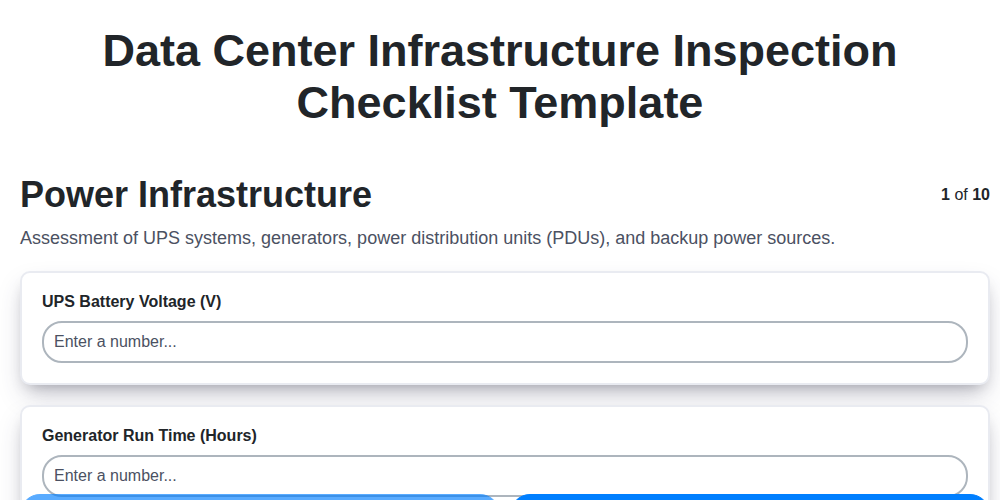
Data Center Infrastructure Inspection Checklist Template
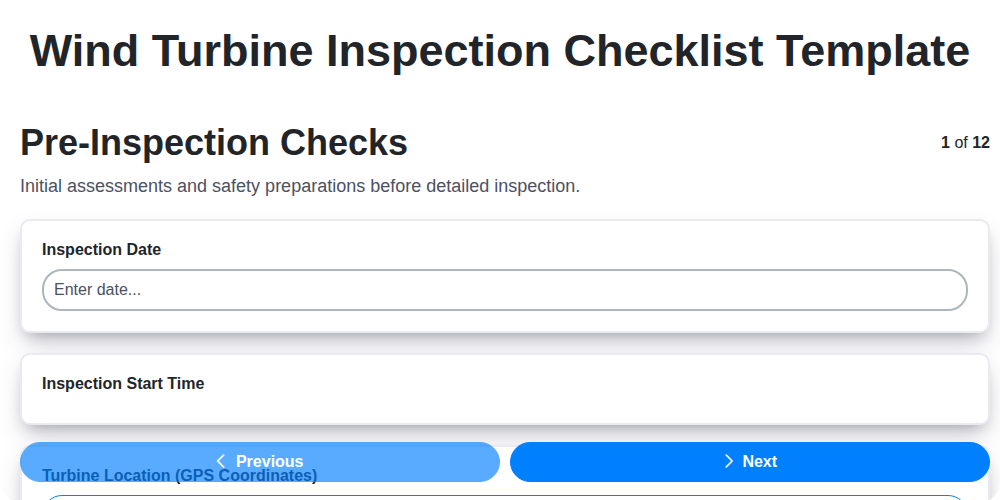
Wind Turbine Inspection Checklist Template
We can do it Together
Need help with
Inspection Management?
Have a question? We're here to help. Please submit your inquiry, and we'll respond promptly.