 ChecklistGuro
 Insurance Digital Claims Portal UX Checklist 2026
Streamline your digital transformation and boost policyholder retention with our comprehensive Insurance Digital Claims Portal UX Checklist 2026. Designed specifically for insurance carriers and InsurTech innovators, this professional audit tool helps you optimize the end-to-end user experience, reduce friction in the claims submission process, and eliminate drop-off points. Ensure your claims interface is mobile-responsive, intuitive, and high-performing with a strategic framework focused on usability, accessibility, and seamless data integration. Perfect for claims managers and product owners looking to drive efficiency and customer satisfaction in a digital-first insurance landscape.
User Authentication & Security Access
Verification of secure login protocols, multi-factor authentication (MFA) implementation, and biometric integration for mobile users.
Authentication Method Used
Security Protocols Verified
Last Security Audit Date
Identified Authentication Vulnerabilities
Next Scheduled Security Review
Security Compliance Officer Approval
Claims Submission Workflow
Evaluation of the step-by-step claim filing process, including intuitive form fields, progress indicators, and ease of data entry.
Policy Number
Date of Incident
Type of Claim
Description of Incident
Incident Location
Supporting Evidence/Photos
Digital Claimant Signature
Document Upload & Evidence Management
Testing the functionality of uploading photos, videos, and PDFs, including OCR capabilities and file size optimization.
Damage Photos/Videos
Supporting Documents (Police Reports, Receipts, etc.)
Document Type
File Description/Notes
Upload Categories
Date of Document Issuance
Real-Time Claim Status Tracking
Audit of the real-time notification system, push notifications, and the visual timeline of the claims lifecycle.
Current Claim Stage
Last Status Update Date
Next Scheduled Review Date
Recent Adjuster Notes
Missing Information Alerts
Mobile Responsiveness & Accessibility
Assessment of interface performance across various devices, screen sizes, and compliance with WCAG 2.1 accessibility standards.
Device Testing Environment
Accessibility Compliance Checkpoints
Screen Resolution Tested
Identified UI/UX Rendering Issues
Page Load Speed (Seconds)
Automated Communication & Notifications
Review of automated email/SMS triggers, clarity of automated messages, and the availability of in-app chat support.
Notification Channel Preference
Trigger Events for Automation
Template Verification Status
Review of Message Clarity & Tone
Last Automated Audit Date
Payment & Settlement Integration
Verification of seamless digital payment methods, direct deposit setup, and transparency regarding settlement breakdowns.
Preferred Settlement Method
Account/Routing Number
Settlement Amount Approved
Expected Disbursement Date
Required Payment Verifications Completed
Proof of Banking/Voided Check
Policyholder Settlement Authorization
Data Privacy & Consent Management
Audit of user-facing privacy notices,-GDPR/CCPA compliance prompts, and easy-to-access data permission settings.
Privacy Compliance Regulations Covered
Data Processing Consent Status
Privacy Policy Review Notes
Last Privacy Audit Date
Compliance Officer Approval
AI-Driven Assistance & Chatbot Efficiency
Evaluation of the AI chatbot's ability to resolve queries, route users to human agents, and provide instant FAQ responses.
Chatbot Intent Recognition Accuracy
Average Response Latency (seconds)
Supported Natural Language Features
Identified Bot-to-Human Handover Friction Points
AI Model Version/Deployment Date
Post-Claim Feedback & Survey Integration
Review of the Net Promoter Score (NPS) collection process and the ease of submitting post-resolution feedback.
Overall Satisfaction Rating
What went well during your claim process?
Please provide details on how we can improve our digital experience
How likely are you to recommend our digital portal to others? (0-10)
Date of feedback submission
Frequently Asked Questions
Can I customize this template after installing it?
Absolutely. Once installed, you can add, remove, or reorder tasks, add custom fields, and adjust deadlines to fit your specific workflow.
Can I add images or photos to these checklist items?
Yes. Our platform allows you to attach photos, signatures, and notes to any checklist item for better verification and proof of completion.
Can I create a custom checklist from scratch instead of using a template?
Yes. You can use our "Create your own checklist" feature to build a unique workflow tailored exactly to your operational requirements.
Can I add dependencies between tasks?
Yes, you can set up conditional logic and dependencies to ensure your team follows the correct sequence of operations.
Can I assign specific checklist items to different team members?
Yes. You can assign individual tasks to specific employees, ensuring clear accountability across your entire team.
Can I use these checklists on mobile devices in the field?
Yes. Our platform is fully responsive, allowing your team to complete, update, and upload photos to checklists directly from any smartphone or tablet.
How do I notify my manager when a checklist is completed?
You can set up automated notifications (via email, push notification, or in-app alerts) to trigger whenever a checklist is finished or if an item fails inspection.
Can multiple people work on the same checklist simultaneously?
Yes, the platform supports real-time updates, allowing multiple users to contribute to a single live checklist.
Where is the data from completed checklists stored?
All completed checklists are stored securely in your Work OS dashboard, creating a permanent, searchable audit trail of your operations.
Can I generate reports based on my checklist results?
Yes. You can track completion rates, identify recurring issues, and monitor team performance through our integrated reporting and analytics tools.
How can I use these checklists for compliance or auditing purposes?
Because our checklists capture timestamps, photos, and digital signatures, they serve as a robust digital paper trail for regulatory compliance and internal audits.
Can I export my completed checklist data for use in other tools?
Yes. You can export your data in various formats (CSV, Excel, etc.) to integrate your operational insights with your other business software.
Comments
There are no comments yet. Be the first to add one!
Insurance Management Solution Demo
Managing policies, claims, and compliance in the insurance industry is complex. ChecklistGuro's Work OS platform streamlines your operations, from underwriting and renewals to claims processing and reporting. Improve efficiency, reduce errors, and enhance customer satisfaction. Discover how ChecklistGuro can transform your insurance business!
Related Checklist Templates
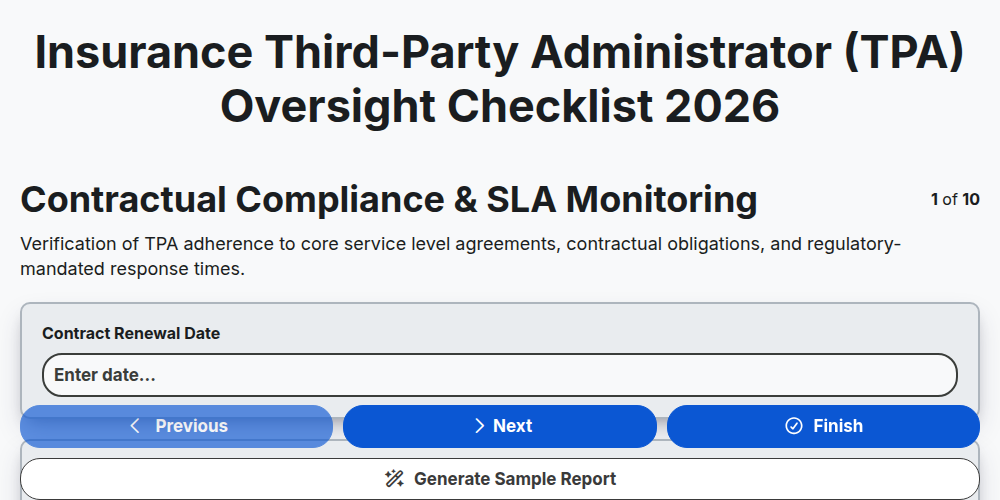
Insurance Third-Party Administrator (TPA) Oversight Checklist 2026
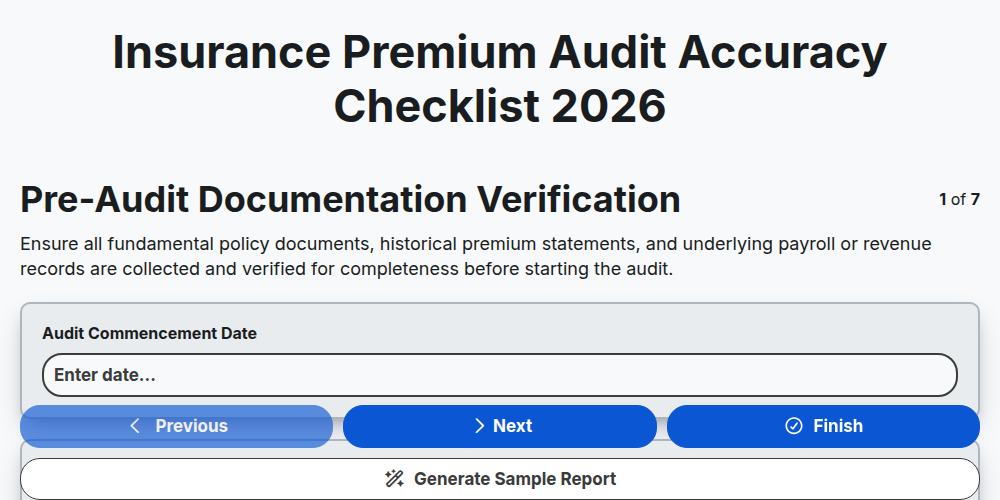
Insurance Premium Audit Accuracy Checklist 2026
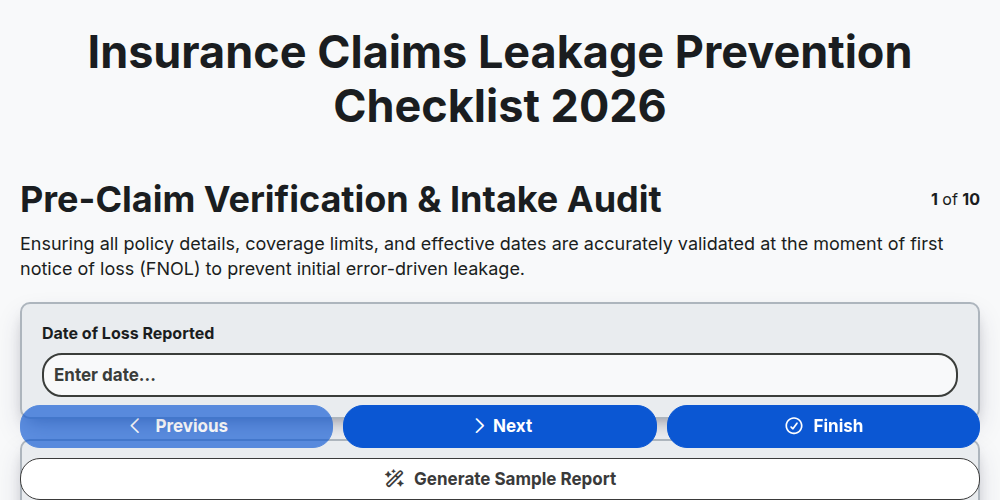
Insurance Claims Leakage Prevention Checklist 2026
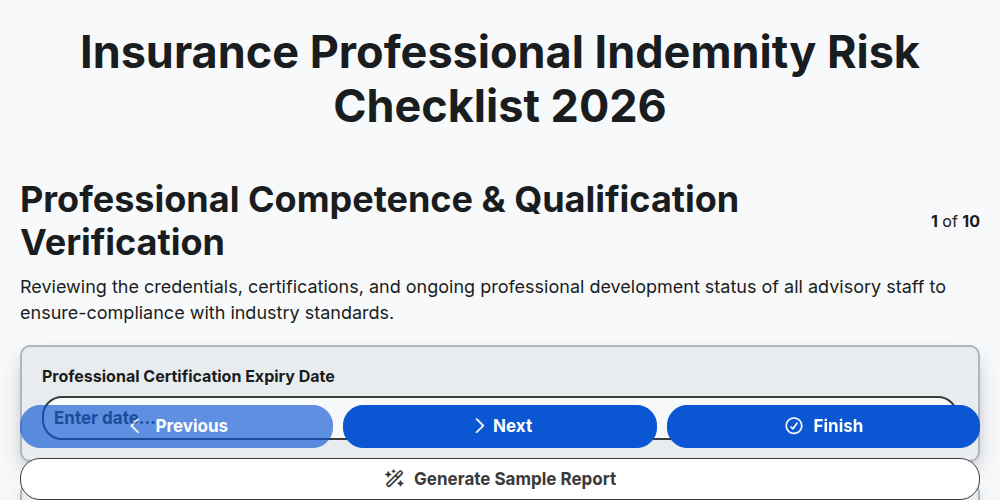
Insurance Professional Indemnity Risk Checklist 2026
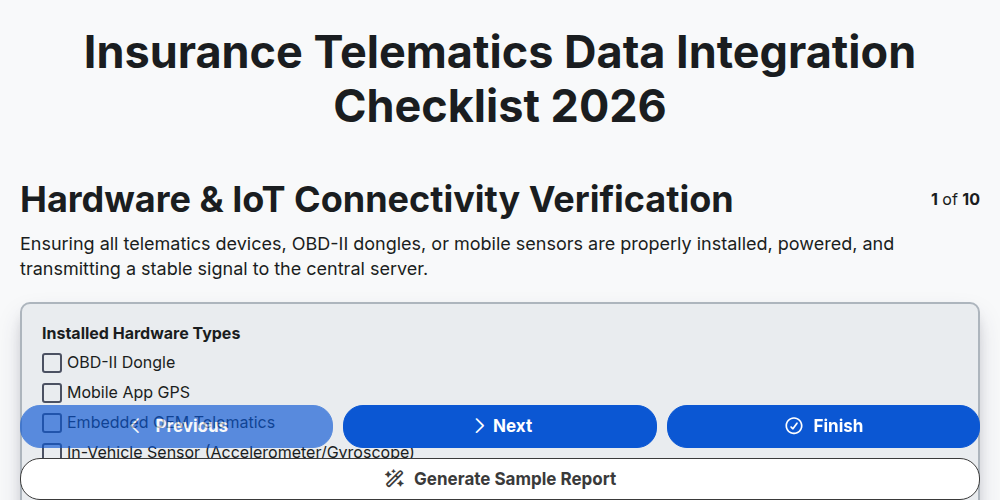
Insurance Telematics Data Integration Checklist 2026
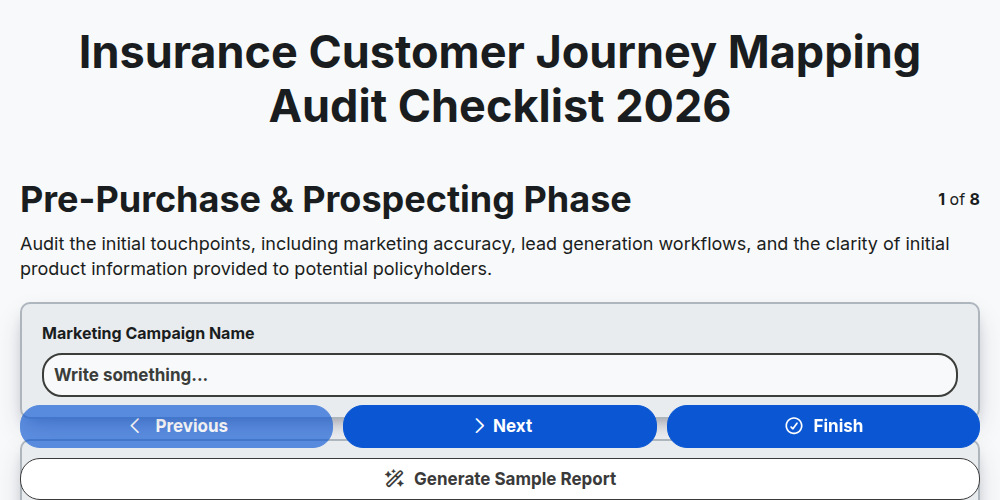
Insurance Customer Journey Mapping Audit Checklist 2026
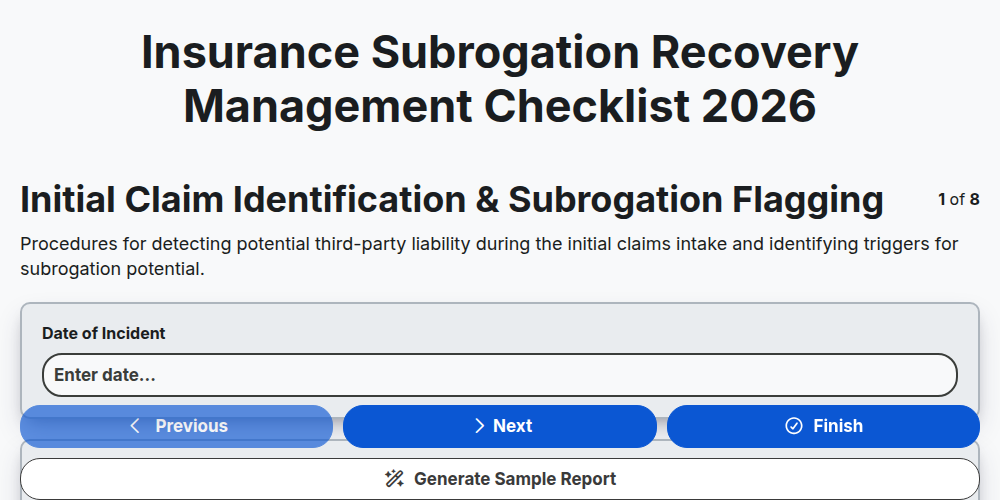
Insurance Subrogation Recovery Management Checklist 2026
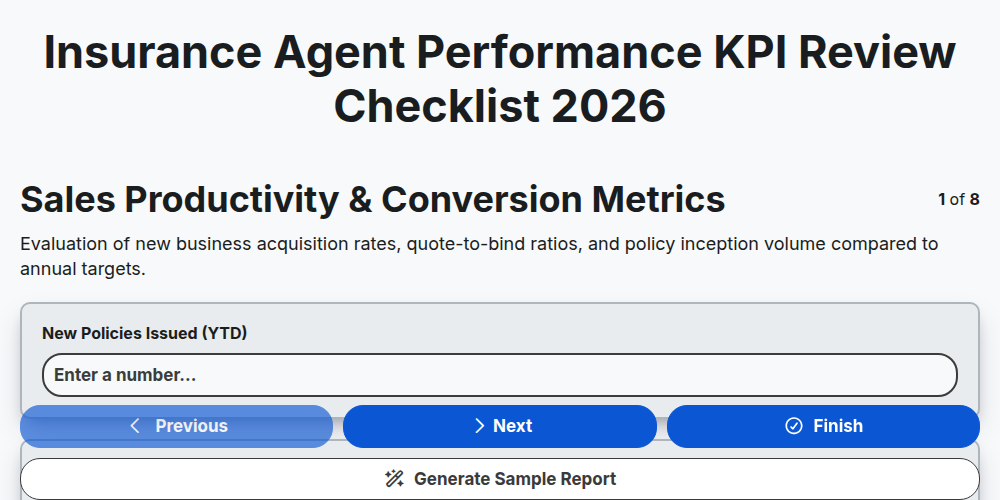
Insurance Agent Performance KPI Review Checklist 2026
Need help with
Insurance?
Have a question? We're here to help. Please submit your inquiry, and we'll respond promptly.