 ChecklistGuro
Background Check Verification (Drivers & Warehouse Personnel) Checklist
Ensure safety & compliance! Download our comprehensive Background Check Verification checklist for Drivers & Warehouse Personnel. Minimize risk & streamline your Logistics hiring process. Includes MVR, criminal history, and more.
This Template was installed 5 times.
Pre-Screening & Authorization
Initial steps before initiating the full background check. Includes obtaining necessary consent and authorizations.
Authorization Form Received?
Candidate Full Name
Candidate Email Address
Authorization Form Signed Date
Candidate Acknowledgement (Copy/Paste from Form)
Background Check Type Selected (Driver/Warehouse)
Background Check Order Number (if applicable)
Upload Signed Authorization Form
Motor Vehicle Record (MVR) Verification
Comprehensive review of driving history, including accidents, violations, and license status.
Driver's License Number
License Expiration Date
Number of Accidents in Past 3 Years
Number of Moving Violations in Past 3 Years
Number of Suspensions
Details of Most Serious Violation (if any)
Commercial Driver's License (CDL) Status?
MVR Record Clean?
Notes/Comments regarding MVR Record
Criminal Record Check
Verification of criminal history, including arrest records, convictions, and court proceedings.
Federal Criminal Record Search Summary
State Criminal Record Search Summary
County Criminal Record Search Summary
Number of Arrest Records Found
Number of Conviction Records Found
Sex Offender Registry Check Performed?
National Crime Database Searched?
Summary of Significant Findings (if any)
Employment Verification
Confirming previous employment history and verifying job responsibilities.
Previous Employer Name
Employer Address
Employer Phone Number
Contact Person at Previous Employer (Name)
Contact Person's Email Address
Start Date of Employment
End Date of Employment
Years of Service
Job Title and Responsibilities
Reason for Leaving
Drug & Alcohol Screening (If Applicable)
Results and verification of pre-employment and ongoing drug and alcohol screening, if required by company policy or regulation.
Screening Date
Screening Type
Drug Screen Result (e.g., COOH, THC)
Alcohol Breathalyzer Result (BAC)
Result Interpretation
Comments/Notes (e.g., reason for retest, medical review officer comments)
Lab Report (PDF)
Medical Review Officer (MRO) Action
Education & Certifications
Verification of claimed educational degrees, certifications, and licenses relevant to the role.
Highest Level of Education Completed
Name of Educational Institution(s)
Graduation Date (or Expected Graduation Date)
Major/Area of Study
Copy of Diploma/Transcript (Optional)
Relevant Certifications (e.g., Forklift, Hazmat)
Details of Other Certifications (if selected above)
CDL Class (If Applicable)
Reference Checks
Contacting and verifying information provided by listed professional references.
Reference 1: Full Name
Reference 1: Job Title (at time of reference)
Reference 1: Phone Number
Reference 1: Email Address
Reference 1: Summary of Conversation - Key Points & Observations
Reference 1: Overall Impression of Candidate (Work Ethic, Reliability, Teamwork)
Reference 1: Would you rehire this candidate?
Date of Reference Check Completed
Review & Adjudication
Final review of all background check results and making a determination regarding suitability for employment.
Summary of Background Check Findings
Overall Suitability Assessment
Justification for Suitability Assessment (Required if not 'Suitable')
Score/Risk Level (If Applicable - based on internal scoring system)
Mitigation Plan (If 'Further Review Required' or 'Unsuitable')
Compliance with FCRA (If Applicable)
Date of Adjudication Review
Reviewer Signature
Documentation & Record Keeping
Ensuring proper documentation of all verification steps and maintaining records in compliance with legal and company requirements.
Background Check Start Date
Background Check Completion Date
Background Check Authorization ID
Summary of Findings/Notes
Copy of Background Check Report (PDF)
Adjudication Decision
Reason for Adjudication Decision (If not 'Hire')
Reviewer Signature
Reviewer Name (Printed)
Frequently Asked Questions
Can I customize this template after installing it?
Absolutely. Once installed, you can add, remove, or reorder tasks, add custom fields, and adjust deadlines to fit your specific workflow.
Can I add images or photos to these checklist items?
Yes. Our platform allows you to attach photos, signatures, and notes to any checklist item for better verification and proof of completion.
Can I create a custom checklist from scratch instead of using a template?
Yes. You can use our "Create your own checklist" feature to build a unique workflow tailored exactly to your operational requirements.
Can I add dependencies between tasks?
Yes, you can set up conditional logic and dependencies to ensure your team follows the correct sequence of operations.
Can I assign specific checklist items to different team members?
Yes. You can assign individual tasks to specific employees, ensuring clear accountability across your entire team.
Can I use these checklists on mobile devices in the field?
Yes. Our platform is fully responsive, allowing your team to complete, update, and upload photos to checklists directly from any smartphone or tablet.
How do I notify my manager when a checklist is completed?
You can set up automated notifications (via email, push notification, or in-app alerts) to trigger whenever a checklist is finished or if an item fails inspection.
Can multiple people work on the same checklist simultaneously?
Yes, the platform supports real-time updates, allowing multiple users to contribute to a single live checklist.
Where is the data from completed checklists stored?
All completed checklists are stored securely in your Work OS dashboard, creating a permanent, searchable audit trail of your operations.
Can I generate reports based on my checklist results?
Yes. You can track completion rates, identify recurring issues, and monitor team performance through our integrated reporting and analytics tools.
How can I use these checklists for compliance or auditing purposes?
Because our checklists capture timestamps, photos, and digital signatures, they serve as a robust digital paper trail for regulatory compliance and internal audits.
Can I export my completed checklist data for use in other tools?
Yes. You can export your data in various formats (CSV, Excel, etc.) to integrate your operational insights with your other business software.
Comments
There are no comments yet. Be the first to add one!
Logistics Management Solution Demo
Tired of shipping delays, lost packages, and inefficient routes? ChecklistGuro's Work OS platform streamlines your entire logistics operation, from warehouse management and order fulfillment to route optimization and delivery tracking. Gain real-time visibility, reduce costs, and improve customer satisfaction. Learn how ChecklistGuro can transform your logistics business!
Related Checklist Templates
Outbound Shipping Quality Control & Load Integrity Audit 2026
Supply Chain Sustainability & Green Logistics Compliance 2026
Cargo Damage & Discrepancy Investigation Protocol 2026
Warehouse Equipment Maintenance & Battery Management Checklist 2026
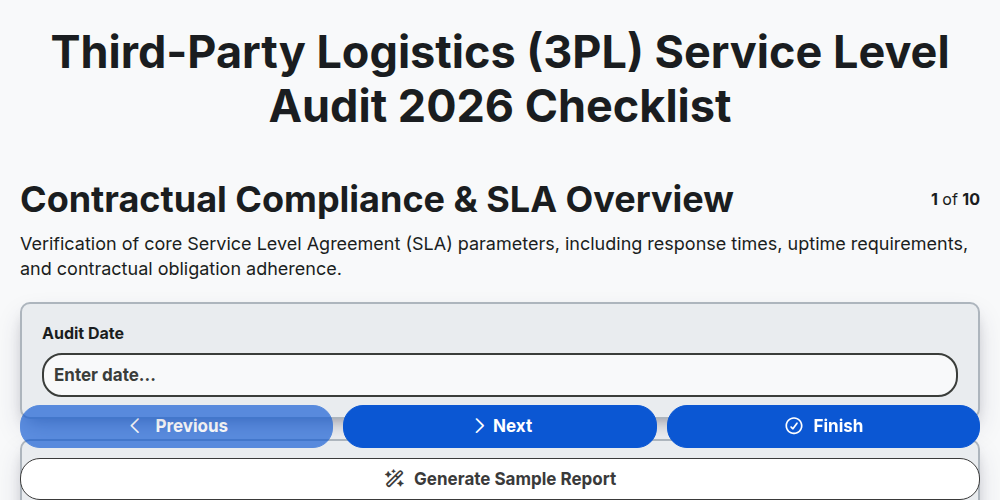
Third-Party Logistics (3PL) Service Level Audit 2026
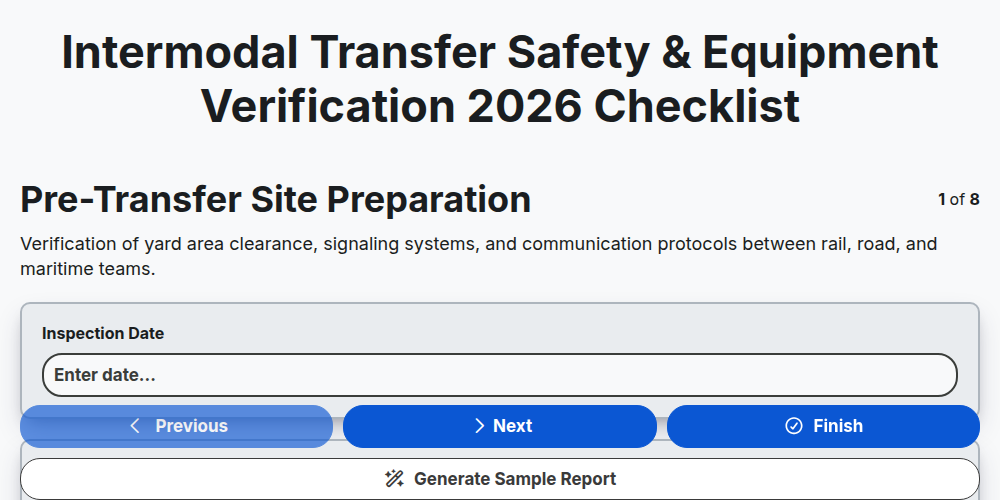
Intermodal Transfer Safety & Equipment Verification 2026
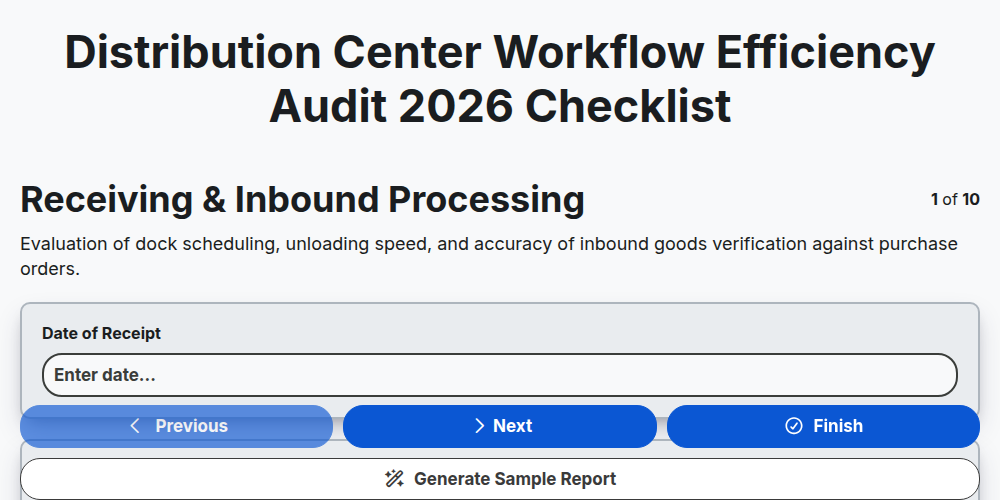
Distribution Center Workflow Efficiency Audit 2026
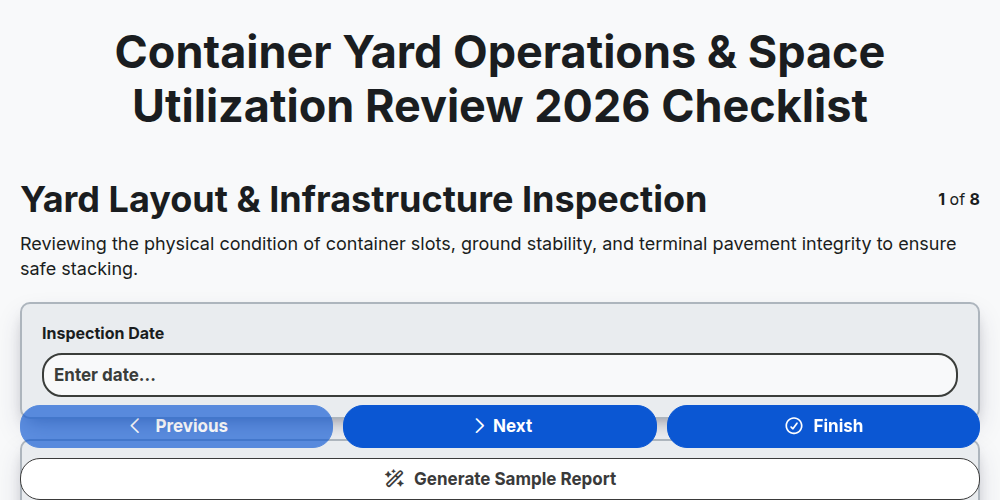
Container Yard Operations & Space Utilization Review 2026
Need help with
Logistics?
Have a question? We're here to help. Please submit your inquiry, and we'll respond promptly.