 ChecklistGuro
Data Backup and Recovery Testing Checklist
Ensure business continuity! Our Data Backup and Recovery Testing checklist for Logistics guarantees your critical shipping, inventory, and supply chain data is protected. Minimize downtime & avoid costly disruptions - download now! #logistics #databackup #recoverytesting #businesscontinuity #supplychain
This Template was installed 2 times.
Scope Definition & Documentation
Defining the systems and data within scope for backup and recovery testing. Documenting the test plan and assumptions.
Define Systems in Scope
Define Data Types in Scope (e.g., Database, Files, Logs)
Backup Methods to be Tested (Select all that apply)
Number of Concurrent Users to Simulate (for Recovery Testing)
Date of Test Plan Approval
Primary Contact for Test Execution
Assumptions and Limitations of Testing
Backup Verification
Verifying that backups are being created as scheduled and contain the expected data.
Backup Frequency (per day)
Backup Type (Full, Incremental, Differential)
Last Successful Backup Date
Backup Log Review Summary (Check for Errors)
Backup Media Type (Disk, Tape, Cloud)
Backup Size (in GB)
Verification Method (Automated, Manual)
Restore Functionality Testing
Testing the ability to restore data from backups to a designated recovery environment.
Backup Type Restored (Full, Incremental, Differential)
Restore Destination (Test Environment, Standalone Server)
Total Data Restored (GB)
Start Time of Restore
End Time of Restore
Restore Duration (Minutes)
Detailed Observations During Restore Process
Successful Restore?
Data Integrity Validation
Ensuring the integrity and accuracy of data after a restore.
Describe the data integrity checks performed after restore.
Number of records validated in key tables (e.g., orders, shipments).
Which data integrity checks were performed? (Select all that apply)
Number of discrepancies found during data integrity checks.
Describe any discrepancies found and corrective actions taken.
Overall Data Integrity Assessment (After Restore)
Recovery Time Objective (RTO) Testing
Measuring the time it takes to fully restore operations after a simulated data loss event.
Simulated Outage Duration
Start Time of Recovery Process
End Time of Recovery Process
Total Recovery Time (minutes)
Recovery Method Used
Observed Issues During RTO Testing
RTO met?
Corrective Actions Recommended (if RTO not met)
Recovery Point Objective (RPO) Testing
Validating the maximum acceptable data loss based on the frequency of backups.
Maximum acceptable data loss (in hours)
Date of last full backup
Last backup completion time
Backup Type for RPO Validation
Time elapsed since last backup (hours)
Observed data loss compared to RPO
RPO Met?
Explanation of RPO test result (if not met)
Disaster Recovery Environment Validation
Testing the functionality of the disaster recovery environment to ensure it supports the restored data and applications.
DR Environment Provisioning Status
Network Bandwidth to DR Site (Mbps)
DR Environment Configuration Notes
Critical Application Availability in DR
Dependent Systems Accessible from DR?
Last DR Environment Verification Date
Any issues found during testing?
Documentation & Reporting
Documenting test results, identifying gaps, and updating procedures.
Test Plan Summary & Objectives
Detailed Test Results (including failures and successes)
Recovery Time Achieved (in minutes)
Data Loss (estimated, in minutes/hours)
Overall Test Result (Pass/Fail)
Recommendations for Improvement
Date of Test Execution
Screenshot Evidence (if applicable)
Frequently Asked Questions
Can I customize this template after installing it?
Absolutely. Once installed, you can add, remove, or reorder tasks, add custom fields, and adjust deadlines to fit your specific workflow.
Can I add images or photos to these checklist items?
Yes. Our platform allows you to attach photos, signatures, and notes to any checklist item for better verification and proof of completion.
Can I create a custom checklist from scratch instead of using a template?
Yes. You can use our "Create your own checklist" feature to build a unique workflow tailored exactly to your operational requirements.
Can I add dependencies between tasks?
Yes, you can set up conditional logic and dependencies to ensure your team follows the correct sequence of operations.
Can I assign specific checklist items to different team members?
Yes. You can assign individual tasks to specific employees, ensuring clear accountability across your entire team.
Can I use these checklists on mobile devices in the field?
Yes. Our platform is fully responsive, allowing your team to complete, update, and upload photos to checklists directly from any smartphone or tablet.
How do I notify my manager when a checklist is completed?
You can set up automated notifications (via email, push notification, or in-app alerts) to trigger whenever a checklist is finished or if an item fails inspection.
Can multiple people work on the same checklist simultaneously?
Yes, the platform supports real-time updates, allowing multiple users to contribute to a single live checklist.
Where is the data from completed checklists stored?
All completed checklists are stored securely in your Work OS dashboard, creating a permanent, searchable audit trail of your operations.
Can I generate reports based on my checklist results?
Yes. You can track completion rates, identify recurring issues, and monitor team performance through our integrated reporting and analytics tools.
How can I use these checklists for compliance or auditing purposes?
Because our checklists capture timestamps, photos, and digital signatures, they serve as a robust digital paper trail for regulatory compliance and internal audits.
Can I export my completed checklist data for use in other tools?
Yes. You can export your data in various formats (CSV, Excel, etc.) to integrate your operational insights with your other business software.
Comments
There are no comments yet. Be the first to add one!
Logistics Management Solution Demo
Tired of shipping delays, lost packages, and inefficient routes? ChecklistGuro's Work OS platform streamlines your entire logistics operation, from warehouse management and order fulfillment to route optimization and delivery tracking. Gain real-time visibility, reduce costs, and improve customer satisfaction. Learn how ChecklistGuro can transform your logistics business!
Related Checklist Templates
Outbound Shipping Quality Control & Load Integrity Audit 2026
Supply Chain Sustainability & Green Logistics Compliance 2026
Cargo Damage & Discrepancy Investigation Protocol 2026
Warehouse Equipment Maintenance & Battery Management Checklist 2026
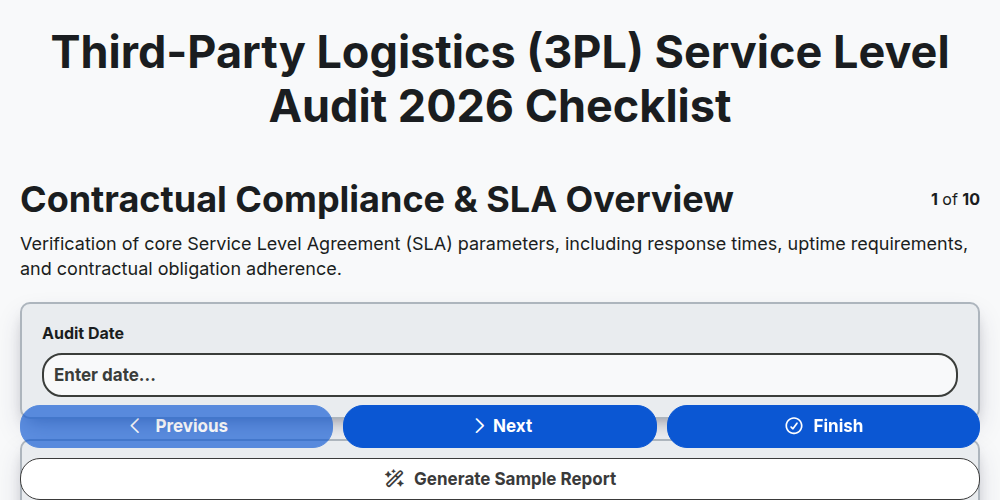
Third-Party Logistics (3PL) Service Level Audit 2026
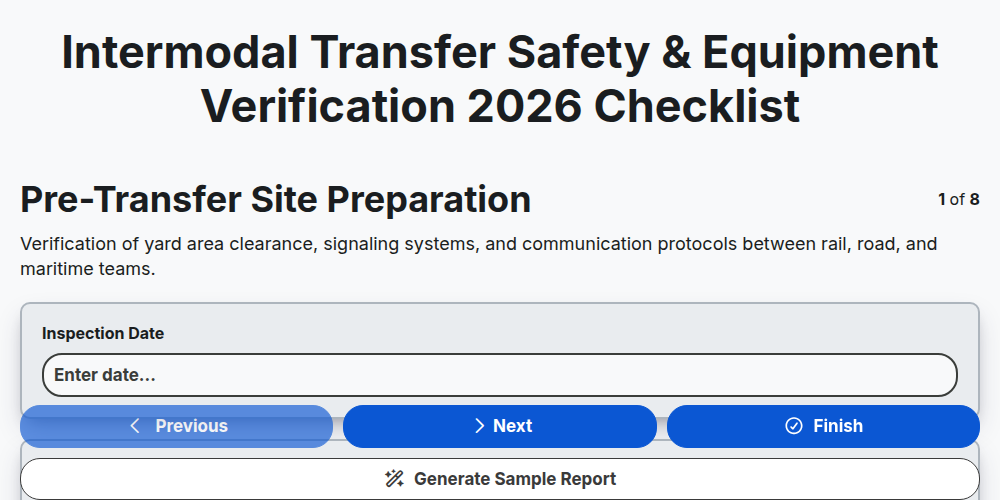
Intermodal Transfer Safety & Equipment Verification 2026
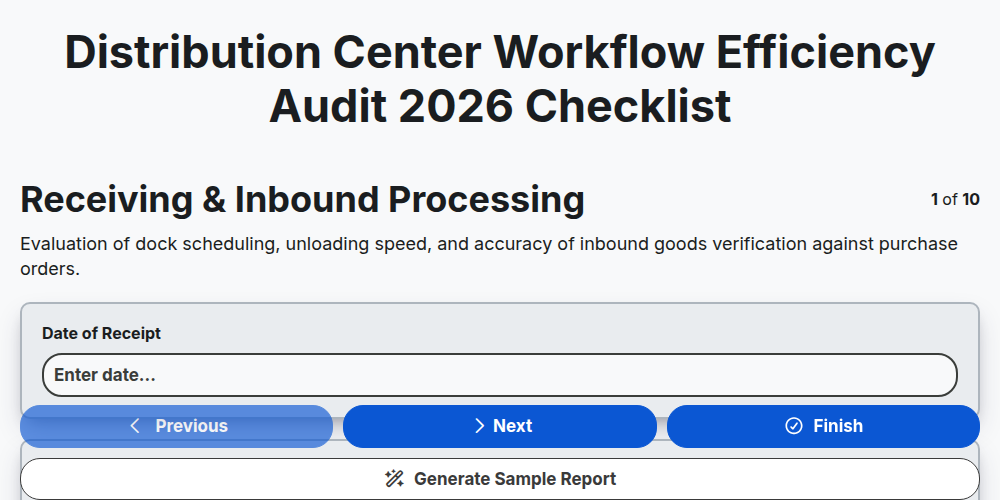
Distribution Center Workflow Efficiency Audit 2026
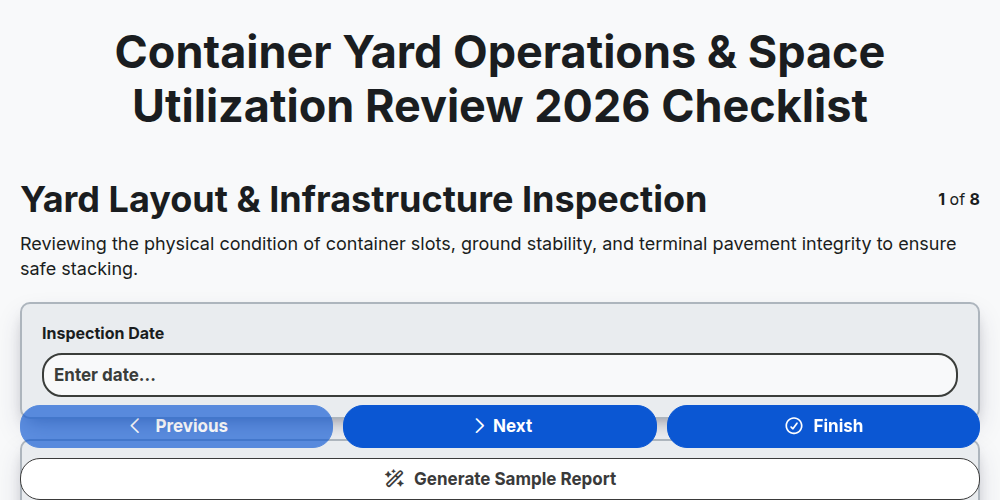
Container Yard Operations & Space Utilization Review 2026
Need help with
Logistics?
Have a question? We're here to help. Please submit your inquiry, and we'll respond promptly.