 ChecklistGuro
Retail Store Maintenance Checklist Template
Keep your retail store running smoothly and safely! Our Retail Store Maintenance Checklist Template ensures every aspect, from flooring to fixtures, is regularly inspected. Prevent costly downtime, maintain customer satisfaction, and extend the lifespan of your assets with this easy-to-use, customizable checklist. Download now and streamline your maintenance management!
This Template was installed 5 times.
Exterior & Grounds
Check condition of building exterior, landscaping, sidewalks, and parking areas.
Sidewalk Cracks (Count)
Landscaping Condition
Last Landscaping Service Date
Note any damage to exterior walls
Location of Broken Pavement (if any)
Number of Damaged Exterior Lights
HVAC System
Inspect and maintain heating, ventilation, and air conditioning units.
Last Filter Change Date
Refrigerant Pressure (High Side)
Refrigerant Pressure (Low Side)
Air Filter Condition
Supply Air Temperature
Return Air Temperature
Notes/Observations
Plumbing
Check for leaks, drainage issues, and proper fixture operation.
Water Pressure (PSI)
Faucet Drip Status
Toilet Flush Volume (Gallons)
Drainage Flow - Sink
Notes on Plumbing Issues
Last Drain Cleaning Date
Electrical
Evaluate lighting, outlets, and electrical panels for safety and efficiency.
Voltage Reading (Main Panel)
Amperage Draw (Main Panel)
Breaker Panel Condition
Last Electrical Inspection Date
Lighting Fixture Condition
Outlet Tester Result (Pass/Fail)
Fire Safety
Verify fire alarms, extinguishers, and emergency lighting are functional.
Last Fire Alarm System Test Date
Number of Fire Extinguishers Present
Fire Extinguisher Inspection Status
Emergency Lighting Functionality
Date of Last Fire Drill
Inspector Signature
Security Systems
Check surveillance cameras, door locks, and alarm systems.
Camera 1: Last Inspection Date (Days)
Camera 1: Next Scheduled Inspection
Camera 1: Operational Status
Door Lock 1: Notes/Observations
Alarm System: Last Test Time
Alarm Zones Tested
Security Technician Signature
Interior Surfaces
Inspect walls, floors, ceilings, and windows for damage.
Wall Crack Length (inches)
Floor Condition
Describe Ceiling Damage (if any)
Last Window Cleaning Date
Wall Paint Condition
Upload Photo of Damage (optional)
Restrooms
Assess cleanliness, functionality of fixtures, and supplies.
Toilet Paper Remaining (Rolls)
Soap Dispenser Fill Level (Percentage)
Paper Towel Dispenser Status
Hand Dryer Functionality
Notes on Restroom Condition
Last Cleaning Date
Display & Fixtures
Check condition of shelving, displays, and other retail fixtures.
Shelf Condition Rating (1-5)
Fixture Damage Observed?
Detailed Description of Fixture Issues
Number of Damaged Display Cases
Fixture Cleaning Required?
Date of Last Fixture Repair
Point of Sale (POS) Systems
Verify functionality of POS hardware and software.
Register Total Transaction Count
Last Software Update Date
System Uptime (Last 24 Hours)
Payment Processing Status
Notes/Error Messages
Printer Ink/Toner Level (%)
Frequently Asked Questions
Can I customize this template after installing it?
Absolutely. Once installed, you can add, remove, or reorder tasks, add custom fields, and adjust deadlines to fit your specific workflow.
Can I add images or photos to these checklist items?
Yes. Our platform allows you to attach photos, signatures, and notes to any checklist item for better verification and proof of completion.
Can I create a custom checklist from scratch instead of using a template?
Yes. You can use our "Create your own checklist" feature to build a unique workflow tailored exactly to your operational requirements.
Can I add dependencies between tasks?
Yes, you can set up conditional logic and dependencies to ensure your team follows the correct sequence of operations.
Can I assign specific checklist items to different team members?
Yes. You can assign individual tasks to specific employees, ensuring clear accountability across your entire team.
Can I use these checklists on mobile devices in the field?
Yes. Our platform is fully responsive, allowing your team to complete, update, and upload photos to checklists directly from any smartphone or tablet.
How do I notify my manager when a checklist is completed?
You can set up automated notifications (via email, push notification, or in-app alerts) to trigger whenever a checklist is finished or if an item fails inspection.
Can multiple people work on the same checklist simultaneously?
Yes, the platform supports real-time updates, allowing multiple users to contribute to a single live checklist.
Where is the data from completed checklists stored?
All completed checklists are stored securely in your Work OS dashboard, creating a permanent, searchable audit trail of your operations.
Can I generate reports based on my checklist results?
Yes. You can track completion rates, identify recurring issues, and monitor team performance through our integrated reporting and analytics tools.
How can I use these checklists for compliance or auditing purposes?
Because our checklists capture timestamps, photos, and digital signatures, they serve as a robust digital paper trail for regulatory compliance and internal audits.
Can I export my completed checklist data for use in other tools?
Yes. You can export your data in various formats (CSV, Excel, etc.) to integrate your operational insights with your other business software.
Comments
There are no comments yet. Be the first to add one!
Maintenance Management Solution Demo
Maximize equipment uptime & reduce costs! ChecklistGuro streamlines maintenance scheduling, work order management, & asset tracking. Prevent breakdowns, optimize performance, & extend equipment life. Manage it all with our Work OS.
Related Checklist Templates
Transformer and Electrical Substation Maintenance Checklist 2026
Food Processing Line and Packaging Machinery Maintenance Checklist 2026
Air Compressor and Pneumatic Tool Maintenance Checklist 2026
Conveyor System and Automated Sorting Equipment Maintenance Checklist 2026
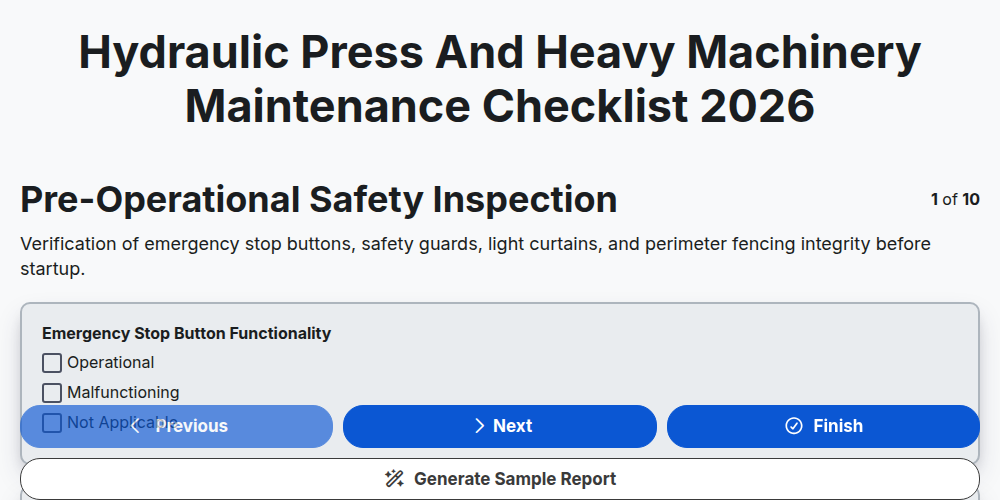
Hydraulic Press and Heavy Machinery Maintenance Checklist 2026
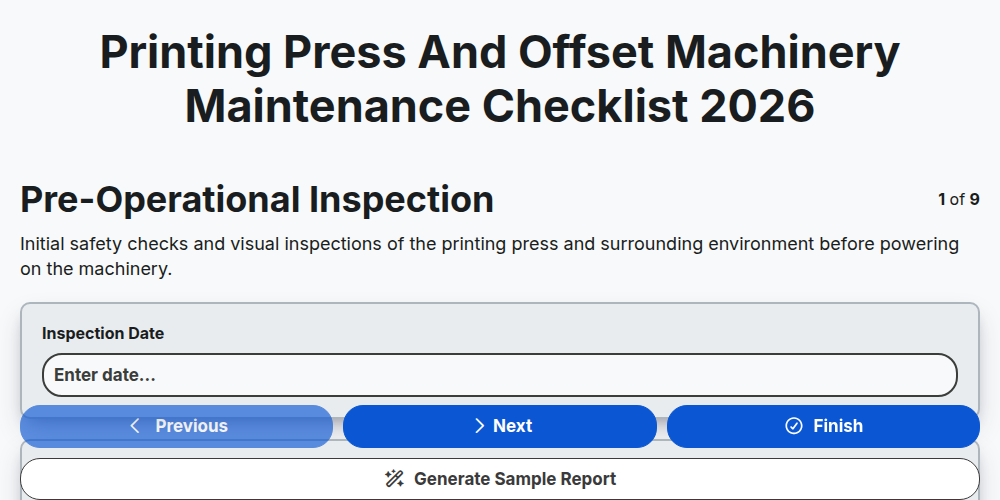
Printing Press and Offset Machinery Maintenance Checklist 2026
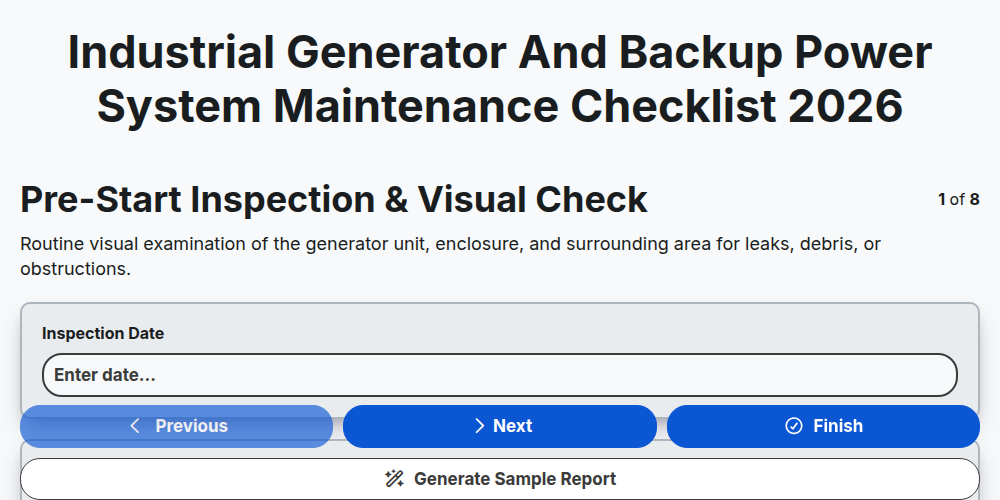
Industrial Generator and Backup Power System Maintenance Checklist 2026
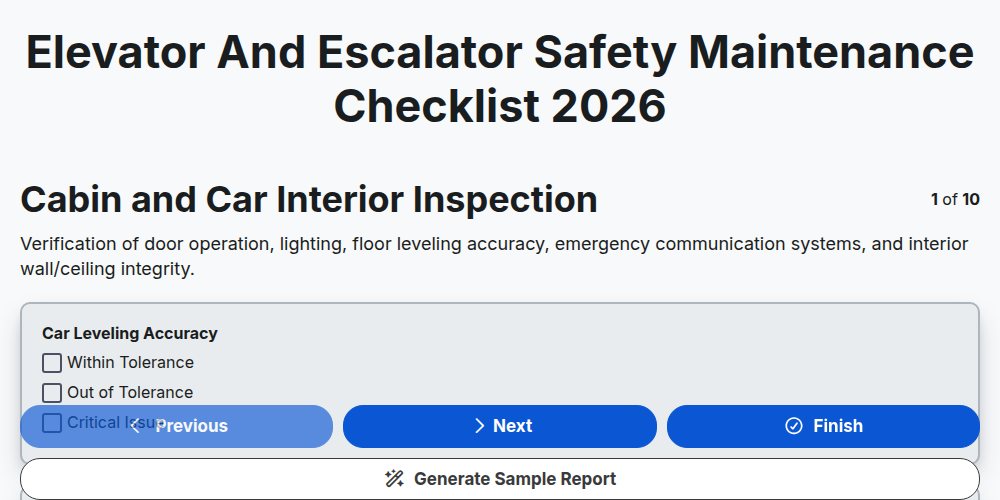
Elevator and Escalator Safety Maintenance Checklist 2026
Need help with
Maintenance Management?
Have a question? We're here to help. Please submit your inquiry, and we'll respond promptly.