 ChecklistGuro
 Pharmaceutical Personnel Qualification & Competency Checklist 2026
Ensure regulatory compliance and operational excellence with our comprehensive Pharmaceutical Personnel Qualification & Competency Checklist 2026. Designed for Quality Assurance professionals and HR Managers in the biotech and pharma sectors, this ready-to-use template streamlines the assessment of staff technical skills, training effectiveness, and GxP compliance. Eliminate gaps in personnel competency, simplify audit preparation, and maintain rigorous training records with this essential management tool for 2026. Perfect for managing SOP proficiency, specialized laboratory training, and departmental competency matrix updates.
Job Description & Role Definition
Verification of updated job descriptions, clearly defined roles, responsibilities, and required educational/professional qualifications for each position.
Job Title
Employee Identification Number
Summary of Primary Responsibilities
Required Qualification Levels
Department/Unit Assignment
Job Description Effective Date
Signed Job Description PDF
Manager Approval Signature
Initial Onboarding & Orientation
Validation of completion for general company orientation, safety training, GMP (Good Manufacturing Practice) fundamentals, and site-specific SOP overview.
Date of Onboarding Completion
Employee Department
Completed Orientation Modules
Signed Orientation Acknowledgement Form
Training Supervisor Signature
Notes on Specific Training Gaps or Observations
Technical Competency Assessment
Documentation of hands-on training, proficiency testing, and competency evaluations for specific laboratory, manufacturing, or analytical tasks.
Assessment Completion Date
Competency Level Achieved
Methods Evaluated
Detailed Competency Observations
Supporting Evidence (e.g., Test Results/Certificates)
Assessor Signature
SOP Training & Read/Understand Logs
Audit of training records ensuring all personnel have read, understood, and signed off on all relevant Standard Operating Procedures (SOPs) and Work Instructions.
Date of SOP Review
SOP Version Number
Training Completion Status
Signed Training Log Scan
Employee Acknowledgement Signature
Notes on Training Gaps or Clarifications
Gowning & Aseptic Technique Qualification
Verification of successful gowning qualification, microbial monitoring results (if applicable), and adherence to sterile processing protocols.
Date of Last Gowning Qualification
Gowning Grade/Area Type
Qualification Passed Criteria
Microbiological Results Report
Supervisor Verification Signature
Observations and Corrective Actions Required
Annual Re-Qualification & Refresher Training
Tracking of periodic retraining schedules, updated competency assessments, and completion of annual GMP refresher courses.
Last Refresher Training Date
Training Status
Refresher Modules Completed
Training Certificate/Evidence
Supervisor Verification
Training Effectiveness Evaluation
Assessment of post-training evaluations, quizzes, or practical demonstrations used to prove that the training resulted in actual skill acquisition.
Evaluation Method Used
Assessment Score Achieved
Competency Criteria Met
Evaluator Comments
Evaluation Completion Date
Evaluator Signature
Personnel Files & Document Control
Review of the integrity, accessibility, and retention of training certificates, diplomas, CVs, and all personnel-related qualification evidence.
Last Audit Date
Audit Outcome
Documents Verified
Upload Audit Evidence
Auditor Observations & Findings
Auditor Verification Signature
Deviation & CAPA Impact Assessment
Review of training gaps identified during deviations or CAPAs and the subsequent implementation of corrective training actions.
Date of Deviation/CAPA Identification
Impact Severity Level
Identified Training Gaps
Root Cause Analysis Summary
Proposed Corrective Training Action
Supporting CAPA Documentation
Quality Assurance Approval
Equipment & Instrumentation Training
Verification that personnel are specifically authorized and trained to operate specialized laboratory or manufacturing equipment and instruments.
Equipment Name/ID
Training Status
Last Training Completion Date
Next Re-qualification Due Date
Competency Areas Covered
Training Evidence/Certificate
Trainer/Assessor Verification
Frequently Asked Questions
Can I customize this template after installing it?
Absolutely. Once installed, you can add, remove, or reorder tasks, add custom fields, and adjust deadlines to fit your specific workflow.
Can I add images or photos to these checklist items?
Yes. Our platform allows you to attach photos, signatures, and notes to any checklist item for better verification and proof of completion.
Can I create a custom checklist from scratch instead of using a template?
Yes. You can use our "Create your own checklist" feature to build a unique workflow tailored exactly to your operational requirements.
Can I add dependencies between tasks?
Yes, you can set up conditional logic and dependencies to ensure your team follows the correct sequence of operations.
Can I assign specific checklist items to different team members?
Yes. You can assign individual tasks to specific employees, ensuring clear accountability across your entire team.
Can I use these checklists on mobile devices in the field?
Yes. Our platform is fully responsive, allowing your team to complete, update, and upload photos to checklists directly from any smartphone or tablet.
How do I notify my manager when a checklist is completed?
You can set up automated notifications (via email, push notification, or in-app alerts) to trigger whenever a checklist is finished or if an item fails inspection.
Can multiple people work on the same checklist simultaneously?
Yes, the platform supports real-time updates, allowing multiple users to contribute to a single live checklist.
Where is the data from completed checklists stored?
All completed checklists are stored securely in your Work OS dashboard, creating a permanent, searchable audit trail of your operations.
Can I generate reports based on my checklist results?
Yes. You can track completion rates, identify recurring issues, and monitor team performance through our integrated reporting and analytics tools.
How can I use these checklists for compliance or auditing purposes?
Because our checklists capture timestamps, photos, and digital signatures, they serve as a robust digital paper trail for regulatory compliance and internal audits.
Can I export my completed checklist data for use in other tools?
Yes. You can export your data in various formats (CSV, Excel, etc.) to integrate your operational insights with your other business software.
Comments
There are no comments yet. Be the first to add one!
Pharmaceutical Management Solution Demo
Navigating complex regulations and ensuring quality in pharmaceutical manufacturing? ChecklistGuro's Work OS platform streamlines processes from R&D to production, packaging, and distribution. Maintain compliance, improve efficiency, and reduce risk. Discover how ChecklistGuro can transform your pharmaceutical operations!
Related Checklist Templates
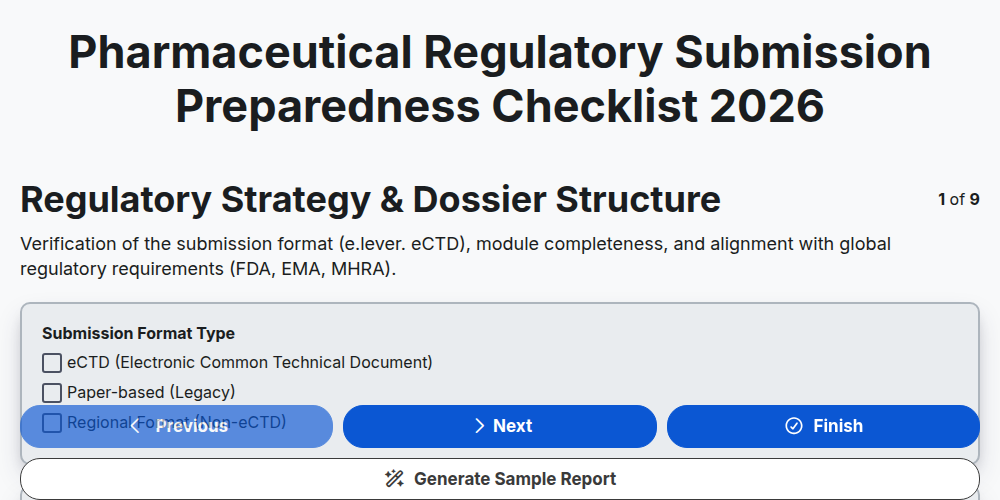
Pharmaceutical Regulatory Submission Preparedness Checklist 2026
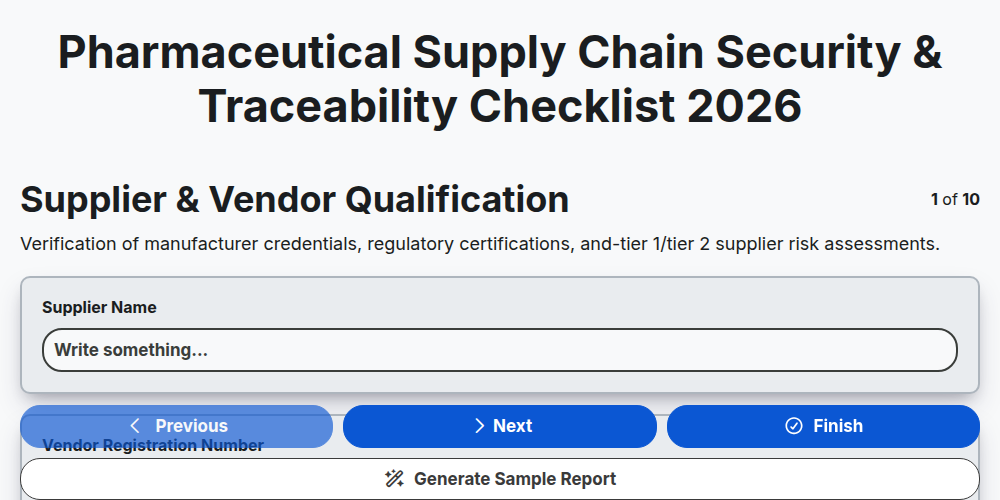
Pharmaceutical Supply Chain Security & Traceability Checklist 2026
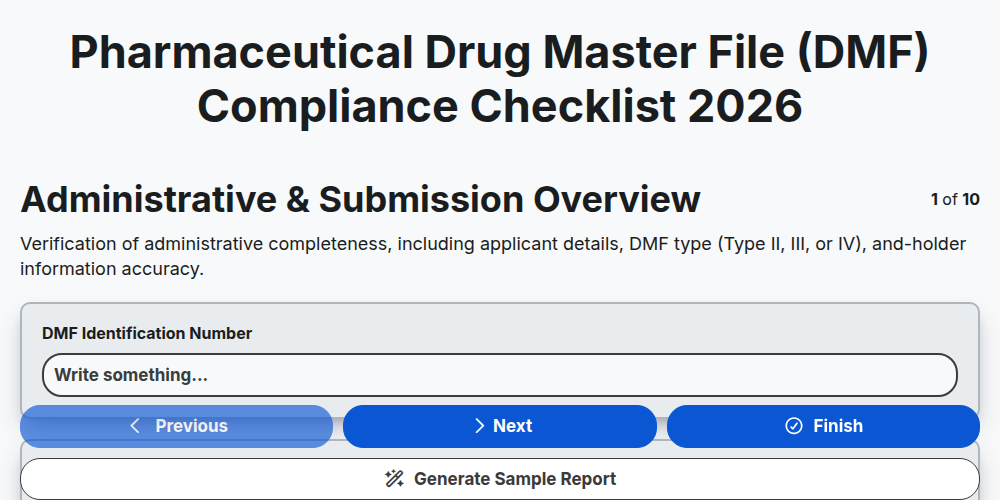
Pharmaceutical Drug Master File (DMF) Compliance Checklist 2026
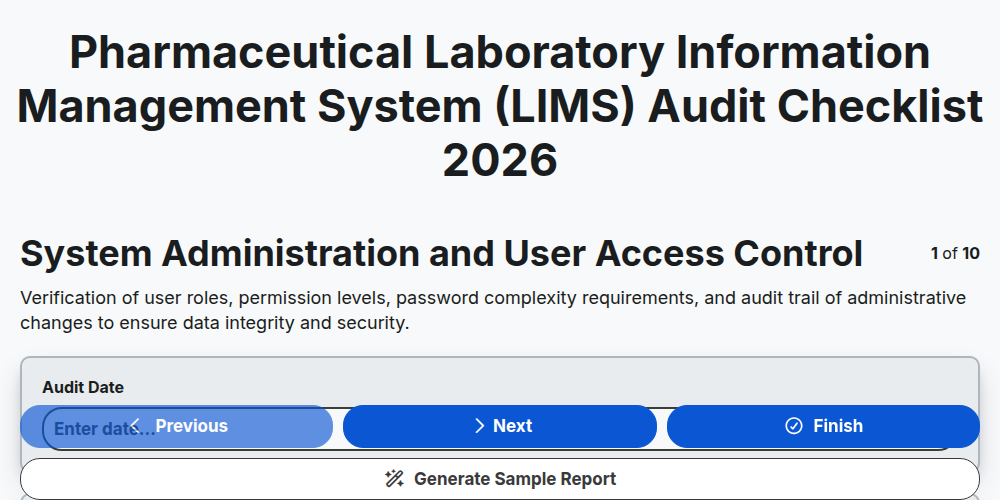
Pharmaceutical Laboratory Information Management System (LIMS) Audit Checklist 2026
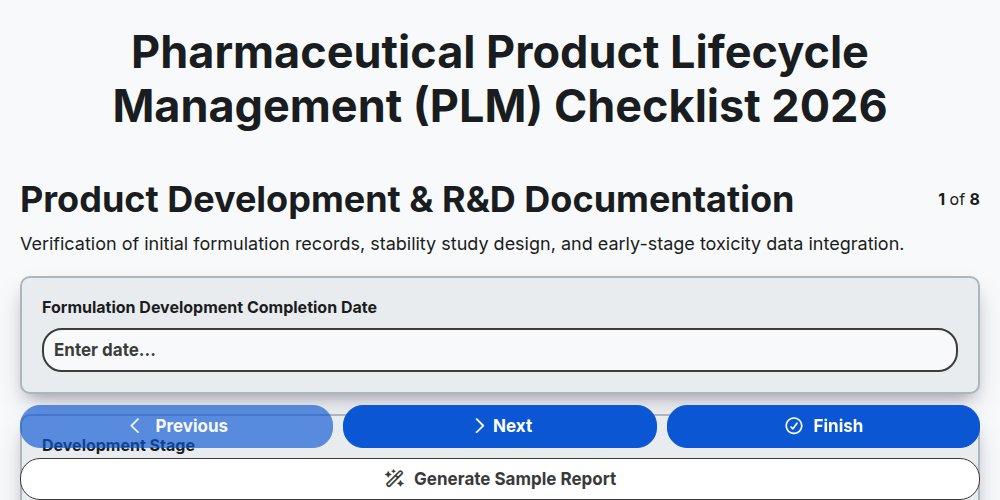
Pharmaceutical Product Lifecycle Management (PLM) Checklist 2026
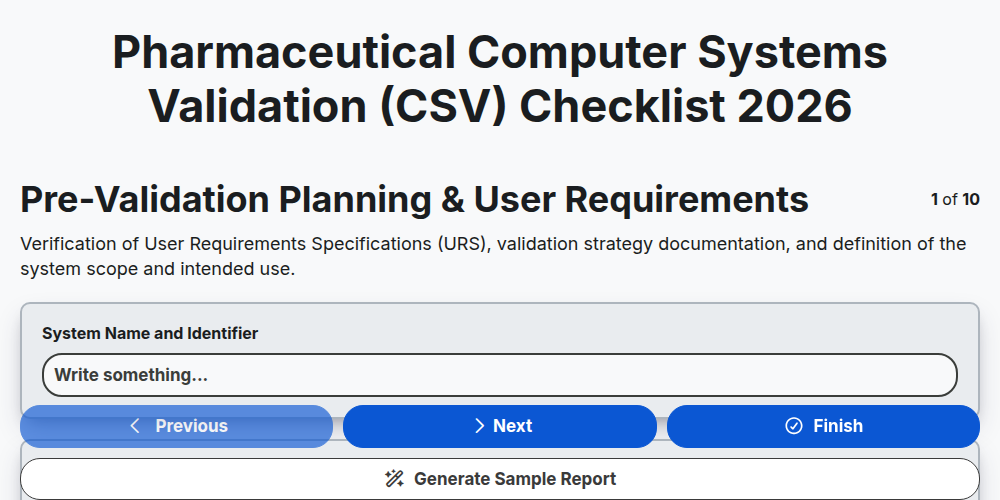
Pharmaceutical Computer Systems Validation (CSV) Checklist 2026
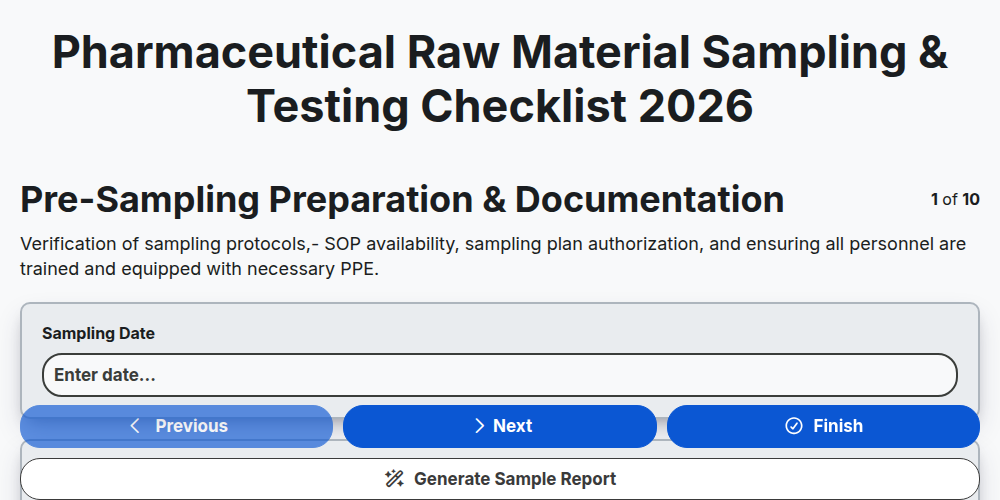
Pharmaceutical Raw Material Sampling & Testing Checklist 2026
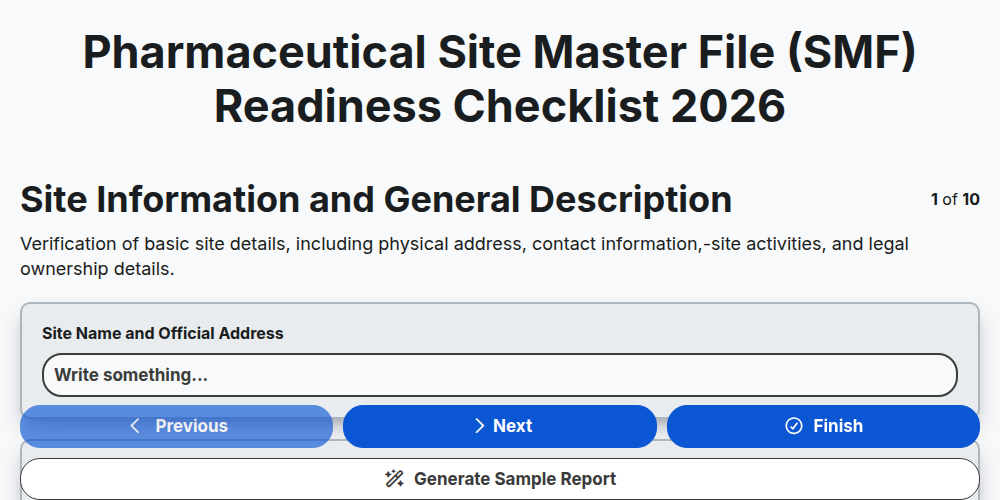
Pharmaceutical Site Master File (SMF) Readiness Checklist 2026
Need help with
Pharmaceutical?
Have a question? We're here to help. Please submit your inquiry, and we'll respond promptly.