 ChecklistGuro
 Business Continuity and Disaster Recovery Project Checklist Template 2026
Ensure your organization stays resilient in the face of the unexpected with our professional Business Continuity and Disaster Recovery Project Checklist Template 2026. Designed for project managers and IT leaders, this comprehensive, ready-to-use business asset provides a structured roadmap to identify critical vulnerabilities, develop robust recovery protocols, and implement fail-safe strategies. From risk assessment and impact analysis to communication planning and system redundancy testing, this high-intent checklist ensures every vital component of your disaster recovery plan is executed with precision. Secure your company's future and minimize downtime with this essential 2026 project management tool.
Business Impact Analysis (BIA) & Risk Assessment
Identify critical business functions, evaluate potential threats (natural disasters, cyberattacks, etc.), and determine the impact of operational downtime on key organizational processes.
Critical Business Process Name
Description of Business Impact if Process is Disrupted
Target Recovery Time Objective (RTO)
Estimated Financial Loss per Hour of Downtime
Identified Risk Threats
Supporting Risk Assessment Documentation
Disaster Recovery (DR) Strategy Development
Define Recovery Time Objectives (RTO) and Recovery Point Objectives (RPO), and outline technical procedures for restoring IT systems, data, and infrastructure.
Recovery Time Objective (RTO) per Critical System
Recovery Point Objective (RPO) per Critical System
Primary Recovery Site Type
Critical IT Assets to be Recovered
Draft DR Strategy Document
Next Strategy Review Date
Communication & Crisis Management Planning
Establish emergency communication protocols, identify the crisis management team, and define internal and external stakeholder notification procedures.
Crisis Management Team Lead Name
Primary Communication Channels
External Stakeholder Notification Script
Last Communication Protocol Review Date
Emergency Contact Directory (Master List)
Plan Approval Signature
Data Backup and Redundancy Verification
Audit existing backup schedules, ensure offsite/cloud storage integrity, and verify the immutability of backups against ransomware threats.
Last Backup Completion Date
Backup Storage Location
Data Sets Verified
Recovery Point Objective (RPO) in Minutes
Backup Integrity Test Report
IT Manager Verification
Resource and Infrastructure Readiness
Verify availability of emergency hardware, secondary workspaces, power backups (UPS/Generators), and essential software licenses for recovery scenarios.
Critical Infrastructure Assets Verified
Secondary Site Location Details
Last Hardware Audit Date
Infrastructure Inventory Document
Minimum Required Power Redundancy (Hours)
IT Infrastructure Manager Approval
Incident Response Plan (IRP) Documentation
Develop step-by-step actionable workflows for different disaster scenarios, including roles, responsibilities, and escalation matrices.
Incident Declaration Procedure
Incident Severity Levels
Escalation Contact Matrix
Standard Operating Procedures (SOP) Documents
Last Document Review Date
Plan Approval Authorization
Testing, Training, and Simulation
Schedule and execute tabletop exercises, full-scale disaster simulations, and staff training sessions to validate the effectiveness of the recovery plan.
Last Simulation Date
Simulation Type
Departments Involved in Training
Simulation Results & Gap Analysis
Upload Simulation Post-Mortem Report
Incident Commander Approval
Supply Chain and Third-Party Dependency Audit
Review critical vendor SLAs and ensure that key suppliers have compatible business continuity plans in place to prevent downstream failures.
Critical Vendors Identified
Vendor Risk Rating
Vendor Business Continuity Plan (BCP) Evidence
Last Audit Completion Date
Dependency Criticality Level
Identified Dependency Gaps and Mitigation Strategy
Post-Disaster Recovery & Post-Mortem Procedures
Define the process for transitioning back to normal operations (failback) and conducting audits to improve the plan based on lessons learned.
Date of Post-Mortem Meeting
Summary of Incident and Impact
Identified Root Causes
Lessons Learned and Corrective Actions
Incident Report Documentation
Crisis Management Lead Approval
Maintenance and Periodic Plan Review
Establish a recurring schedule for updating contact lists, updating technology inventories, and revising the plan to reflect new 2026 organizational changes.
Next Scheduled Review Date
Review Frequency
Areas Reviewed During This Cycle
Review Findings and Required Updates
Plan Approver Signature
Frequently Asked Questions
Can I customize this template after installing it?
Absolutely. Once installed, you can add, remove, or reorder tasks, add custom fields, and adjust deadlines to fit your specific workflow.
Can I add images or photos to these checklist items?
Yes. Our platform allows you to attach photos, signatures, and notes to any checklist item for better verification and proof of completion.
Can I create a custom checklist from scratch instead of using a template?
Yes. You can use our "Create your own checklist" feature to build a unique workflow tailored exactly to your operational requirements.
Can I add dependencies between tasks?
Yes, you can set up conditional logic and dependencies to ensure your team follows the correct sequence of operations.
Can I assign specific checklist items to different team members?
Yes. You can assign individual tasks to specific employees, ensuring clear accountability across your entire team.
Can I use these checklists on mobile devices in the field?
Yes. Our platform is fully responsive, allowing your team to complete, update, and upload photos to checklists directly from any smartphone or tablet.
How do I notify my manager when a checklist is completed?
You can set up automated notifications (via email, push notification, or in-app alerts) to trigger whenever a checklist is finished or if an item fails inspection.
Can multiple people work on the same checklist simultaneously?
Yes, the platform supports real-time updates, allowing multiple users to contribute to a single live checklist.
Where is the data from completed checklists stored?
All completed checklists are stored securely in your Work OS dashboard, creating a permanent, searchable audit trail of your operations.
Can I generate reports based on my checklist results?
Yes. You can track completion rates, identify recurring issues, and monitor team performance through our integrated reporting and analytics tools.
How can I use these checklists for compliance or auditing purposes?
Because our checklists capture timestamps, photos, and digital signatures, they serve as a robust digital paper trail for regulatory compliance and internal audits.
Can I export my completed checklist data for use in other tools?
Yes. You can export your data in various formats (CSV, Excel, etc.) to integrate your operational insights with your other business software.
Comments
There are no comments yet. Be the first to add one!
Project Management Solution Demo
Deliver projects on time & within budget! ChecklistGuro streamlines task management, collaboration, & progress tracking. Enhance visibility & boost team productivity. Manage it all with our Work OS.
Related Checklist Templates
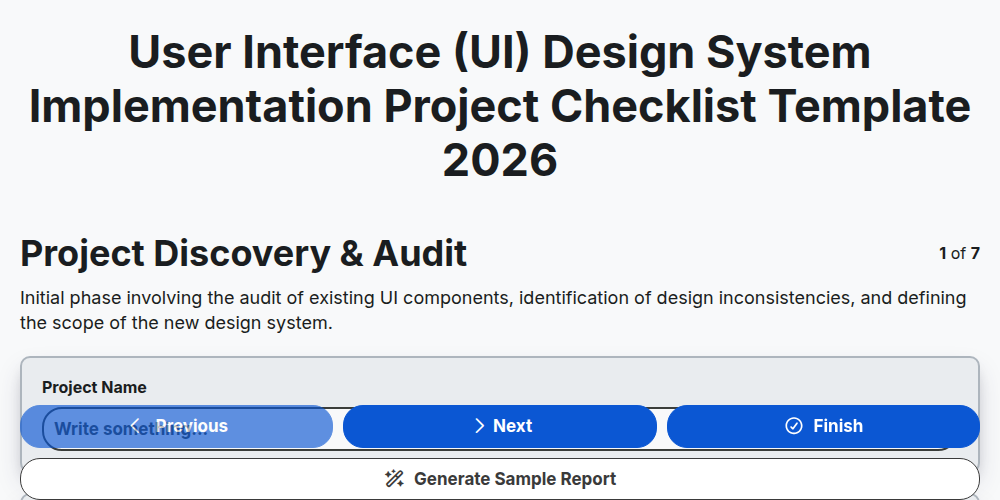
User Interface (UI) Design System Implementation Project Checklist Template 2026
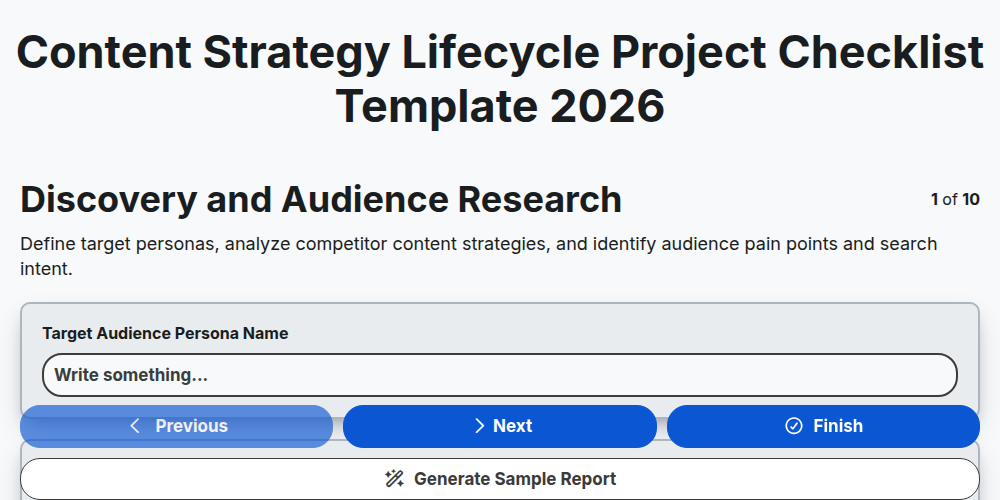
Content Strategy Lifecycle Project Checklist Template 2026
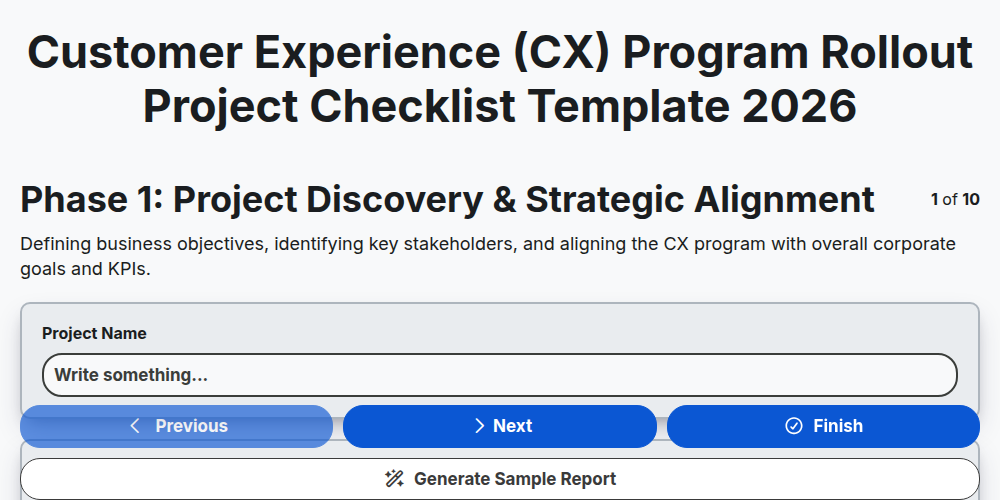
Customer Experience (CX) Program Rollout Project Checklist Template 2026
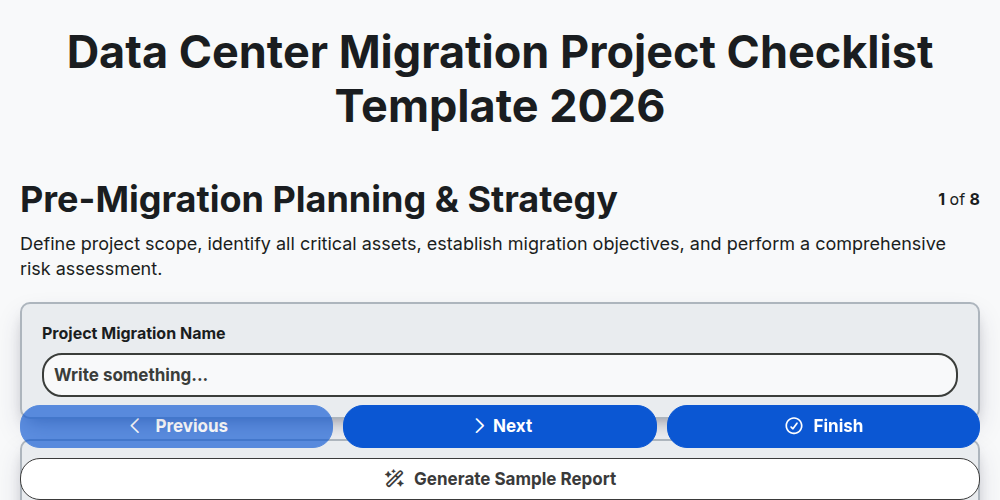
Data Center Migration Project Checklist Template 2026
Digital Transformation Roadmap Project Checklist Template 2026
Corporate Merger and Acquisition Integration Project Checklist Template 2026
Product Launch Strategy Project Checklist Template 2026
E-commerce Platform Migration Project Checklist Template 2026
Need help with
Project Management?
Have a question? We're here to help. Please submit your inquiry, and we'll respond promptly.