 ChecklistGuro
 Public Transport Mobile Ticketing & Contactless Payment Security Audit 2026 Checklist
Ensure seamless, secure, and fraud-free revenue collection with our 2026 Public Transport Mobile Ticketing & Contactless Payment Security Audit Checklist. Designed for transit agencies and fleet operators, this professional audit template provides a comprehensive framework to evaluate the integrity of NFC, QR-code, and contactless payment integrations. Protect your transit network against digital fraud, validate encryption standards for mobile wallets, and ensure PCI-DSS compliance across all digital touchpoints. Streamline your revenue protection strategy and safeguard passenger data with this essential operational tool for modern, smart-city transit management.
Hardware Integrity & Physical Security
Inspection of physical ticket vending machines (TVMs), card readers, and NFC terminals for tampering, hardware vulnerabilities, or unauthorized physical modifications.
Inspection Date
Terminal or Station ID
Physical Tamper Seal Intact?
Observed Physical Anomalies
Detailed Description of Findings
Evidence Photo (Tamper Evidence)
Inspector Verification
Encryption & Data Transmission Security
Verification of end-to-end encryption protocols (TLS/SSL), secure communication between readers and backend servers, and the integrity of wireless signal transmission.
Encryption Protocol Version
Verified Secure Transmission Channels
Certificate Authority & Expiry Audit Notes
Encryption Key Management Certificate Upload
Last Security Certificate Renewal Date
Bit Strength of Current Encryption Keys
Software & Application Vulnerability Assessment
Audit of mobile app security patches, operating system compatibility, API security, and protection against unauthorized rooting or jailbreaking on passenger devices.
Mobile App Version Audit
Security Protocols Verified
Identified Software Vulnerabilities
Security Penetration Test Report
Last Security Patch Deployment Date
Lead Security Auditor Approval
Payment Gateway & Transaction Processing
Review of payment processor compliance, PCI-DSS standards adherence, transaction log accuracy, and the security of the settlement process between banks and transit authorities.
Audit Date
PCI-DSS Compliance Status
Number of Failed Transactions Detected (Last 24h)
Encryption Protocol Verification Details
Payment Methods Tested
Transaction Log Sample Evidence
Auditor Authorization Signature
User Authentication & Access Control
Evaluation of passenger account login security, multi-factor authentication (MFA) for admin portals, and management of digital wallet/tokenization security.
Authentication Method Audited
Verified Access Control Measures
Admin Portal Access Review Notes
Last Access Audit Completion Date
Evidence of Credential Encryption Audit
Auditor Verification Signature
Data Privacy & PII Protection
Assessment of Personally Identifiable Information (PII) handling, data anonymization during journey tracking, and compliance with 2026 global data protection regulations.
Data Compliance Framework Applied
Types of PII Collected
Data Anonymization Methodology
Last Data Privacy Impact Assessment (DPIA) Date
Upload Privacy Policy Audit Report
Data Protection Officer (DPO) Verification
System Resilience & Offline Functionality
Testing of transaction processing during network outages, failover mechanisms, and the security of cached transaction data during connectivity drops.
Offline Transaction Mode Status
Maximum Offline Transaction Limit
Tested Offline Redundancy Features
Offline Sync Error Logs Summary
System Stress Test Report
Last Successful Synchronization Date
Fraud Detection & Incident Response
Verification of real-time anomaly detection for fraudulent ticket usage, automated alerting for suspicious transaction patterns, and the efficiency of the security incident recovery plan.
Fraud Pattern Detected
Fraud Incident Description
Incident Detection Date
Estimated Financial Impact
Supporting Evidence/Logs
Security Auditor Verification
Frequently Asked Questions
Can I customize this template after installing it?
Absolutely. Once installed, you can add, remove, or reorder tasks, add custom fields, and adjust deadlines to fit your specific workflow.
Can I add images or photos to these checklist items?
Yes. Our platform allows you to attach photos, signatures, and notes to any checklist item for better verification and proof of completion.
Can I create a custom checklist from scratch instead of using a template?
Yes. You can use our "Create your own checklist" feature to build a unique workflow tailored exactly to your operational requirements.
Can I add dependencies between tasks?
Yes, you can set up conditional logic and dependencies to ensure your team follows the correct sequence of operations.
Can I assign specific checklist items to different team members?
Yes. You can assign individual tasks to specific employees, ensuring clear accountability across your entire team.
Can I use these checklists on mobile devices in the field?
Yes. Our platform is fully responsive, allowing your team to complete, update, and upload photos to checklists directly from any smartphone or tablet.
How do I notify my manager when a checklist is completed?
You can set up automated notifications (via email, push notification, or in-app alerts) to trigger whenever a checklist is finished or if an item fails inspection.
Can multiple people work on the same checklist simultaneously?
Yes, the platform supports real-time updates, allowing multiple users to contribute to a single live checklist.
Where is the data from completed checklists stored?
All completed checklists are stored securely in your Work OS dashboard, creating a permanent, searchable audit trail of your operations.
Can I generate reports based on my checklist results?
Yes. You can track completion rates, identify recurring issues, and monitor team performance through our integrated reporting and analytics tools.
How can I use these checklists for compliance or auditing purposes?
Because our checklists capture timestamps, photos, and digital signatures, they serve as a robust digital paper trail for regulatory compliance and internal audits.
Can I export my completed checklist data for use in other tools?
Yes. You can export your data in various formats (CSV, Excel, etc.) to integrate your operational insights with your other business software.
Comments
There are no comments yet. Be the first to add one!
Public Transport Management Solution Demo
Optimize public transport operations & enhance passenger experience! ChecklistGuro streamlines route planning, vehicle maintenance, and incident reporting. Improve efficiency, safety, and reliability. Manage it all with our Work OS.
Related Checklist Templates
Public Transport Depot Workshop Tooling & Equipment Calibration Checklist 2026
Public Transport Rail Track Bed & Drainage Maintenance Inspection Checklist 2026
Public Transport Passenger Communication & Crisis Alert System Audit 2026
Public Transport Depot Cybersecurity & Network Vulnerability Audit 2026
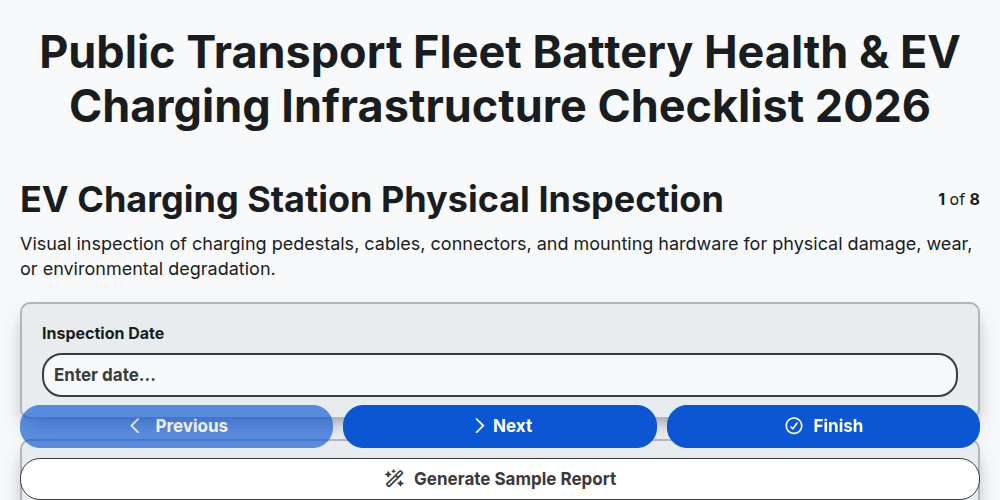
Public Transport Fleet Battery Health & EV Charging Infrastructure Checklist 2026
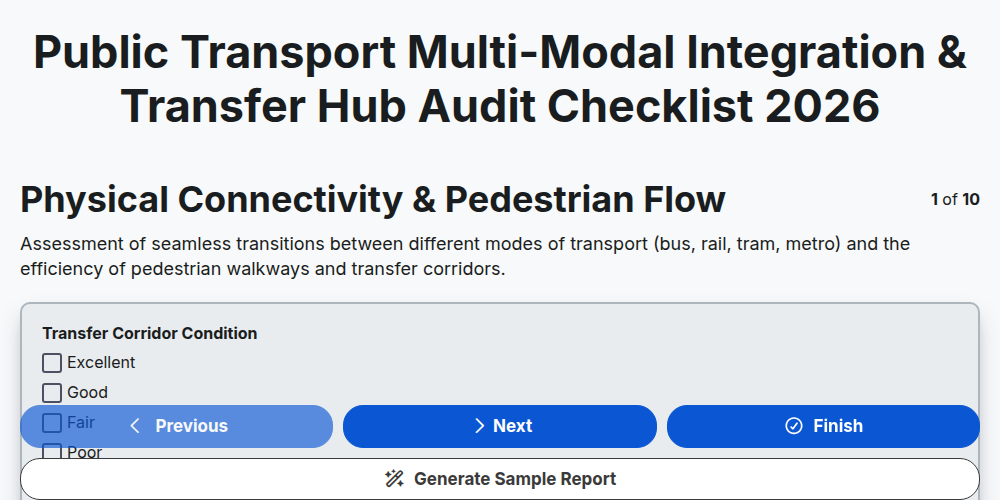
Public Transport Multi-Modal Integration & Transfer Hub Audit Checklist 2026
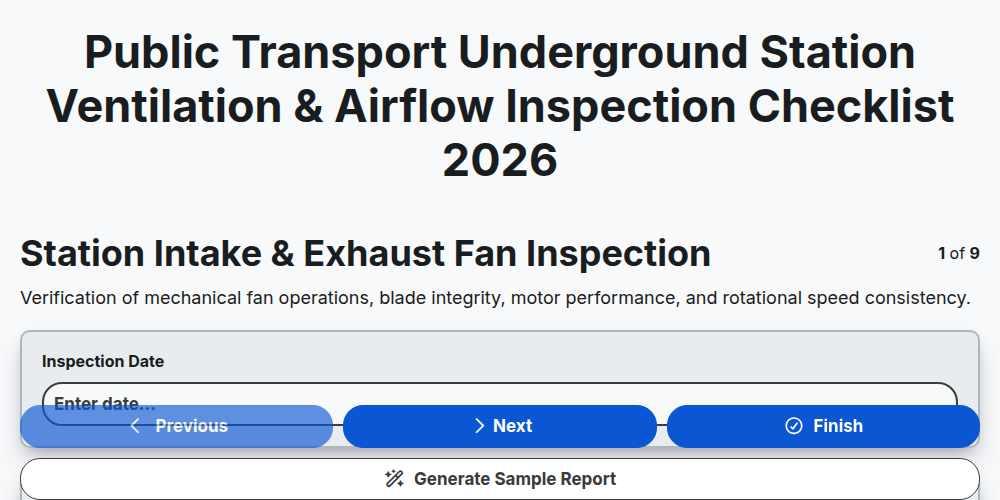
Public Transport Underground Station Ventilation & Airflow Inspection Checklist 2026
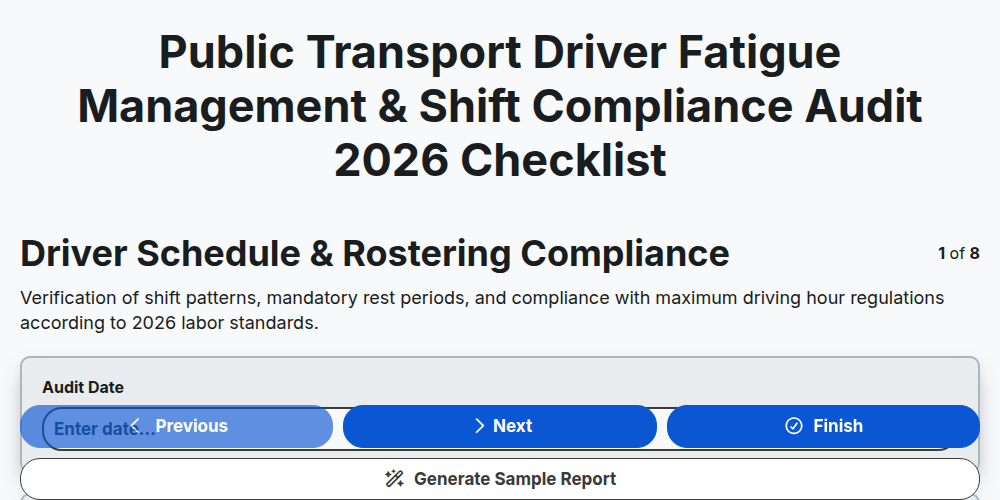
Public Transport Driver Fatigue Management & Shift Compliance Audit 2026
Need help with
Public Transport Management?
Have a question? We're here to help. Please submit your inquiry, and we'll respond promptly.