 ChecklistGuro
 Digital Marketing Agency Client Account Support Checklist 2026
Streamline your agency's client retention and service excellence with the Digital Marketing Agency Client Account Support Checklist 2026. Designed specifically for account managers and client success teams, this professional checklist ensures every client interaction, campaign update, and support request is handled with precision. Eliminate oversight, standardize your onboarding and troubleshooting workflows, and maintain high-level satisfaction across your entire client portfolio. Perfect for scaling agencies looking to professionalize their client support management and ensure seamless account maintenance in 2026.
Initial Client Onboarding & Access Verification
Verify all necessary platform permissions, API keys, and administrative access for Google Ads, Meta Business Suite, and Analytics are active and documented.
Onboarding Start Date
Client Account Name
Platforms Access Verified
Client Brand Guidelines Document
Access Issue Notes & Troubleshooting Log
Account Manager Verification
Account Audit & Baseline Performance Review
Review historical campaign data, current conversion rates, and existing KPI benchmarks to establish a starting point for the support period.
Audit Conducted Date
Current Monthly Ad Spend
Baseline Conversion Rate (%)
Account Health Status
Key Performance Observations
Historical Performance Report
Audited Channels
Account Manager Approval
Campaign Monitoring & Performance Tracking
Conduct daily checks on budget pacing, click-through rates (CTR), and cost-per-acquisition (CPA) to ensure alignment with client goals.
Reporting Period Start Date
Reporting Period End Date
Current Campaign Spend (USD)
Current CPA (Cost Per Acquisition)
Campaign Performance Status
Performance Variance Notes
Weekly Performance Report PDF
Account Manager Verification
Creative & Copy Maintenance
Ensure all active ad creatives, landing pages, and ad copy are up-to-date, error-free, and reflect the latest brand guidelines.
Last Creative Review Date
Ad Copy Status
Assets Checked
Updated Brand Guidelines/Assets
Identified Copy Discrepancies or Errors
Number of Updated Ad Sets
Technical Integration & Tracking Validation
Validate that conversion pixels, GTM tags, and server-side tracking are functioning correctly and capturing data accurately.
Tracking Tools Verified
Pixel/Tag ID Verification Status
Last Validation Date
Detected Tracking Discrepancies or Error Logs
Upload Screenshot of Tag Assistant/Debugger Results
Technical Specialist Approval
Client Communication & Reporting Cadence
Manage the schedule for weekly status updates, monthly performance deep-dives, and urgent alert notifications for budget or performance fluctuations.
Next Scheduled Client Sync Date
Reporting Frequency
Communication Channels Used
Key Discussion Points for Upcoming Meeting
Monthly Performance Report PDF
Account Manager Approval
Issue Escalation & Troubleshooting Protocol
Follow established workflows for handling disapproved ads, tracking discrepancies, or sudden drops in campaign performance.
Issue Severity Level
Issue Description
Date Issue Detected
Troubleshooting Steps Taken
Impacted Platforms
Screenshot of Error/Error Logs
Support Lead Approval
Competitor & Market Trend Analysis
Monitor industry shifts and competitor ad spend/creative strategies to provide proactive strategic recommendations.
Analysis Period Date
Primary Competitor Name
Competitor Channels Monitored
Key Competitor Strategy Observations
Market Sentiment Level
Competitor Ad Screenshots or Reports
Monthly Account Optimization & Scaling
Execute A/B testing results, keyword expansions, and budget reallocations based on the previous month's performance data.
Optimization Tasks Completed
Percentage Change in CPA
Optimization Completion Date
Summary of Scaling Recommendations
Updated Performance Report
Account Manager Approval
Post-Support Review & Retention Strategy
Perform a month-end review of all support tickets and account health scores to prepare for the upcoming monthly strategy session.
Review Completion Date
Client Satisfaction Score
Retention Risk Indicators
Key Improvement Areas for Next Month
Updated Strategy Roadmap Document
Account Manager Approval
Frequently Asked Questions
Can I customize this template after installing it?
Absolutely. Once installed, you can add, remove, or reorder tasks, add custom fields, and adjust deadlines to fit your specific workflow.
Can I add images or photos to these checklist items?
Yes. Our platform allows you to attach photos, signatures, and notes to any checklist item for better verification and proof of completion.
Can I create a custom checklist from scratch instead of using a template?
Yes. You can use our "Create your own checklist" feature to build a unique workflow tailored exactly to your operational requirements.
Can I add dependencies between tasks?
Yes, you can set up conditional logic and dependencies to ensure your team follows the correct sequence of operations.
Can I assign specific checklist items to different team members?
Yes. You can assign individual tasks to specific employees, ensuring clear accountability across your entire team.
Can I use these checklists on mobile devices in the field?
Yes. Our platform is fully responsive, allowing your team to complete, update, and upload photos to checklists directly from any smartphone or tablet.
How do I notify my manager when a checklist is completed?
You can set up automated notifications (via email, push notification, or in-app alerts) to trigger whenever a checklist is finished or if an item fails inspection.
Can multiple people work on the same checklist simultaneously?
Yes, the platform supports real-time updates, allowing multiple users to contribute to a single live checklist.
Where is the data from completed checklists stored?
All completed checklists are stored securely in your Work OS dashboard, creating a permanent, searchable audit trail of your operations.
Can I generate reports based on my checklist results?
Yes. You can track completion rates, identify recurring issues, and monitor team performance through our integrated reporting and analytics tools.
How can I use these checklists for compliance or auditing purposes?
Because our checklists capture timestamps, photos, and digital signatures, they serve as a robust digital paper trail for regulatory compliance and internal audits.
Can I export my completed checklist data for use in other tools?
Yes. You can export your data in various formats (CSV, Excel, etc.) to integrate your operational insights with your other business software.
Comments
There are no comments yet. Be the first to add one!
Support Management Solution Demo
Struggling to keep up with support requests? ChecklistGuro provides a centralized system for managing tickets, tracking progress, & ensuring customer satisfaction. Improve efficiency & reduce resolution times.
Related Checklist Templates
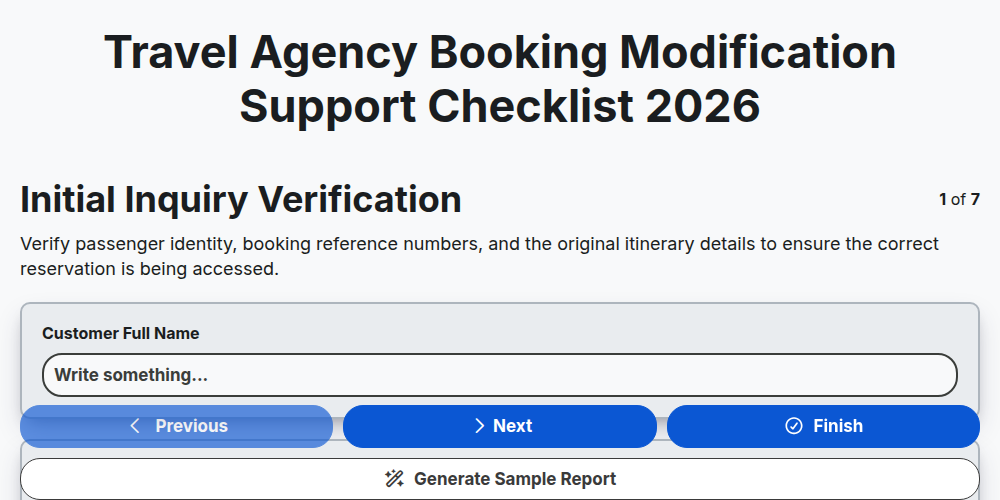
Travel Agency Booking Modification Support Checklist 2026
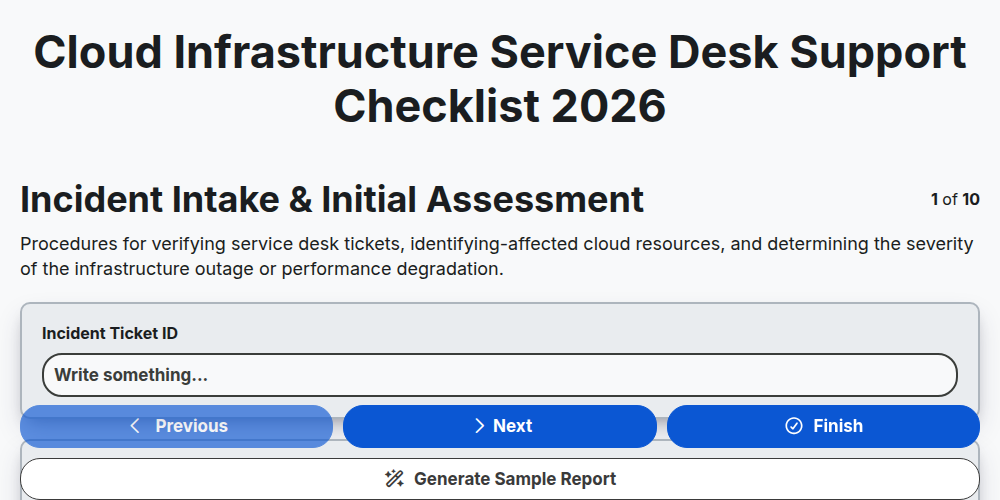
Cloud Infrastructure Service Desk Support Checklist 2026
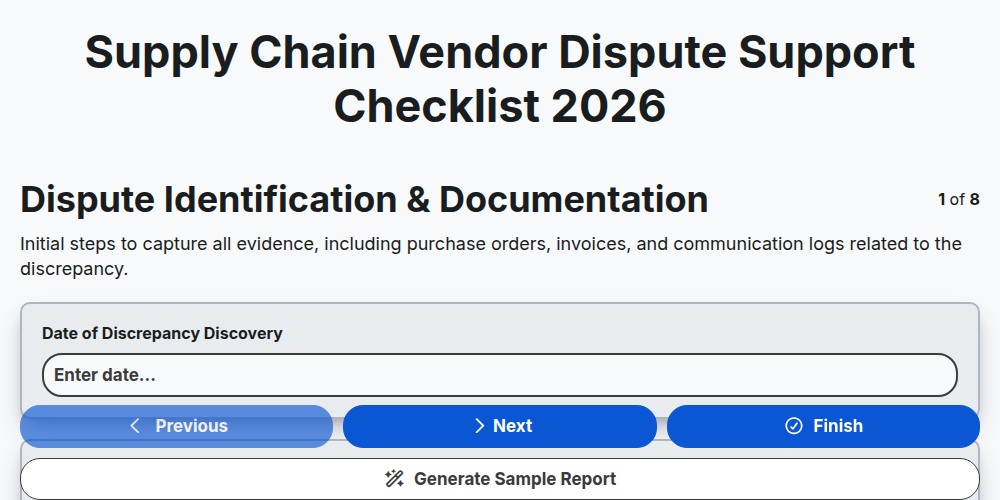
Supply Chain Vendor Dispute Support Checklist 2026
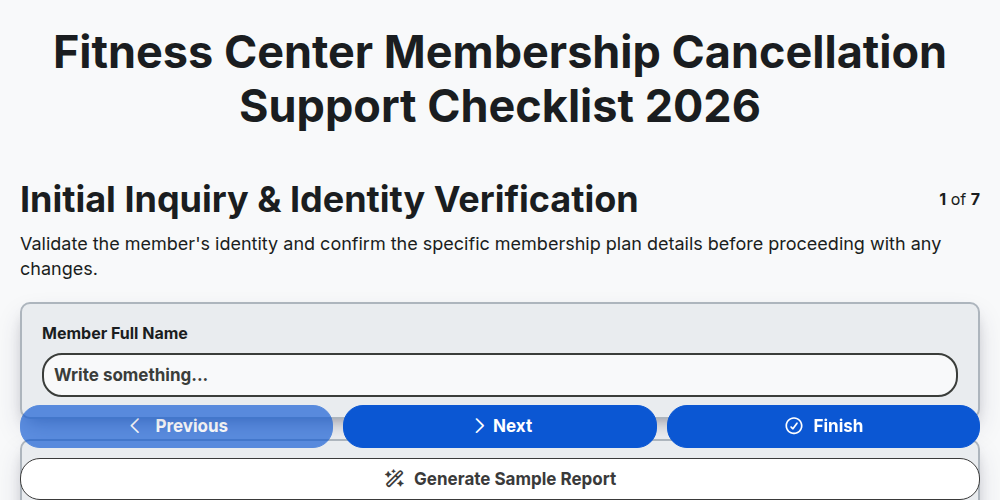
Fitness Center Membership Cancellation Support Checklist 2026
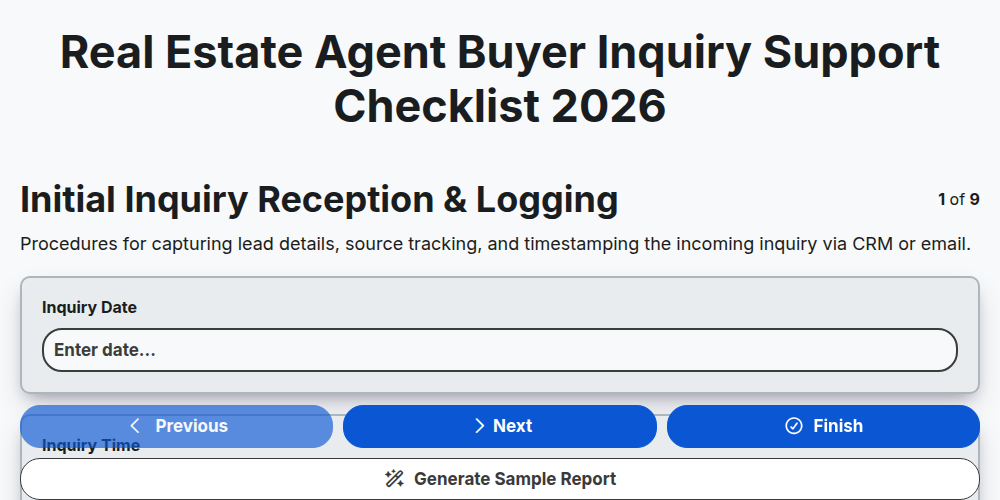
Real Estate Agent Buyer Inquiry Support Checklist 2026
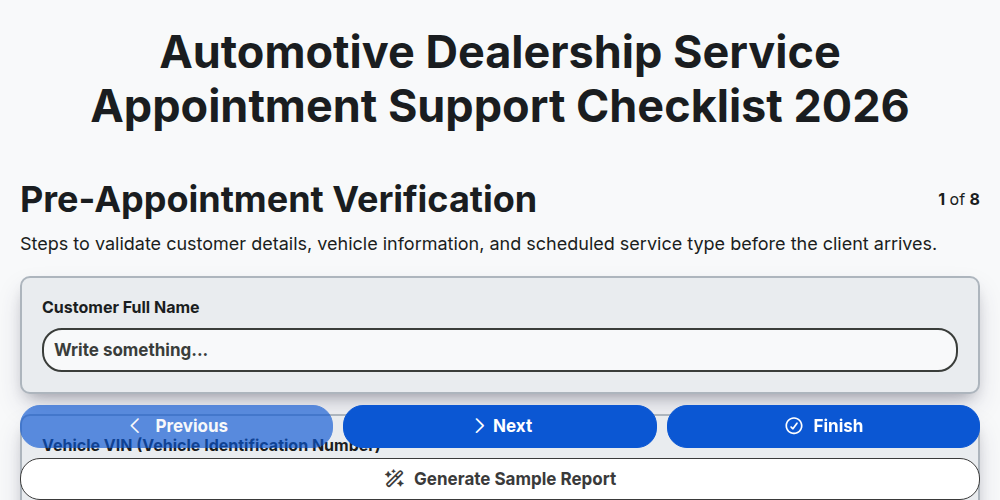
Automotive Dealership Service Appointment Support Checklist 2026
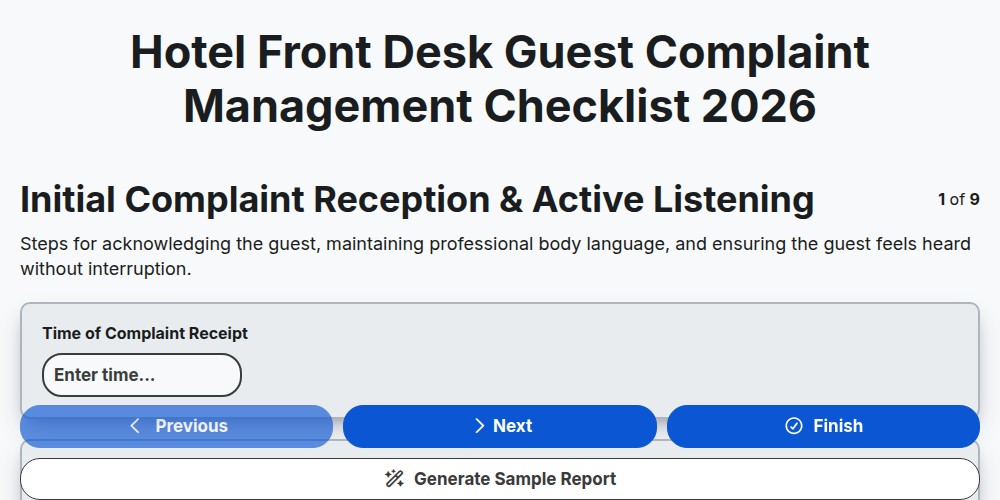
Hotel Front Desk Guest Complaint Management Checklist 2026
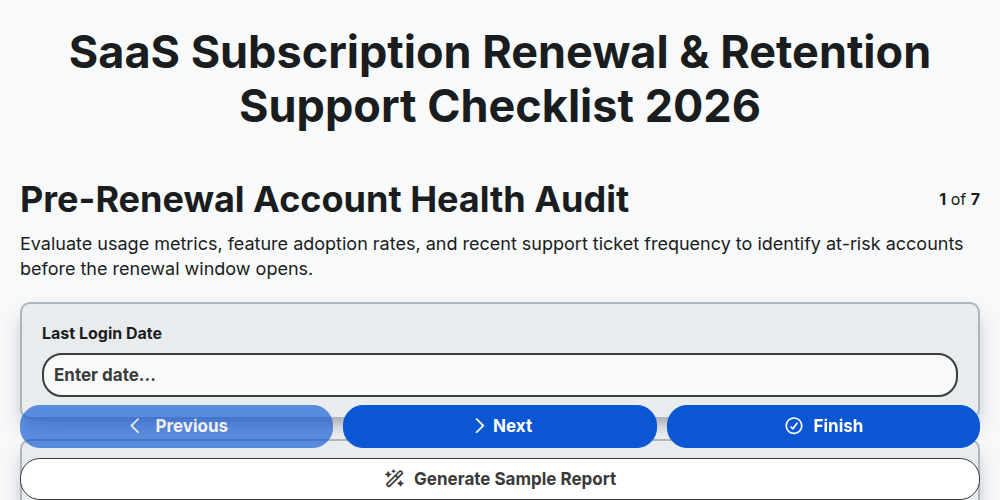
SaaS Subscription Renewal & Retention Support Checklist 2026
Need help with
Support Management?
Have a question? We're here to help. Please submit your inquiry, and we'll respond promptly.