 ChecklistGuro
 Construction Post-Project Review and Lessons Learned Process
Optimize project outcomes and prevent recurring errors with our Construction Post-Project Review and Lessons Learned Process. Learn how to capture critical insights, evaluate site performance, and implement continuous improvement strategies to boost efficiency, reduce costs, and enhance safety across all future construction builds.
This Template was installed 1 times.
Start
Start of the Workflow/Process.
1. Fetch Project Completion Data
Retrieve the final project entry and all associated financial and timeline data models.
2. Retrieve Project Team Members
Get all user entries linked to the project to identify stakeholders for the review.
3. Initialize Post-Project Review Record
Create a new entry in the 'Post-Project Reviews' data model to host the findings.
4. Assign Project Manager Review Task
Create a task for the PM to input qualitative feedback regarding project successes and failures.
5. Assign Site Supervisor Inspection Task
Create a task for the Site Supervisor to verify if all site safety protocols were closed out.
6. Update Review Status to 'In Progress'
Update the newly created review entry status to reflect that the assessment has started.
7. Calculate Total Budget Variance
Aggregate all cost entries from the project to compare actual spend vs. original budget.
8. Calculate Schedule Variance
Aggregate planned vs. actual duration entries to calculate the total delay or early completion days.
9. Compute Profitability Margin
Execute formula: (Total Revenue - Total Actual Cost) / Total Revenue.
10. Conduct Lessons Learned Workshop
Create a task to schedule and host a meeting with all key stakeholders.
11. Log Identified Risks/Lessons
Update the Review entry with specific data points captured during the workshop.
12. Create Risk Mitigation Entry
For every 'Lesson Learned' identified as a risk, create a new entry in the 'Risk Register' data model.
13. Finalize Review Documentation
Update the Review entry status to 'Completed' once all tasks are closed.
14. Generate Post-Mortem Summary Report
Generate a formal PDF report summarizing variances, budget performance, and key learnings.
15. Distribute Review Report to Stakeholders
Send the generated summary report via email to the Project Sponsors and Executive Team.
16. Archive Project Data
Update the original Project entry status to 'Archived' to signify the review cycle is closed.
End
End of the Workflow/Process.
Start of the Workflow/Process.
Retrieve the final project entry and all associated financial and timeline data models.
Get all user entries linked to the project to identify stakeholders for the review.
Create a new entry in the 'Post-Project Reviews' data model to host the findings.
Create a task for the PM to input qualitative feedback regarding project successes and failures.
Create a task for the Site Supervisor to verify if all site safety protocols were closed out.
Update the newly created review entry status to reflect that the assessment has started.
Aggregate all cost entries from the project to compare actual spend vs. original budget.
Aggregate planned vs. actual duration entries to calculate the total delay or early completion days.
Execute formula: (Total Revenue - Total Actual Cost) / Total Revenue.
Create a task to schedule and host a meeting with all key stakeholders.
Update the Review entry with specific data points captured during the workshop.
For every 'Lesson Learned' identified as a risk, create a new entry in the 'Risk Register' data model.
Update the Review entry status to 'Completed' once all tasks are closed.
Generate a formal PDF report summarizing variances, budget performance, and key learnings.
Send the generated summary report via email to the Project Sponsors and Executive Team.
Update the original Project entry status to 'Archived' to signify the review cycle is closed.
End of the Workflow/Process.
Comments
There are no comments yet. Be the first to add one!
Construction Management Solution Demo
Build smarter, not harder! ChecklistGuro streamlines construction projects from planning to closeout. Manage tasks, inspections, safety protocols & more - all in one place. Reduce delays, improve communication, and deliver projects on time & on budget.
Related Workflow Templates

Construction Project Handover and Commissioning Workflow

Construction Waste Management and Sustainability Process

Subcontractor Compliance and Insurance Tracking

Construction Documentation and Record Keeping Workflow

Construction Labor Management and Tracking

Construction Risk Management and Mitigation Workflow

Construction Supply Chain Management Process
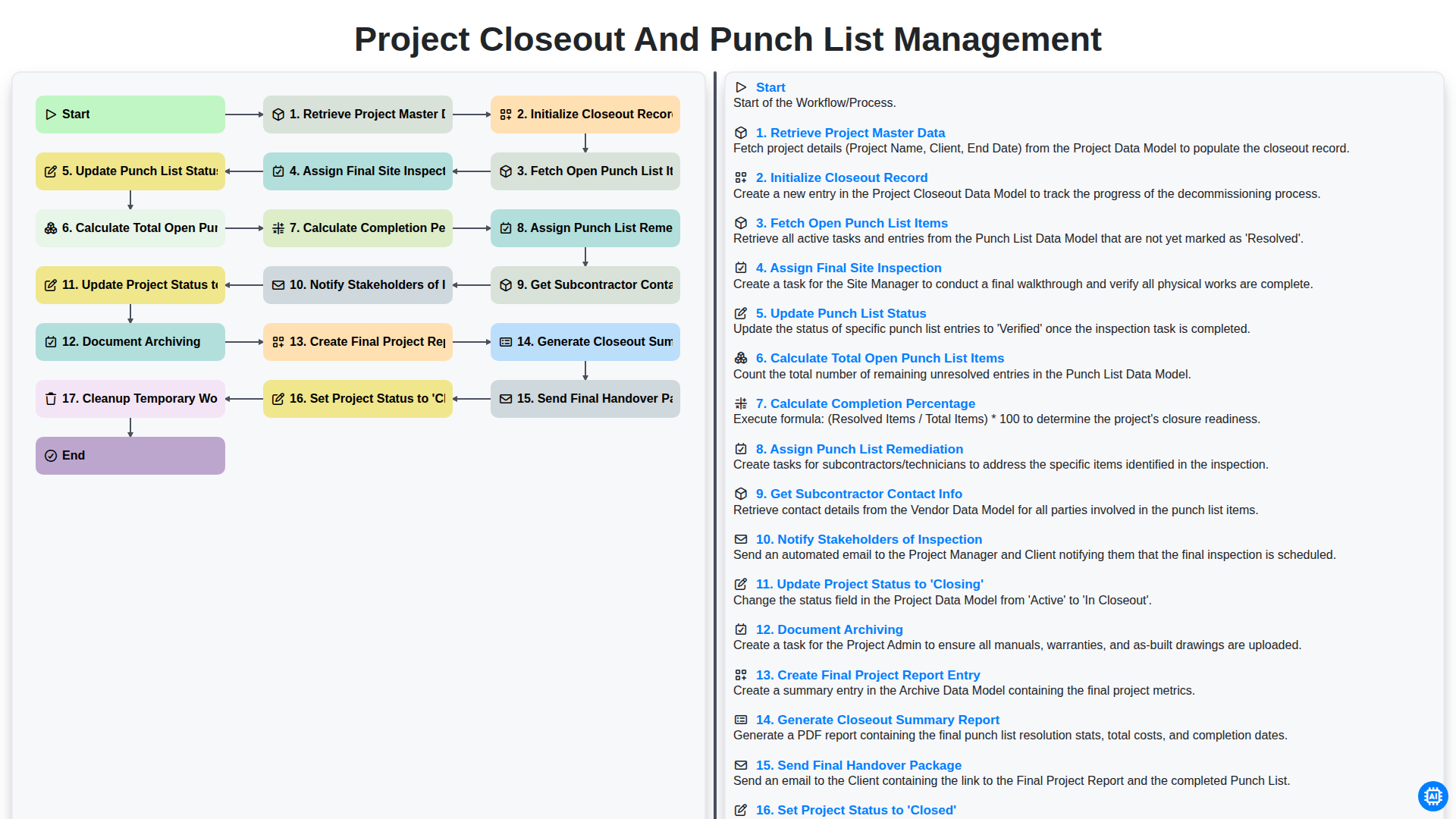
Project Closeout and Punch List Management
We can do it Together
Need help with
Construction?
Have a question? We're here to help. Please submit your inquiry, and we'll respond promptly.