 ChecklistGuro
 Construction Documentation and Record Keeping Workflow
Streamline your project management with our comprehensive Construction Documentation and Record Keeping Workflow. Master the art of organized site logs, RFI tracking, permit management, and real-time photo documentation to ensure full compliance, reduce litigation risks, and maintain a seamless digital paper trail from groundbreaking to project closeout.
This Template was installed 2 times.
Start
Start of the Workflow/Process.
1. Retrieve Project Metadata
Fetch core project details (Site Name, Project Manager, Deadline) from the Project Data Model to populate the workflow context.
2. Site Inspection Assignment
Create a task for the Field Engineer to perform the initial site walkthrough and document existing conditions.
3. Create Site Observation Log
Generate a new entry in the 'Site Observations' data model to begin recording specific site findings.
4. Document Photo Upload
Assign a task to the Site Supervisor to upload required photographic evidence to the specific observation entry.
5. Update Observation Status
Update the status of the Site Observation entry from 'Pending' to 'Completed' once photos are verified.
6. Fetch Pending RFI List
Retrieve all open Requests for Information (RFIs) related to the current project phase.
7. Calculate Compliance Score
Execute a formula comparing the number of completed safety checks against the total required checks to determine a compliance percentage.
8. Summarize Total Inspection Costs
Aggregate all cost entries from the 'Inspection Fees' data model to calculate the total expenditure for the current phase.
9. Review Discrepancy Report
Create a task for the Project Manager to review any discrepancies found between the as-built documentation and the original blueprints.
10. Notify Stakeholders of Non-Compliance
Send an automated email alert to the Project Owner and Safety Officer if a critical safety violation is recorded.
11. Generate Daily Progress Report
Create a new entry in the 'Daily Logs' data model, pre-populated with data from the current day's tasks.
12. Urgent Site Alert
Send an SMS to the Site Foreman if an urgent 'Stop Work' order is documented in the system.
13. Generate Weekly Compliance Report
Create a formal PDF/Summary report aggregating all completed inspections and site observations for the week.
14. Archive Closed Documents
Update the 'Is_Archived' flag to true for all documentation entries associated with the completed project phase.
15. Remove Duplicate Entries
Delete erroneous or duplicate entries created during manual data entry errors to maintain data integrity.
End
End of the Workflow/Process.
Start of the Workflow/Process.
Fetch core project details (Site Name, Project Manager, Deadline) from the Project Data Model to populate the workflow context.
Create a task for the Field Engineer to perform the initial site walkthrough and document existing conditions.
Generate a new entry in the 'Site Observations' data model to begin recording specific site findings.
Assign a task to the Site Supervisor to upload required photographic evidence to the specific observation entry.
Update the status of the Site Observation entry from 'Pending' to 'Completed' once photos are verified.
Retrieve all open Requests for Information (RFIs) related to the current project phase.
Execute a formula comparing the number of completed safety checks against the total required checks to determine a compliance percentage.
Aggregate all cost entries from the 'Inspection Fees' data model to calculate the total expenditure for the current phase.
Create a task for the Project Manager to review any discrepancies found between the as-built documentation and the original blueprints.
Send an automated email alert to the Project Owner and Safety Officer if a critical safety violation is recorded.
Create a new entry in the 'Daily Logs' data model, pre-populated with data from the current day's tasks.
Send an SMS to the Site Foreman if an urgent 'Stop Work' order is documented in the system.
Create a formal PDF/Summary report aggregating all completed inspections and site observations for the week.
Update the 'Is_Archived' flag to true for all documentation entries associated with the completed project phase.
Delete erroneous or duplicate entries created during manual data entry errors to maintain data integrity.
End of the Workflow/Process.
Comments
There are no comments yet. Be the first to add one!
Construction Management Solution Demo
Build smarter, not harder! ChecklistGuro streamlines construction projects from planning to closeout. Manage tasks, inspections, safety protocols & more - all in one place. Reduce delays, improve communication, and deliver projects on time & on budget.
Related Workflow Templates

Construction Post-Project Review and Lessons Learned Process

Construction Project Handover and Commissioning Workflow

Construction Waste Management and Sustainability Process

Subcontractor Compliance and Insurance Tracking

Construction Labor Management and Tracking

Construction Risk Management and Mitigation Workflow

Construction Supply Chain Management Process
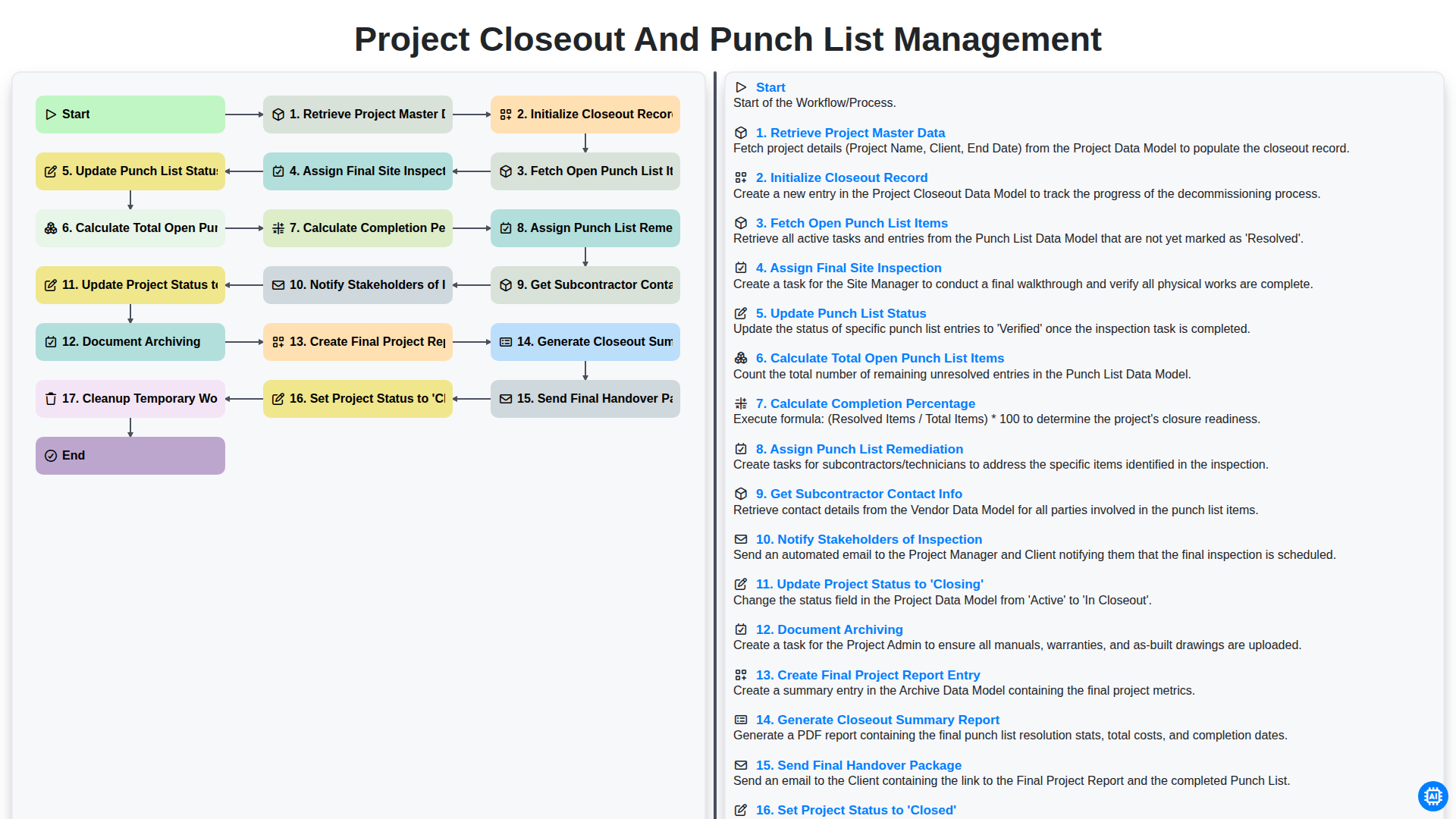
Project Closeout and Punch List Management
We can do it Together
Need help with
Construction?
Have a question? We're here to help. Please submit your inquiry, and we'll respond promptly.