 ChecklistGuro
 Automated Dental Patient Check-In Workflow: Improve Efficiency & Experience
Streamline your dental office reception with our Automated Patient Check-In Workflow. Reduce wait times, minimize manual data entry, and boost patient satisfaction effortlessly. See how to digitalize scheduling, pre-visit forms, and check-ins to maximize your practice's daily efficiency.
This Template was installed 4 times.
Start
Start of the Workflow/Process.
1. Retrieve Patient Demographic Data
Automatically pull patient information from the central patient data model using patient ID or QR code scan.
2. Check Insurance Verification Status
Retrieve current insurance eligibility and verification details for the scheduled appointment.
3. Create New Appointment Confirmation Task
Generate a task for the front desk staff to confirm the appointment details and pre-screen for missing paperwork.
4. Assign Pre-Visit Forms Task
Automatically create tasks for the patient to complete necessary intake forms (e.g., medical history, consent) before arrival.
5. Update Appointment Status
Change the appointment status in the system to 'Checked In' and record the actual check-in time.
6. Update Visit Notes
Allow staff to add initial observational notes to the patient's visit record.
7. Calculate Estimated Co-Pay Due
Execute a formula combining services rendered and insurance co-pay rules to estimate the out-of-pocket cost.
8. Create Visit Encounter Record
Generate a new visit record linked to the patient and date of service.
9. Retrieve Current Service Fee Schedule
Fetch the master list of current service codes and associated fees for accurate billing.
10. Send Welcome/Confirmation Email to Patient
Send an automated email to the patient containing directions, required items, and a link to pre-fill forms.
11. Send Arrival Reminder SMS
Send a text message reminder to the patient 15 minutes before the appointment start time.
12. Check for Overdue Patient Balances
Query the billing model to identify any outstanding balances associated with the patient record upon check-in.
13. Flag Billing Review Task
Create a high-priority task for the billing specialist if an outstanding balance is detected.
14. Log Initial Payments Received
Create a transaction entry in the ledger for any co-pays or deposits collected at check-in.
15. Determine Remaining Patient Balance
Calculate the final amount the patient owes after applying insurance adjustments.
16. Generate Daily Check-In Report
Create a summary report listing all patients who checked in on the current day for management review.
End
End of the Workflow/Process.
Start of the Workflow/Process.
Automatically pull patient information from the central patient data model using patient ID or QR code scan.
Retrieve current insurance eligibility and verification details for the scheduled appointment.
Generate a task for the front desk staff to confirm the appointment details and pre-screen for missing paperwork.
Automatically create tasks for the patient to complete necessary intake forms (e.g., medical history, consent) before arrival.
Change the appointment status in the system to 'Checked In' and record the actual check-in time.
Allow staff to add initial observational notes to the patient's visit record.
Execute a formula combining services rendered and insurance co-pay rules to estimate the out-of-pocket cost.
Generate a new visit record linked to the patient and date of service.
Fetch the master list of current service codes and associated fees for accurate billing.
Send an automated email to the patient containing directions, required items, and a link to pre-fill forms.
Send a text message reminder to the patient 15 minutes before the appointment start time.
Query the billing model to identify any outstanding balances associated with the patient record upon check-in.
Create a high-priority task for the billing specialist if an outstanding balance is detected.
Create a transaction entry in the ledger for any co-pays or deposits collected at check-in.
Calculate the final amount the patient owes after applying insurance adjustments.
Create a summary report listing all patients who checked in on the current day for management review.
End of the Workflow/Process.
Comments
There are no comments yet. Be the first to add one!
Dental Management Solution Demo
Simplify your dental practice & enhance patient care! ChecklistGuro streamlines appointment scheduling, patient records, and billing. Improve efficiency, reduce errors, & boost patient satisfaction. Manage it all with our Work OS.
Related Workflow Templates
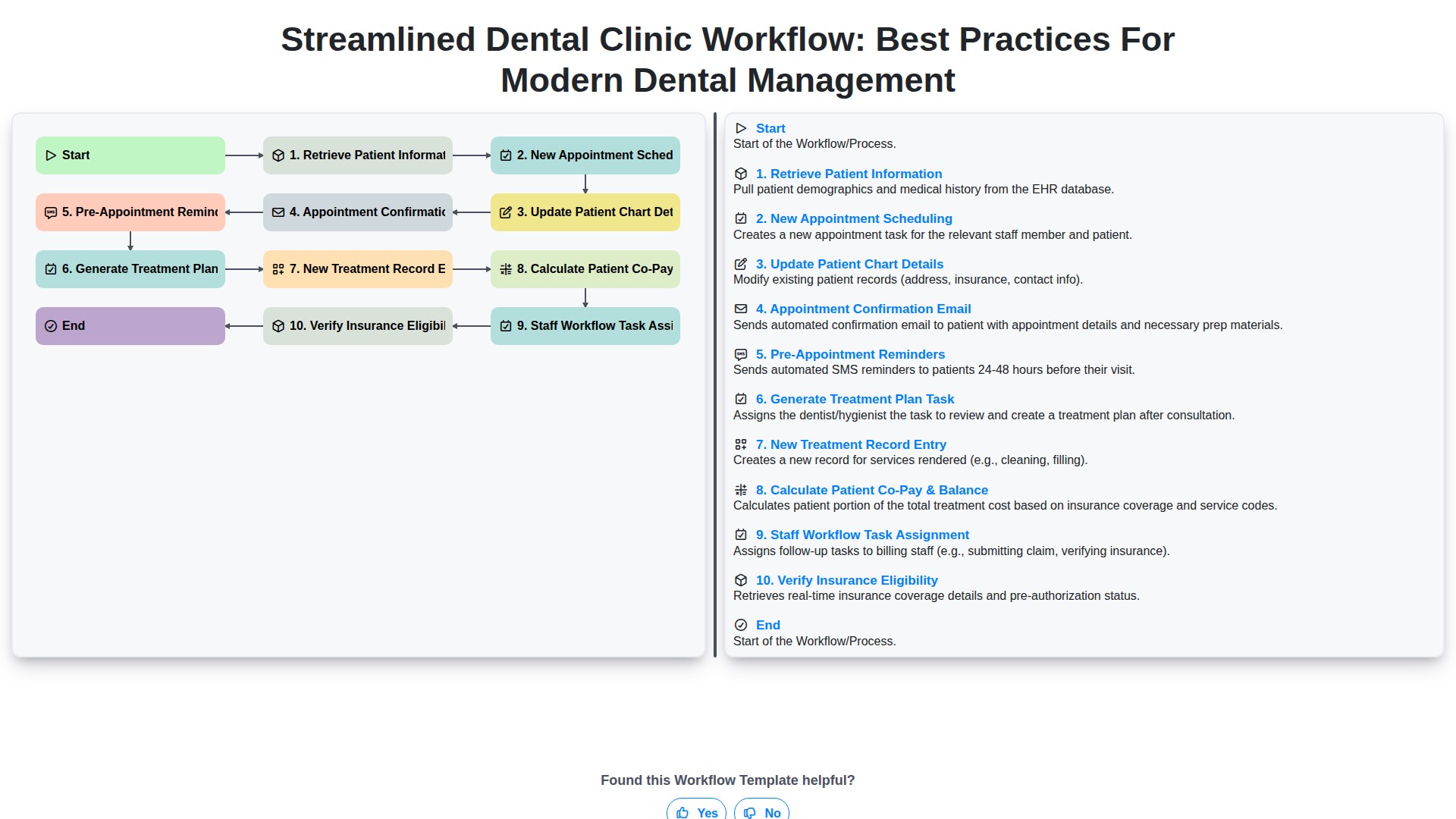
Streamlined Dental Clinic Workflow: Best Practices for Modern Dental Management
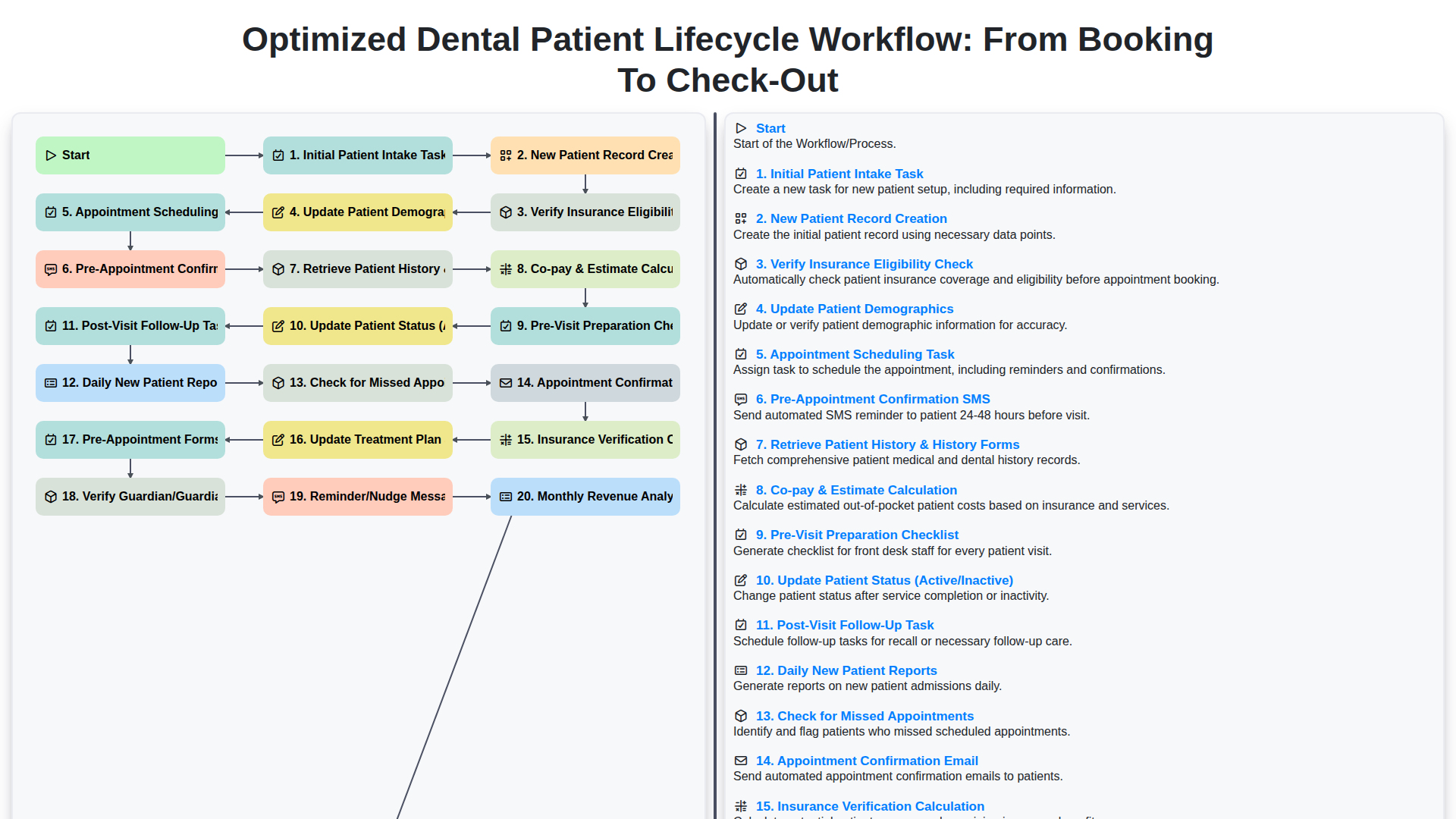
Optimized Dental Patient Lifecycle Workflow: From Booking to Check-Out
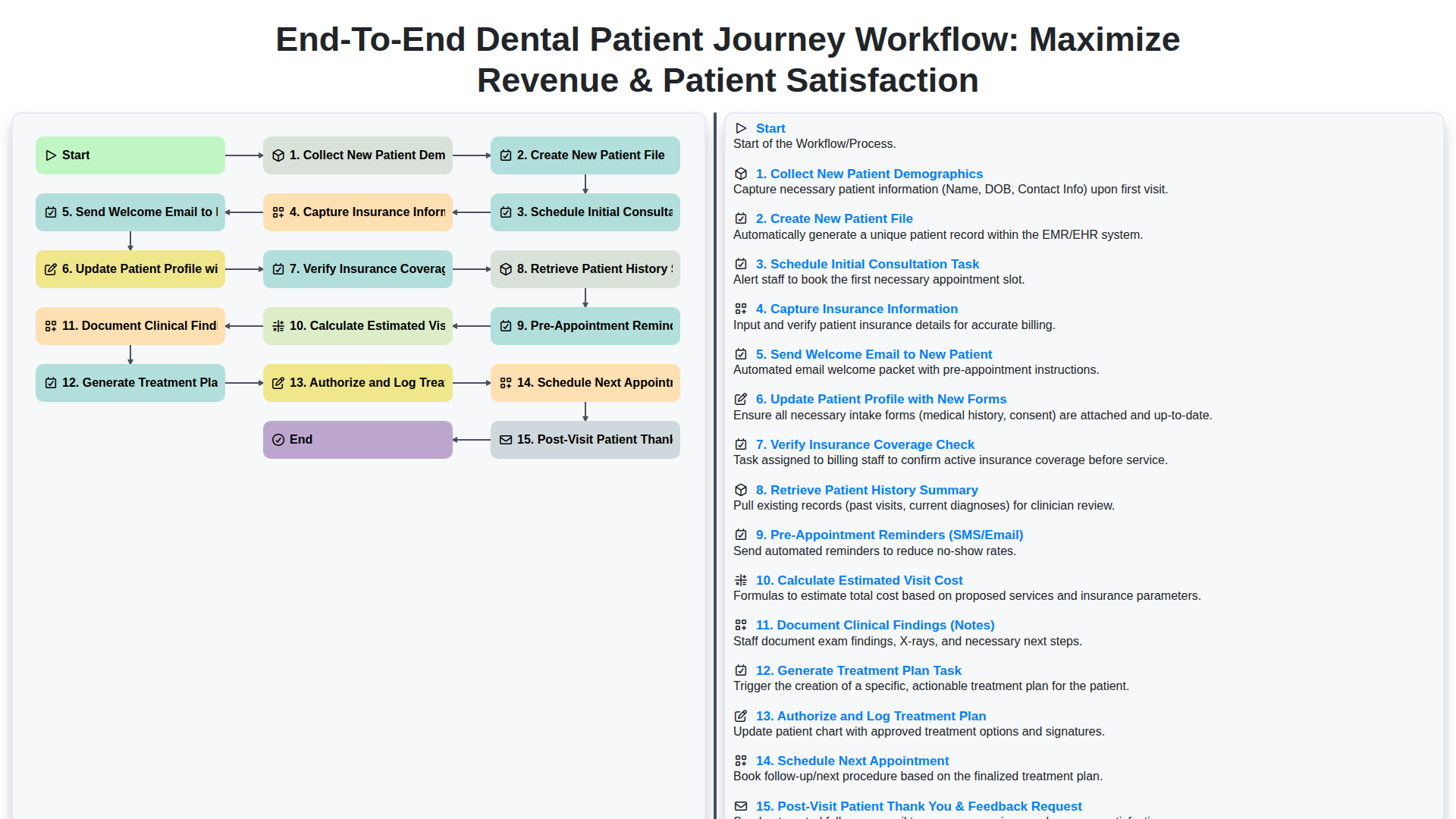
End-to-End Dental Patient Journey Workflow: Maximize Revenue & Patient Satisfaction
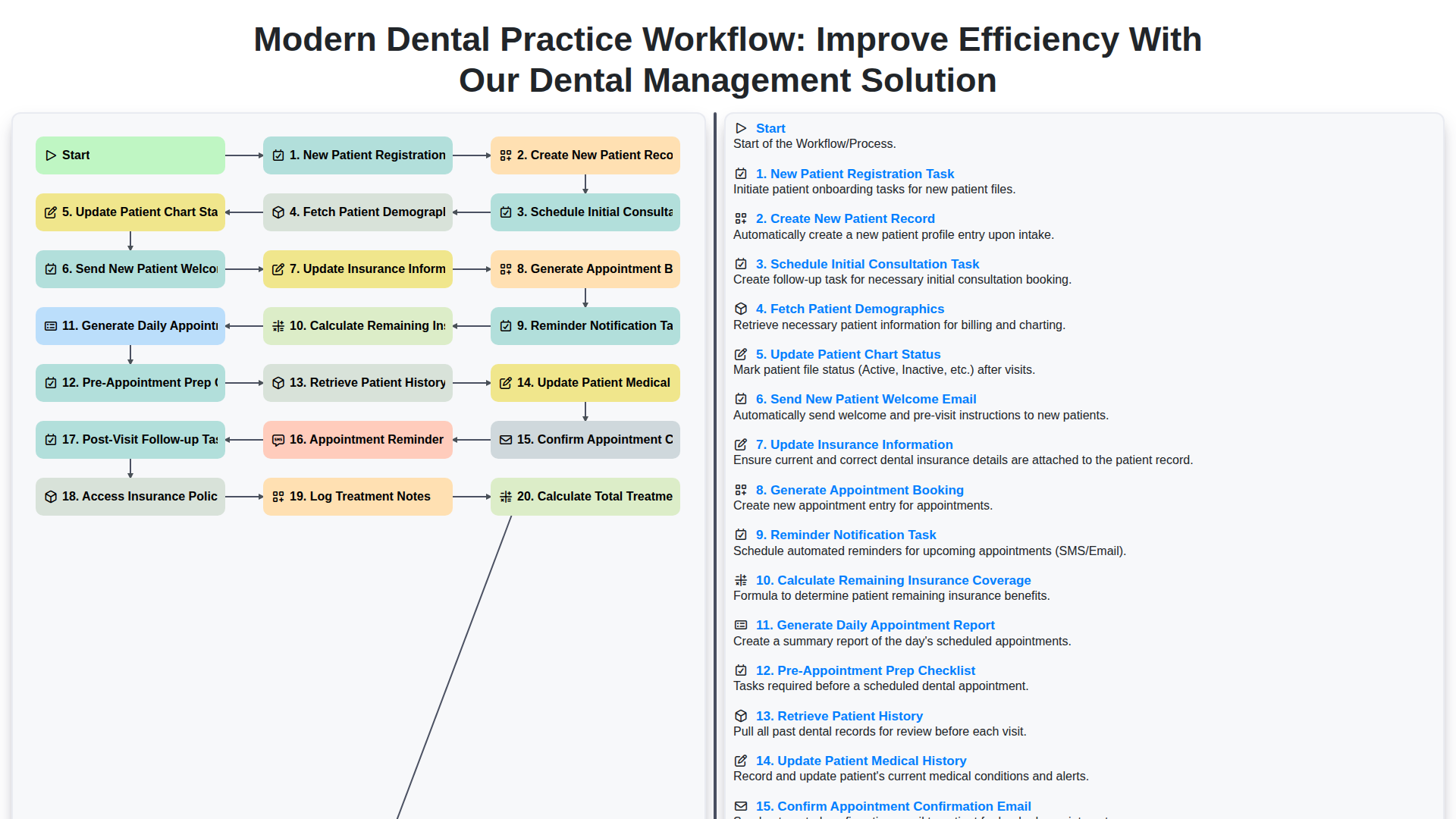
Modern Dental Practice Workflow: Improve Efficiency with Our Dental Management Solution
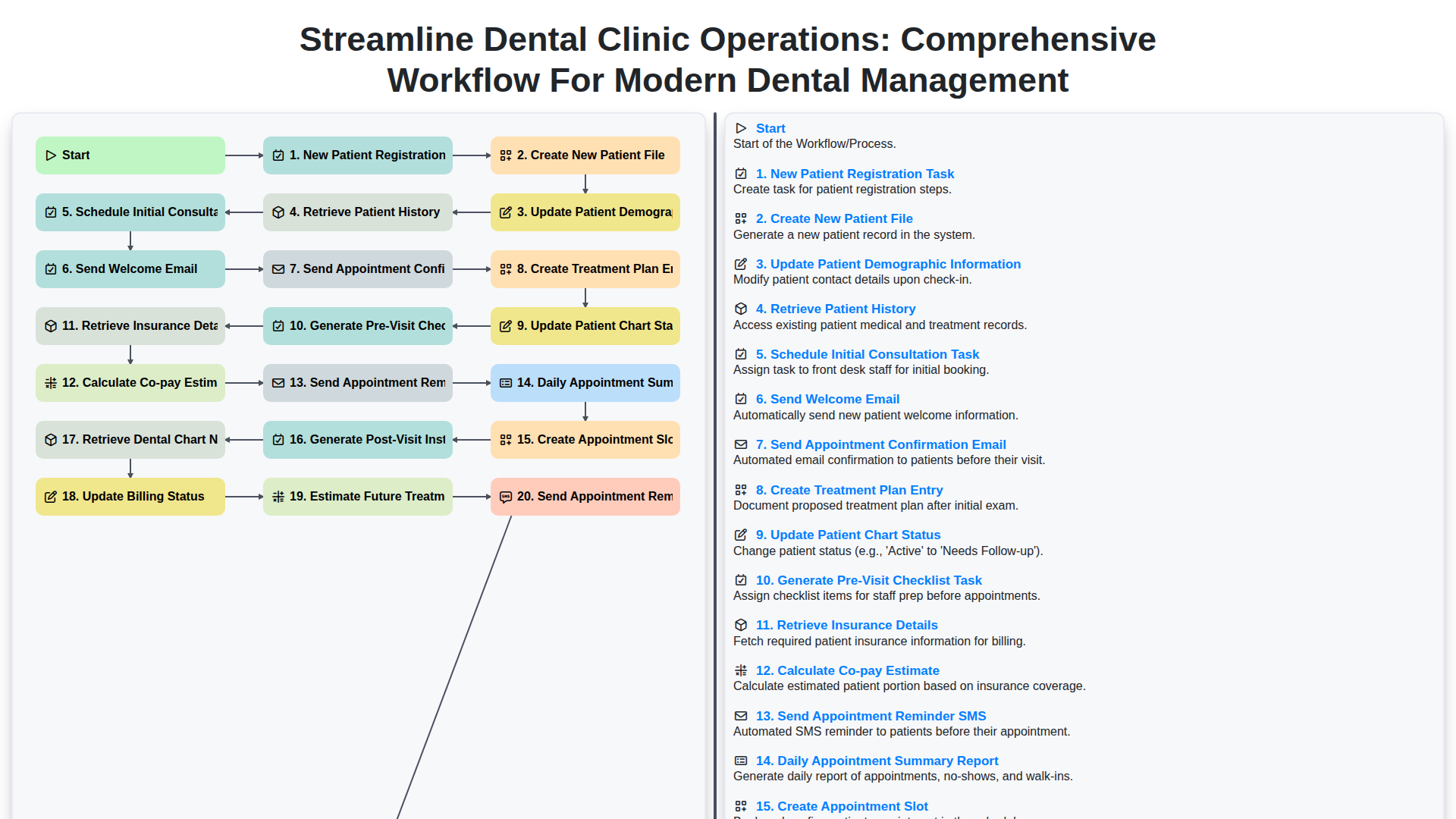
Streamline Dental Clinic Operations: Comprehensive Workflow for Modern Dental Management
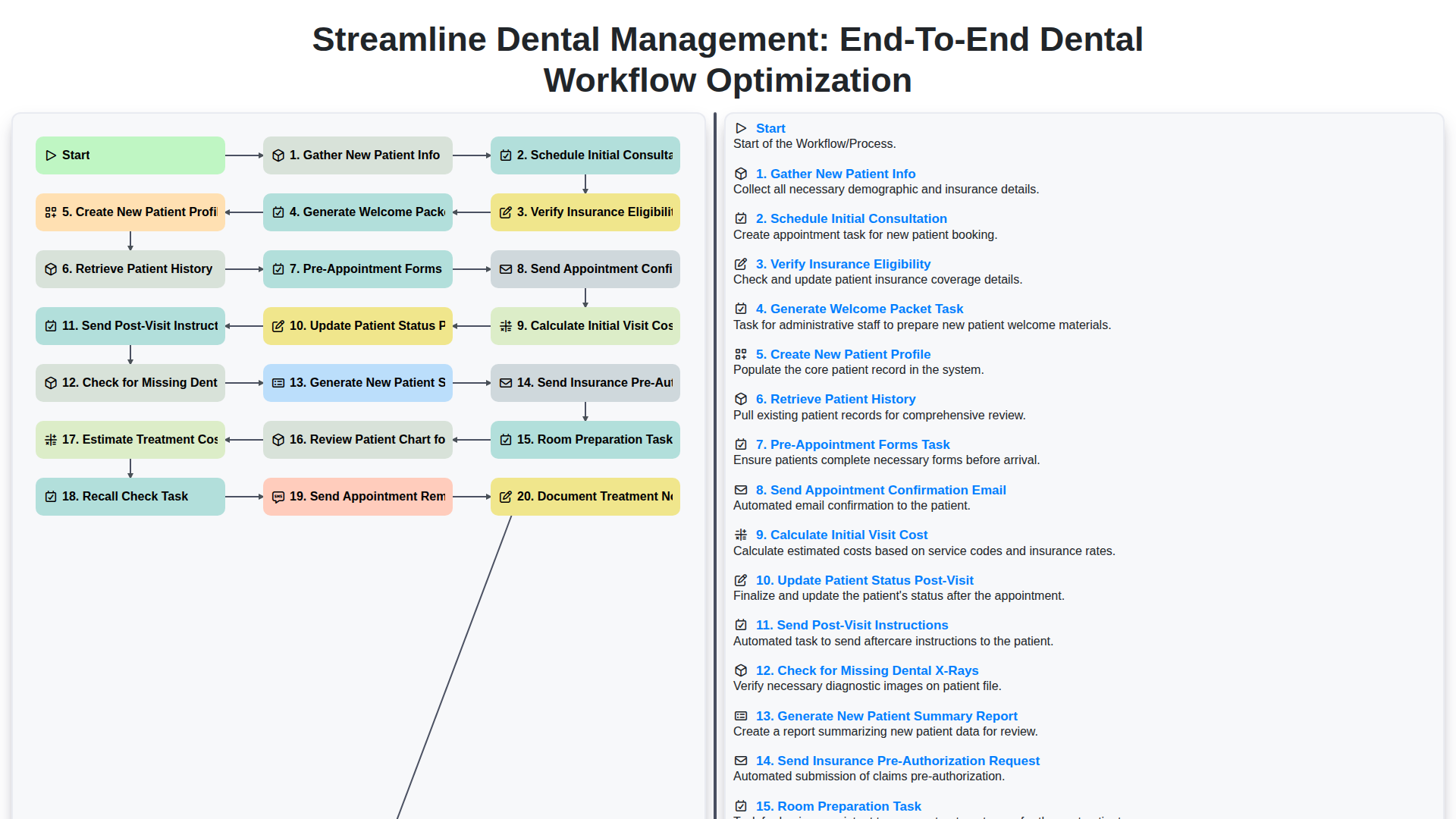
Streamline Dental Management: End-to-End Dental Workflow Optimization
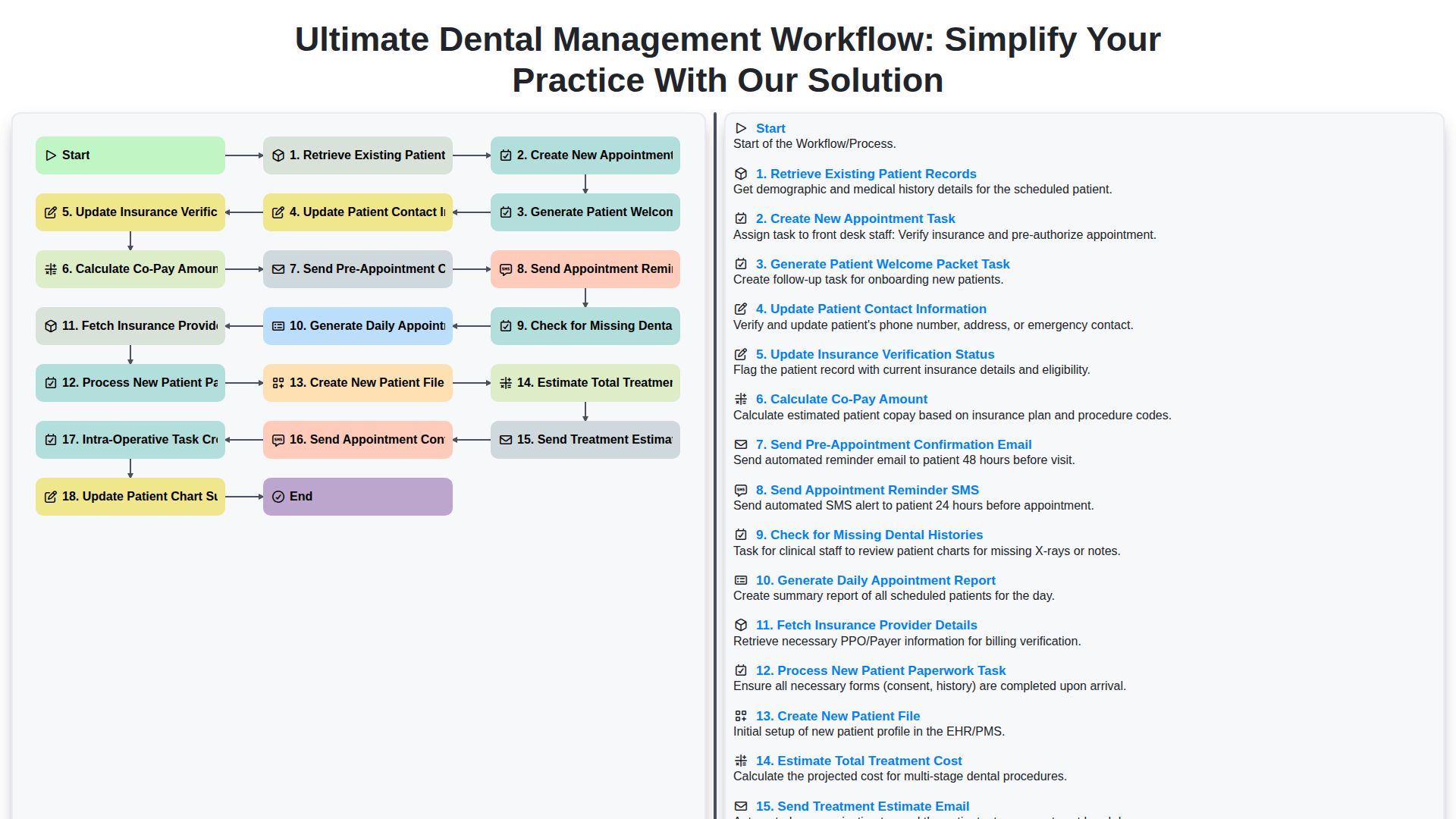
Ultimate Dental Management Workflow: Simplify Your Practice with Our Solution
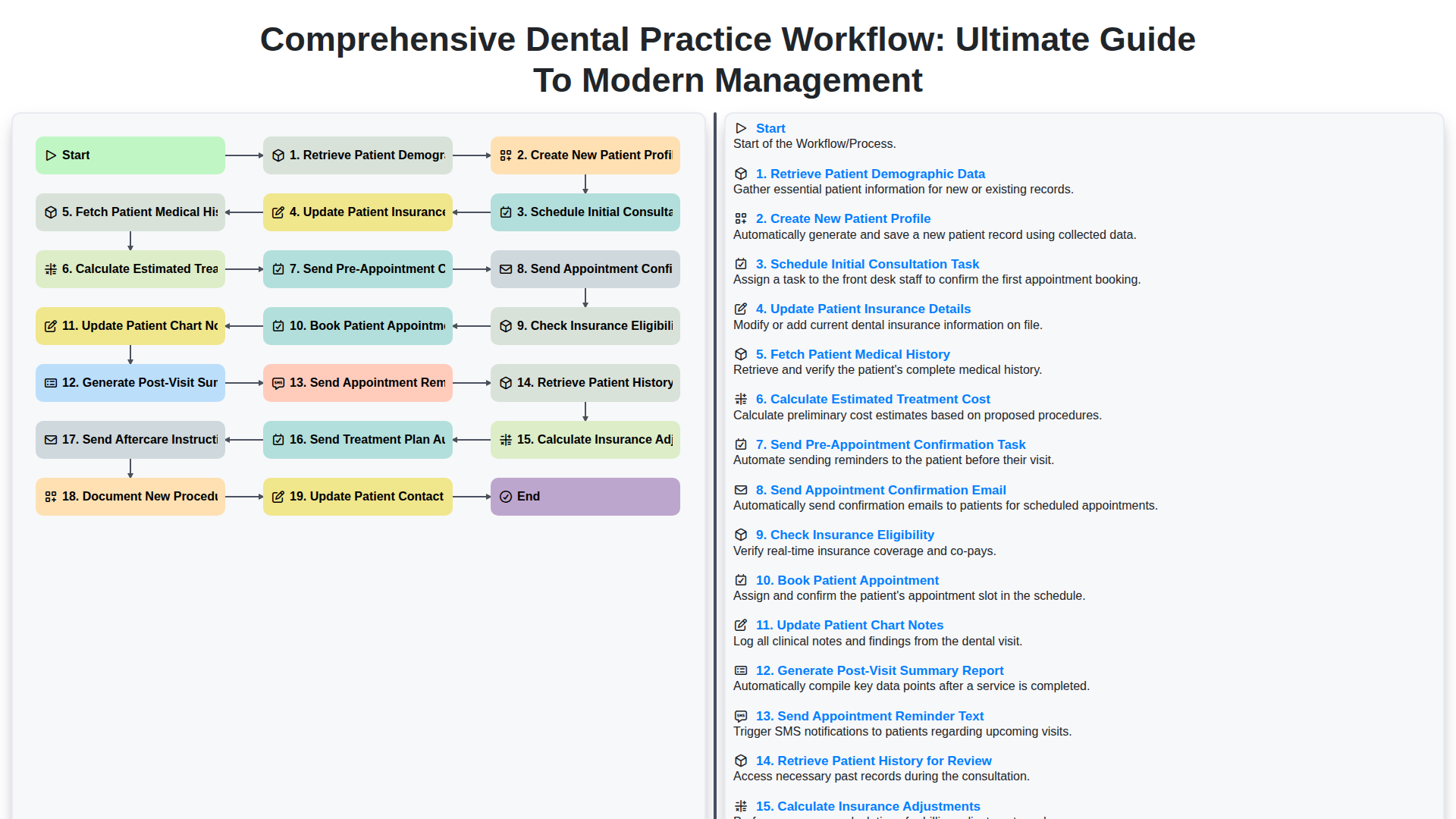
Comprehensive Dental Practice Workflow: Ultimate Guide to Modern Management
We can do it Together
Need help with
Dental Management?
Have a question? We're here to help. Please submit your inquiry, and we'll respond promptly.