Ensuring Exhibit Success: Your Museum Exhibit Support Checklist Template
Published: 11/25/2025 Updated: 12/14/2025
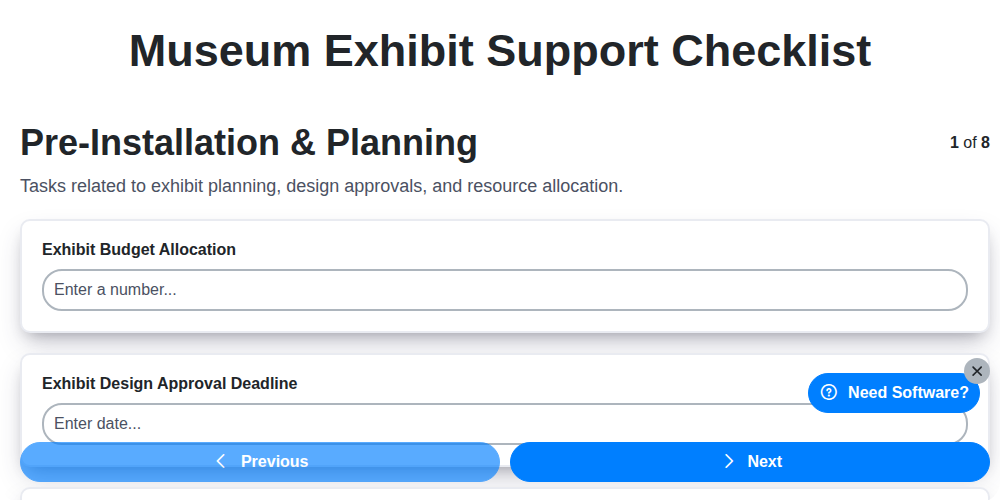
Table of Contents
- Planning for Perfection: Pre-Installation & Strategy
- Gear Up: Equipment Setup & Configuration
- Seamless Integration: Software & Content Alignment
- Testing the Waters: Quality Assurance & Fine-Tuning
- Visitor-Centric Design: Safety & Accessibility
- Knowledge is Power: Documentation & Team Training
- Keeping Things Running: Ongoing Maintenance & Monitoring
- Prepared for Anything: Incident Reporting & Resolution
- Resources & Links
TLDR: Got a museum exhibit coming up? This checklist template is your secret weapon! It covers everything from pre-planning and equipment setup to visitor safety and ongoing maintenance, ensuring a smooth, engaging, and problem-free experience for both your team and your visitors. Download it and breathe easier knowing you've got a plan!
Planning for Perfection: Pre-Installation & Strategy
A successful museum exhibit isn't just about impressive visuals; it's the culmination of meticulous planning and preparation. The pre-installation phase is critical, laying the groundwork for a seamless and engaging visitor experience. This isn't just about scheduling; it's about anticipating needs and proactively addressing potential roadblocks.
Here's what a robust pre-installation strategy includes:
- Define Scope & Objectives: Revisit the exhibit's core goals. What do you want visitors to learn, feel, or do? This guides all subsequent decisions.
- Venue Assessment: Thoroughly assess the physical space. Consider factors like power supply, network availability, lighting, existing infrastructure, and potential limitations. Identify any modifications needed and secure necessary approvals.
- Timeline Development: Create a detailed timeline, factoring in lead times for equipment procurement, content creation, fabrication, installation, and testing. Build in buffer time for unforeseen delays.
- Team Coordination: Establish clear roles and responsibilities for all team members - curators, designers, fabricators, technicians, and IT specialists. Regular communication is essential.
- Content Review & Approval: Finalize all exhibit content (text, images, audio, video) and secure approvals from all relevant stakeholders well in advance of installation.
- Risk Assessment: Identify potential risks (security, environmental, technical) and develop mitigation strategies. This includes considerations for fragile artifacts and visitor flow.
- Permitting & Compliance: Ensure compliance with all relevant building codes, safety regulations, and accessibility standards. Obtain necessary permits before installation begins.
A well-defined plan minimizes disruptions, maximizes efficiency, and sets the stage for an exhibit that truly resonates with your audience.
Gear Up: Equipment Setup & Configuration
Bringing a museum exhibit to life requires more than just compelling content; it demands robust and reliable equipment. This section details the critical setup and configuration steps to ensure everything functions seamlessly.
1. Inventory & Verification: Begin with a complete inventory of all hardware - projectors, interactive displays, audio systems, lighting fixtures, network devices, and any custom-built components. Verify that each item matches the original order and is free from shipping damage. Document any discrepancies immediately.
2. Physical Placement & Mounting: Precisely position each piece of equipment according to the exhibit design plans. Ensure secure mounting using appropriate hardware and techniques to prevent movement or failure. Double-check alignment and leveling for optimal viewing angles and aesthetics.
3. Power & Cabling: This is crucial. Run power cables safely and neatly, avoiding trip hazards and ensuring sufficient amperage for each device. Label all cables meticulously to simplify troubleshooting later. Utilize cable management systems (conduit, ties, trays) to maintain a clean and organized installation. Employ surge protectors to safeguard against electrical spikes.
4. Network Connectivity: Establish a reliable network connection for any interactive elements or digital signage. Test bandwidth and latency to ensure smooth data transfer and responsiveness. Configure IP addresses and network security settings appropriately.
5. Peripheral Device Setup: Configure external devices like cameras, microphones, and sensors as required by the exhibit's functionality. This includes setting up connections, calibrating sensors, and testing input/output signals.
6. Initial Testing: Perform a basic functionality test of each individual piece of equipment after setup. Check for power, sound, video output, and interactivity. Record the results of these initial tests for future reference.
Important Note: Always consult manufacturer specifications and follow safety guidelines when handling and installing any electrical or mechanical equipment.
Seamless Integration: Software & Content Alignment
Bringing a museum exhibit to life isn't just about stunning visuals and compelling narratives; it's about the flawless interaction between those elements and the technology supporting them. This section focuses on ensuring your software and content work together, creating a truly immersive and engaging experience for visitors.
This stage goes beyond simply uploading images and text. We're talking about ensuring interactive elements function as intended, multimedia components sync perfectly, and data feeds update reliably. Here's what's involved:
- Content Synchronization: Rigorous testing of all content - text, images, audio, video - across all exhibit screens and interactive stations. This includes verifying correct placement, resolution optimization, and accurate captions.
- Interactive Element Functionality: Each interactive - touchscreens, games, virtual reality experiences - must be meticulously tested to guarantee responsiveness, intuitive navigation, and accurate data interaction.
- Data Integration: If your exhibit incorporates live data feeds (e.g., object provenance, conservation status), ensure the software accurately receives, processes, and displays this information. This requires careful API integration and data validation.
- Multimedia Sync: For exhibits utilizing synchronized audio-visual content, precise timing and alignment are critical. We're talking frame-by-frame verification to ensure a polished, professional presentation.
- Content Version Control: Implement a clear system for managing content updates and revisions. This prevents accidental deployment of outdated materials and ensures consistency across the exhibit.
Failing to prioritize this phase can lead to frustrating user experiences, technical glitches, and ultimately, a less impactful exhibit.
Testing the Waters: Quality Assurance & Fine-Tuning
Launching a museum exhibit is a significant undertaking, but the work doesn't stop at installation. Rigorous testing and quality assurance are absolutely crucial to ensuring a seamless and engaging visitor experience. This phase goes beyond simply checking if things work. It's about refining the experience, identifying potential pitfalls, and guaranteeing accessibility for all.
Our checklist's Testing & Quality Assurance section covers this vital stage. Here's what that entails:
- Simulated Visitor Flows: We conduct walkthroughs mimicking typical visitor journeys, observing how interactions unfold and identifying any bottlenecks or confusing elements.
- Content Verification: Every interactive, video, and audio component is meticulously reviewed for accuracy, clarity, and proper functionality. This includes spell-checking, verifying data integrity, and ensuring audio/visual synchronization.
- Hardware Performance: We stress-test all equipment - projectors, touchscreens, audio systems - under realistic usage scenarios. This helps us identify potential overheating, lag, or unexpected errors.
- Accessibility Audits: Using assistive technology (screen readers, magnifiers, etc.) and involving diverse user groups, we ensure accessibility compliance and identify areas for improvement. This includes captioning, audio descriptions, and tactile elements.
- User Feedback Collection: We invite staff and, ideally, a small group of representative visitors to provide feedback on their experience. This invaluable input helps pinpoint areas requiring adjustment.
- Error Logging & Tracking: We implement a system to log errors and track their resolution, ensuring swift and efficient problem-solving.
Fine-tuning at this stage isn't about perfection; it's about continuous improvement, creating a truly exceptional and inclusive exhibit for everyone.
Visitor-Centric Design: Safety & Accessibility
A successful museum exhibit isn't just visually stunning; it's welcoming and safe for everyone. This requires a dedicated focus on visitor safety and accessibility throughout the exhibit's lifecycle, starting long before the doors open. Our checklist incorporates this crucial consideration at every stage.
Beyond Compliance: Creating Inclusive Experiences
Meeting ADA (Americans with Disabilities Act) guidelines is a minimum requirement. We strive to go beyond, creating truly inclusive experiences. This means considering a broad range of needs:
- Physical Accessibility: Ensuring ramps, elevators, and pathways are clear, well-lit, and appropriately sized for wheelchairs, strollers, and individuals with mobility devices. Consider tactile paving and clear signage.
- Sensory Considerations: Recognizing that sensory overload can be a barrier. This might involve designated quiet zones, adjustable lighting, and the ability to control audio levels. We explore the use of descriptive audio and visual aids for visitors with hearing or visual impairments.
- Cognitive Accessibility: Using clear, concise language, providing consistent layouts, and offering multiple ways to engage with the exhibit (text, audio, visuals) to cater to diverse learning styles and cognitive abilities.
- Emergency Preparedness: Clear evacuation routes, accessible emergency signage, and staff training on assisting visitors with disabilities during emergencies are paramount.
Continuous Improvement: We don't treat accessibility as a one-time fix. Regular audits, visitor feedback mechanisms, and ongoing staff training help us refine and improve the visitor experience for all.
Knowledge is Power: Documentation & Team Training
Launching a successful museum exhibit relies on more than just stunning visuals and compelling narratives; it demands a knowledgeable and well-trained team. This is where robust documentation and comprehensive training become invaluable.
Documentation: Your Exhibit's Blueprint
Think of documentation as the instruction manual for your exhibit. It should cover everything - from the initial design concepts to the troubleshooting steps for common technical issues. This includes:
- System Architecture Diagrams: Clearly illustrating the technical infrastructure of the exhibit (servers, networks, software dependencies).
- Configuration Guides: Detailed instructions on how to configure each component, from interactive displays to environmental controls.
- Content Management Procedures: Step-by-step guides for updating content, managing user accounts, and ensuring consistency.
- Troubleshooting FAQs: Anticipate and document solutions to common problems, allowing staff to resolve issues quickly and efficiently.
- Contact Information: Key vendor contacts and internal support personnel.
Team Training: Empowering Your Staff
Documentation alone isn't enough. Your team needs to understand it. Tailored training programs are essential to ensure everyone is comfortable with their roles and responsibilities. Consider these training aspects:
- Role-Specific Training: Separate training modules for technicians, content managers, visitor services staff, and security personnel.
- Hands-On Workshops: Practical exercises to reinforce theoretical knowledge.
- Regular Refresher Courses: Technology and best practices evolve; keep skills sharp.
- Knowledge Sharing Sessions: Encourage team members to share insights and problem-solving techniques.
- Cross-Training: Provide opportunities for team members to learn about different aspects of the exhibit, fostering collaboration and resilience.
By prioritizing thorough documentation and dedicated training, you're investing in the long-term success and sustainability of your museum exhibit.
Keeping Things Running: Ongoing Maintenance & Monitoring
An amazing exhibit launch is just the beginning. To ensure a consistently engaging and functional experience for visitors, robust ongoing maintenance and monitoring are absolutely vital. This isn't just about fixing broken screens; it's about proactively optimizing performance and anticipating potential issues.
Here's what that looks like:
- Regular System Checks: Implement a schedule for checking all hardware (projectors, touchscreens, lighting, audio systems) and software components. This should include visual inspections, performance checks, and data backups.
- Software Updates & Patching: Keep all software - operating systems, exhibit control software, content management systems - up-to-date with the latest security patches and feature updates. Schedule downtime strategically to minimize disruption.
- Content Refreshment: Visitor engagement wanes if the content feels stale. Plan for regular updates - new images, videos, interactive elements - to keep the exhibit fresh and exciting.
- Data Analysis & Performance Metrics: Track key metrics like visitor interaction rates, system uptime, and error logs. This data provides valuable insights into what's working and what needs improvement. Consider visitor feedback too - surveys, comment cards, and social media monitoring.
- Preventative Maintenance: Schedule preventative maintenance tasks for hardware components, such as cleaning projectors, calibrating touchscreens, and checking audio equipment.
- Environmental Monitoring: Monitor environmental factors like temperature and humidity, as they can impact sensitive equipment.
- Security Audits: Regularly review security protocols and access controls to protect the exhibit from unauthorized access and potential harm.
By prioritizing ongoing maintenance and monitoring, you're not just preventing breakdowns; you're investing in the long-term success and impact of your museum exhibit.
Prepared for Anything: Incident Reporting & Resolution
Even with the most meticulous planning and robust systems, incidents can and do occur. A clear and accessible incident reporting and resolution process is crucial for minimizing disruption and ensuring a positive visitor experience.
This isn't just about fixing problems after they happen; it's about learning from them and preventing recurrence. Our checklist includes a dedicated section for this vital aspect.
Here's what we cover:
- Easy-to-Find Reporting Channels: Visitors and staff need multiple ways to report issues-clearly marked physical forms, email addresses, phone numbers, and potentially a dedicated online portal.
- Categorization & Prioritization: Implement a system for categorizing incidents (technical malfunction, visitor behavior, safety hazard, etc.) and prioritizing them based on severity. A broken touchscreen is different than a tripped alarm!
- Designated Response Team: Identify and train a team responsible for responding to reported incidents. This team should have clear roles and responsibilities.
- Detailed Record Keeping: Every incident, regardless of severity, should be documented. This includes the date, time, location, description, actions taken, and resolution.
- Root Cause Analysis: After resolution, conduct a brief analysis to understand the underlying cause of the incident. This helps prevent similar issues in the future.
- Regular Review & Improvement: The incident reporting and resolution process itself needs to be periodically reviewed and improved based on feedback and experience.
A well-defined incident reporting and resolution plan is an investment in the long-term stability and success of the exhibit.
Resources & Links
- American Alliance of Museums (AAM): The leading professional organization for museums. Their website offers a wealth of resources, including publications, professional development programs, and best practices for museum operations, covering exhibit planning, design, and accessibility.
- MuseumWise: Offers practical advice, resources, and a community forum for museum professionals. Contains articles and guides on exhibit development, installation, and maintenance.
- The Antenna Farm - Exhibitions: Specializes in creating interactive and immersive exhibits. Their site offers insightful articles and case studies on exhibit design, technology integration, and visitor engagement. Often addresses technical aspects crucial for seamless integration.
- Museums Association (MA): UK-based professional body for museums. They provide resources and guidance on all aspects of museum work, including exhibit development and accessibility standards - useful for broader insights and international perspectives.
- Adobe Acrobat: Essential for documentation, managing digital assets (images, videos, interactive files), and creating accessible PDF versions of exhibit materials and checklists. Critical for Knowledge is Power section.
- Smartsheet: A powerful platform for creating and managing checklists, project timelines, and task assignments - perfect for the Exhibit Support Checklist Template itself. Supports Planning, Gear Up, Testing, and Ongoing Maintenance sections.
- Microsoft Accessibility Insights: A suite of tools for evaluating digital accessibility. Vital for the Visitor-Centric Design section; crucial for ensuring exhibits are usable by everyone.
- Web Accessibility Initiative (WAI): The global standard for web accessibility. Offers detailed guidelines and resources for creating inclusive digital experiences - essential for the Visitor-Centric Design section related to digital exhibits.
- International Facility Management Association (IFMA): While focused on facility management, IFMA resources provide valuable insights into maintenance protocols, risk management, and incident reporting applicable to ensuring exhibit longevity and safety, relevant to Ongoing Maintenance and Incident Reporting sections.
- National Institute of Standards and Technology (NIST): Provides standards and guidelines for safety and security in various industries. Can be useful for assessing risks and developing incident response plans in the Prepared for Anything section.
- Zendesk: A customer service platform. While not directly exhibit-related, this showcases options for ticketing and reporting incidents related to exhibit issues and visitor feedback, helping with Incident Reporting and Resolution.
- Monday.com: Similar to Smartsheet, Monday.com provides project management and task management capabilities ideal for the Exhibit Support Checklist Template and overall exhibit lifecycle management. Helps keep teams organized across Planning, Gear Up, Testing, and Ongoing Maintenance.
- ScreenStep: Knowledge base software. Excellent for creating and delivering clear, searchable documentation for team training as described in the Knowledge is Power header.
Frequently Asked Questions
What is this checklist template for?
This checklist template is designed to help museum professionals systematically plan and manage all aspects of an exhibit, from initial concept to post-opening evaluation. It aims to ensure exhibit success by proactively addressing potential challenges and ensuring all necessary tasks are completed.
Who is this checklist template for?
This checklist is for anyone involved in the planning and execution of a museum exhibit. This includes curators, exhibit designers, project managers, exhibit technicians, and other museum staff contributing to the exhibit's development.
How is this checklist template structured?
The template is structured around key phases of exhibit development: Concept & Planning, Design & Fabrication, Installation & Loans, Opening & Promotion, and Evaluation & Reporting. Each phase contains a list of tasks with checkboxes to track progress.
Can I customize this checklist template?
Absolutely! The checklist is designed to be flexible. You can add, remove, or modify tasks to align with the specific needs and scope of your exhibit. We encourage tailoring it to your museum's unique processes.
What does the 'Responsibility' column in the checklist mean?
The 'Responsibility' column indicates which team member or department is primarily accountable for completing each task. This helps clarify roles and promotes accountability.
What is the purpose of the 'Timeline' column?
The 'Timeline' column is used to estimate the duration or deadline for each task, helping you create a realistic project schedule and track progress against your timeline.
What kind of evaluation metrics should I consider when using the 'Evaluation & Reporting' section?
Consider metrics like visitor attendance, visitor feedback (surveys, comment cards), media coverage, social media engagement, and achievement of exhibit learning objectives. Tailor these to the exhibit's specific goals.
Can I use this checklist for temporary or permanent exhibits?
Yes, this checklist is applicable to both temporary and permanent exhibits. You may need to adjust the frequency of certain tasks (like maintenance) depending on the exhibit's duration.
Comments
There are no comments yet. Be the first to add one!
Support Management Solution Demo
Struggling to keep up with support requests? ChecklistGuro provides a centralized system for managing tickets, tracking progress, & ensuring customer satisfaction. Improve efficiency & reduce resolution times.
Related Articles
Legal Case Management Support Checklist: Your Guide to Seamless Implementation
Mastering Aircraft Maintenance: Your Aerospace Support Checklist Template
Ensuring Excellence: Your Zoo Animal Welfare Support Checklist Guide
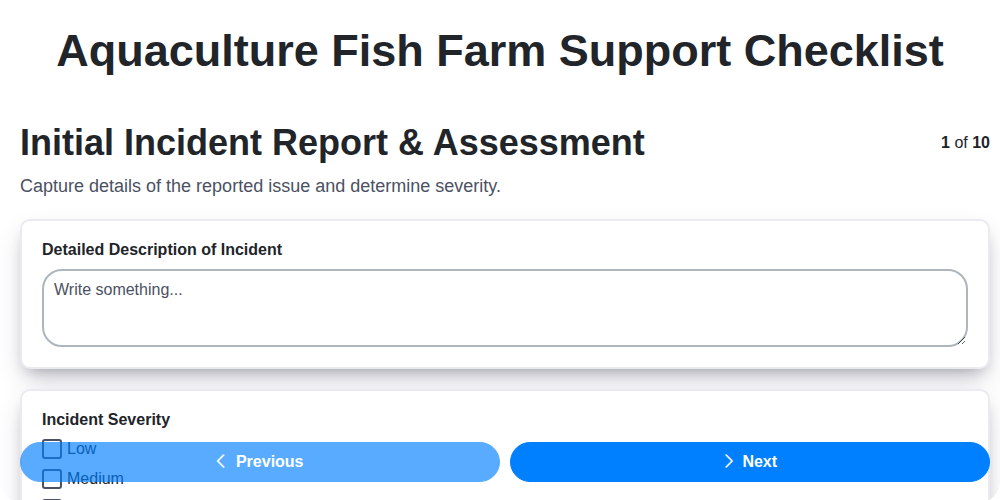
Keeping Your Fish Farm Running Smoothly: The Aquaculture Support Checklist
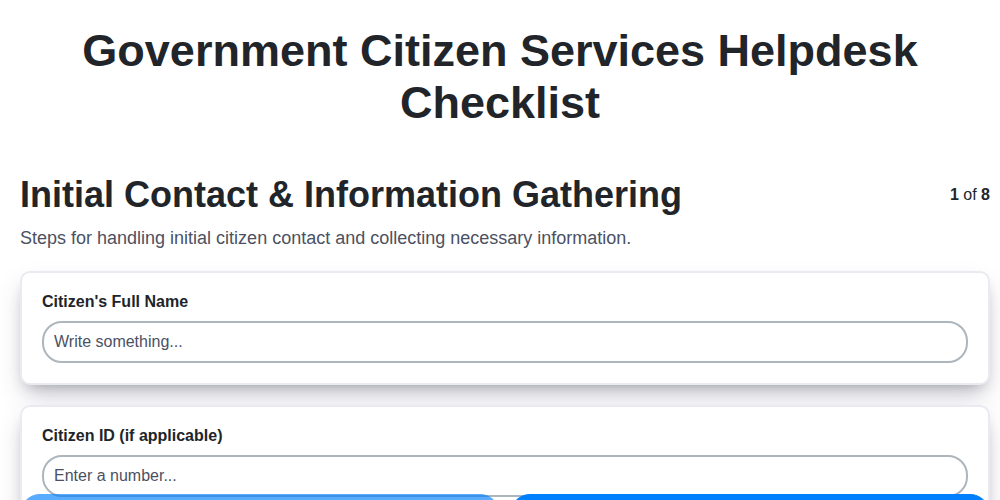
Mastering Citizen Service: Your Government Helpdesk Checklist Template
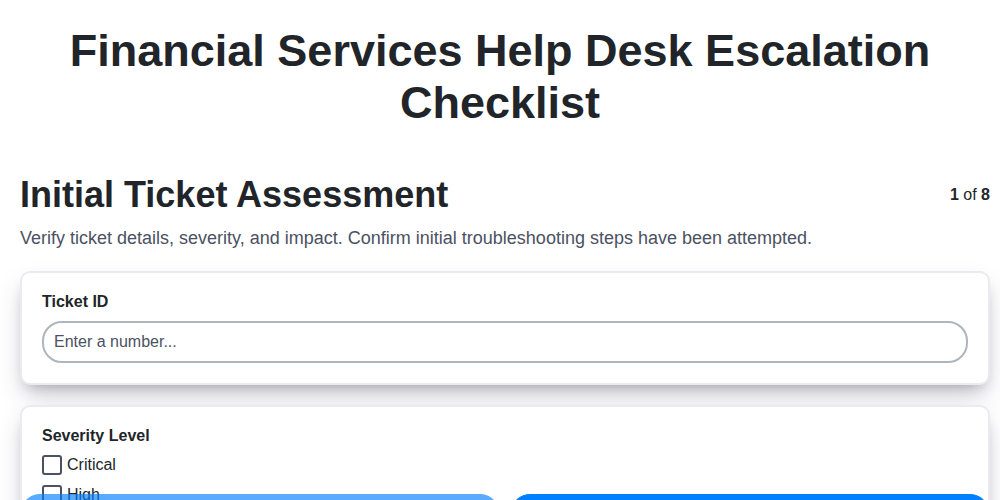
Streamlining Support: The Financial Services Help Desk Escalation Checklist You Need
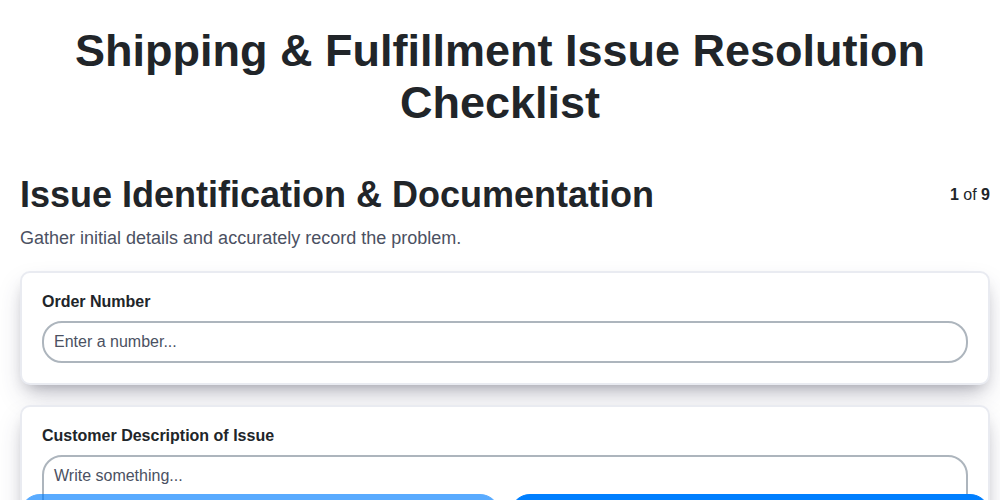
Navigating Shipping & Fulfillment Mishaps: Your Resolution Checklist
Mastering Guest Service Recovery: Your Hospitality Issue Checklist Template
We can do it Together
Need help with
Support Management?
Have a question? We're here to help. Please submit your inquiry, and we'll respond promptly.