 ChecklistGuro
 Manufacturing Inventory Control Checklist Template
Ensure production runs smoothly and costs stay in check with our Manufacturing Inventory Control Checklist Template! Minimize stockouts, reduce waste, and optimize your raw materials & finished goods inventory. Download now and streamline your manufacturing process!
This Template was installed 5 times.
Receiving & Inspection
Verify incoming shipments against purchase orders and inspect for damage or discrepancies.
Purchase Order Number
Quantity Ordered
Quantity Received
Condition of Packaging
Discrepancies Found
Description of Discrepancies (if any)
Date of Receipt
Receiving Dock/Area
Photo Documentation (if applicable)
Storage & Location Accuracy
Confirm inventory is stored in designated locations and locations are accurately reflected in records.
Verify Location Code on Bin
Quantity Confirmed
Condition of Bin/Shelf
Accessibility of Item
Notes on Storage Conditions (e.g., temperature, humidity)
UOM Discrepancy (if any)
Cycle Counting - Raw Materials
Regularly count a subset of raw material inventory to identify and correct errors.
Material Part Number
Quantity on Record
Quantity Counted
Discrepancy Found?
Discrepancy Notes (if applicable)
Resolution Required?
Count Date
Material Location
Cycle Counting - Work-in-Progress (WIP)
Cycle count WIP at various stages of production.
Work Center Location
Part Number
Quantity Counted
Quantity System Shows
Discrepancy Found?
Discrepancy Notes (if applicable)
Cycle Count Date
Cycle Count Time
Cycle Counting - Finished Goods
Cycle count finished goods inventory.
Finished Goods Item Code
System Quantity
Physical Count
Discrepancy?
Discrepancy Notes (if applicable)
Lot Number (if applicable)
Cycle Count Date
Location of Item
Condition of Goods?
Obsolete & Slow-Moving Inventory
Identify and assess obsolete or slow-moving inventory for potential disposal or adjustments.
Description of Item
Quantity on Hand
Date Item Last Moved/Used
Reason for Slow/Obsolete Status
Recommended Action
Estimated Salvage Value
Inventory Record Accuracy
Compare physical inventory counts to system records and investigate discrepancies.
Physical Count for Item A
System Quantity for Item A
Difference (Physical - System) for Item A
Explanation of Discrepancy for Item A
Discrepancy Resolved?
Date of Resolution
Resolution Notes (if applicable)
Adjusted System Quantity (if applicable)
Corrected by:
Safety Stock Levels
Review and adjust safety stock levels based on demand and lead times.
Current Safety Stock Level - Raw Material A
Target Safety Stock Level - Raw Material A
Rationale for Adjustment (if any)
Current Safety Stock Level - Finished Good B
Target Safety Stock Level - Finished Good B
Demand Pattern for Product C
Lead Time (days) - Supplier X
Lot/Serial Number Tracking
Verify proper lot/serial number tracking for traceability.
Lot Number (Item 1)
Serial Number (Item 1)
Quantity Received (with Lot/Serial)
Notes on Lot/Serial Number Condition (e.g., expiration date, damage)
Lot Status (Active, Quarantine, Expired)
Expiration Date (if applicable)
Documentation & Reporting
Confirm all inventory transactions are properly documented and reported.
Audit Date
Audit Start Time
Audit End Time
Total Inventory Items Counted
Number of Discrepancies Found
Summary of Discrepancies & Corrective Actions
Audit Findings Overall Status
Supporting Documentation (e.g., Inventory Reports)
Comments
There are no comments yet. Be the first to add one!
Manufacturing Management Solution Demo
Stop chasing paperwork and wrestling with disconnected systems! Our solution brings clarity and control to your production process. From standard operating procedures (SOPs) and equipment maintenance to quality control and inventory tracking, we simplify every step.
Related Checklist Templates
GMP (Good Manufacturing Practices) Facility & Hygiene Standard Checklist
SBI (Standard Business Instructions) Operational SOP Compliance Checklist
UVV (Unfallverhütungsvorschrift) Machinery Safety & Inspection Checklist
VDA 6.5 Product Audit & Quality Verification Checklist
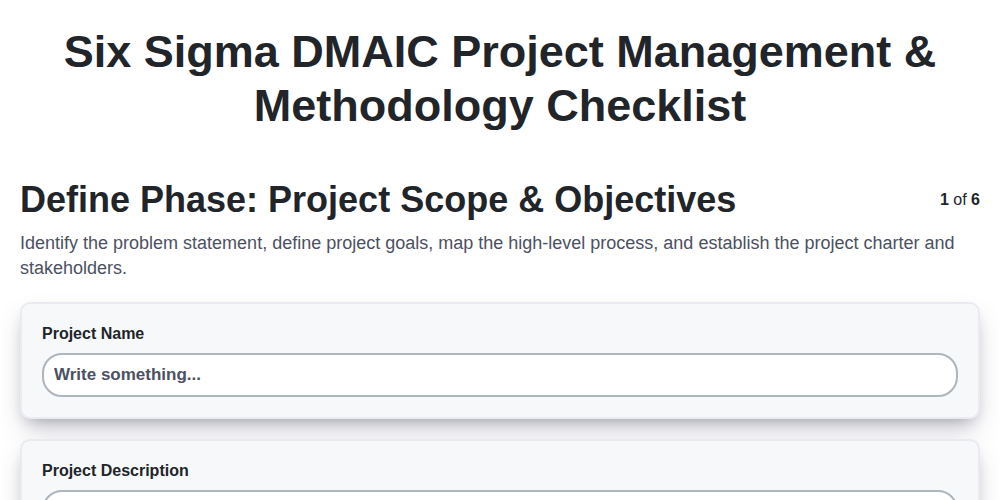
Six Sigma DMAIC Project Management & Methodology Checklist
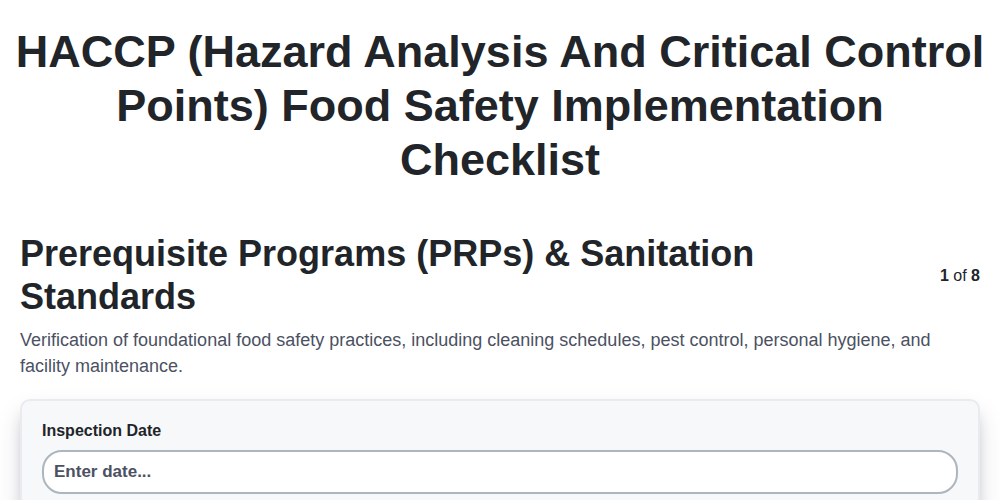
HACCP (Hazard Analysis and Critical Control Points) Food Safety Implementation Checklist
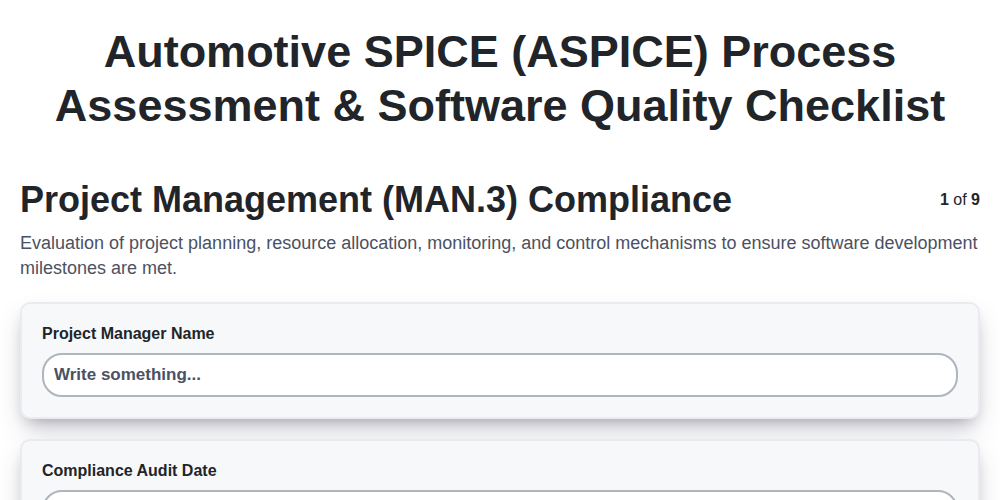
Automotive SPICE (ASPICE) Process Assessment & Software Quality Checklist
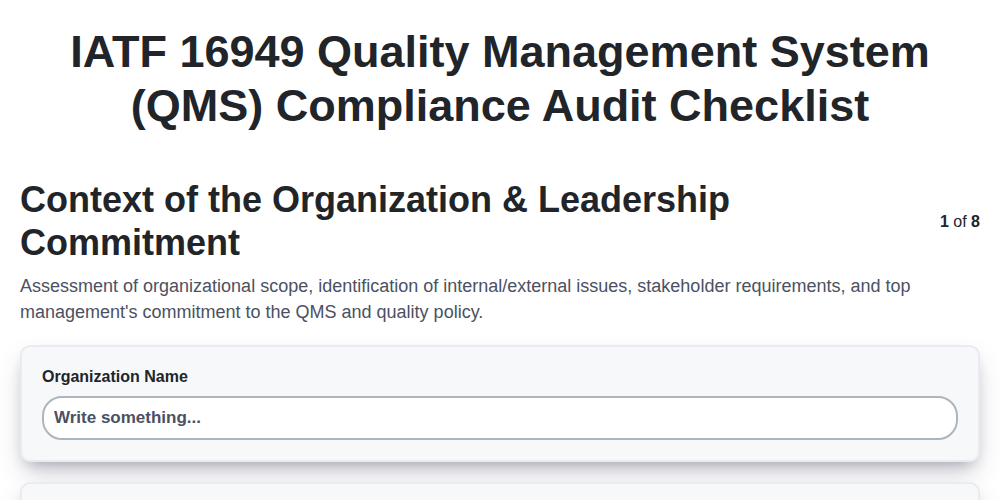
IATF 16949 Quality Management System (QMS) Compliance Audit Checklist
We can do it Together
Need help with
Manufacturing?
Have a question? We're here to help. Please submit your inquiry, and we'll respond promptly.