 ChecklistGuro
Ceiling Tile Installation Checklist
Ensure flawless ceiling tile installation! Download our comprehensive Construction Ceiling Tile Installation Checklist - covering prep, layout, adhesion, finishing, and safety. Perfect for contractors & DIYers!
This Template was installed 5 times.
Pre-Installation Planning & Assessment
Ensuring the area is prepared and suitable for ceiling tile installation.
Review Project Plans and Specifications
Existing Ceiling Condition?
Ceiling Height (ft)
Room Dimensions (Length ft)
Room Dimensions (Width ft)
Structural Considerations?
Notes on Structural Considerations (if applicable)
Planned Start Date
Material Verification & Handling
Confirming material specifications and proper storage to prevent damage.
Tile Type Confirmed?
Quantity of Tiles Received
Quantity of Tiles Specified in Plans
Discrepancy in Quantity (Received - Specified)
Notes on Quantity Discrepancies (if any)
Tile Size Confirmed?
Storage Conditions - Note (e.g., Flat, Protected)
Materials Stored Properly?
Grid System Installation
Focuses on the accurate and secure installation of the ceiling grid structure.
Grid Spacing (inches)
Main Runner Spacing (inches)
Cross Tee Length (inches)
Grid System Type
Hanger Wire Gauge (AWG)
Hanger Wire Placement Frequency
Notes on Grid System Adjustment (e.g., for sloped walls)
Ceiling Tile Installation
Steps involved in properly installing the ceiling tiles onto the grid system.
Tile Placement Pattern
Tile Spacing (inches)
Edge Condition
Notes on Tile Alignment & Seating
Tile Retention Method (if applicable)
Number of Tiles Installed
Details of any tile adjustments or special considerations
Finishing & Adjustments
Fine-tuning the installation and addressing any final adjustments for a professional finish.
Tile Alignment Check (Visual)
Grid Leveling Verification
Sound Attenuation Gap (if applicable, in inches)
Describe any adjustments made to tile placement (e.g., shimming, re-leveling)
Sealant Application (if required)
Notes on aesthetics or final appearance
Safety & Clean-Up
Ensuring a safe work environment and proper waste disposal.
PPE (Personal Protective Equipment) Verified?
Air Monitoring Readings (if applicable)
Hazardous Material Handling Notes (if applicable)
Clean-Up Procedures Followed
Waste Disposal Method
Unforeseen Issues & Corrective Actions
Site Left in Acceptable Condition?
Final Inspection & Documentation
Reviewing the completed work and creating records for quality assurance.
Overall Installation Quality Notes
Number of Tiles Installed
Number of Tiles Replaced/Adjusted
Grid System Alignment (Visual)
Tile Flushness with Grid
Inspection Date
Inspection Time
Inspector Signature
Recommendations/Corrective Actions (if any)
Frequently Asked Questions
Can I customize this template after installing it?
Absolutely. Once installed, you can add, remove, or reorder tasks, add custom fields, and adjust deadlines to fit your specific workflow.
Can I add images or photos to these checklist items?
Yes. Our platform allows you to attach photos, signatures, and notes to any checklist item for better verification and proof of completion.
Can I create a custom checklist from scratch instead of using a template?
Yes. You can use our "Create your own checklist" feature to build a unique workflow tailored exactly to your operational requirements.
Can I add dependencies between tasks?
Yes, you can set up conditional logic and dependencies to ensure your team follows the correct sequence of operations.
Can I assign specific checklist items to different team members?
Yes. You can assign individual tasks to specific employees, ensuring clear accountability across your entire team.
Can I use these checklists on mobile devices in the field?
Yes. Our platform is fully responsive, allowing your team to complete, update, and upload photos to checklists directly from any smartphone or tablet.
How do I notify my manager when a checklist is completed?
You can set up automated notifications (via email, push notification, or in-app alerts) to trigger whenever a checklist is finished or if an item fails inspection.
Can multiple people work on the same checklist simultaneously?
Yes, the platform supports real-time updates, allowing multiple users to contribute to a single live checklist.
Where is the data from completed checklists stored?
All completed checklists are stored securely in your Work OS dashboard, creating a permanent, searchable audit trail of your operations.
Can I generate reports based on my checklist results?
Yes. You can track completion rates, identify recurring issues, and monitor team performance through our integrated reporting and analytics tools.
How can I use these checklists for compliance or auditing purposes?
Because our checklists capture timestamps, photos, and digital signatures, they serve as a robust digital paper trail for regulatory compliance and internal audits.
Can I export my completed checklist data for use in other tools?
Yes. You can export your data in various formats (CSV, Excel, etc.) to integrate your operational insights with your other business software.
Comments
There are no comments yet. Be the first to add one!
Construction Management Solution Demo
Build smarter, not harder! ChecklistGuro streamlines construction projects from planning to closeout. Manage tasks, inspections, safety protocols & more - all in one place. Reduce delays, improve communication, and deliver projects on time & on budget.
Related Checklist Templates
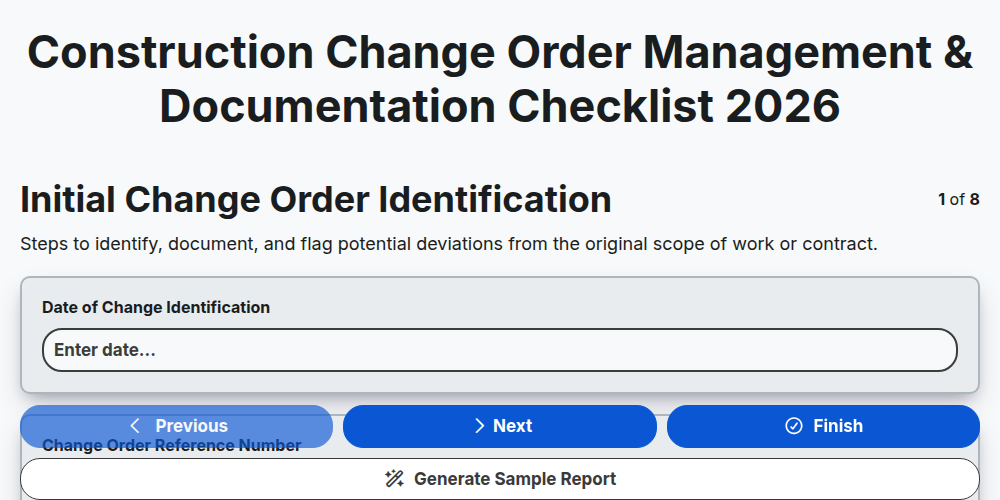
Construction Change Order Management & Documentation Checklist 2026
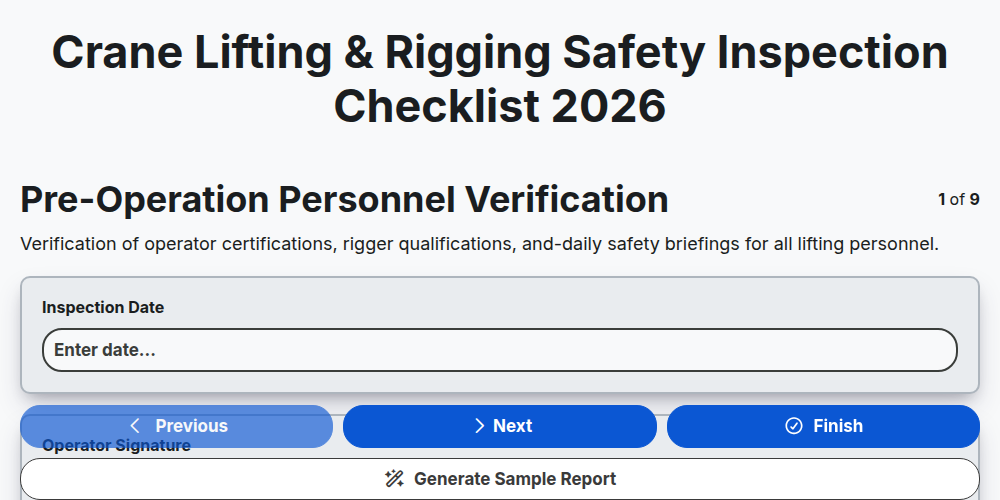
Crane Lifting & Rigging Safety Inspection Checklist 2026
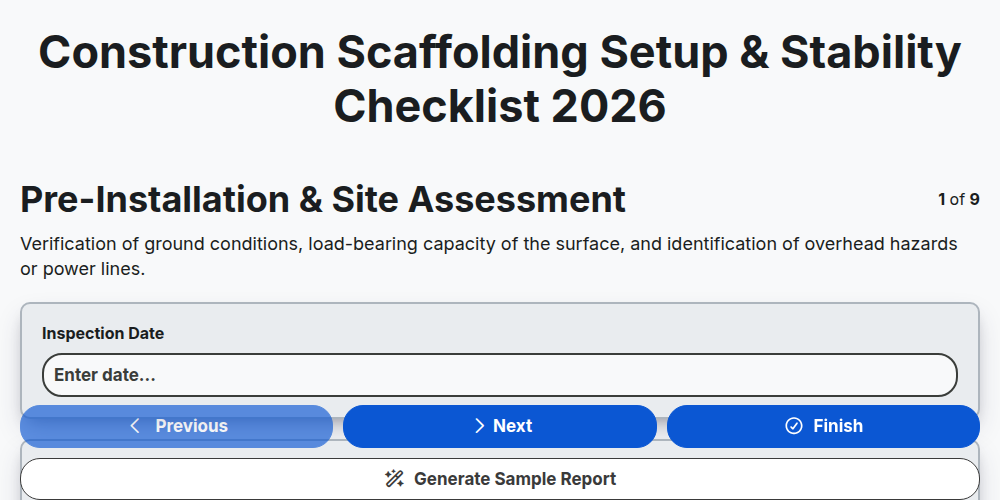
Construction Scaffolding Setup & Stability Checklist 2026
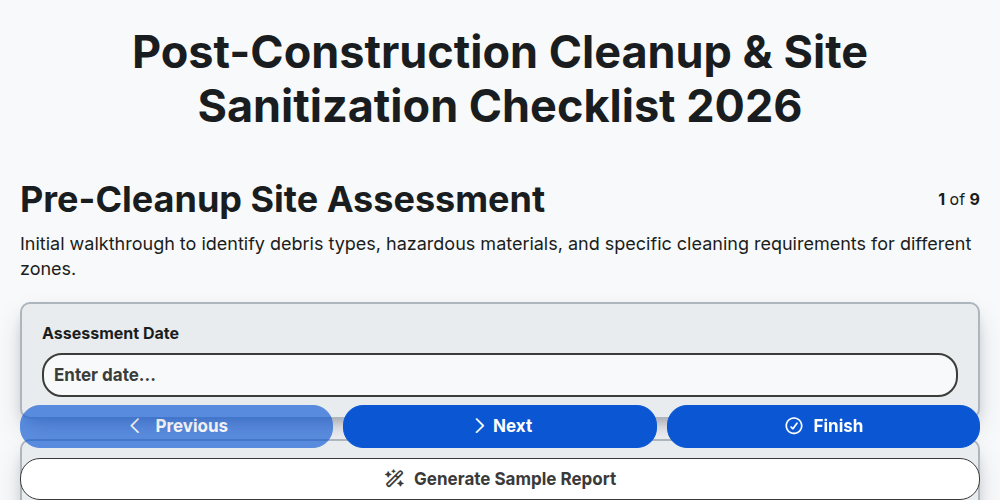
Post-Construction Cleanup & Site Sanitization Checklist 2026
Construction Site Security & Access Control Checklist 2026
Pre-Demolition Site Assessment & Safety Checklist 2026
Construction Site Waste Management & Recycling Checklist 2026
Subcontractor Daily Progress Reporting Checklist 2026
Need help with
Construction?
Have a question? We're here to help. Please submit your inquiry, and we'll respond promptly.