 ChecklistGuro
 Window & Door Installation Alignment Checklist
Ensure flawless window & door installation! Download our comprehensive Construction checklist to guarantee perfect alignment, prevent costly callbacks, and boost project quality. Includes crucial checks for plumb, level, square, and more. Your guide to seamless window & door fitting.
This Template was installed 2 times.
Pre-Installation Verification
Checks performed before any installation begins, ensuring proper preparation and accurate measurements.
Window/Door ID or SKU
Project Name/Address
Review of Shop Drawings/Specifications - Note any discrepancies?
Existing Wall Condition (observed)
Rough Opening Width (measured)
Rough Opening Height (measured)
Rough Opening Depth (measured)
Additional Notes/Observations (e.g., obstructions, insulation)
Frame Squareness & Level
Verification of the rough opening's squareness and levelness, critical for proper window/door fit.
Diagonal Measurement (Side 1)
Diagonal Measurement (Side 2)
Level Difference (Top)
Level Difference (Bottom)
Opening Squareness
Opening Levelness
Notes on Frame Squareness & Level (if corrections needed)
Window/Door Placement & Initial Alignment
Ensuring the window or door is positioned correctly within the rough opening and initially aligned.
Rough Opening Width (measured)
Rough Opening Height (measured)
Window/Door Width (measured)
Window/Door Height (measured)
Window/Door Placement (Centered/Offset)
Offset Location Details (if applicable)
Initial Shim Usage (Yes/No)
Shim Placement Notes (if applicable)
Vertical Alignment
Checking and adjusting the vertical alignment of the window or door relative to surrounding elements.
Distance from plumb (side 1) (in inches)
Distance from plumb (side 2) (in inches)
Total vertical adjustment needed (in inches)
Shimming Required?
Notes on vertical alignment adjustments (e.g., shimming locations, reasons for adjustments)
Check for Reveal (if applicable)
Reveal Distance (if applicable) (in inches)
Horizontal Alignment
Verifying and correcting the horizontal alignment of the window or door.
Horizontal Variation (at top)
Horizontal Variation (at bottom)
Overall Horizontal Deviation (max allowed)
Alignment Method Used
Notes on Horizontal Adjustment
Is horizontal alignment within tolerance?
Operating Functionality (if applicable)
Assessment of the window or door's opening, closing, and locking mechanisms.
Window/Door Operation: Smooth?
Clearance (Gap) Around Frame (mm)
Locking Mechanism Functionality
Notes on Operation/Adjustment Required
Weather Stripping Seal (Initial)
Final Inspection & Sign-off
A final assessment of alignment and overall installation quality, with necessary sign-off.
Temperature During Inspection (Fahrenheit)
Overall Alignment Satisfaction (Installer)
Operation Smoothness (Installer)
Installer Comments / Notes
Client Comments / Concerns
Installer Signature
Client Signature (Acceptance)
Date of Inspection
Comments
Saved me so much time setting up my morning briefing. Thanks!
Construction Management Solution Demo
Build smarter, not harder! ChecklistGuro streamlines construction projects from planning to closeout. Manage tasks, inspections, safety protocols & more - all in one place. Reduce delays, improve communication, and deliver projects on time & on budget.
Related Checklist Templates
Construction Material Inventory Checklist Template
Construction Material Inventory Tracking Checklist
Title Search & Insurance Checklist
Renovation Project Checklist
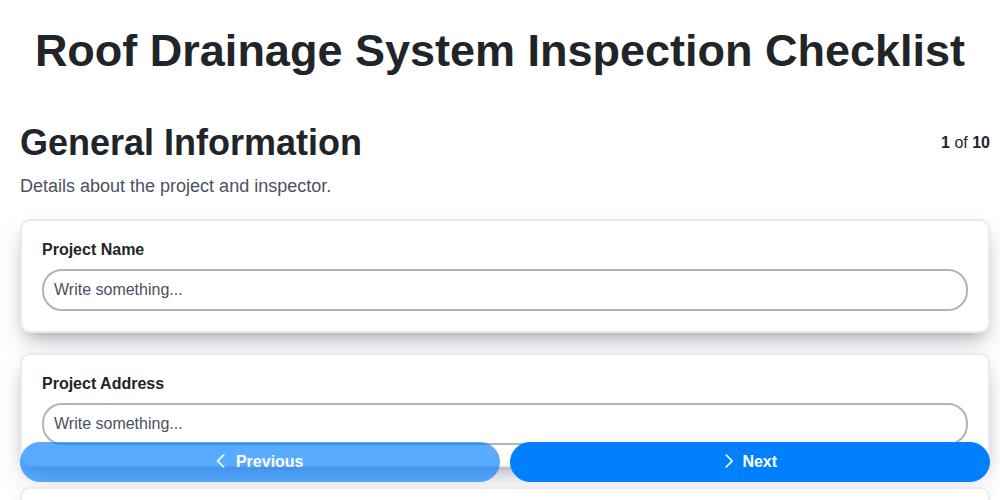
Roof Drainage System Inspection Checklist
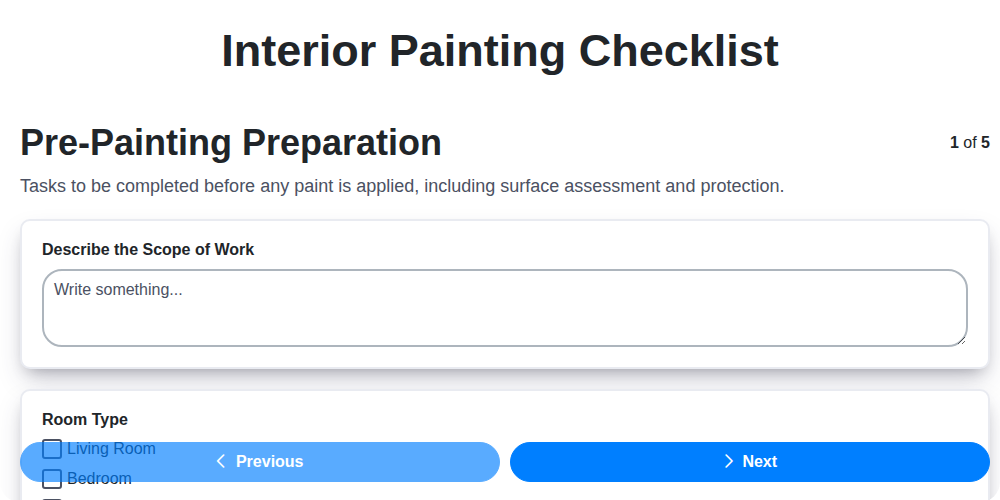
Interior Painting Checklist
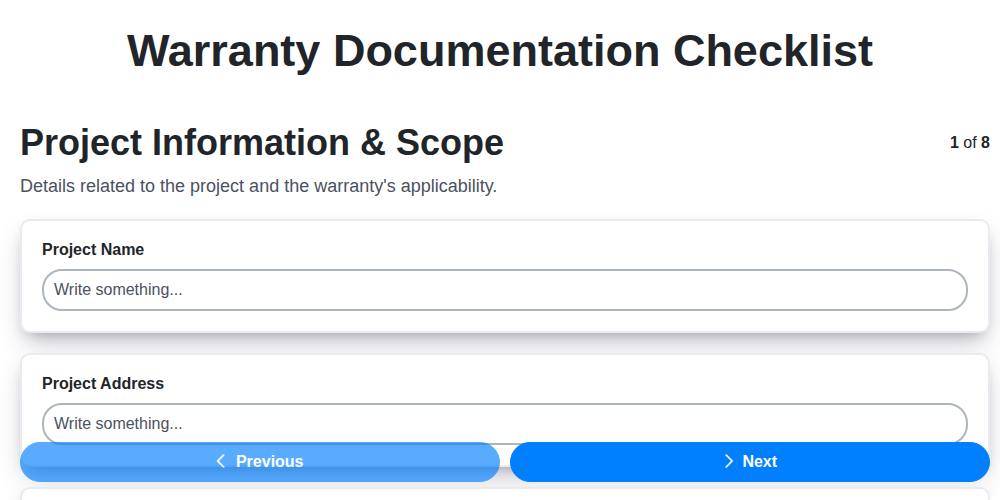
Warranty Documentation Checklist
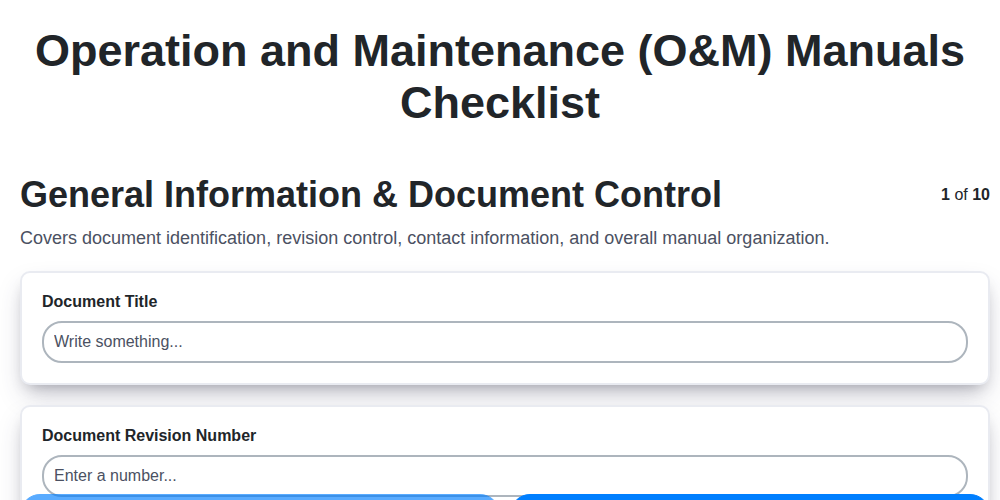
Operation and Maintenance (O&M) Manuals Checklist
We can do it Together
Need help with
Construction?
Have a question? We're here to help. Please submit your inquiry, and we'll respond promptly.