 ChecklistGuro
 Dental Appointment Checklist: Treatment Planning & Recall
Ensure every dental appointment is thorough and successful! Our Dental Appointment Checklist simplifies treatment planning, patient recall, and vital documentation. Boost patient satisfaction and streamline your practice's workflow. Download now and optimize your dental appointment process!
This Template was installed 1 times.
Patient Arrival & Initial Assessment
Tasks to complete upon patient arrival and before treatment begins, including vital signs and initial concerns.
Appointment Date
Appointment Time
Patient Name
Patient Age
Chief Complaint / Reason for Visit
Medical History Update Required?
Blood Pressure (Systolic)
Blood Pressure (Diastolic)
Temperature Taken?
Treatment Planning Review
Ensuring the treatment plan is reviewed, understood, and accepted by the patient.
Summary of Patient Concerns/Chief Complaint
Review of Previous Treatment/History
Explanation of Proposed Treatment Plan
Estimated Treatment Cost
Patient Understanding of Treatment Plan?
Informed Consent Obtained?
Date of Consent/Discussion
Patient Questions/Concerns Addressed
Clinical Procedures Checklist
Step-by-step checklist for specific dental procedures performed during the appointment.
Vital Signs - Blood Pressure (mmHg)
Vital Signs - Heart Rate (bpm)
Local Anesthesia Administered?
Anesthesia Notes (if applicable)
Suction Used?
Instruments Used (Check all that apply)
Procedure Notes
Radiography & Documentation
Ensuring proper radiographic techniques, processing, and documentation are followed.
FVDI (Fluoride Vial Dose Indicator) Reading
Radiograph Type (PA, BW, Pano, CBCT)
Exposure Settings (kVp)
Exposure Settings (mA)
Exposure Time (Seconds)
Radiographic Findings (Detailed Description)
Digital Radiograph Image(s)
Image Quality Assessment
Recall Appointment Scheduling
Scheduling appropriate follow-up appointments and confirming patient understanding of recall frequency.
Next Recall Appointment Date
Preferred Recall Time (optional)
Number of Months Until Next Recall
Recall Method
Notes Regarding Recall Preferences
Patient Confirmation Status
Financial Discussion & Authorization
Reviewing treatment costs, insurance coverage, and obtaining necessary authorizations.
Estimated Total Treatment Cost
Patient's Estimated Insurance Coverage
Patient's Estimated Out-of-Pocket Cost
Payment Plan Options Discussed
Notes on Financial Discussion
Authorization Form Signed?
Insurance Card Copy (Optional)
Patient Signature (Financial Acknowledgment)
Patient Education & Discharge
Providing post-treatment instructions, answering questions, and ensuring patient understanding.
Post-Treatment Instructions Provided (Oral Hygiene, Diet, Pain Management)
Did patient express understanding of instructions?
Patient Concerns/Questions Addressed
Follow-Up Appointment in (Days)
Scheduled Follow-Up Appointment Date
Method of Recall Confirmation
Recall Confirmation Notes
Chart Documentation & Billing
Completing all necessary chart documentation and initiating billing processes.
Total Treatment Cost
Patient Co-pay
Insurance Portion Paid
Billing Status
Date of Billing Submission
Billing Notes/Comments
Insurance Claim Form (if applicable)
Payment Method
Comments
There are no comments yet. Be the first to add one!
Dental Management Solution Demo
Simplify your dental practice & enhance patient care! ChecklistGuro streamlines appointment scheduling, patient records, and billing. Improve efficiency, reduce errors, & boost patient satisfaction. Manage it all with our Work OS.
Related Checklist Templates
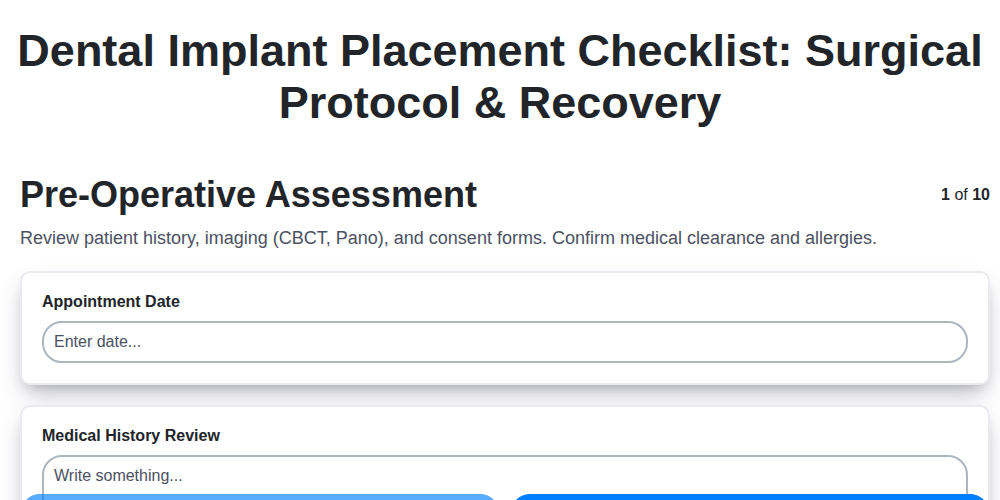
Dental Implant Placement Checklist: Surgical Protocol & Recovery
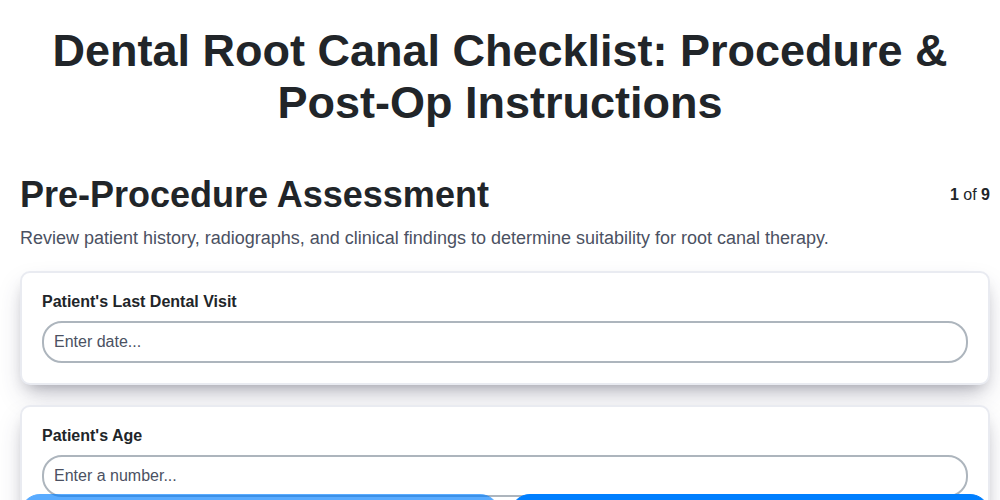
Dental Root Canal Checklist: Procedure & Post-Op Instructions
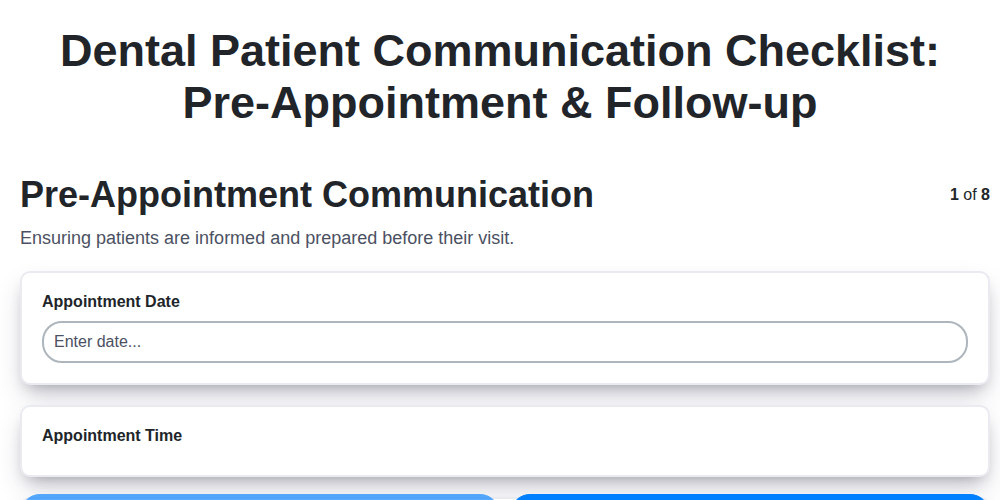
Dental Patient Communication Checklist: Pre-Appointment & Follow-up

Dental Infection Control Checklist: PPE & Surface Disinfection
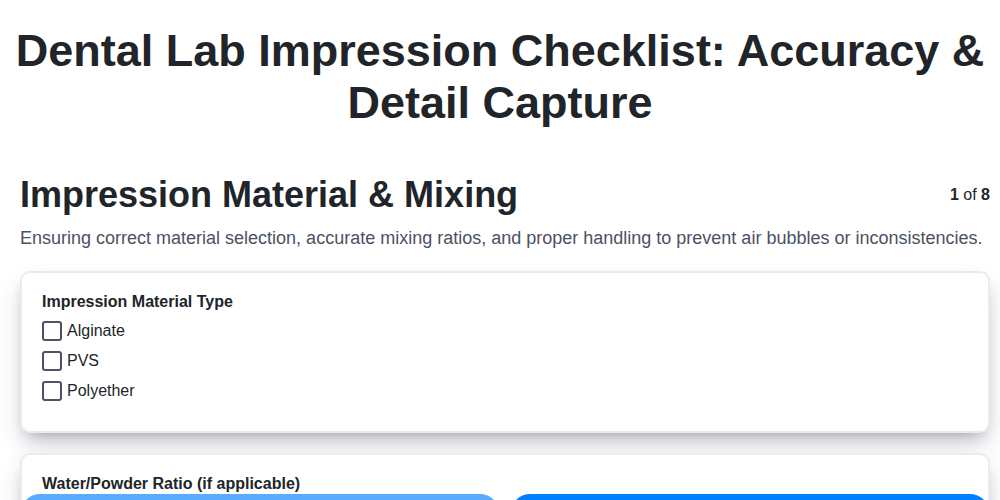
Dental Lab Impression Checklist: Accuracy & Detail Capture

Dental Regulatory Compliance Checklist: State & Federal Guidelines

Dental Dental Case Presentation Checklist: Diagnostic Records & Treatment Options
Dental OSHA Compliance Checklist: Workplace Safety & Hazard Control
We can do it Together
Need help with
Dental Management?
Have a question? We're here to help. Please submit your inquiry, and we'll respond promptly.