 ChecklistGuro
 Dental Inventory Management Checklist: Supplies & Ordering
Never run out of essential dental supplies again! Our Dental Inventory Management Checklist ensures you're always stocked, organized, and ready for your patients. Simplify ordering, track usage, and optimize your budget with this easy-to-use checklist. Download now and streamline your dental practice's inventory control.
This Template was installed 1 times.
Initial Stock Levels
Assess current quantities of essential dental supplies and orderable items. Determine reorder points.
Current Quantity - Impression Materials
Reorder Point - Nitrile Gloves
Quantity on Hand - Amalgam Tabs
Preferred Vendor - Restoratives
Current Quantity - Handpieces
Date of Last Inventory Count
Weekly Order Review
Review weekly usage reports and adjust order quantities accordingly. Identify slow-moving or expired items.
Handpiece Quantity Used (Week)
Impression Materials Usage (g)
Amalgam Capsule Usage (Capsules)
Any Supply Shortages Noted?
Notes on Usage Trends or Concerns
Materials Needing Prioritized Reordering
Date of Weekly Review
Order Placement & Tracking
Confirm accurate order placement with vendors, track shipments, and verify delivery.
Order Date
Order Number
Vendor
Shipping Method
Tracking Number
Estimated Delivery Date
Order Notes
Receiving & Inspection
Inspect received goods for accuracy, quality, and expiration dates. Document any discrepancies.
Quantity Received
Order Accuracy
Product Condition
Receipt Date
Comments/Notes (e.g., damage details)
Lot Number (if applicable)
Expiration Date Verification
Storage & Organization
Maintain organized storage areas. Rotate stock (FIFO - First In, First Out). Ensure proper temperature and humidity.
Shelf Capacity (linear feet)
Storage Conditions Met?
Labeling System Description
Emergency Supply Location
Organization Method Used?
Notes on Storage Arrangement
Expiration Date Monitoring
Regularly check expiration dates and remove expired items. Establish a system for tracking expiration dates.
Item Expiration Date
Action Taken (Expired)
Lot Number (if applicable)
Quantity Expired
Notes/Comments
Date of Expiration Check
Vendor Management
Review vendor performance, pricing, and lead times. Maintain vendor contact information.
Primary Dental Supply Vendor
Vendor Account Number
Vendor Contact Name
Vendor Contact Phone Number
Vendor Contact Email Address
Last Price Negotiation Date
Vendor Performance Rating (1-5)
Notes on Vendor Relationship/Performance
Inventory Adjustments & Reconciliation
Periodically reconcile physical inventory with recorded quantities. Investigate and document discrepancies.
Quantity Discrepancy (Positive/Negative)
Reason for Adjustment (e.g., Damage, Theft, Clerical Error)
Adjustment Type
Adjustment Date
Adjustment Time
Detailed Explanation (Optional)
Authorized Signature
Comments
There are no comments yet. Be the first to add one!
Dental Management Solution Demo
Simplify your dental practice & enhance patient care! ChecklistGuro streamlines appointment scheduling, patient records, and billing. Improve efficiency, reduce errors, & boost patient satisfaction. Manage it all with our Work OS.
Related Checklist Templates
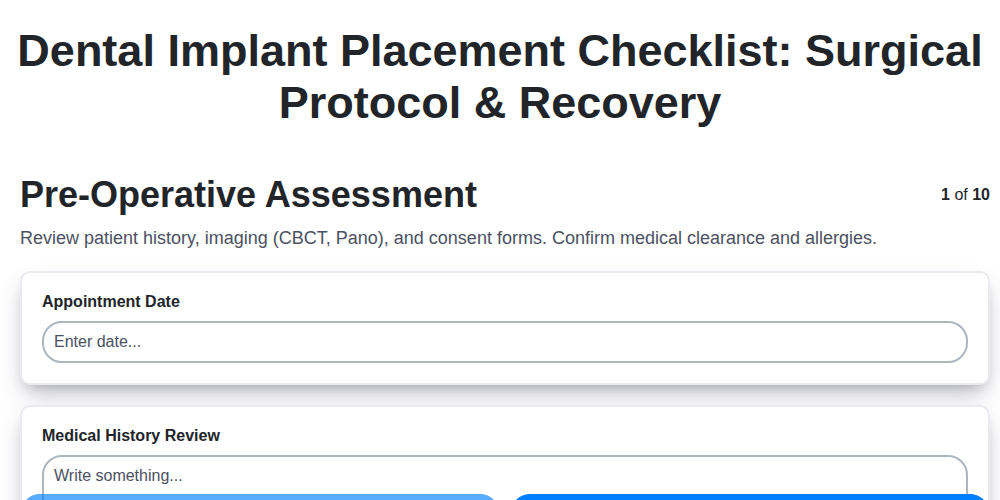
Dental Implant Placement Checklist: Surgical Protocol & Recovery
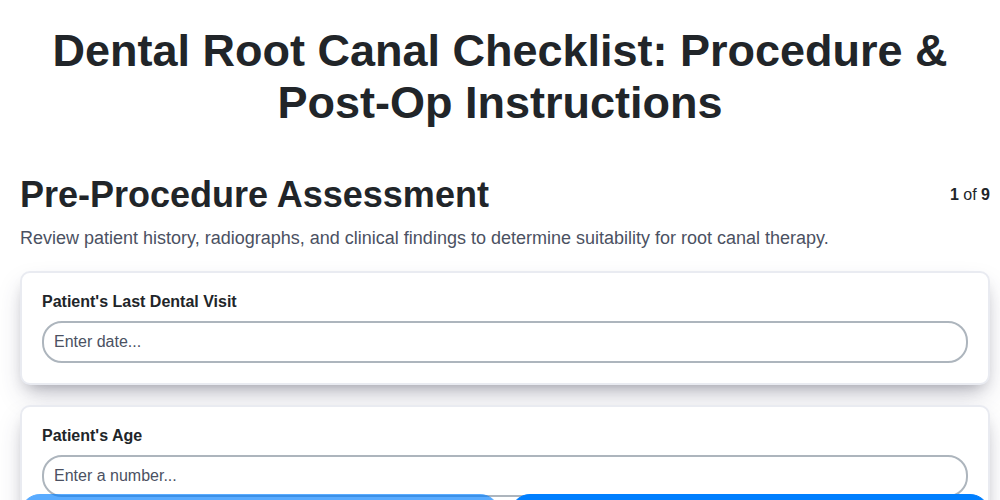
Dental Root Canal Checklist: Procedure & Post-Op Instructions
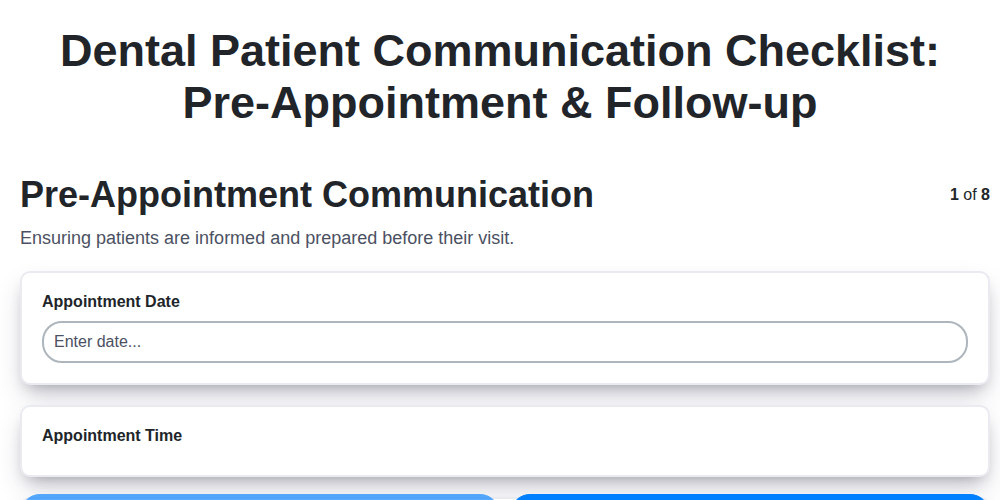
Dental Patient Communication Checklist: Pre-Appointment & Follow-up

Dental Infection Control Checklist: PPE & Surface Disinfection
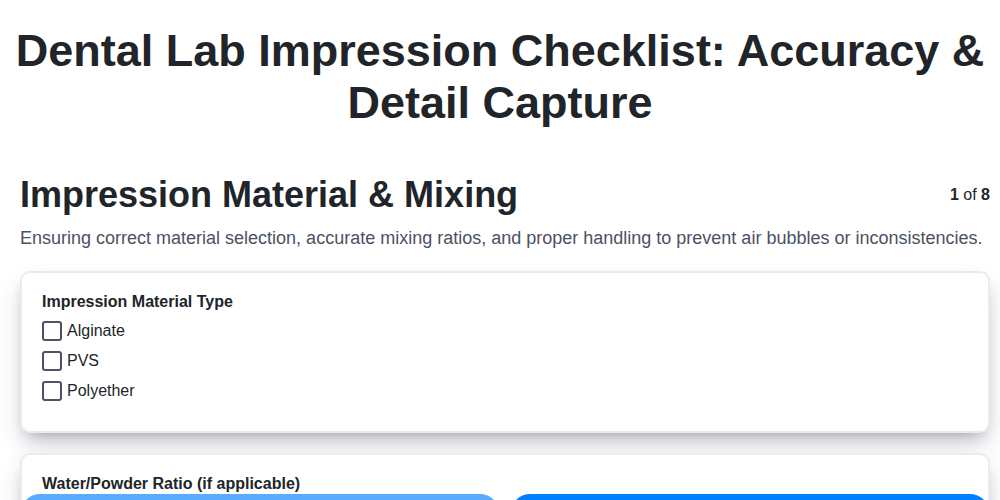
Dental Lab Impression Checklist: Accuracy & Detail Capture

Dental Regulatory Compliance Checklist: State & Federal Guidelines

Dental Dental Case Presentation Checklist: Diagnostic Records & Treatment Options
Dental OSHA Compliance Checklist: Workplace Safety & Hazard Control
We can do it Together
Need help with
Dental Management?
Have a question? We're here to help. Please submit your inquiry, and we'll respond promptly.