 ChecklistGuro
Dental Marketing Checklist: Online Presence & Patient Acquisition
Boost your dental practice's visibility and attract new patients! This Dental Marketing Checklist covers essential online presence strategies, from website optimization to social media engagement, ensuring you reach the right audience and fill your schedule. Get your digital marketing on track today!
This Template was installed 5 times.
Website Optimization
Ensuring your website is user-friendly, mobile-responsive, and search engine optimized.
Page Load Speed (seconds)
Mobile Responsiveness Check
SSL Certificate Status
Accessibility Compliance (WCAG)
Meta Description (Accuracy & Relevance)
Last Website Content Update
Search Engine Optimization (SEO)
Improving your website's ranking in search engine results pages (SERPs).
Keyword Ranking (Primary Keyword)
Website Loading Speed (seconds)
Mobile-Friendliness Test Result
Target Keywords Implemented?
Meta Description (Primary Keyword)
Notes on SEO Strategy Updates
Social Media Marketing
Managing and engaging with your audience on social media platforms.
Which platforms are actively managed?
Number of new followers gained this month
Average engagement rate (%)
Last date of content posting
Hashtag strategy effectiveness notes
Content theme for upcoming month?
Online Reviews & Reputation Management
Monitoring and responding to online reviews and building a positive online reputation.
Average Star Rating (Google)
Total Number of Reviews (Google)
Review Platform Monitoring (Select all)
Date of Last Review Response
Template for Positive Review Response
Template for Negative Review Response
Notes on Recent Review Concerns/Trends
Content Marketing
Creating and distributing valuable, relevant, and consistent content to attract and retain a clearly defined audience.
Blog Post Publishing Frequency (per week)
Content Formats Created (check all that apply)
Content Calendar Outline (brief overview)
Primary Content Topic Focus (e.g., Preventative Care, Cosmetic Dentistry)
Example Content File (e.g., Draft Blog Post, Video Script)
Content Persona (brief description of target reader)
Paid Advertising (PPC)
Managing and optimizing paid advertising campaigns (e.g., Google Ads, social media ads).
Daily PPC Budget
Campaign Goal (e.g., leads, appointments)
Targeting Keywords
Ad Headline 1 (Character Limit: 30)
Ad Description (Character Limit: 90)
Ad Extension Type (e.g., Sitelink, Callout)
Campaign Start Date
Maximum Cost-Per-Click (CPC)
Email Marketing
Creating and sending targeted email campaigns to engage patients and promote services.
Subject Line (A/B Test Ideas)
Email Body Copy (Main Content)
Call to Action (CTA) Buttons
Target Audience Segment Size
Email Campaign Goal
Scheduled Send Date
Scheduled Send Time
Local Listings Management
Ensuring accuracy and consistency of your business information across online directories.
Practice Name (as listed on Google Business Profile)
Practice Address (as listed on Google Business Profile)
Practice Phone Number (as listed on Google Business Profile)
Year Business Established
Google Business Profile Verified?
Listings Platforms Used (select all that apply)
Last Listing Update Date
Patient Referral Program
Developing and promoting a referral program to encourage patient referrals.
Current Referral Rate (%)
Referral Program Type
Discount/Reward Amount (e.g., $)
Program Description for Patients
Marketing Materials Distributed
Program Launch Date
Analytics Tracking & Reporting
Monitoring key performance indicators (KPIs) and analyzing marketing campaign effectiveness.
Website Traffic (Monthly)
Conversion Rate (Appointment Bookings)
Cost Per Acquisition (CPA)
Return on Ad Spend (ROAS)
Top Performing Marketing Channel
Last Report Generation Date
Frequently Asked Questions
Can I customize this template after installing it?
Absolutely. Once installed, you can add, remove, or reorder tasks, add custom fields, and adjust deadlines to fit your specific workflow.
Can I add images or photos to these checklist items?
Yes. Our platform allows you to attach photos, signatures, and notes to any checklist item for better verification and proof of completion.
Can I create a custom checklist from scratch instead of using a template?
Yes. You can use our "Create your own checklist" feature to build a unique workflow tailored exactly to your operational requirements.
Can I add dependencies between tasks?
Yes, you can set up conditional logic and dependencies to ensure your team follows the correct sequence of operations.
Can I assign specific checklist items to different team members?
Yes. You can assign individual tasks to specific employees, ensuring clear accountability across your entire team.
Can I use these checklists on mobile devices in the field?
Yes. Our platform is fully responsive, allowing your team to complete, update, and upload photos to checklists directly from any smartphone or tablet.
How do I notify my manager when a checklist is completed?
You can set up automated notifications (via email, push notification, or in-app alerts) to trigger whenever a checklist is finished or if an item fails inspection.
Can multiple people work on the same checklist simultaneously?
Yes, the platform supports real-time updates, allowing multiple users to contribute to a single live checklist.
Where is the data from completed checklists stored?
All completed checklists are stored securely in your Work OS dashboard, creating a permanent, searchable audit trail of your operations.
Can I generate reports based on my checklist results?
Yes. You can track completion rates, identify recurring issues, and monitor team performance through our integrated reporting and analytics tools.
How can I use these checklists for compliance or auditing purposes?
Because our checklists capture timestamps, photos, and digital signatures, they serve as a robust digital paper trail for regulatory compliance and internal audits.
Can I export my completed checklist data for use in other tools?
Yes. You can export your data in various formats (CSV, Excel, etc.) to integrate your operational insights with your other business software.
Comments
There are no comments yet. Be the first to add one!
Dental Management Solution Demo
Simplify your dental practice & enhance patient care! ChecklistGuro streamlines appointment scheduling, patient records, and billing. Improve efficiency, reduce errors, & boost patient satisfaction. Manage it all with our Work OS.
Related Checklist Templates
Dental Dental Hygienist Workflow Checklist 2026: Prophy & Periodontal Care
Dental Clinical Audit Checklist 2026: Documentation & Treatment Accuracy
Dental Post-Operative Care Checklist 2026: Patient Instructions & Follow-up
Dental Practice Financial Health Checklist 2026: Overhead & Profitability Analysis
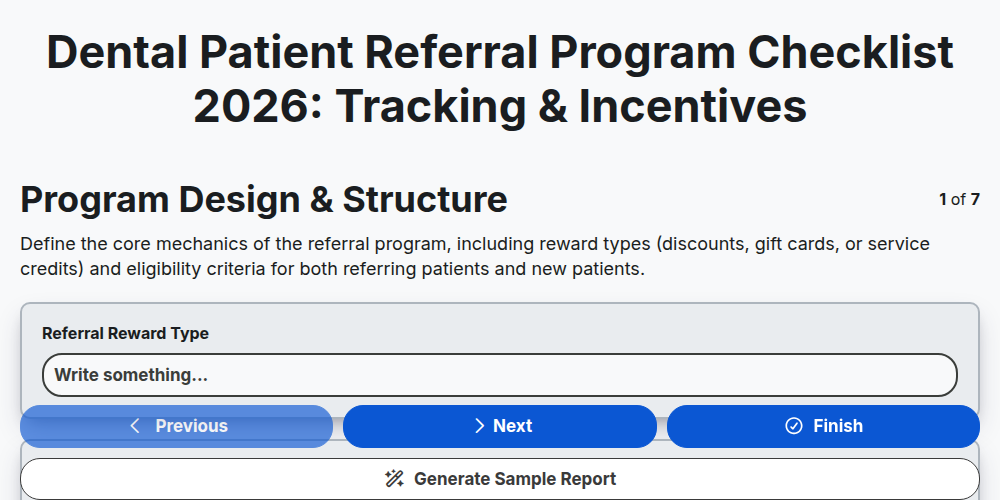
Dental Patient Referral Program Checklist 2026: Tracking & Incentives
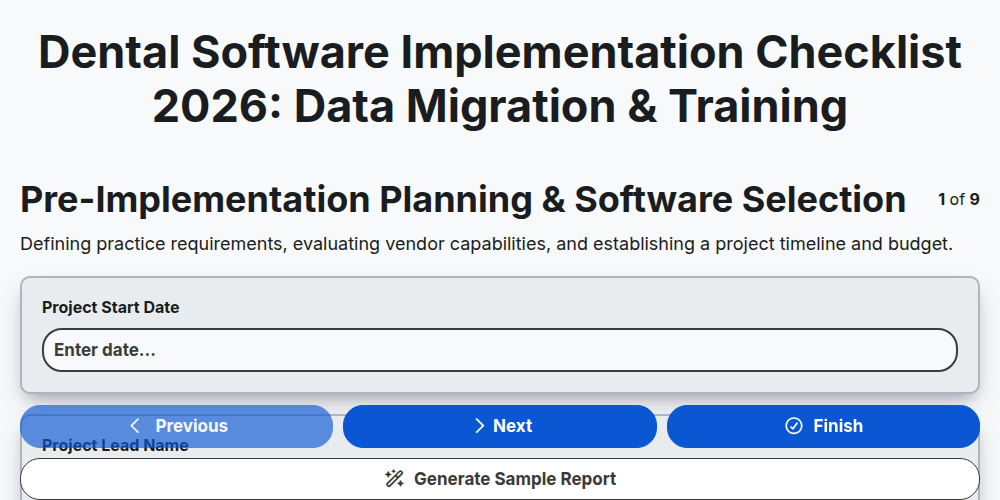
Dental Software Implementation Checklist 2026: Data Migration & Training
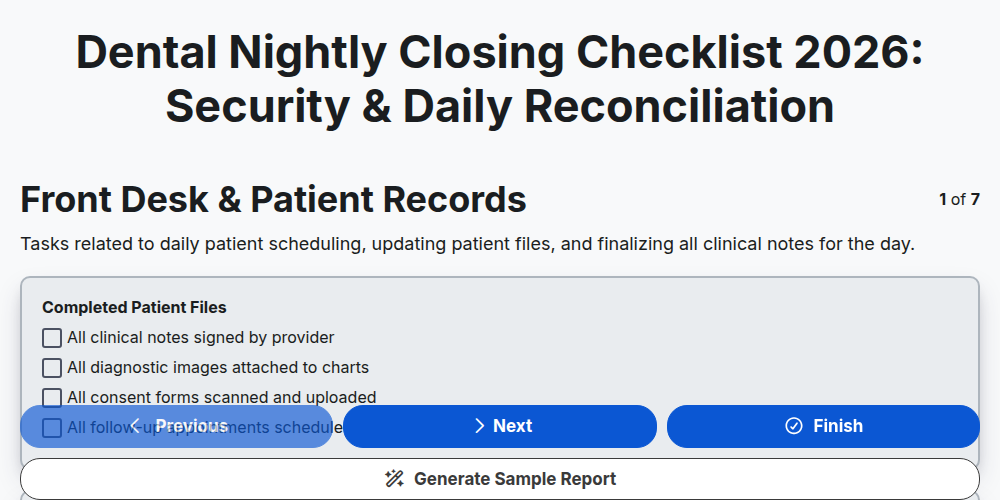
Dental Nightly Closing Checklist 2026: Security & Daily Reconciliation
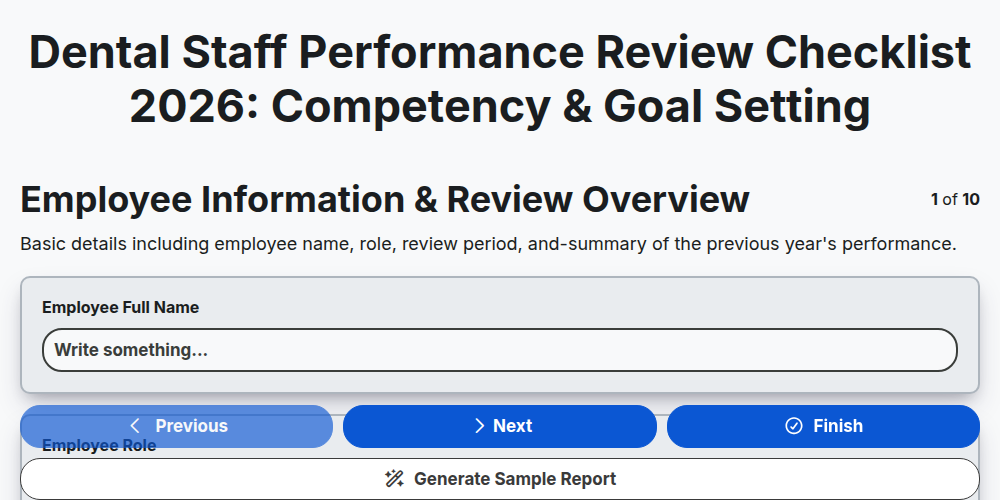
Dental Staff Performance Review Checklist 2026: Competency & Goal Setting
Need help with
Dental Management?
Have a question? We're here to help. Please submit your inquiry, and we'll respond promptly.