 ChecklistGuro
Dental Office Operations Checklist Template
Ensure seamless dental practice management! This comprehensive Dental Office Operations Checklist Template covers everything from patient scheduling and hygiene protocols to equipment maintenance and regulatory compliance. Streamline workflows, boost efficiency, and minimize errors with our customizable checklist - your essential tool for a thriving dental practice.
This Template was installed 2 times.
Patient Scheduling & Reception
Ensuring efficient appointment flow and patient communication.
Daily Appointment Book Review Date
Number of New Patients Scheduled Today
Number of Existing Patients Scheduled Today
Confirm Daily Greeting Script Followed?
Verify Waitlist Protocol Followed?
Time of Daily Reception Area Cleanliness Check
Notes on any Scheduling Issues or Patient Concerns
Clinical Procedures & Sterilization
Verifying adherence to infection control protocols and clinical best practices.
Last Instrument Tray Sterilization Date
Autoclave Cycle Count
Autoclave Validation Method Used
Surface Disinfection Protocol Followed
Notes on Autoclave Performance or Issues
Personal Protective Equipment (PPE) Checklist
Last Waterline Flushing Date
Record any unusual observations during sterilization process
Inventory Management & Ordering
Maintaining adequate supplies and managing stock levels.
Current Quantity: Nitrous Oxide
Minimum Stock Level: Impression Materials
Last Order Date: Disposable Gloves
Units to Order: Syringes (Size 3ml)
Preferred Supplier: Local Dental Supply Company
Notes on Specific Needs or Requests for Next Order
Order Status
Quantity: Amalgam Tablets
Equipment Maintenance & Calibration
Tracking maintenance schedules and ensuring equipment functionality.
Last X-Ray Machine Calibration Date
X-Ray Machine Exposure Settings (mA, kVp, Time)
Last Ultrasonic Scaler Maintenance
Notes from Ultrasonic Scaler Maintenance (e.g., repairs, adjustments)
Autoclave Validation & Testing Date
Autoclave Validation Test Results (e.g., spore tests)
Dental Handpiece RPM Test Result
Handpiece Lubrication Status
Financial & Billing Procedures
Confirming accurate billing, insurance claims, and payment processing.
Number of Claims Submitted
Number of Claims Denied
Amount of Patient Balances
Payment Processing Method Verified?
Last Insurance Verification Date
Notes on any billing discrepancies
EHR/Billing System Backup Completed?
Total Outstanding Patient Balances
Regulatory Compliance & Safety
Addressing HIPAA, OSHA, and other relevant regulations.
Last HIPAA Training Completion Date
Fire Extinguisher Inspection Frequency (Months)
OSHA Compliance Status
Safety Hazards Identified (Check all that apply)
Emergency Action Plan Document
Last Medical Gas Cylinder Inspection Date
Record of Recent Safety Incident & Corrective Actions
Radiation Safety Program Status
Patient Communication & Records
Managing patient correspondence, consent forms, and medical records.
Last Patient Communication Log Review Date
Summary of Patient Feedback (Recent Reviews/Complaints)
HIPAA Training Confirmation Status (All Staff)
Patient Consent Forms (Sample)
Number of Patient Communication Logs Reviewed This Period
Date of Last Patient Privacy Policy Update
Notes on Patient Communication Challenges/Improvements
Staff Training & Performance
Tracking training completion and evaluating staff performance.
Last HIPAA Training Completion Date
Last OSHA Compliance Training Date
Number of Continuing Education Credits Completed (Past Year)
Areas of Expertise/Training (Select All That Apply)
Summary of Recent Performance Review Feedback
Current Performance Level
Copy of Certification/License (if applicable)
Office Security & Emergency Preparedness
Maintaining a safe and secure environment for patients and staff.
Last Security System Inspection Date
Fire Extinguisher Inspection Frequency (Months)
Emergency Procedures Posted?
Briefly describe emergency contact list distribution
Last First Aid Kit Restock Date
Building Security Protocol
Copy of Emergency Action Plan
Marketing & Patient Retention
Monitoring marketing efforts and strategies to retain patients.
Number of New Patient Inquiries This Month
Patient Retention Rate (%), Last Quarter
Current Marketing Campaign Focus
Summary of Recent Marketing Campaign Performance
Date of Last Patient Satisfaction Survey
Marketing Channels Currently Utilized
Notes on Patient Feedback Regarding Marketing
Frequently Asked Questions
Can I customize this template after installing it?
Absolutely. Once installed, you can add, remove, or reorder tasks, add custom fields, and adjust deadlines to fit your specific workflow.
Can I add images or photos to these checklist items?
Yes. Our platform allows you to attach photos, signatures, and notes to any checklist item for better verification and proof of completion.
Can I create a custom checklist from scratch instead of using a template?
Yes. You can use our "Create your own checklist" feature to build a unique workflow tailored exactly to your operational requirements.
Can I add dependencies between tasks?
Yes, you can set up conditional logic and dependencies to ensure your team follows the correct sequence of operations.
Can I assign specific checklist items to different team members?
Yes. You can assign individual tasks to specific employees, ensuring clear accountability across your entire team.
Can I use these checklists on mobile devices in the field?
Yes. Our platform is fully responsive, allowing your team to complete, update, and upload photos to checklists directly from any smartphone or tablet.
How do I notify my manager when a checklist is completed?
You can set up automated notifications (via email, push notification, or in-app alerts) to trigger whenever a checklist is finished or if an item fails inspection.
Can multiple people work on the same checklist simultaneously?
Yes, the platform supports real-time updates, allowing multiple users to contribute to a single live checklist.
Where is the data from completed checklists stored?
All completed checklists are stored securely in your Work OS dashboard, creating a permanent, searchable audit trail of your operations.
Can I generate reports based on my checklist results?
Yes. You can track completion rates, identify recurring issues, and monitor team performance through our integrated reporting and analytics tools.
How can I use these checklists for compliance or auditing purposes?
Because our checklists capture timestamps, photos, and digital signatures, they serve as a robust digital paper trail for regulatory compliance and internal audits.
Can I export my completed checklist data for use in other tools?
Yes. You can export your data in various formats (CSV, Excel, etc.) to integrate your operational insights with your other business software.
Comments
There are no comments yet. Be the first to add one!
Dental Management Solution Demo
Simplify your dental practice & enhance patient care! ChecklistGuro streamlines appointment scheduling, patient records, and billing. Improve efficiency, reduce errors, & boost patient satisfaction. Manage it all with our Work OS.
Related Checklist Templates
Dental Dental Hygienist Workflow Checklist 2026: Prophy & Periodontal Care
Dental Clinical Audit Checklist 2026: Documentation & Treatment Accuracy
Dental Post-Operative Care Checklist 2026: Patient Instructions & Follow-up
Dental Practice Financial Health Checklist 2026: Overhead & Profitability Analysis
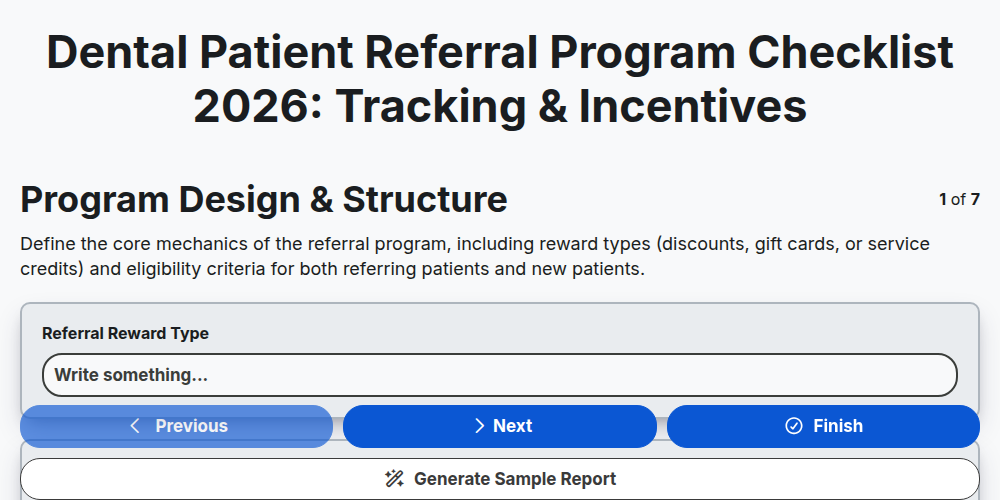
Dental Patient Referral Program Checklist 2026: Tracking & Incentives
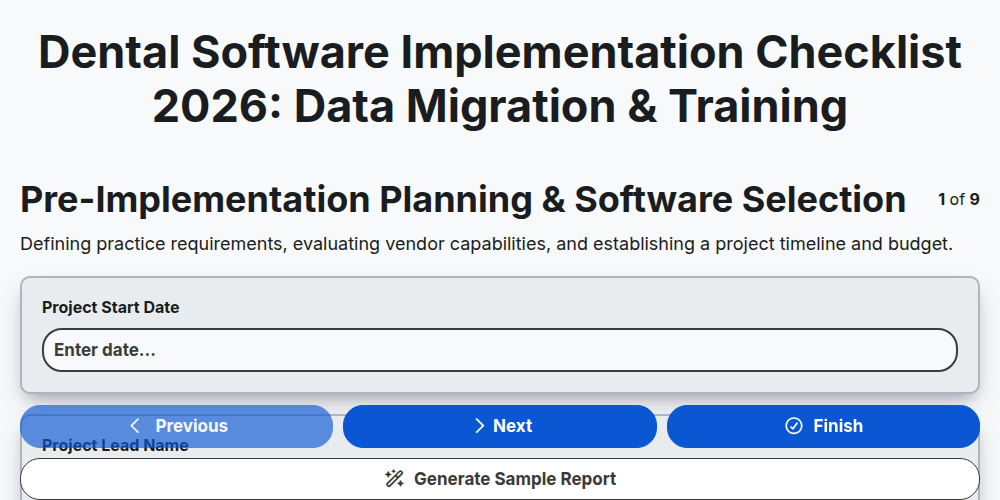
Dental Software Implementation Checklist 2026: Data Migration & Training
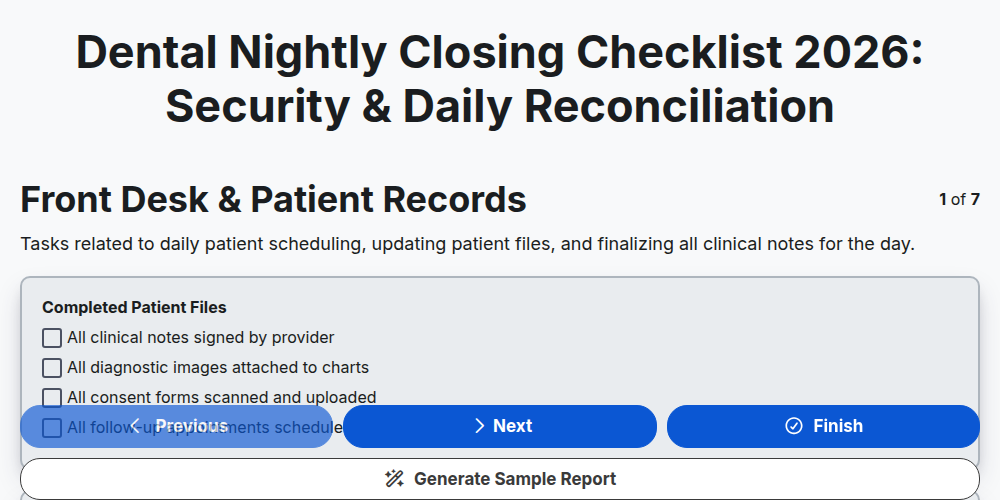
Dental Nightly Closing Checklist 2026: Security & Daily Reconciliation
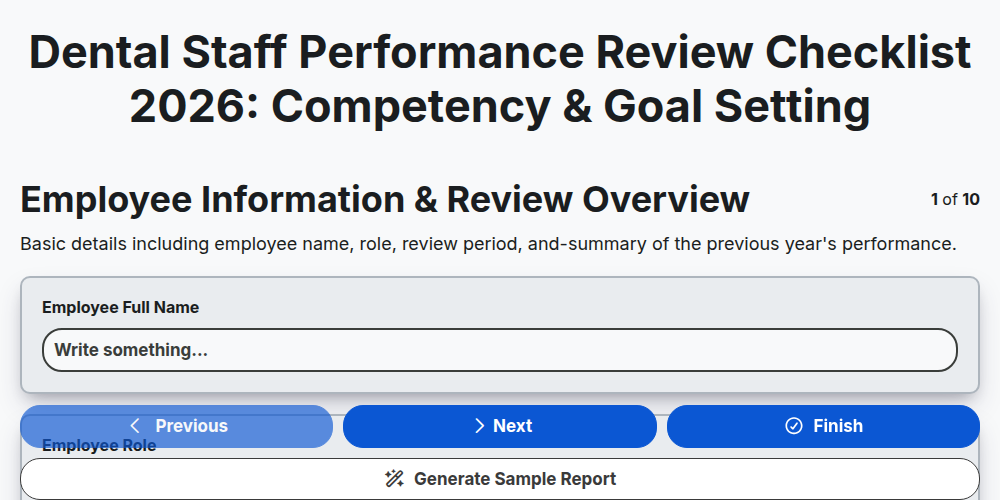
Dental Staff Performance Review Checklist 2026: Competency & Goal Setting
Need help with
Dental Management?
Have a question? We're here to help. Please submit your inquiry, and we'll respond promptly.