 ChecklistGuro
 Dental Recall System Checklist Template
Never miss a patient! Our Dental Recall System Checklist Template ensures consistent patient follow-up, boosts retention, and maximizes your practice's revenue. Simplify your recall process and keep your patients engaged with this essential dental management tool.
This Template was installed 4 times.
Patient List Preparation
Steps for compiling and organizing the list of patients due for recall.
Last List Generation Date
Total Patients on Recall List
List Generation Method
Next List Generation Date
Notes Regarding List Accuracy
Number of patients with incomplete contact info
Criteria for recall interval
Recall Trigger Setup
Configuration of automated reminders and notification intervals.
Recall Interval (Months)
Default Recall Trigger Type
Last System Update Date
Days to Retry Unsuccessful Emails
Notification Channels Enabled
Batch Processing Start Time (if applicable)
Reminder Communication Methods
Verification and maintenance of contact information for various communication channels (phone, email, text).
Primary Communication Method
Phone Call Reminders Sent Daily
Communication Channels Used
Email Subject Line Template
SMS Message Template
Last Email List Verification Date
Preferred Contact Person for Communication Issues
Recall Letter/Email Content
Review and update of standard recall letter/email templates for accuracy and compliance.
Subject Line
Greeting
Recall Reason Statement
Recommended Services Reminder
Appointment Scheduling Instructions
Office Address
Office Phone Number
Last Recall Date (for reference)
Preferred Communication Method
Recall Response Tracking
Process for documenting patient responses to recall notices (confirmed, rescheduled, no-show).
Response Type
Appointment Date (if confirmed/rescheduled)
Appointment Time (if confirmed/rescheduled)
Reschedule Count (if applicable)
Notes Regarding Patient Response
Communication Method Used
Response Date
Staff Signature (Confirmation of Response)
Reschedule Management
Workflow for rescheduling appointments for patients who don't respond immediately.
Proposed Reschedule Date
Proposed Reschedule Time
Reason for Reschedule
Additional Notes (if 'Other' selected above)
Preferred Communication Method for Reschedule Confirmation
Staff Member Responsible for Reschedule Confirmation
Number of Reschedule Attempts
No-Show Protocol
Procedures for handling patients who miss their recall appointments.
Number of Days Until Reschedule Attempt
Initial Reschedule Method (Phone/Email/Text)
Date of No-Show
Scheduled Appointment Time
Notes on Patient Contact Attempts
Reschedule Status
Date of Last Contact Attempt
Staff Member Responsible for Follow-up
Record Updates
Ensuring accurate documentation of recall activities in patient records.
Last Recall Date
Recall Method Used
Recall Status
Notes from Recall Interaction
Next Recall Date (Scheduled)
Number of Recall Attempts
System Testing & Validation
Periodic testing to confirm the recall system functions correctly.
Last System Test Date
Number of Simulated Recall Requests
Percentage of Simulated Responses Received
Communication Method Tested
Recall Letter Template Version
Test Results & Observations
Overall Test Outcome
Tester Signature
Legal & Compliance Review
Ensuring recall processes adhere to HIPAA and other relevant regulations.
Last HIPAA Training Completion Date
HIPAA Compliance Assessment Status
Summary of Recent Legal/Compliance Updates
State-Specific Recall Regulations
Copies of Relevant Legal Documents (e.g., Privacy Notice)
Number of Patient Complaints Related to Recall Processes (last year)
Notes from Legal Counsel Regarding Recall Procedures
Comments
There are no comments yet. Be the first to add one!
Dental Management Solution Demo
Simplify your dental practice & enhance patient care! ChecklistGuro streamlines appointment scheduling, patient records, and billing. Improve efficiency, reduce errors, & boost patient satisfaction. Manage it all with our Work OS.
Related Checklist Templates
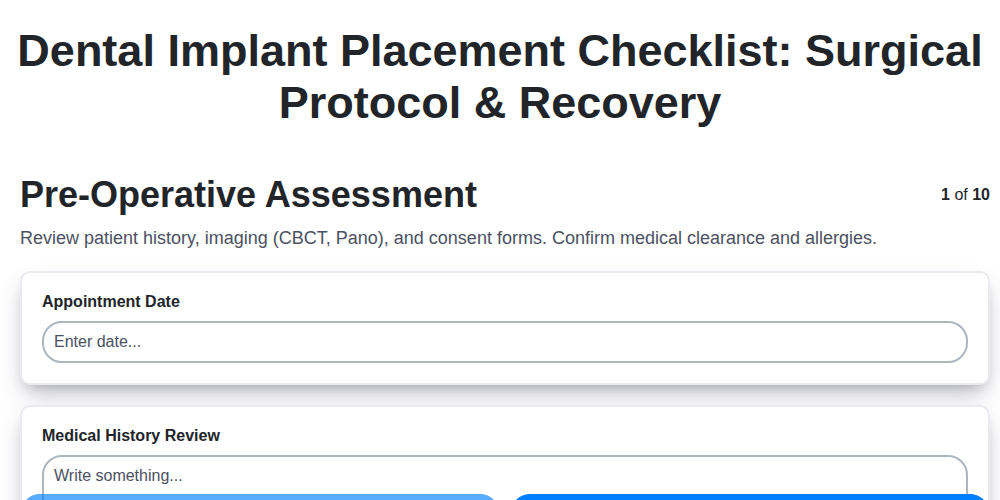
Dental Implant Placement Checklist: Surgical Protocol & Recovery
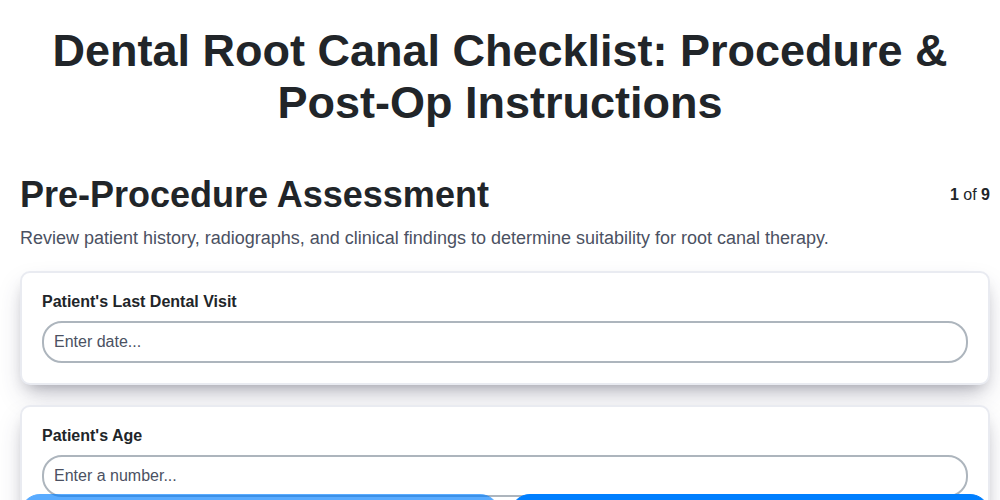
Dental Root Canal Checklist: Procedure & Post-Op Instructions
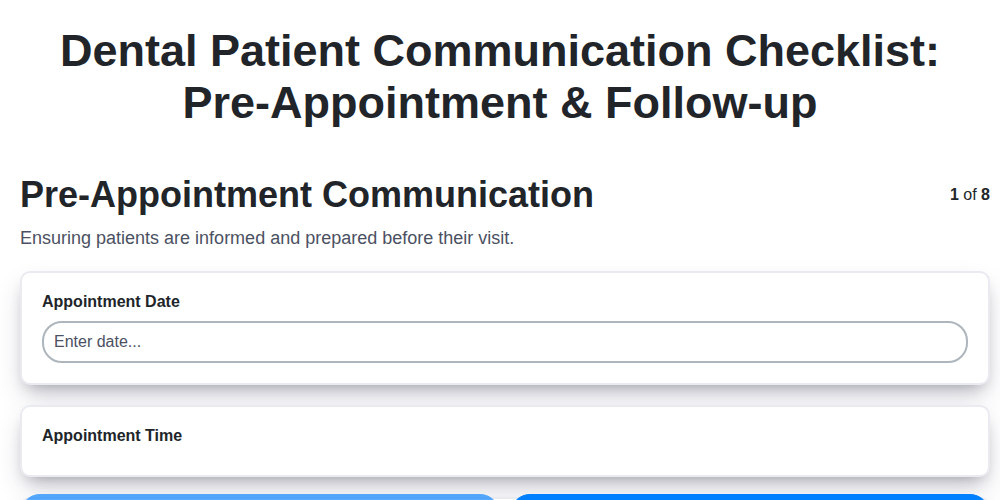
Dental Patient Communication Checklist: Pre-Appointment & Follow-up

Dental Infection Control Checklist: PPE & Surface Disinfection
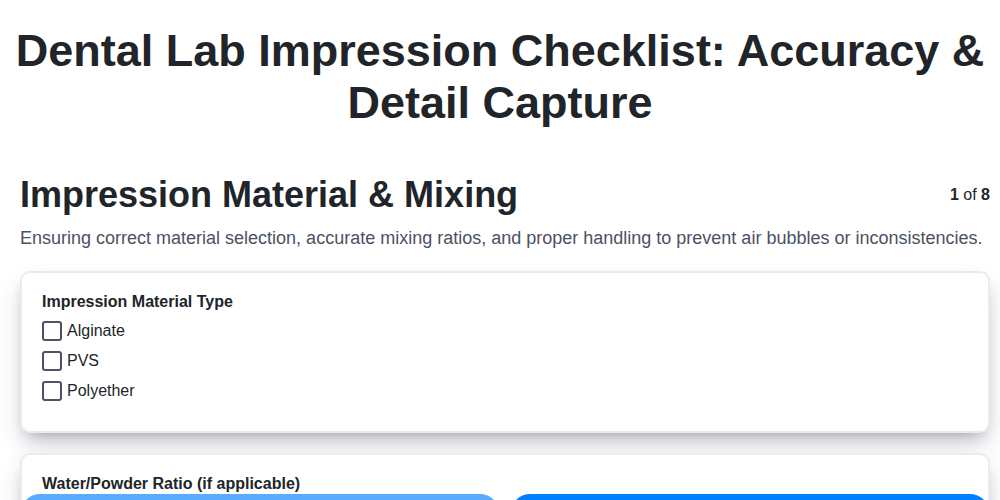
Dental Lab Impression Checklist: Accuracy & Detail Capture

Dental Regulatory Compliance Checklist: State & Federal Guidelines

Dental Dental Case Presentation Checklist: Diagnostic Records & Treatment Options
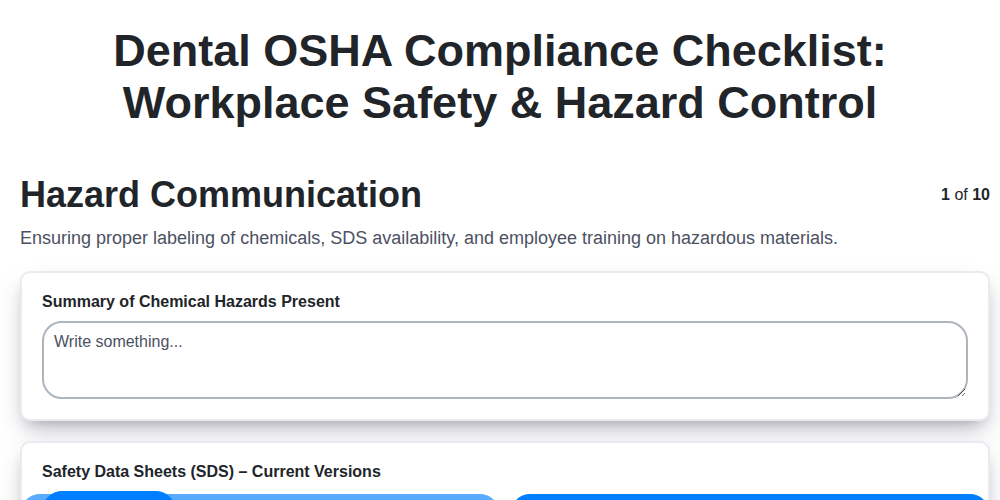
Dental OSHA Compliance Checklist: Workplace Safety & Hazard Control
We can do it Together
Need help with
Dental Management?
Have a question? We're here to help. Please submit your inquiry, and we'll respond promptly.