 ChecklistGuro
 Distributed Energy Resources (DER) Integration Checklist 2026
Streamline your transition to a decentralized power architecture with the Distributed Energy Resources (DER) Integration Checklist 2026. Designed for grid operators, utility managers, and renewable energy developers, this professional-grade template provides a comprehensive framework for the seamless integration of solar, wind, battery storage, and demand-response technologies into existing infrastructures. Ensure technical interoperability, maintain grid stability, and manage interconnection complexities with ease. This 2026 edition includes updated protocols for modern smart grid standards, ensuring your DER deployment is efficient, compliant, and future-proofed against evolving energy market demands. Perfect for project managers and energy engineers seeking to mitigate integration risks and optimize distributed generation performance.
Pre-Integration Site Assessment
Evaluate existing grid infrastructure, interconnection points, and physical space availability for new DER assets.
Assessment Date
Site Site/Facility Name
Existing Grid Connection Type
Available Transformer Capacity (kVA)
Available Connection Points
Site Constraints & Obstructions Note
Site Map or Single Line Diagram (SLD)
Lead Engineer Approval
Technical Specifications & Interoperability
Verify communication protocols (e.g., IEEE 2030.5, Modbus), inverter compatibility, and software integration requirements.
Primary Communication Protocol
Supported Inverter Features
Inverter Model & Serial Number
Maximum Rated Capacity (kW)
Technical Datasheet / Specification Sheet
Interoperability Gap Analysis Notes
Regulatory & Grid Compliance
Ensure all installations meet 2026 utility interconnection standards, local building codes, and regional energy regulations.
Interconnection Agreement Status
Permit Approval Date
Compliance Certification Document
Regulatory Standards Verified
Compliance Discrepancies or Notes
Compliance Officer Approval
Hardware & Equipment Verification
Inspect physical components including solar PV modules, battery energy storage systems (BESS), and smart inverters for damage or defects.
Inspection Date
Inverter Status
Measured Battery State of Health (SoH) %
Components Inspected
Physical Damage Observations
Equipment Datasheet/Certification Upload
Technician Verification Signature
Control Systems & Automation Setup
Configure Distributed Energy Resource Management Systems (DERMS) and automated demand response triggers.
Primary Communication Protocol
Integrated Automation Features
DERMS Software Version
Configuration Completion Date
Automation Logic Configuration File
Lead Systems Engineer Approval
Cybersecurity & Data Privacy
Implement encryption standards, firewall configurations, and secure remote access protocols for DER monitoring.
Encryption Protocol Used
Security Measures Implemented
Last Security Audit Date
Cybersecurity Compliance Certificate
Incident Response Plan Summary
Security Officer Verification
Safety & Emergency Protocols
Verify rapid shutdown capabilities, fire suppression systems, and emergency disconnect accessibility.
Emergency Shutdown Mechanisms Verified
Fire Suppression System Status
Safety Certification Documents
Safety Officer Approval
Last Safety Audit Date
Performance Monitoring & Metering
Calibrate smart meters and establish real-time telemetry for monitoring energy generation and consumption data.
Meter Calibration Date
Current Energy Output (kW)
Metering Accuracy Status
Discrepancy Notes
Calibration Certificate Upload
Technician Verification
Post-Commissioning Testing & Validation
Execute functional testing of all integrated assets under simulated grid load and outage scenarios.
Testing Completion Date
Grid Connection Stability Status
Measured Peak Output (kW)
Validated Test Procedures
Discrepancies or Anomalies Observed
Upload Commissioning Report/Logs
Lead Commissioning Engineer Approval
Operational Training & Documentation
Finalize maintenance schedules, operator manuals, and staff training records for the integrated DER system.
Training Completion Date
Training Module Completed
Personnel Trained
Upload Training Attendance Log
Training Summary & Notes
Lead Trainer Authorization
Frequently Asked Questions
Can I customize this template after installing it?
Absolutely. Once installed, you can add, remove, or reorder tasks, add custom fields, and adjust deadlines to fit your specific workflow.
Can I add images or photos to these checklist items?
Yes. Our platform allows you to attach photos, signatures, and notes to any checklist item for better verification and proof of completion.
Can I create a custom checklist from scratch instead of using a template?
Yes. You can use our "Create your own checklist" feature to build a unique workflow tailored exactly to your operational requirements.
Can I add dependencies between tasks?
Yes, you can set up conditional logic and dependencies to ensure your team follows the correct sequence of operations.
Can I assign specific checklist items to different team members?
Yes. You can assign individual tasks to specific employees, ensuring clear accountability across your entire team.
Can I use these checklists on mobile devices in the field?
Yes. Our platform is fully responsive, allowing your team to complete, update, and upload photos to checklists directly from any smartphone or tablet.
How do I notify my manager when a checklist is completed?
You can set up automated notifications (via email, push notification, or in-app alerts) to trigger whenever a checklist is finished or if an item fails inspection.
Can multiple people work on the same checklist simultaneously?
Yes, the platform supports real-time updates, allowing multiple users to contribute to a single live checklist.
Where is the data from completed checklists stored?
All completed checklists are stored securely in your Work OS dashboard, creating a permanent, searchable audit trail of your operations.
Can I generate reports based on my checklist results?
Yes. You can track completion rates, identify recurring issues, and monitor team performance through our integrated reporting and analytics tools.
How can I use these checklists for compliance or auditing purposes?
Because our checklists capture timestamps, photos, and digital signatures, they serve as a robust digital paper trail for regulatory compliance and internal audits.
Can I export my completed checklist data for use in other tools?
Yes. You can export your data in various formats (CSV, Excel, etc.) to integrate your operational insights with your other business software.
Comments
There are no comments yet. Be the first to add one!
Energy Management Solution Demo
Managing operations, safety, and compliance in the energy sector is critical. ChecklistGuro's Work OS platform streamlines your workflow from exploration and production to distribution and maintenance. Enhance safety, improve efficiency, and ensure regulatory adherence. Discover how ChecklistGuro can transform your energy business!
Related Checklist Templates
Renewable Energy Certificate (REC) Procurement Checklist 2026
Energy Load Balancing & Peak Shaving Checklist 2026
EV Charging Infrastructure Deployment Checklist 2026
Building Management System (BMS) Energy Performance Checklist 2026
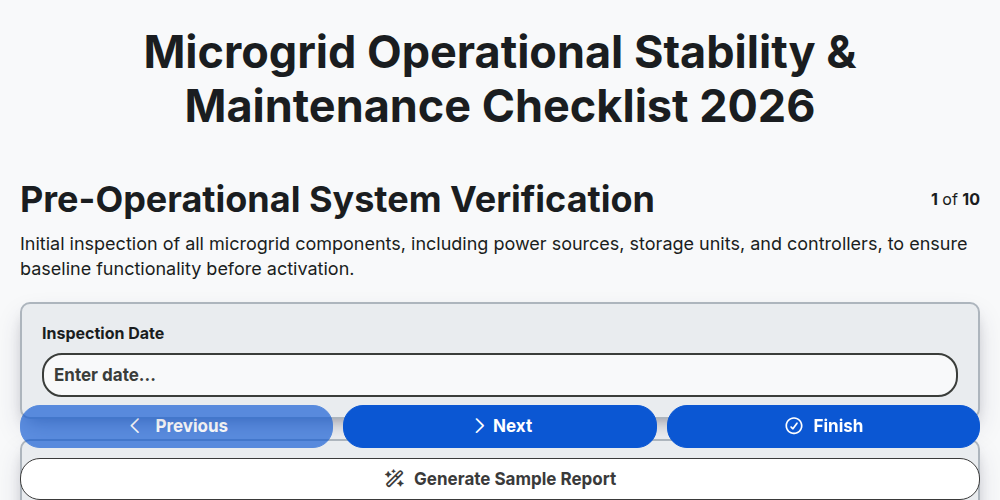
Microgrid Operational Stability & Maintenance Checklist 2026
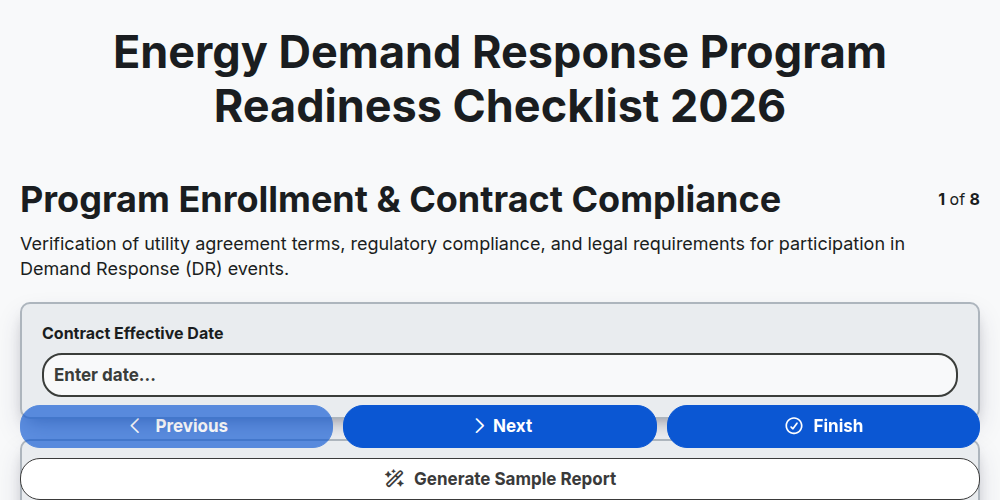
Energy Demand Response Program Readiness Checklist 2026
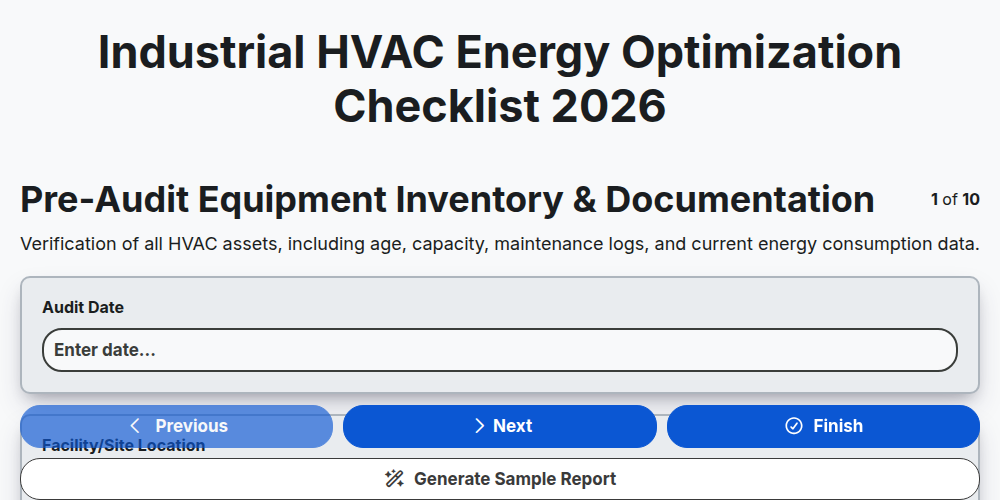
Industrial HVAC Energy Optimization Checklist 2026
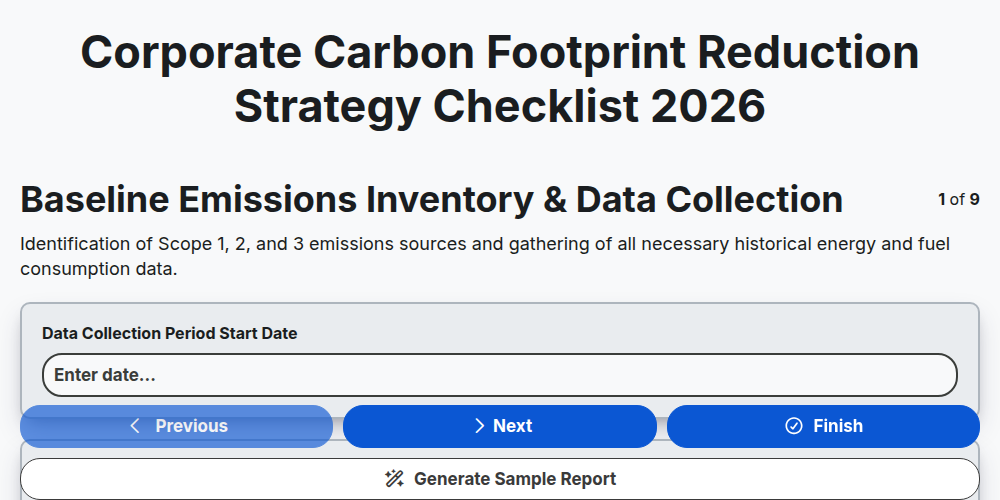
Corporate Carbon Footprint Reduction Strategy Checklist 2026
Need help with
Energy?
Have a question? We're here to help. Please submit your inquiry, and we'll respond promptly.