 ChecklistGuro
 Energy Load Balancing & Peak Shaving Checklist 2026
Master your energy costs and optimize grid stability with the definitive Energy Load Balancing & Peak Shaving Checklist 2026. Designed for facility managers, energy engineers, and sustainability professionals, this comprehensive template provides a strategic roadmap to mitigate peak demand charges, reduce energy volatility, and enhance operational efficiency. Streamline your demand-side management strategies, audit load-shifting capabilities, and implement proactive peak shaving protocols to ensure a resilient, cost-effective energy strategy for the upcoming year. Perfect for industrial, commercial, and utility-scale operations looking to maximize energy savings and improve grid integration.
Pre-Audit Data Collection & Baseline Establishment
Identify historical load profiles, peak demand periods, and baseline energy consumption metrics required for comparison.
Baseline Data Start Date
Baseline Data End Date
Average Monthly Peak Demand (kW)
Primary Energy Source
Historical Utility Bills/Interval Data
Included Load Types
Data Discrepancy Notes
Load Profile Analysis & Forecasting
Analyze interval data to identify predictable peak loads and implement forecasting models for future demand spikes.
Analysis Period Start Date
Analysis Period End Date
Historical Load Profile Data (CSV/Excel)
Primary Load Pattern Type
Identified Peak Demand (kW/MW)
Forecasting Variables Used
Forecasting Model Discrepancy Notes
Peak Shaving Strategy Development
Define specific protocols for discharging energy storage, adjusting controllable loads, and triggering demand response events.
Primary Peak Shaving Method
Target Peak Load Reduction (kW)
Trigger Threshold Criteria
Strategy Implementation Date
Identified Peak Demand Assets
Strategy Approval Signature
Demand Side Management (DSM) Configuration
Verify the automation of HVAC, lighting, and heavy machinery settings to respond to real-time load balancing signals.
Primary DSM Control Strategy
Identified Controllable Loads
Maximum Allowable Peak Threshold (kW)
Automation Trigger Logic Description
Configuration Last Validated Date
DSM Logic & Programming Documentation
Engineer Approval for Configuration
Energy Storage System (ESS) Readiness
Assess the state of charge, discharge rates, and-response latency of battery or thermal storage assets for peak deployment.
Last Battery Health Inspection Date
Current State of Charge (SoC) Percentage
Storage Technology Type
Verified Operational Components
Discharge Readiness Notes
Upload Maintenance Log/Report
Load Shedding Hierarchy & Priority Mapping
Establish a tiered list of non-critical loads to be disconnected during peak pricing or grid instability events.
Critical Load Identifier
Priority Level
Estimated Power Consumption (kW)
Shedding Trigger Triggers
Shedding Impact Assessment
Compliance Officer Approval
Real-Time Monitoring & IoT Sensor Integration
Validate the connectivity and accuracy of smart meters, CT sensors, and telemetry for real-time load visibility.
Sensor Calibration Date
Smart Meter Connectivity Status
Sensor Latency (ms)
Monitored Infrastructure Components
Sensor Network Topology Map
Signal Interference Observations
Technician Verification
Automated Demand Response (ADR) Testing
Execute simulated demand response events to ensure hardware and software trigger load reductions without manual intervention.
Test Execution Date
Test Start Time
ADR Scenario Tested
Responsive Assets Verified
Measured Peak Load Reduction (kW)
Test Discrepancy Notes
Load Profile Log Report
Lead Engineer Verification
Operational Personnel Training & Emergency Protocols
Review staff training modules for manual override procedures and emergency load balancing during grid failure.
Training Modules Completed
Last Training Session Date
Emergency Protocol Gaps Identified
Training Attendance Logs
Supervisor Verification
Post-Event Performance Review & Optimization
Analyze the effectiveness of completed peak shaving events and adjust strategies based on cost-savings and load-reduction accuracy.
Date of Load Balancing Event
Total Peak Demand Reduction (kW)
Estimated Cost Savings Achieved ($)
Event Success Rating
Identified Optimization Areas
Summary of Deviations from Planned Load Profile
Detailed Post-Event Analytics Report
Energy Manager Approval
Frequently Asked Questions
Can I customize this template after installing it?
Absolutely. Once installed, you can add, remove, or reorder tasks, add custom fields, and adjust deadlines to fit your specific workflow.
Can I add images or photos to these checklist items?
Yes. Our platform allows you to attach photos, signatures, and notes to any checklist item for better verification and proof of completion.
Can I create a custom checklist from scratch instead of using a template?
Yes. You can use our "Create your own checklist" feature to build a unique workflow tailored exactly to your operational requirements.
Can I add dependencies between tasks?
Yes, you can set up conditional logic and dependencies to ensure your team follows the correct sequence of operations.
Can I assign specific checklist items to different team members?
Yes. You can assign individual tasks to specific employees, ensuring clear accountability across your entire team.
Can I use these checklists on mobile devices in the field?
Yes. Our platform is fully responsive, allowing your team to complete, update, and upload photos to checklists directly from any smartphone or tablet.
How do I notify my manager when a checklist is completed?
You can set up automated notifications (via email, push notification, or in-app alerts) to trigger whenever a checklist is finished or if an item fails inspection.
Can multiple people work on the same checklist simultaneously?
Yes, the platform supports real-time updates, allowing multiple users to contribute to a single live checklist.
Where is the data from completed checklists stored?
All completed checklists are stored securely in your Work OS dashboard, creating a permanent, searchable audit trail of your operations.
Can I generate reports based on my checklist results?
Yes. You can track completion rates, identify recurring issues, and monitor team performance through our integrated reporting and analytics tools.
How can I use these checklists for compliance or auditing purposes?
Because our checklists capture timestamps, photos, and digital signatures, they serve as a robust digital paper trail for regulatory compliance and internal audits.
Can I export my completed checklist data for use in other tools?
Yes. You can export your data in various formats (CSV, Excel, etc.) to integrate your operational insights with your other business software.
Comments
There are no comments yet. Be the first to add one!
Energy Management Solution Demo
Managing operations, safety, and compliance in the energy sector is critical. ChecklistGuro's Work OS platform streamlines your workflow from exploration and production to distribution and maintenance. Enhance safety, improve efficiency, and ensure regulatory adherence. Discover how ChecklistGuro can transform your energy business!
Related Checklist Templates
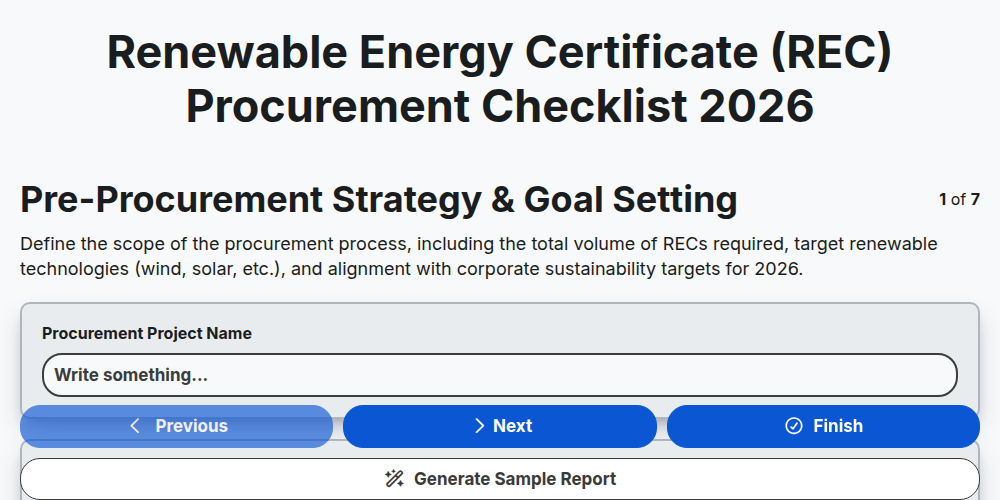
Renewable Energy Certificate (REC) Procurement Checklist 2026
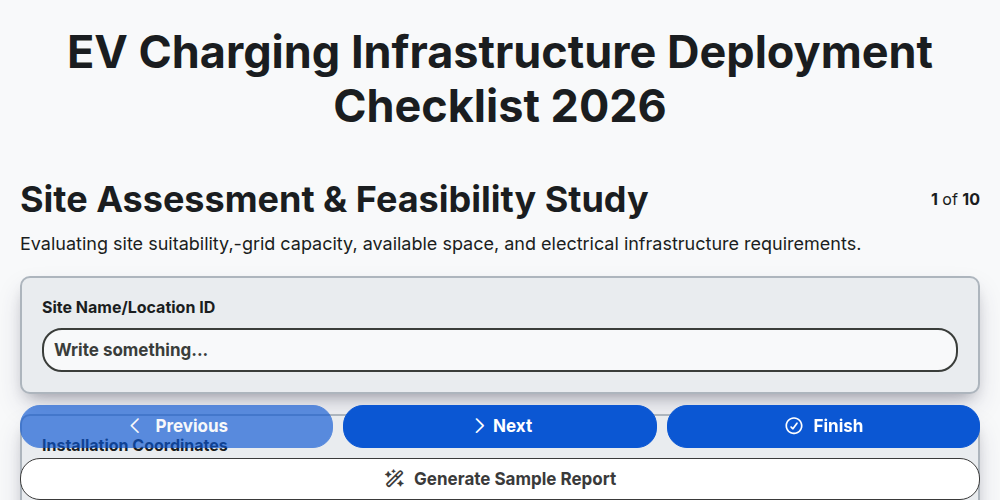
EV Charging Infrastructure Deployment Checklist 2026
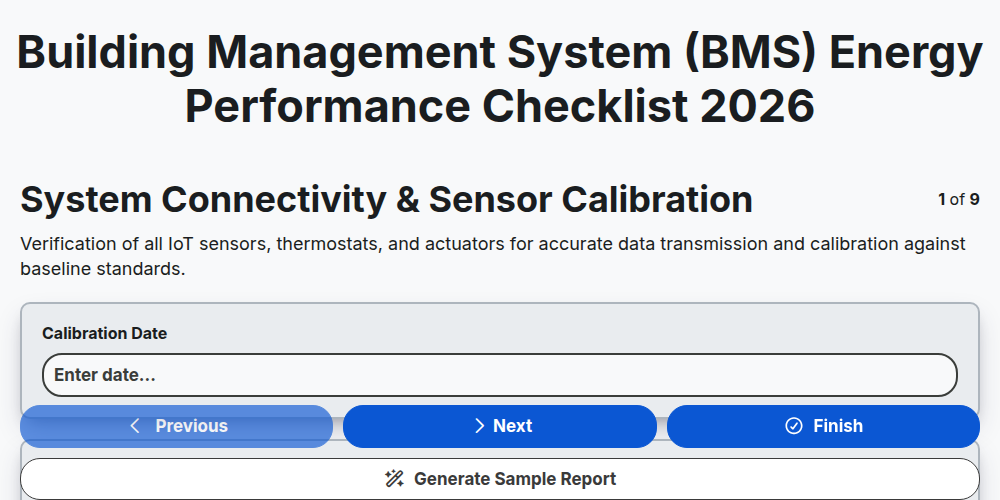
Building Management System (BMS) Energy Performance Checklist 2026
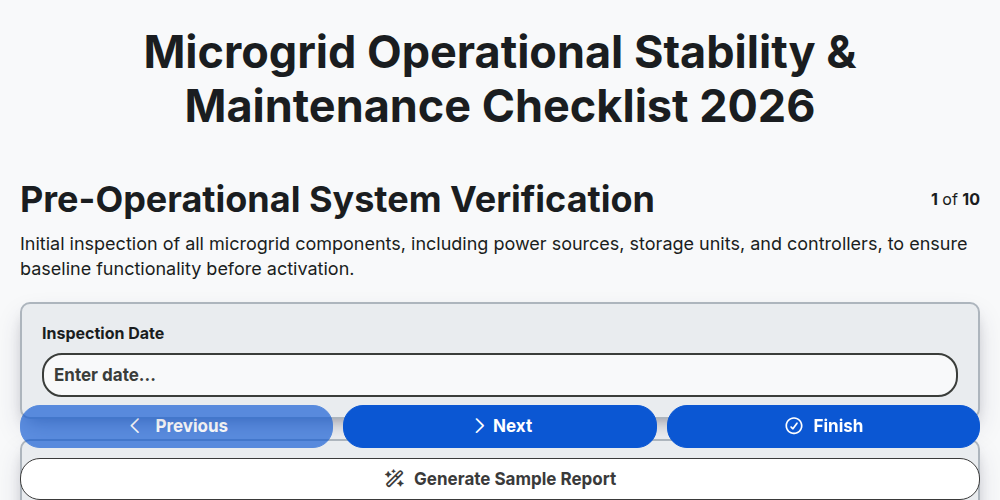
Microgrid Operational Stability & Maintenance Checklist 2026
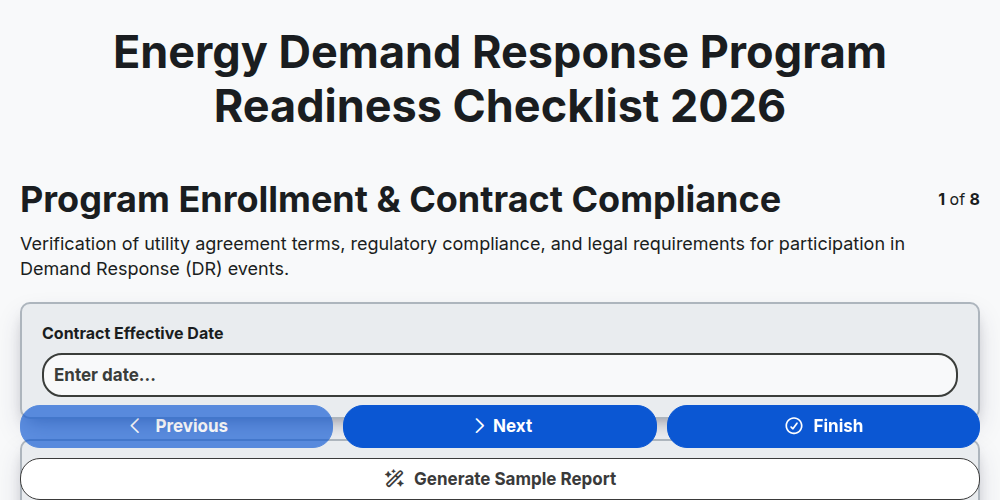
Energy Demand Response Program Readiness Checklist 2026
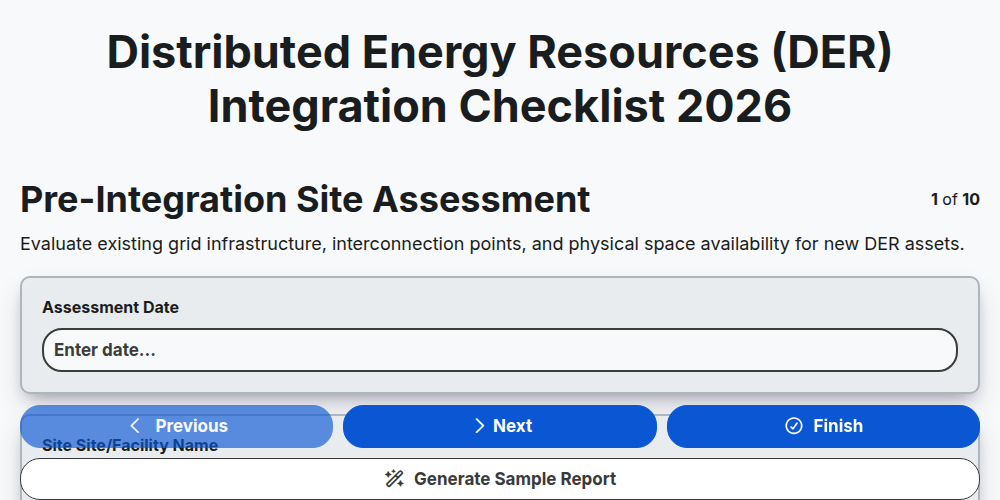
Distributed Energy Resources (DER) Integration Checklist 2026
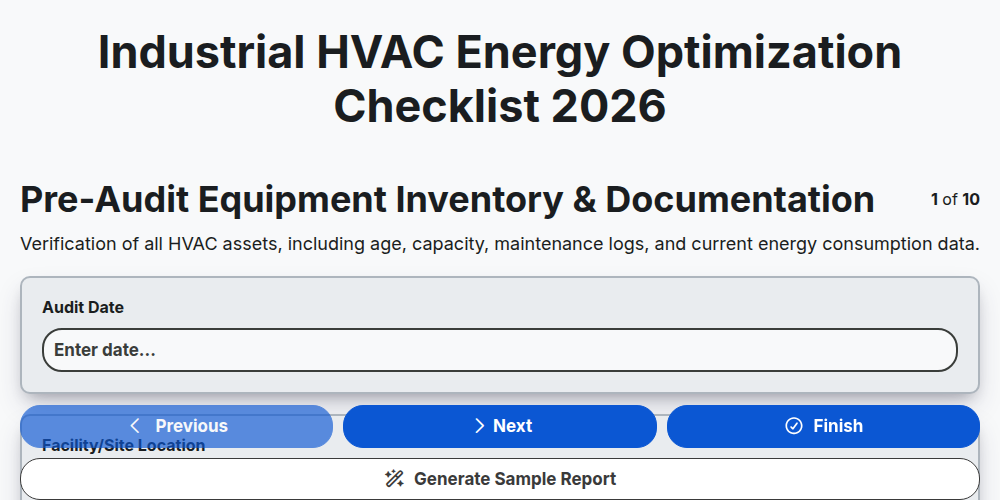
Industrial HVAC Energy Optimization Checklist 2026
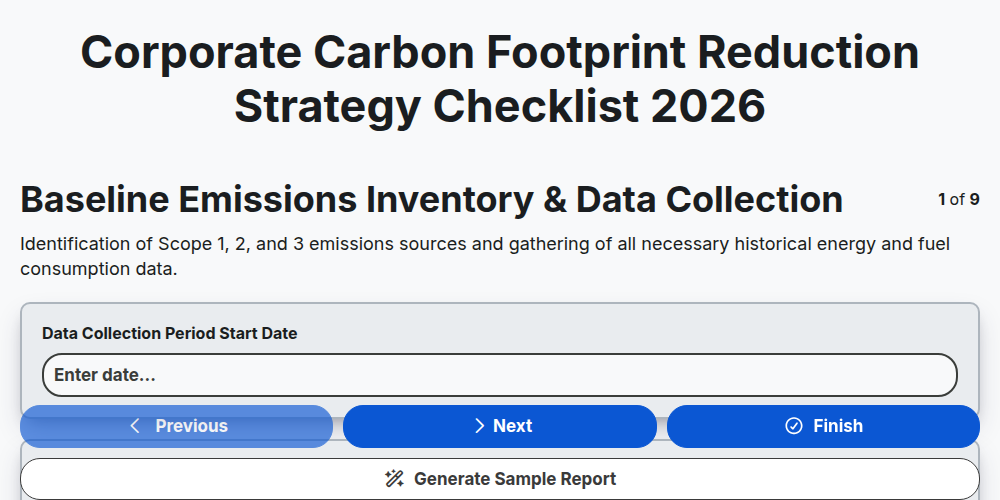
Corporate Carbon Footprint Reduction Strategy Checklist 2026
Need help with
Energy?
Have a question? We're here to help. Please submit your inquiry, and we'll respond promptly.