 ChecklistGuro
 ERP SOC2 & Internal Control Compliance Checklist 2026
Ensure your enterprise remains audit-ready and secure with our comprehensive ERP SOC2 & Internal Control Compliance Checklist 2026. Designed specifically for IT auditors, compliance officers, and ERP administrators, this professional checklist provides a step-by-step framework to validate security, availability, and processing integrity within your ERP ecosystem. Navigate the complexities of SOC2 Type I and Type II requirements, streamline internal control assessments, and mitigate operational risks with a high-intent, industry-standard auditing tool. Perfect for maintaining data privacy, enforcing strict access controls, and ensuring your ERP management strategy meets the rigorous regulatory standards of 2026.
Security & Access Management Controls
Verification of logical access controls, multi-factor authentication (MFA) enforcement, and periodic user entitlement reviews to prevent unauthorized ERP entry.
MFA Status for Administrative Accounts
Last User Access Review Date
Verified Access Control Mechanisms
Description of Identified Access Discrepancies
User Access Audit Logs Evidence
Compliance Officer Validation
Data Encryption & Protection Protocols
Assessment of encryption standards for data at rest and data in transit within the ERP environment, ensuring compliance with SOC2 privacy requirements.
Encryption Standard for Data at Rest
Encryption Protocols in Use for Data in Transit
Last Encryption Key Rotation Date
Encryption Key Management Procedure Summary
Encryption Policy Document
Compliance Officer Verification
Change Management & Software Integrity
Audit of the lifecycle of system changes, including development, testing, and deployment protocols to ensure no unauthorized code enters production.
Change Request Date
Change Request ID
Description of Proposed Change
Change Impact Level
Testing Performed
Upload Testing Evidence/Logs
Change Approval Signature
System Monitoring & Audit Logging
Validation of continuous monitoring capabilities, log retention policies, and the detection of suspicious activities or unauthorized administrative actions.
Monitored Log Categories
Last Log Review Date
Log Retention Period Compliance
Identified Anomalies or Log Discrepancies
Evidence of Log Review (Audit Trail Sample)
Compliance Officer Verification
Availability & Incident Response Readiness
Review of system uptime monitoring, redundancy configurations, and the effectiveness of incident notification procedures during a security event.
System Redundancy Status
Last Disaster Recovery Drill Date
Incident Response Plan Summary
Monitored Critical Services
Latest Backup Verification Report
Compliance Officer Approval
Physical & Environmental Security
Evaluation of the security of the physical data centers (or cloud provider's compliance) and environmental controls protecting the underlying ERP infrastructure.
Data Center Hosting Model
Physical Access Controls Verified
Last Physical Security Audit Date
Data Center SOC2/ISO Certificate
Environmental Control Observations
Compliance Officer Verification
Third-Party & Vendor Risk Management
Assessment of SOC2 reports from ERP hosting providers and management of third-party integrations that touch sensitive financial or personal data.
Critical Third-Party Service Providers
Last SOC2 Report Review Date
Vendor Security Risk Rating
Vendor SOC2 Type II Certificate
Identified Vendor Vulnerabilities & Mitigation Plan
Compliance Officer Approval
Data Processing Integrity & Accuracy
Verification of automated controls that ensure transactions are processed completely, accurately, and in a timely manner without unauthorized alteration.
Data Validation Rule Verification Status
Description of Automated Reconciliation Controls
Validated Data Fields
Last Reconciliation Audit Date
Evidence of Data Integrity Testing (e.g., Log/Report)
Number of Discrepancies Identified
Compliance Officer Approval
Compliance Documentation & Audit Trail Maintenance
Ensuring all configuration changes, user access requests, and security incident logs are documented and retrievable for external auditors.
Last Audit Completion Date
Compliance Status
Discrepancy Notes & Remediation Plan
Evidence Upload (Audit Logs/Certificates)
Compliance Officer Sign-off
Documented Controls Verified
Employee Awareness & Security Training
Validation of periodic security awareness training for ERP administrators and end-users regarding SOC2-related compliance responsibilities.
Date of Last Security Training Session
Training Completion Status
Topics Covered in Current Training
Training Attendance Log/Certificate
Compliance Officer Attestation
Frequently Asked Questions
Can I customize this template after installing it?
Absolutely. Once installed, you can add, remove, or reorder tasks, add custom fields, and adjust deadlines to fit your specific workflow.
Can I add images or photos to these checklist items?
Yes. Our platform allows you to attach photos, signatures, and notes to any checklist item for better verification and proof of completion.
Can I create a custom checklist from scratch instead of using a template?
Yes. You can use our "Create your own checklist" feature to build a unique workflow tailored exactly to your operational requirements.
Can I add dependencies between tasks?
Yes, you can set up conditional logic and dependencies to ensure your team follows the correct sequence of operations.
Can I assign specific checklist items to different team members?
Yes. You can assign individual tasks to specific employees, ensuring clear accountability across your entire team.
Can I use these checklists on mobile devices in the field?
Yes. Our platform is fully responsive, allowing your team to complete, update, and upload photos to checklists directly from any smartphone or tablet.
How do I notify my manager when a checklist is completed?
You can set up automated notifications (via email, push notification, or in-app alerts) to trigger whenever a checklist is finished or if an item fails inspection.
Can multiple people work on the same checklist simultaneously?
Yes, the platform supports real-time updates, allowing multiple users to contribute to a single live checklist.
Where is the data from completed checklists stored?
All completed checklists are stored securely in your Work OS dashboard, creating a permanent, searchable audit trail of your operations.
Can I generate reports based on my checklist results?
Yes. You can track completion rates, identify recurring issues, and monitor team performance through our integrated reporting and analytics tools.
How can I use these checklists for compliance or auditing purposes?
Because our checklists capture timestamps, photos, and digital signatures, they serve as a robust digital paper trail for regulatory compliance and internal audits.
Can I export my completed checklist data for use in other tools?
Yes. You can export your data in various formats (CSV, Excel, etc.) to integrate your operational insights with your other business software.
Comments
There are no comments yet. Be the first to add one!
ERP - Enterprise Resource Planning Solution Demo
Overwhelmed by disconnected systems? ChecklistGuro provides a centralized ERP solution, connecting your business processes - finance, operations, & more - for improved visibility and control. Simplify operations & boost efficiency.
Related Checklist Templates
ERP Digital Transformation Roadmap Checklist 2026
ERP IT Infrastructure Scalability Assessment Checklist 2026
ERP Data Integrity & Cleansing Checklist 2026
ERP Supply Chain Visibility & Integration Checklist 2026
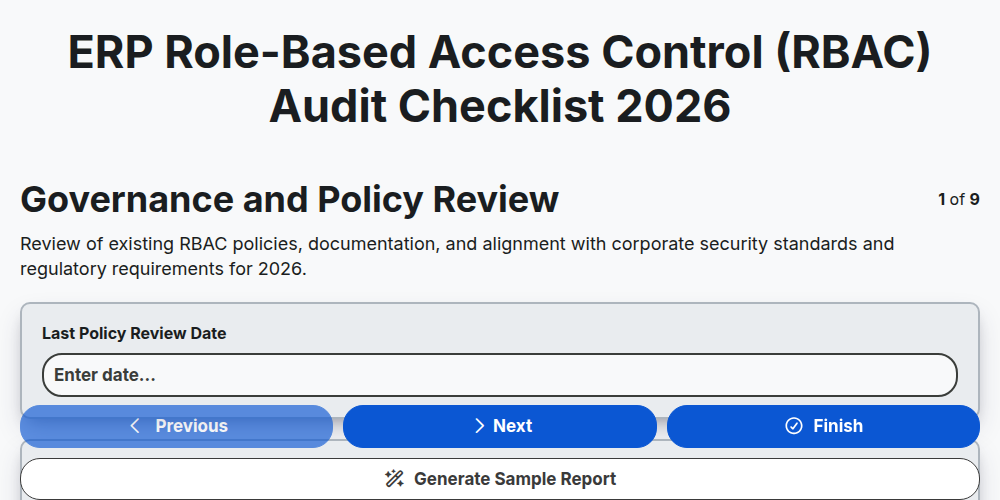
ERP Role-Based Access Control (RBAC) Audit Checklist 2026
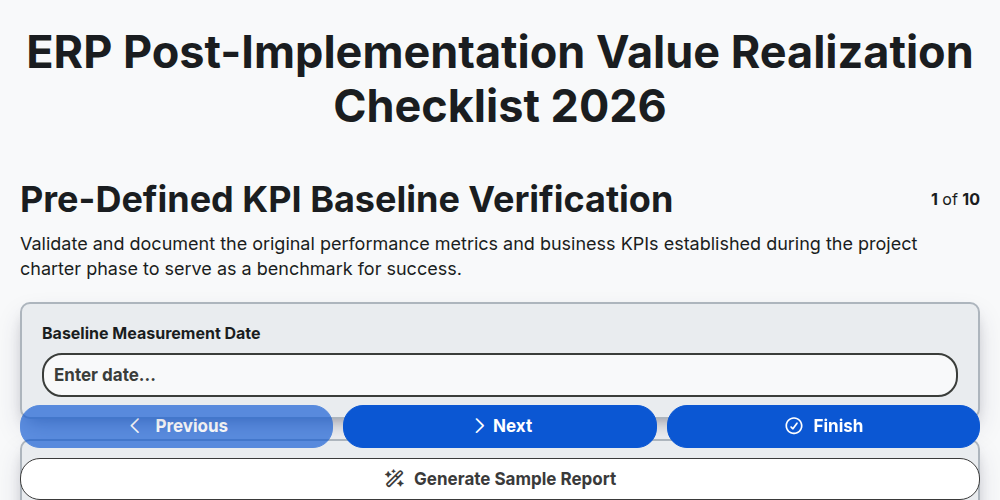
ERP Post-Implementation Value Realization Checklist 2026
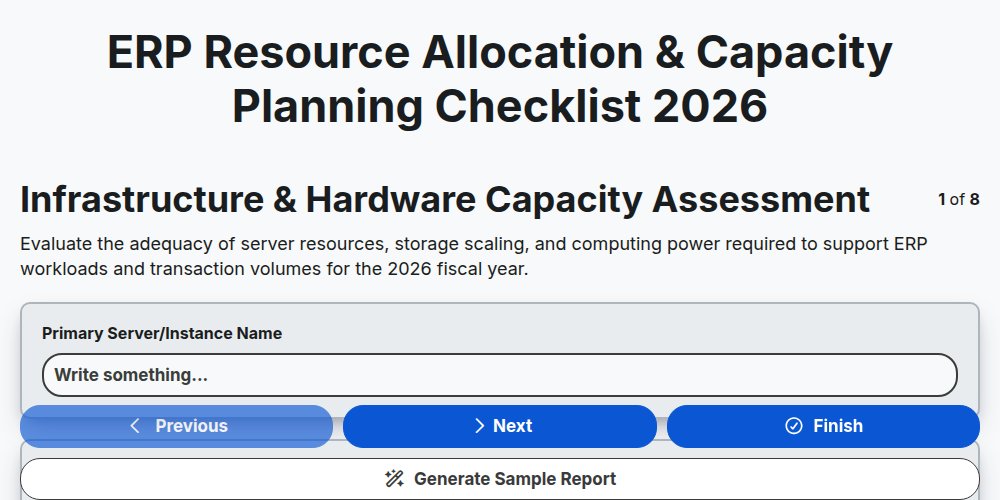
ERP Resource Allocation & Capacity Planning Checklist 2026
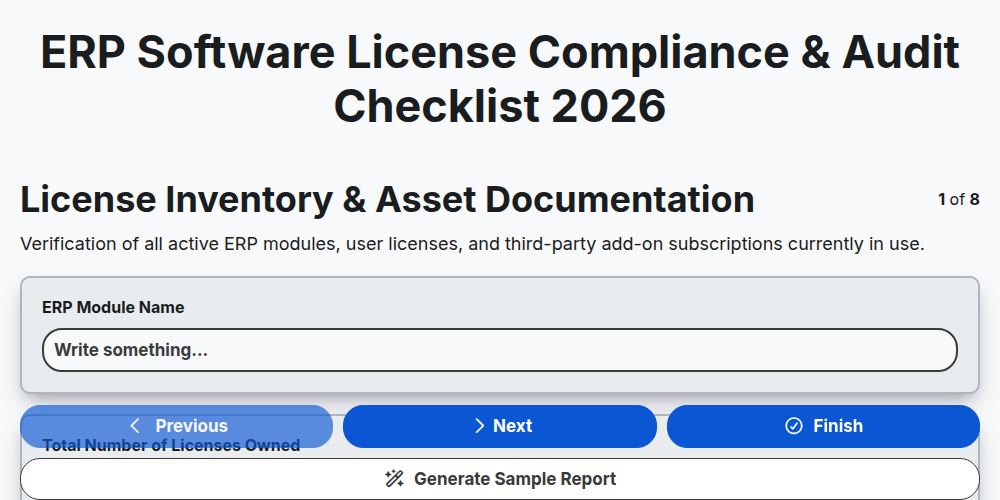
ERP Software License Compliance & Audit Checklist 2026
Need help with
Enterprise Resource Planning (ERP)?
Have a question? We're here to help. Please submit your inquiry, and we'll respond promptly.