 ChecklistGuro
 ERP Supply Chain Visibility & Integration Checklist 2026
Streamline your end-to-end operations and eliminate data silos with the ultimate ERP Supply Chain Visibility & Integration Checklist 2026. Designed for supply chain managers and ERP administrators, this professional-grade checklist provides a structured framework to ensure seamless real-time data flow between your ERP core and external logistics, procurement, and warehouse modules. Master your global supply chain integration, reduce operational bottlenecks, and achieve 360-degree visibility across your entire enterprise ecosystem. Perfect for auditing integration touchpoints, validating EDI accuracy, and ensuring data synchronization between ERP systems and third-party logistics (3PL) providers. Ensure your enterprise is future-ready and fully integrated for 2026.
Strategic Alignment & Scope Definition
Defining the boundaries of the supply chain network, key stakeholders, and the critical KPIs required for visibility success.
Project Scope Overview
Included Supply Chain Nodes
Project Implementation Deadline
Targeted Reduction in Lead Time (%)
Business Requirements Document (BRD)
Stakeholder Approval
Multi-Tier Supplier Integration
Establishing seamless data exchange protocols and API connectivity with Tier 1, Tier 2, and Tier 3 suppliers.
Primary Supplier Name
Supplier Tier Level
Integration Methods Enabled
Integration Completion Date
Supplier API Documentation/Specs
Integration Issues & Mitigation Plan
Real-Time Data Connectivity & IoT Integration
Verifying the integration of IoT sensors, GPS tracking, and automated telemetry into the ERP central dashboard.
Primary IoT Connectivity Protocol
Integrated Sensor Types
IoT Gateway IP/Endpoint Address
Data Polling Frequency (Minutes)
Last Integration Connectivity Test Date
Sensor Configuration Documentation
Connectivity Issue Log & Resolution Notes
Inventory Visibility & Tracking Accuracy
Ensuring end-to-end tracking of raw materials, work-in-progress (WIP), and finished goods across all warehouse locations.
Warehouse Location ID
SKU / Part Number
Physical Count Quantity
Last Physical Audit Date
Discrepancy Root Causes
Inventory Audit Photo/Document
Discrepancy Investigation Notes
Inventory Controller Verification
Logistics & Distribution Monitoring
Integrating carrier data, freight management, and transit milestone updates to monitor outbound and inbound movement.
Monitored Distribution Channels
Last Logistics Audit Date
Target Delivery Lead Time (Days)
Carrier Performance Notes
Shipping Manifest & Bill of Lading (BoL)
Logistics Manager Verification
Demand Forecasting & Replenishment Sync
Validating the synchronization between real-time sales orders, market demand signals, and automated procurement triggers.
Forecasting Method Used
Target Safety Stock Level
Next Forecasting Cycle Review Date
Integrated Data Sources
Replenishment Logic Documentation
Demand Plan Approval Document
Risk Management & Exception Alerting
Setting up automated notifications for supply chain disruptions, lead-time delays, and stock-out risks.
Risk Severity Level
Risk Trigger Event
Detection Date
Mitigation Action Plan
Affected Supply Chain Nodes
Incident Documentation/Evidence
Risk Manager Approval
Data Standardization & Master Data Integrity
Ensuring consistent SKU nomenclature, unit of measure (UOM) alignment, and unified part numbering across all integrated systems.
Data Cleansing Status
Standardized Data Fields Verified
Discrepancy Reference ID
Data Cleansing Notes & Observations
Last Master Data Audit Date
Data Mapping Documentation
Data Steward Approval
Performance Analytics & Reporting
Developing automated dashboards for tracking Lead Time, Order Fulfillment Cycle Time, and Supplier On-Time Delivery (OTD).
Report Frequency
Key Performance Indicators (KPIs) to Track
Target Accuracy Threshold (%)
Last Report Audit Date
Monthly Performance Report PDF
Discrepancy Analysis & Remediation Notes
Security, Compliance & Audit Trails
Ensuring secure data transmission between partners and maintaining immutable logs of all supply chain transactions for 2026 compliance standards.
Security Protocols Verified
Compliance Framework Audit Standard
Last Security Audit Completion Date
Audit Discrepancy Notes & Remediation Plan
Upload Security Compliance Certificate
Compliance Officer Authorization
Frequently Asked Questions
Can I customize this template after installing it?
Absolutely. Once installed, you can add, remove, or reorder tasks, add custom fields, and adjust deadlines to fit your specific workflow.
Can I add images or photos to these checklist items?
Yes. Our platform allows you to attach photos, signatures, and notes to any checklist item for better verification and proof of completion.
Can I create a custom checklist from scratch instead of using a template?
Yes. You can use our "Create your own checklist" feature to build a unique workflow tailored exactly to your operational requirements.
Can I add dependencies between tasks?
Yes, you can set up conditional logic and dependencies to ensure your team follows the correct sequence of operations.
Can I assign specific checklist items to different team members?
Yes. You can assign individual tasks to specific employees, ensuring clear accountability across your entire team.
Can I use these checklists on mobile devices in the field?
Yes. Our platform is fully responsive, allowing your team to complete, update, and upload photos to checklists directly from any smartphone or tablet.
How do I notify my manager when a checklist is completed?
You can set up automated notifications (via email, push notification, or in-app alerts) to trigger whenever a checklist is finished or if an item fails inspection.
Can multiple people work on the same checklist simultaneously?
Yes, the platform supports real-time updates, allowing multiple users to contribute to a single live checklist.
Where is the data from completed checklists stored?
All completed checklists are stored securely in your Work OS dashboard, creating a permanent, searchable audit trail of your operations.
Can I generate reports based on my checklist results?
Yes. You can track completion rates, identify recurring issues, and monitor team performance through our integrated reporting and analytics tools.
How can I use these checklists for compliance or auditing purposes?
Because our checklists capture timestamps, photos, and digital signatures, they serve as a robust digital paper trail for regulatory compliance and internal audits.
Can I export my completed checklist data for use in other tools?
Yes. You can export your data in various formats (CSV, Excel, etc.) to integrate your operational insights with your other business software.
Comments
There are no comments yet. Be the first to add one!
ERP - Enterprise Resource Planning Solution Demo
Overwhelmed by disconnected systems? ChecklistGuro provides a centralized ERP solution, connecting your business processes - finance, operations, & more - for improved visibility and control. Simplify operations & boost efficiency.
Related Checklist Templates
ERP Digital Transformation Roadmap Checklist 2026
ERP IT Infrastructure Scalability Assessment Checklist 2026
ERP Data Integrity & Cleansing Checklist 2026
ERP Role-Based Access Control (RBAC) Audit Checklist 2026
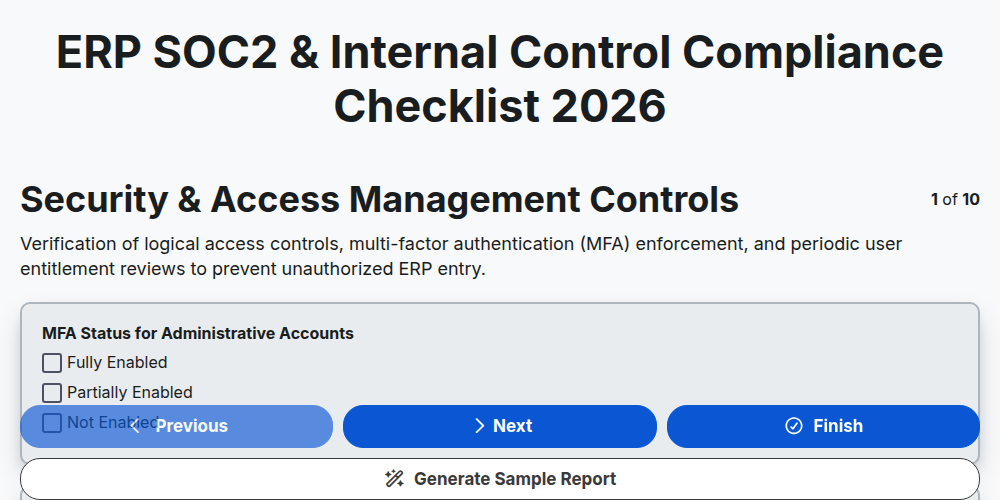
ERP SOC2 & Internal Control Compliance Checklist 2026
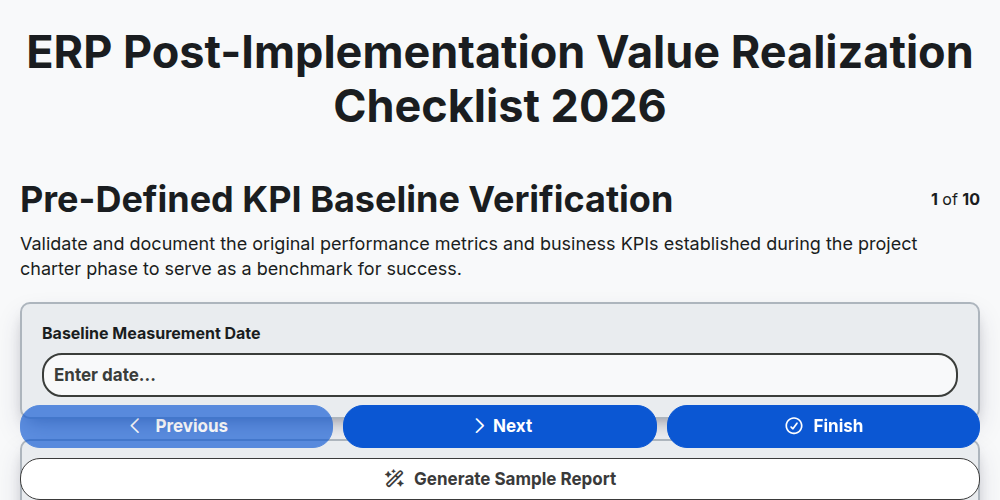
ERP Post-Implementation Value Realization Checklist 2026
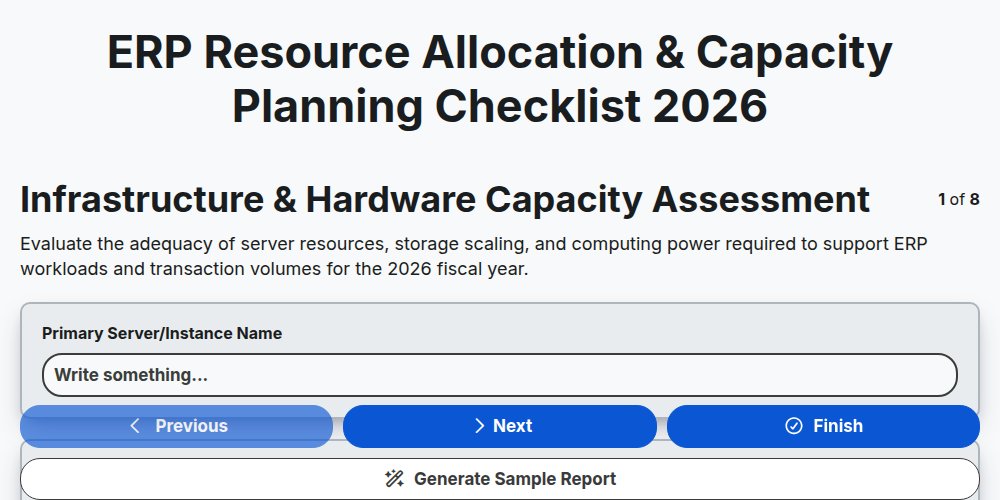
ERP Resource Allocation & Capacity Planning Checklist 2026
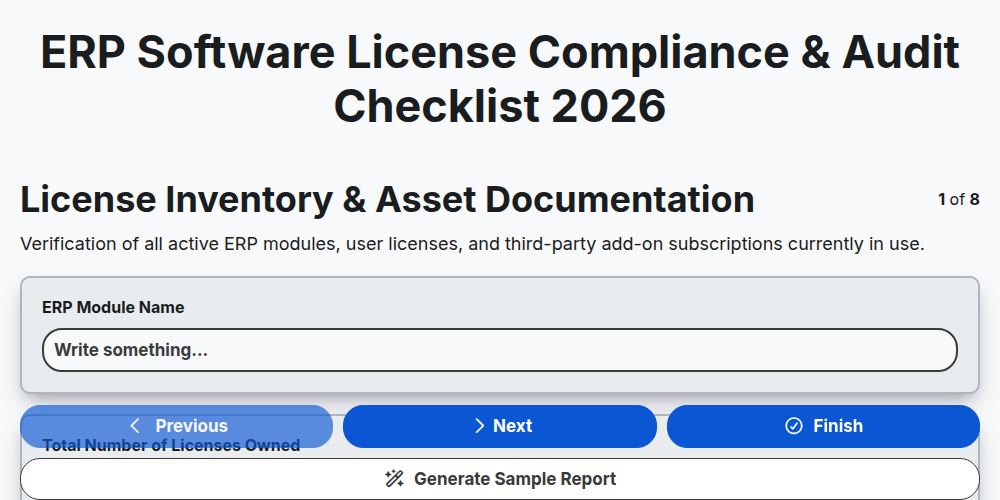
ERP Software License Compliance & Audit Checklist 2026
Need help with
Enterprise Resource Planning (ERP)?
Have a question? We're here to help. Please submit your inquiry, and we'll respond promptly.