 ChecklistGuro
Escalator/Moving Walkway Maintenance Checklist
Ensure smooth, safe, and reliable escalator & moving walkway operation! Our comprehensive Facility Management checklist helps prevent costly breakdowns & keeps your building running efficiently. Download now for proactive maintenance & peace of mind.
This Template was installed 2 times.
Daily Visual Inspection
Quick checks performed daily to identify immediate concerns.
Overall Condition
Handrail Alignment
Noise Level (1-10, 1=Silent, 10=Very Loud)
Any Unusual Odors Detected?
Skirt Condition
Step/Tread Condition
Weekly Functional Checks
More detailed checks performed weekly to ensure proper operation.
Step Chain/Belt Speed (ft/min or m/min)
Step Chain/Belt Tension (lbs or N)
Step Chain/Belt Alignment
Noise Level
Comments/Observations (e.g., unusual noises, vibrations)
Emergency Stop Buttons Functionality
Motor Current Draw (Amps)
Monthly Preventative Maintenance
Regular maintenance tasks to prevent breakdowns and extend lifespan.
Step Chain/Belt Speed (ft/min)
Motor Amperage (Current Draw)
Gearbox Oil Level (inches)
Gearbox Oil Condition
Lubrication Points Inspected/Lubricated (Select all that apply)
If 'Other' selected for lubrication, please specify:
Comb Condition
Last Filter Replacement Date
Any unusual noises observed?
Annual Comprehensive Maintenance
In-depth inspection and maintenance requiring specialized expertise.
Detailed Description of Annual Inspection Findings
Photographs of Key Components (e.g., Drive System, Step Chains)
Drive Motor Current Draw (Amps)
Step Chain Tension (Measured in Inches)
Gearbox Oil Level (Measured in Inches/Milliliters)
Gearbox Oil Condition (Visual Inspection)
Date of Next Scheduled Oil Change (Gearbox)
Areas of Concern Identified (Select all that apply)
Recommendations for Corrective Actions
Technician Signature
Safety & Emergency Systems
Verification of safety features and emergency response procedures.
Last Emergency Stop Test Date
Emergency Stop Response Time (seconds)
Emergency Stop Button Condition (Functional/Needs Repair/Out of Service)
Safety Features Verified (Check all that apply)
Notes on Emergency Response Protocol Review
Emergency Lighting Battery Status
Photographic Evidence of Safety System Condition
Documentation & Record Keeping
Maintaining accurate records of all inspections and maintenance performed.
Date of Last Inspection/Maintenance
Start Time of Inspection/Maintenance
Meter Reading (Total Steps/Distance)
Observations & Notes (Describe any issues found)
Condition of Escalator/Moving Walkway (Post-Maintenance)
Upload Photos/Videos (Evidence of condition or repairs)
Technician Name
Contractor (If applicable)
Recommendations for Future Maintenance
Frequently Asked Questions
Can I customize this template after installing it?
Absolutely. Once installed, you can add, remove, or reorder tasks, add custom fields, and adjust deadlines to fit your specific workflow.
Can I add images or photos to these checklist items?
Yes. Our platform allows you to attach photos, signatures, and notes to any checklist item for better verification and proof of completion.
Can I create a custom checklist from scratch instead of using a template?
Yes. You can use our "Create your own checklist" feature to build a unique workflow tailored exactly to your operational requirements.
Can I add dependencies between tasks?
Yes, you can set up conditional logic and dependencies to ensure your team follows the correct sequence of operations.
Can I assign specific checklist items to different team members?
Yes. You can assign individual tasks to specific employees, ensuring clear accountability across your entire team.
Can I use these checklists on mobile devices in the field?
Yes. Our platform is fully responsive, allowing your team to complete, update, and upload photos to checklists directly from any smartphone or tablet.
How do I notify my manager when a checklist is completed?
You can set up automated notifications (via email, push notification, or in-app alerts) to trigger whenever a checklist is finished or if an item fails inspection.
Can multiple people work on the same checklist simultaneously?
Yes, the platform supports real-time updates, allowing multiple users to contribute to a single live checklist.
Where is the data from completed checklists stored?
All completed checklists are stored securely in your Work OS dashboard, creating a permanent, searchable audit trail of your operations.
Can I generate reports based on my checklist results?
Yes. You can track completion rates, identify recurring issues, and monitor team performance through our integrated reporting and analytics tools.
How can I use these checklists for compliance or auditing purposes?
Because our checklists capture timestamps, photos, and digital signatures, they serve as a robust digital paper trail for regulatory compliance and internal audits.
Can I export my completed checklist data for use in other tools?
Yes. You can export your data in various formats (CSV, Excel, etc.) to integrate your operational insights with your other business software.
Comments
There are no comments yet. Be the first to add one!
Facility Management Solution Demo
Keep your facilities running smoothly! ChecklistGuro streamlines maintenance, inspections, and vendor management. Reduce downtime, optimize efficiency, & improve safety. Manage it all with our Work OS.
Related Checklist Templates
Stormwater Management & Drainage System Inspection Checklist 2026
Fleet Vehicle Maintenance & Safety Compliance Checklist 2026
Facility Water Filtration & Potability Testing Checklist 2026
Building Envelope & Facade Integrity Inspection Checklist 2026
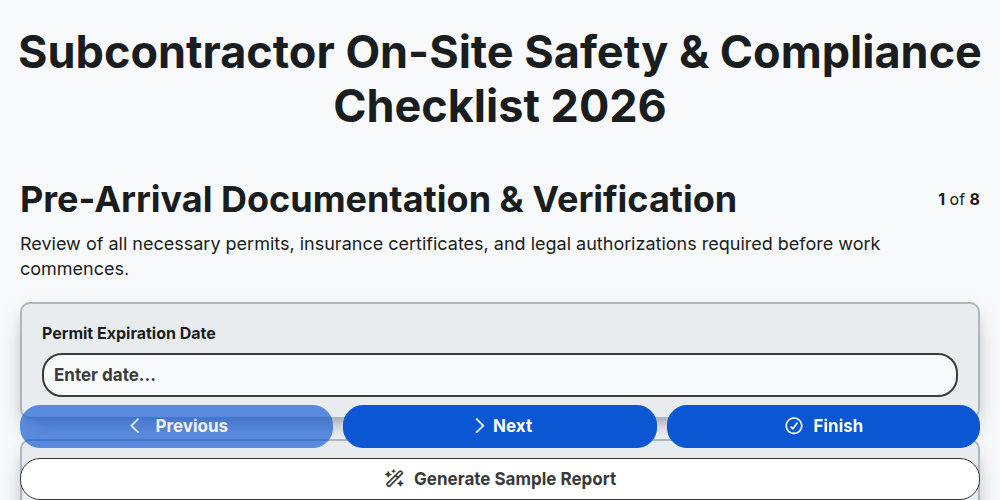
Subcontractor On-Site Safety & Compliance Checklist 2026
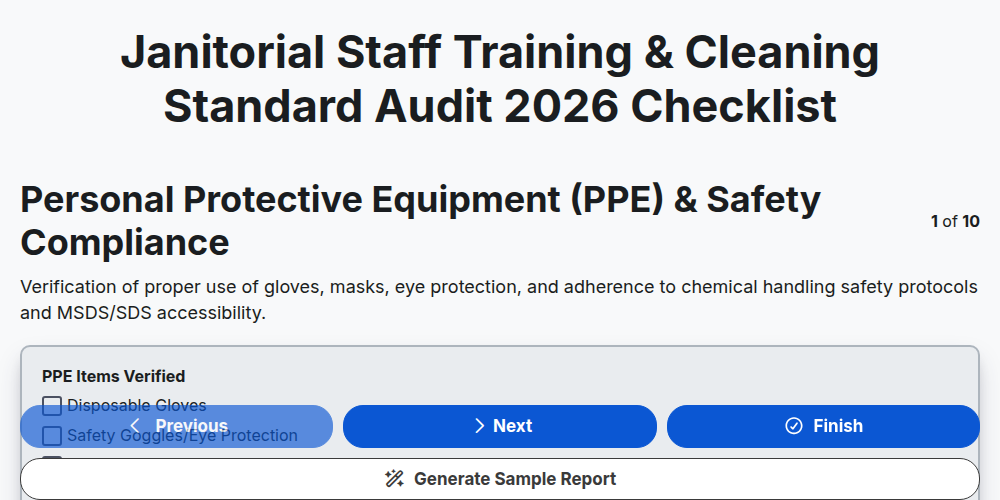
Janitorial Staff Training & Cleaning Standard Audit 2026
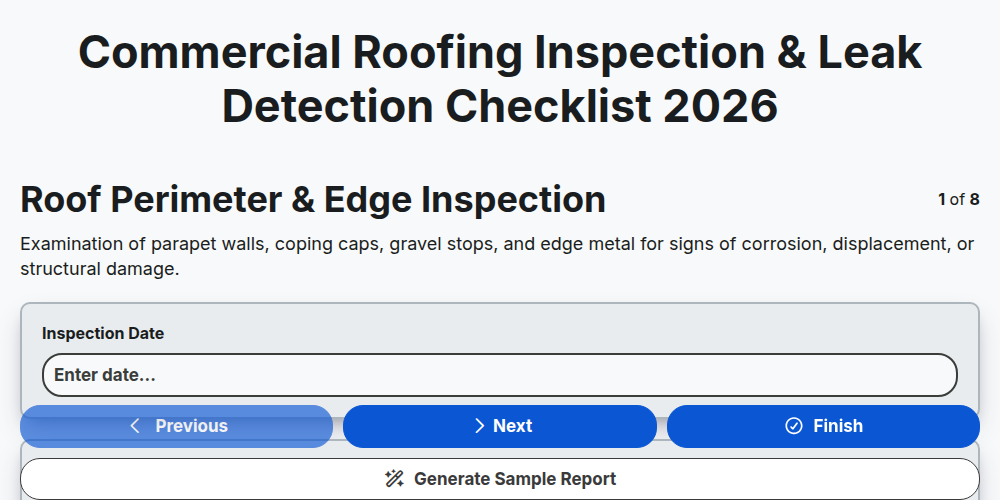
Commercial Roofing Inspection & Leak Detection Checklist 2026
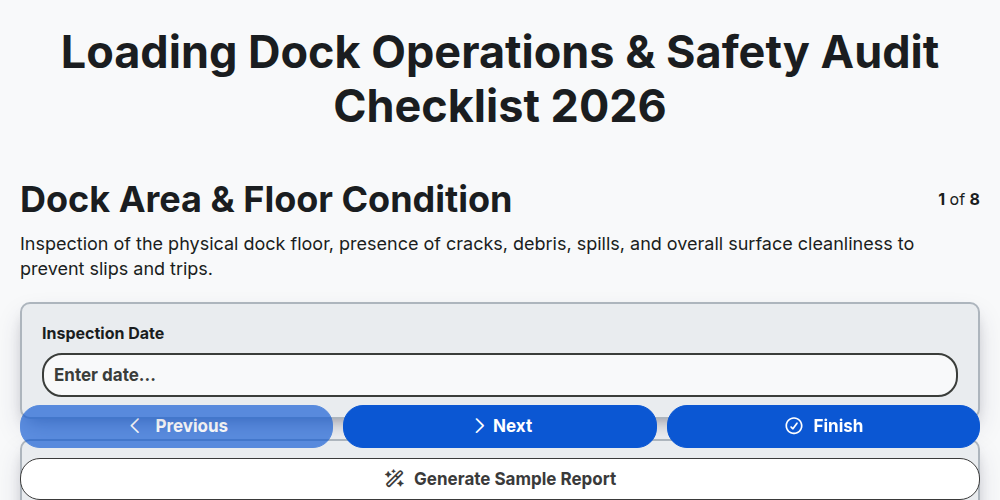
Loading Dock Operations & Safety Audit Checklist 2026
Need help with
Facility Management?
Have a question? We're here to help. Please submit your inquiry, and we'll respond promptly.