 ChecklistGuro
Mall Directory & Signage Accuracy Checklist
Ensure your mall's wayfinding is spot-on! Download our free Mall Directory & Signage Accuracy Checklist (Facility Management) to boost shopper experience, prevent frustration, and optimize your mall's efficiency. Improve navigation & reduce customer service calls today!
This Template was installed 1 times.
Overall Assessment
Initial review of the mall directory and signage for general accuracy and condition.
Date of Assessment
Time of Assessment (Start)
Overall Impression/General Notes
Approximate Number of Signage Items Reviewed
Mall Operating Status During Assessment?
Environmental Conditions Observed (check all that apply)
Assessor's Name
Assessor Signature
Mall Directory Kiosks
Verification of accuracy and functionality of all mall directory kiosks.
Kiosk ID Number
Screen Functionality (Touchscreen)
Map Accuracy
Tenant Listing Accuracy (Overall)
Number of Incorrect Tenant Listings
Detailed Description of Errors (if any)
Software/Application Version
Last Software Update Date
Wayfinding Signage (General)
Checking general wayfinding signs - directional arrows, levels, 'You Are Here' signage, etc.
Verify 'You Are Here' Sign Accuracy - Level
Count of Directional Arrows (Up)
Count of Directional Arrows (Down)
Level Signage Condition (General)
Missing/Damaged Signage (Select All That Apply)
Note any specific discrepancies found
Tenant Directory Signage
Assessment of the accuracy and clarity of tenant directory signs located throughout the mall.
Tenant Name
Suite/Store Number
Directory Listing (Exact Match)
Accuracy of Tenant Name
Accuracy of Suite/Store Number
Font Size (Points)
Legibility of Font
Photograph of Signage
Elevator & Escalator Signage
Verification of signage related to elevator and escalator locations and directions.
Elevator Lobby Signage: Correct Level Indication?
Escalator Directional Arrows: Consistent with Flow?
Number of Elevator Signage Missing/Damaged?
Notes on Escalator Handrail Directional Indicators?
Signage Lighting - Adequate?
Details of Any Incorrect Elevator Floor Indicators?
Date of Last Maintenance/Inspection of Elevator Signage
Restroom & Service Area Signage
Checking accuracy of signage for restrooms, family rooms, and other essential services.
Restroom Signage - Men's Room Accuracy
Restroom Signage - Women's Room Accuracy
Restroom Signage - Family Room Accuracy (if applicable)
ADA Compliance of Restroom Signage (Height & Contrast)
Number of Missing/Damaged Restroom Signs
Baby Changing Station Signage Present?
Notes/Comments on Restroom & Service Area Signage (e.g., specific errors, damage descriptions)
Parking & Transportation Signage
Verification of accuracy of signs related to parking locations, entrances, and transportation options.
Entrance Signage: Verify the name/number displayed matches the actual entrance.
Parking Level Designation: Check if level numbers on signage match the actual level.
Directional Arrows: Are arrows pointing correctly towards parking areas?
Taxi Drop-off Zone Signage: Confirm location matches signage and is clearly visible.
Bus Stop Signage: Verify bus route information is accurate and current.
Shuttle Service Signage: Which aspects of shuttle service are accurately reflected?
Electric Vehicle (EV) Charging Station Signage: Confirm information is current and accurate.
Special Event & Promotional Signage
Review of temporary signage for events, promotions, or seasonal displays.
Event Start Date
Event End Date
Event Name
Event Description (for reference)
Number of Promotional Signs Displayed
Sign Placement Approved By (e.g., Marketing, Leasing)
Signage Locations (Check all that apply)
Signage Image (for record)
Accessibility Compliance
Assessment of signage compliance with accessibility standards (e.g., Braille, height, contrast).
Minimum Font Size (ADA Compliant?)
Braille Present on Required Signage?
Sign Height Compliant?
Contrast Ratio (Text to Background)
Accessibility Features Present (Select all that apply)
Comments/Observations Regarding Accessibility Compliance
Maintenance & Condition
Evaluation of the physical condition of all signage – cleanliness, damage, lighting.
Overall Signage Condition Rating (1-5, 1=Poor, 5=Excellent)
Signs with Faded Text/Graphics
Signs with Physical Damage (Cracks, Bends, Missing Pieces)
Description of Damage/Issues Found (Be Specific)
Number of Signs Requiring Cleaning
Number of Signs Requiring Repair/Replacement
Date of Last Maintenance/Cleaning
Photos of Damaged/Problematic Signage (Optional)
Frequently Asked Questions
Can I customize this template after installing it?
Absolutely. Once installed, you can add, remove, or reorder tasks, add custom fields, and adjust deadlines to fit your specific workflow.
Can I add images or photos to these checklist items?
Yes. Our platform allows you to attach photos, signatures, and notes to any checklist item for better verification and proof of completion.
Can I create a custom checklist from scratch instead of using a template?
Yes. You can use our "Create your own checklist" feature to build a unique workflow tailored exactly to your operational requirements.
Can I add dependencies between tasks?
Yes, you can set up conditional logic and dependencies to ensure your team follows the correct sequence of operations.
Can I assign specific checklist items to different team members?
Yes. You can assign individual tasks to specific employees, ensuring clear accountability across your entire team.
Can I use these checklists on mobile devices in the field?
Yes. Our platform is fully responsive, allowing your team to complete, update, and upload photos to checklists directly from any smartphone or tablet.
How do I notify my manager when a checklist is completed?
You can set up automated notifications (via email, push notification, or in-app alerts) to trigger whenever a checklist is finished or if an item fails inspection.
Can multiple people work on the same checklist simultaneously?
Yes, the platform supports real-time updates, allowing multiple users to contribute to a single live checklist.
Where is the data from completed checklists stored?
All completed checklists are stored securely in your Work OS dashboard, creating a permanent, searchable audit trail of your operations.
Can I generate reports based on my checklist results?
Yes. You can track completion rates, identify recurring issues, and monitor team performance through our integrated reporting and analytics tools.
How can I use these checklists for compliance or auditing purposes?
Because our checklists capture timestamps, photos, and digital signatures, they serve as a robust digital paper trail for regulatory compliance and internal audits.
Can I export my completed checklist data for use in other tools?
Yes. You can export your data in various formats (CSV, Excel, etc.) to integrate your operational insights with your other business software.
Comments
There are no comments yet. Be the first to add one!
Facility Management Solution Demo
Keep your facilities running smoothly! ChecklistGuro streamlines maintenance, inspections, and vendor management. Reduce downtime, optimize efficiency, & improve safety. Manage it all with our Work OS.
Related Checklist Templates
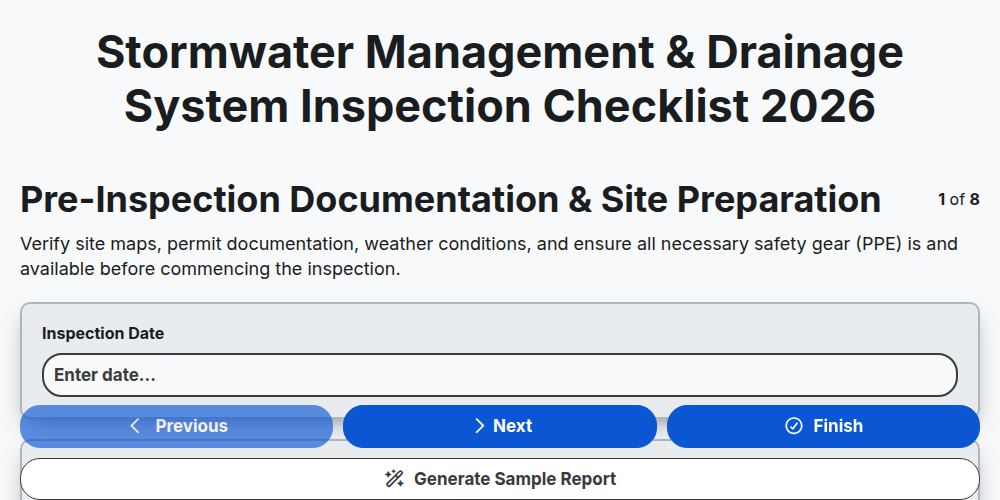
Stormwater Management & Drainage System Inspection Checklist 2026
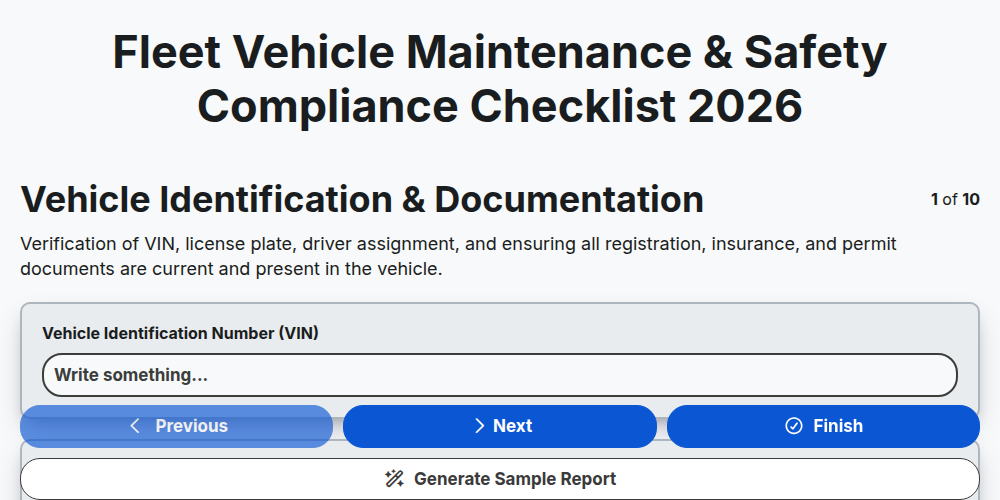
Fleet Vehicle Maintenance & Safety Compliance Checklist 2026
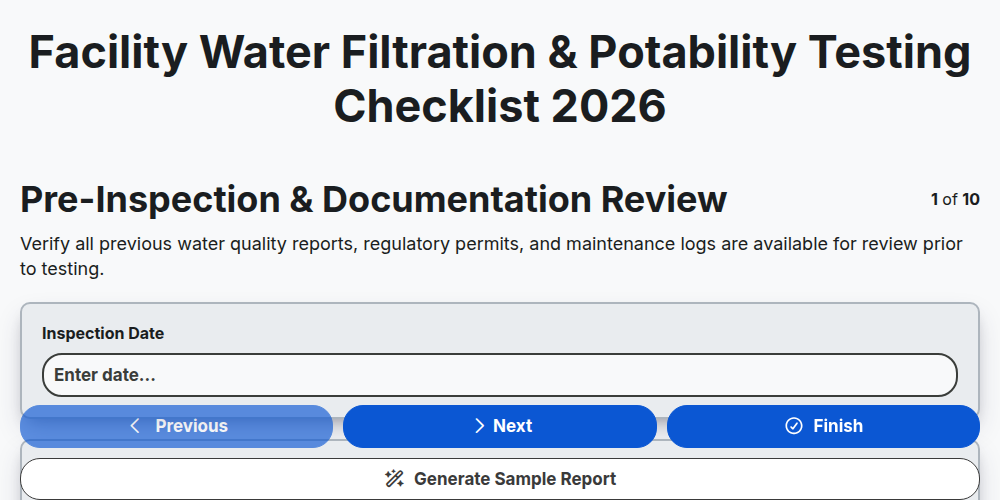
Facility Water Filtration & Potability Testing Checklist 2026
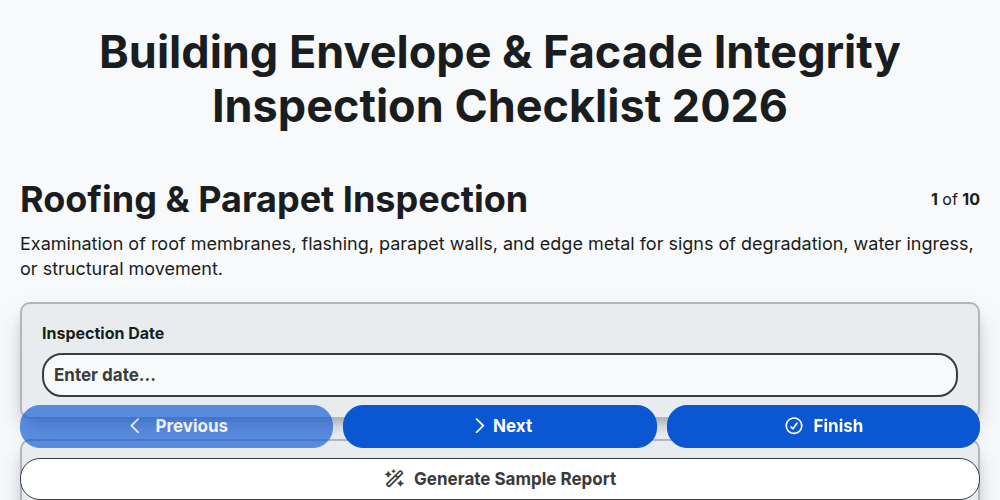
Building Envelope & Facade Integrity Inspection Checklist 2026
Subcontractor On-Site Safety & Compliance Checklist 2026
Janitorial Staff Training & Cleaning Standard Audit 2026
Commercial Roofing Inspection & Leak Detection Checklist 2026
Loading Dock Operations & Safety Audit Checklist 2026
Need help with
Facility Management?
Have a question? We're here to help. Please submit your inquiry, and we'll respond promptly.