 ChecklistGuro
 Flower Shop Fire Safety & Emergency Checklist
Ensure your flower shop is prepared for the unexpected! This Fire Safety & Emergency Checklist helps you regularly inspect equipment, train staff, and create a safe environment for employees & customers. Stay protected and compliant with ease!
This Template was installed 3 times.
Fire Extinguisher Inspection
Check monthly to ensure accessibility, pressure gauge readings, and pin security.
Inspection Date
Pressure Gauge Reading
Pin Status
Extinguisher Condition
Notes/Comments
Inspector Signature
Emergency Exit Routes
Verify exit routes are clear of obstructions and illuminated properly. Review signage for clarity.
Describe current condition of Exit Route 1 (e.g., clear, partially blocked, obstructed)
Describe current condition of Exit Route 2 (e.g., clear, partially blocked, obstructed)
Number of obstructions on Exit Route 1
Number of obstructions on Exit Route 2
Are exit signs visible and illuminated?
GPS Coordinates of Main Exit Door
Date of last emergency exit route inspection
Smoke Detector & Alarm System
Test monthly to confirm functionality. Document test results.
Last Test Date
Test Time
Smoke Detector Battery Voltage (if applicable)
Test Result
Notes/Comments (e.g., any issues encountered)
System Status
Sprinkler System
Confirm sprinkler heads are unobstructed and in working order (as per schedule).
Last Inspection Date
Water Pressure (PSI)
Inspection Result
Notes/Observations (e.g., leaks, unusual spray patterns)
Sprinkler Head Condition
Electrical Safety
Inspect wiring, outlets, and appliances for damage or hazards. Address any issues immediately.
Outlet Voltage (V)
Cord Condition (Visible Damage)
Extension Cord Use
Last Electrical Inspection Date
Any Electrical Issues Noted (Describe)
Hazardous Materials Storage
Ensure chemicals (floral preservatives, cleaning supplies) are stored safely and properly labeled.
Chemical Inventory List
Quantity of Floral Preservative A
Quantity of Floral Preservative B
Storage Location for Cleaning Supplies
Date of Last Chemical Inventory Check
Notes on Chemical Handling Procedures
Ventilation Status
Emergency Contact Information
Verify emergency contact list is up-to-date and readily accessible to all staff.
Police Department Phone Number
Fire Department Phone Number
Ambulance/Emergency Medical Services Phone Number
Poison Control Center Phone Number
Building Manager/Landlord Contact Name
Building Manager/Landlord Contact Phone Number
Local Hospital Phone Number
Staff Training
Confirm all staff are trained on fire safety procedures, evacuation routes, and use of fire extinguishers.
Last Fire Safety Training Date
Topics Covered in Training
Number of Staff Trained
Training Notes
Trainer Qualification
Trainer Signature
First Aid Kit
Check the contents and expiration dates of first aid supplies.
Bandage Count
Gauze Pad Count
Antiseptic Wipe Count
Antiseptic Solution Type
Last Inspection Date
Inspection Notes
Expiration Date Check?
Fire Prevention Reminders
Post reminders regarding smoking policies and safe handling of flammable materials.
Smoking Area Designated?
Smoking Policy Details (if applicable)
Flammable Material Storage Instructions
Distance from Heat Sources (Flammable Materials)
Dry Floral Arrangement Placement
Last Review of Fire Safety Procedures
Comments
There are no comments yet. Be the first to add one!
Flower Shop Management Solution Demo
Bloom with efficiency! ChecklistGuro simplifies flower shop management - from order tracking to inventory control and delivery scheduling. Enhance customer service, reduce waste, & boost profits. Manage it all with our Work OS.
Related Checklist Templates
Flower Shop Marketing Campaign Checklist
Flower Shop Staff Break & Restroom Checklist
Flower Shop Packaging & Presentation Checklist
Flower Shop New Customer Onboarding Checklist
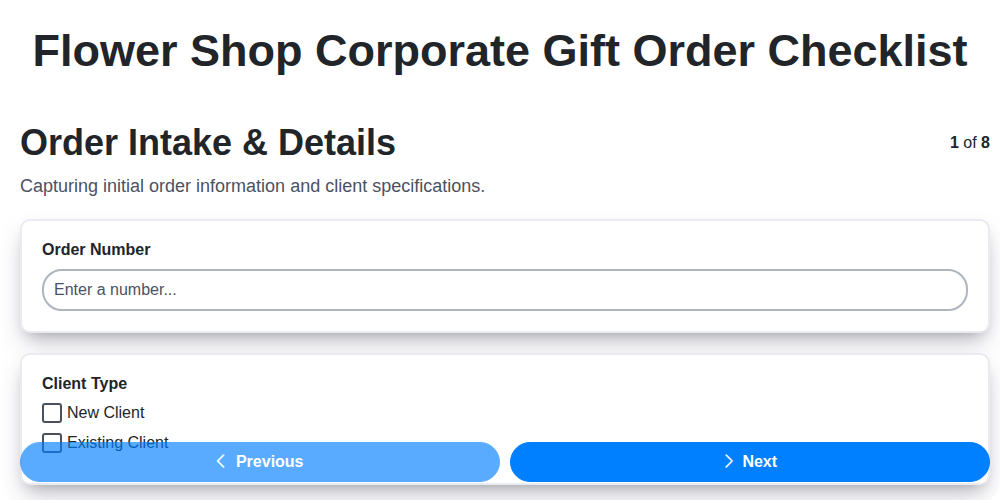
Flower Shop Corporate Gift Order Checklist

Flower Shop Fall Arrangement Checklist
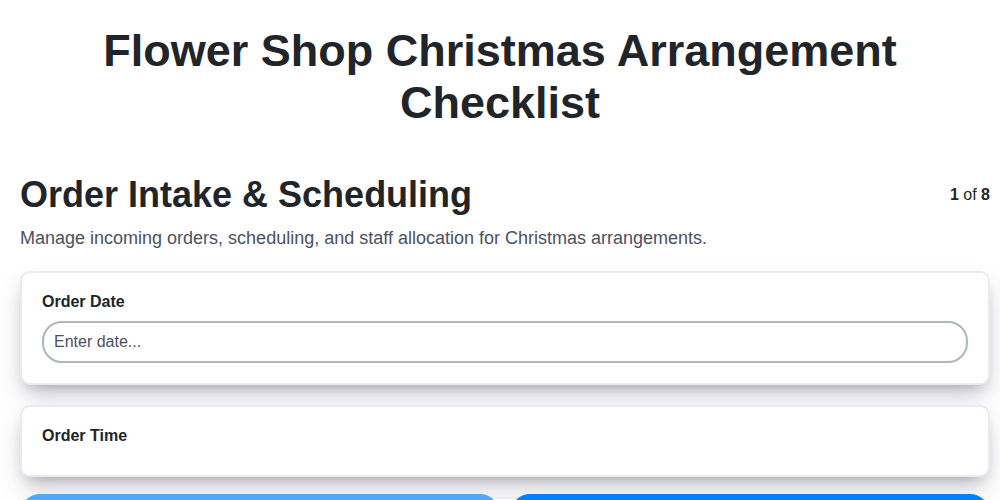
Flower Shop Christmas Arrangement Checklist
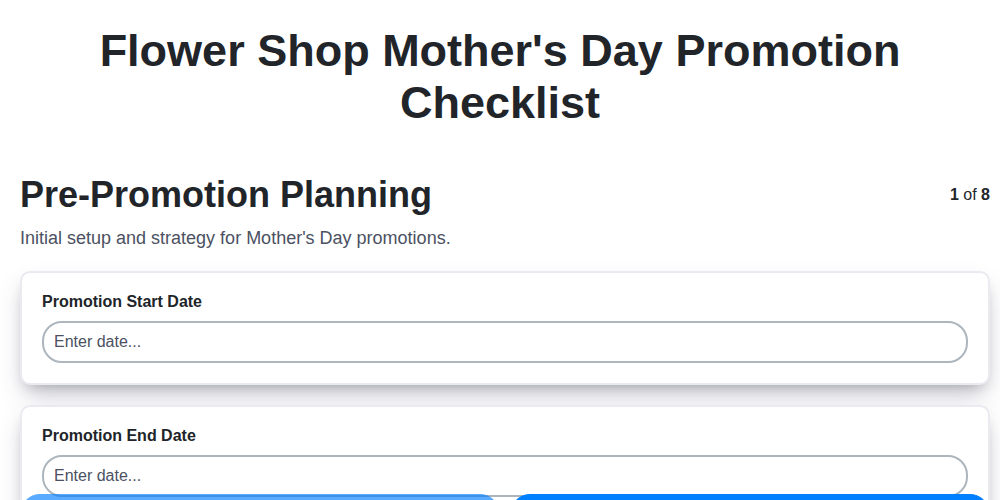
Flower Shop Mother's Day Promotion Checklist
We can do it Together
Need help with
Flower Shop Management?
Have a question? We're here to help. Please submit your inquiry, and we'll respond promptly.