 ChecklistGuro
 Flower Shop Workshop & Floral Design Studio Setup Checklist 2026
Launch your dream floral business with confidence using the ultimate Flower Shop Workshop & Floral Design Studio Setup Checklist 2026. Designed specifically for aspiring florists and retail entrepreneurs, this professional, step-by-step guide ensures every essential element of your studio is covered-from sourcing professional-grade floral workstations and refrigeration units to organizing cutting tools and optimizing your design space for maximum productivity. Avoid costly startup mistakes and streamline your studio workflow with this comprehensive operational blueprint. Whether you are building a boutique studio or a large-scale design center, this 2026 checklist is your roadmap to a perfectly organized, efficient, and high-performing floral workspace.
Studio Layout & Workflow Optimization
Planning the physical arrangement of the design area, worktables, and movement paths to ensure maximum efficiency and ergonomic design.
Primary Design Station Dimensions
Design Zone Allocations
Workflow Efficiency Rating
Traffic Flow Observations
Studio Floor Plan Blueprint
Studio Manager Approval
Essential Floral Equipment & Tool Procurement
A comprehensive list of necessary tools including floral shears, wire cutters, thorn strippers, floral knives, and specialized glue guns.
Required Cutting Tools
Quantity of Floral Wire Spools
Specific Brand/Model for Floral Glue Guns
Procurement Invoices & Receipts
Tool Sterilization Method
Notes on Missing or Backordered Equipment
Workstation & Surface Preparation
Setting up durable, waterproof work surfaces, heavy-duty mats, and cleaning stations specifically designed for floral design tasks.
Work Surface Cleaning Agent Used
Workstation ID/Station Number
Last Surface Sanitization Date
Number of Workstations Prepared
Photo of Prepared Workspace
Studio Manager Verification
Hydration & Processing Station Setup
Organizing buckets, vase cleaners, floral preservative reservoirs, and stem-cutting stations to ensure immediate flower processing capabilities.
Required Processing Equipment
Initial Bucket Inventory Count
Last Sanitization Date
Water Treatment Protocol Notes
Supplier Delivery Receipt
Station Supervisor Verification
Inventory Storage & Climate Control
Setting up floral coolers, humidity monitoring systems, and organized shelving for vases, ribbons, and hard goods.
Storage Areas Inspected
Current Cooler Temperature (°C/°F)
Last Temperature Log Date
Inventory Shortage Notes
Inventory Audit Photo
Manager Verification
Waste Management & Recycling Systems
Implementing systems for organic green waste disposal, paper recycling, and plastic/floral foam management to maintain a clean studio.
Recycling Bin Categories
Designated Waste Disposal Area Location
Last Scheduled Waste Pick-up Date
Estimated Weekly Waste Volume (kg/lbs)
Waste Disposal Provider Status
Composting or Recycling Protocol Notes
Lighting & Visual Presentation Setup
Configuring task lighting for intricate design work and ambient lighting for showcasing finished arrangements to clients.
Lighting Fixtures Installed
Lighting Intensity Check
Display Area Prepared
Studio Lighting Layout Diagram
Visual Presentation Notes
Studio Manager Approval
Safety & Ergonomic Compliance
Ensuring all safety protocols are met, including first aid kits for cuts, non-slip flooring, and proper ventilation for floral treatments.
Safety Equipment Inspection
Ergonomic Workstation Assessment
Last Safety Audit Date
Floor Condition Status
Safety Officer Approval
Digital Workflow & POS Integration
Setting up the digital backbone of the studio, including order management software, label printers, and studio-to-delivery communication tools.
POS Software Installed
Integrated Hardware Check
Software Update Completion Date
Digital Order Workflow Documentation
Inventory Sync Status
Manager Verification
Supplies & Consumables Stocking
A final audit of all non-perishable essentials like floral tape, picks, foam, ribbons, and decorative accents required for day one operations.
Essential Floral Consumables Checklist
Total Estimated Supply Budget (2026)
Last Inventory Audit Date
Missing Supplies or Urgent Reorder Notes
Upload Supplier Invoice or Purchase Order
Inventory Manager Verification
Frequently Asked Questions
Can I customize this template after installing it?
Absolutely. Once installed, you can add, remove, or reorder tasks, add custom fields, and adjust deadlines to fit your specific workflow.
Can I add images or photos to these checklist items?
Yes. Our platform allows you to attach photos, signatures, and notes to any checklist item for better verification and proof of completion.
Can I create a custom checklist from scratch instead of using a template?
Yes. You can use our "Create your own checklist" feature to build a unique workflow tailored exactly to your operational requirements.
Can I add dependencies between tasks?
Yes, you can set up conditional logic and dependencies to ensure your team follows the correct sequence of operations.
Can I assign specific checklist items to different team members?
Yes. You can assign individual tasks to specific employees, ensuring clear accountability across your entire team.
Can I use these checklists on mobile devices in the field?
Yes. Our platform is fully responsive, allowing your team to complete, update, and upload photos to checklists directly from any smartphone or tablet.
How do I notify my manager when a checklist is completed?
You can set up automated notifications (via email, push notification, or in-app alerts) to trigger whenever a checklist is finished or if an item fails inspection.
Can multiple people work on the same checklist simultaneously?
Yes, the platform supports real-time updates, allowing multiple users to contribute to a single live checklist.
Where is the data from completed checklists stored?
All completed checklists are stored securely in your Work OS dashboard, creating a permanent, searchable audit trail of your operations.
Can I generate reports based on my checklist results?
Yes. You can track completion rates, identify recurring issues, and monitor team performance through our integrated reporting and analytics tools.
How can I use these checklists for compliance or auditing purposes?
Because our checklists capture timestamps, photos, and digital signatures, they serve as a robust digital paper trail for regulatory compliance and internal audits.
Can I export my completed checklist data for use in other tools?
Yes. You can export your data in various formats (CSV, Excel, etc.) to integrate your operational insights with your other business software.
Comments
There are no comments yet. Be the first to add one!
Flower Shop Management Solution Demo
Bloom with efficiency! ChecklistGuro simplifies flower shop management - from order tracking to inventory control and delivery scheduling. Enhance customer service, reduce waste, & boost profits. Manage it all with our Work OS.
Related Checklist Templates
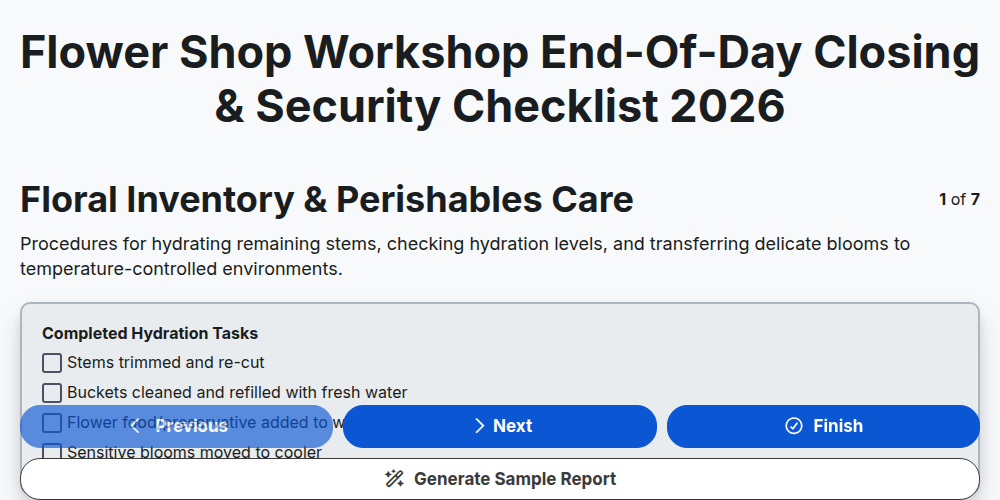
Flower Shop Workshop End-of-Day Closing & Security Checklist 2026
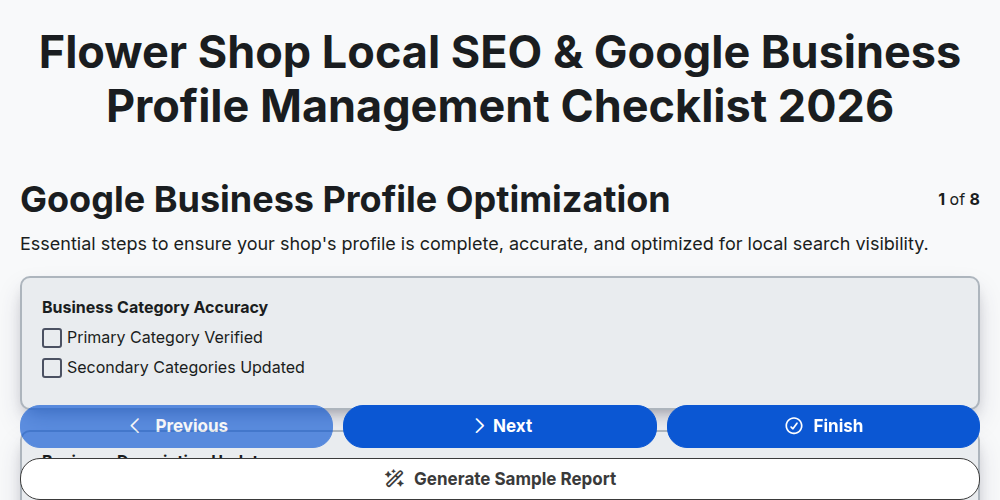
Flower Shop Local SEO & Google Business Profile Management Checklist 2026
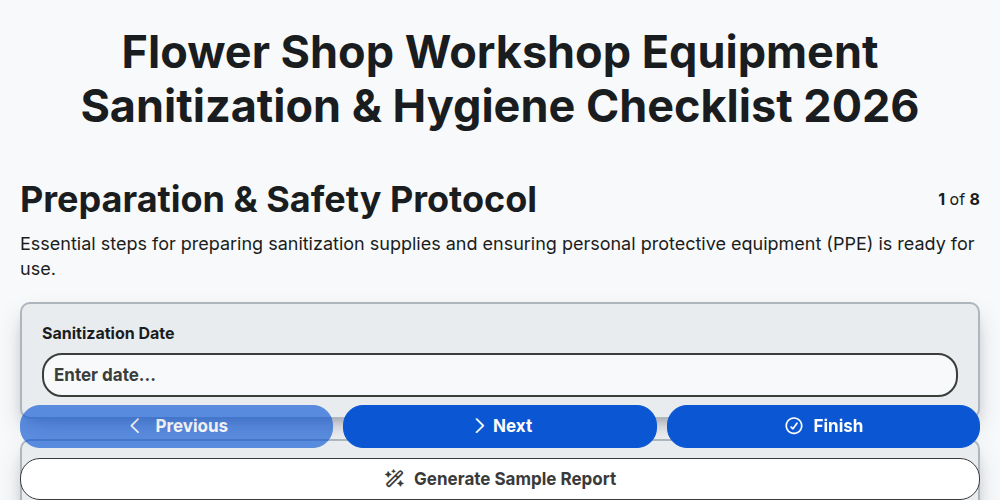
Flower Shop Workshop Equipment Sanitization & Hygiene Checklist 2026
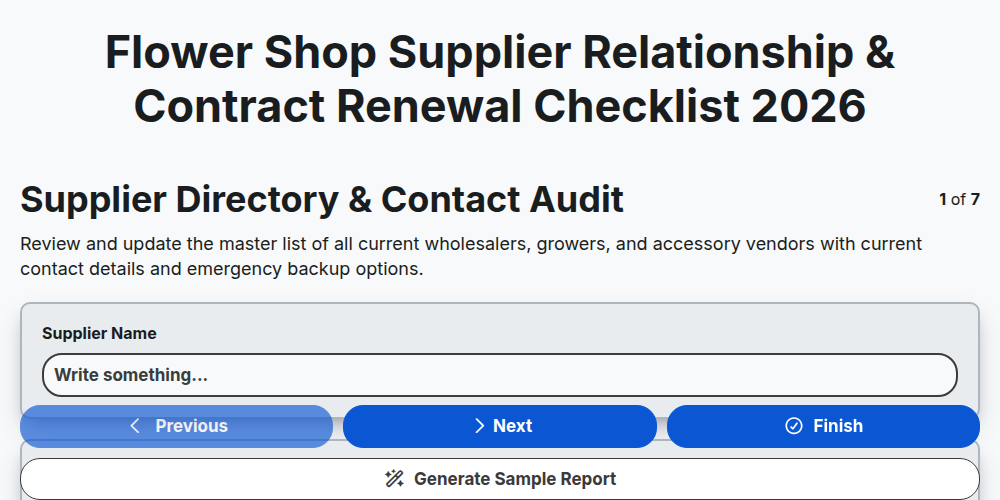
Flower Shop Supplier Relationship & Contract Renewal Checklist 2026
Flower Shop Workshop Interior Merchandising & Display Checklist 2026
Flower Shop Seasonal Pricing & Margin Management Checklist 2026
Flower Shop Grand Opening & Shop Launch Checklist 2026
Flower Shop Workshop Safety & Tool Maintenance Checklist 2026
Need help with
Flower Shop Management?
Have a question? We're here to help. Please submit your inquiry, and we'll respond promptly.