 ChecklistGuro
 Healthcare IT Security Checklist: Data Protection & Access Control
Secure patient data and streamline workflows! This Healthcare IT Security Checklist ensures HIPAA compliance, protects sensitive information, and minimizes risks. Download now for robust access control and peace of mind.
This Template was installed 4 times.
Data Encryption & Storage
Ensuring sensitive patient data is protected both at rest and in transit.
Encryption Method Used (Data at Rest)
Encryption Method Used (Data in Transit)
Encryption Key Rotation Frequency (Days)
Description of Data Storage Location(s)
Data Masking Implemented?
Encryption Key Management Policy Document
Access Control & Authentication
Managing user permissions and verifying identities.
Multi-Factor Authentication Enabled?
Password Complexity Requirements Applied?
Maximum Password Age (Days)
Privilege Access Review Frequency
Role-Based Access Control (RBAC) Implemented for:
Last Access Control Audit Date
Notes on Access Control Processes
Network Security
Protecting network infrastructure from unauthorized access and threats.
Firewall Status
Firewall Rule Count
Intrusion Detection System (IDS) Status
Recent Network Activity Logs Summary
VPN Status
Last Network Security Scan Date
Network Segmentation Implemented?
Endpoint Security
Securing devices accessing healthcare data, including computers, tablets, and mobile phones.
Endpoint Protection Software Installed?
Last Full Scan Completion Status (0 = Failed, 1 = Passed)
Last Security Patch Applied Date
Mobile Device Management (MDM) implemented?
Which of the following endpoint security controls are in place?
Describe any unusual endpoint behavior observed recently.
Vulnerability Management
Identifying and mitigating security vulnerabilities in systems and applications.
Last Vulnerability Scan Date
Scan Frequency (Days)
Summary of Recent Scan Results
Critical/High Severity Vulnerabilities Found?
Description of Remediation Steps for High Severity Vulnerabilities
Target Remediation Completion Date
Vulnerability Scanning Tool Used
Scan Report Attachment (Optional)
Incident Response & Recovery
Planning for and responding to security incidents effectively.
Incident Start Date/Time
Brief Description of Incident
Incident Severity (Low, Medium, High, Critical)
Estimated Number of Records Affected
Systems Impacted (Check all that apply)
Containment Steps Taken
Eradication Steps Taken
Date of Recovery Confirmation
Backup and Disaster Recovery
Implementing strategies to ensure data availability in case of system failures or disasters.
Backup Frequency (e.g., Daily, Weekly)
Last Successful Full Backup Date
Retention Period for Backups (in days)
Offsite Backup Storage Location
Backup Verification Method (e.g., Test Restore)
Last Disaster Recovery Drill Date
Detailed Description of Disaster Recovery Plan
Security Awareness Training
Educating staff on security best practices and potential threats.
Last Training Completion Date
Topics Covered in Training
Briefly describe your understanding of phishing scams.
How do you typically report suspected phishing emails?
How many times have you reviewed the organization's security policies this year?
Compliance & Regulatory Requirements
Adhering to relevant laws and regulations, such as HIPAA and HITECH.
HIPAA Security Rule Assessment Completed?
Last HIPAA Risk Assessment Date
State Privacy Law Compliance?
Summary of Relevant State Privacy Laws Applied
HITECH Act Compliance?
Breach Notification Reporting Deadline (Days)
Supporting Documentation (e.g., Policies, Agreements)
Third-Party Risk Management
Assessing and managing security risks associated with third-party vendors.
Vendor Risk Tier (High, Medium, Low)
Vendor Contract Start Date
Last Risk Assessment Completion Date
Number of Patients' Data Processed by Vendor
Summary of Vendor's Security Practices
Services Provided by Vendor (Select all that apply)
Vendor Security Assessment Report
Vendor Compliance Status (Compliant, Non-Compliant, In Progress)
Frequently Asked Questions
Can I customize this template after installing it?
Absolutely. Once installed, you can add, remove, or reorder tasks, add custom fields, and adjust deadlines to fit your specific workflow.
Can I add images or photos to these checklist items?
Yes. Our platform allows you to attach photos, signatures, and notes to any checklist item for better verification and proof of completion.
Can I create a custom checklist from scratch instead of using a template?
Yes. You can use our "Create your own checklist" feature to build a unique workflow tailored exactly to your operational requirements.
Can I add dependencies between tasks?
Yes, you can set up conditional logic and dependencies to ensure your team follows the correct sequence of operations.
Can I assign specific checklist items to different team members?
Yes. You can assign individual tasks to specific employees, ensuring clear accountability across your entire team.
Can I use these checklists on mobile devices in the field?
Yes. Our platform is fully responsive, allowing your team to complete, update, and upload photos to checklists directly from any smartphone or tablet.
How do I notify my manager when a checklist is completed?
You can set up automated notifications (via email, push notification, or in-app alerts) to trigger whenever a checklist is finished or if an item fails inspection.
Can multiple people work on the same checklist simultaneously?
Yes, the platform supports real-time updates, allowing multiple users to contribute to a single live checklist.
Where is the data from completed checklists stored?
All completed checklists are stored securely in your Work OS dashboard, creating a permanent, searchable audit trail of your operations.
Can I generate reports based on my checklist results?
Yes. You can track completion rates, identify recurring issues, and monitor team performance through our integrated reporting and analytics tools.
How can I use these checklists for compliance or auditing purposes?
Because our checklists capture timestamps, photos, and digital signatures, they serve as a robust digital paper trail for regulatory compliance and internal audits.
Can I export my completed checklist data for use in other tools?
Yes. You can export your data in various formats (CSV, Excel, etc.) to integrate your operational insights with your other business software.
Comments
There are no comments yet. Be the first to add one!
Healthcare Management Solution Demo
Streamlining healthcare operations and improving patient care? ChecklistGuro's Work OS platform simplifies everything from patient scheduling and billing to compliance and staff management. Enhance efficiency, reduce administrative burden, and focus on what matters most: your patients. Learn how ChecklistGuro can transform your healthcare organization!
Related Checklist Templates
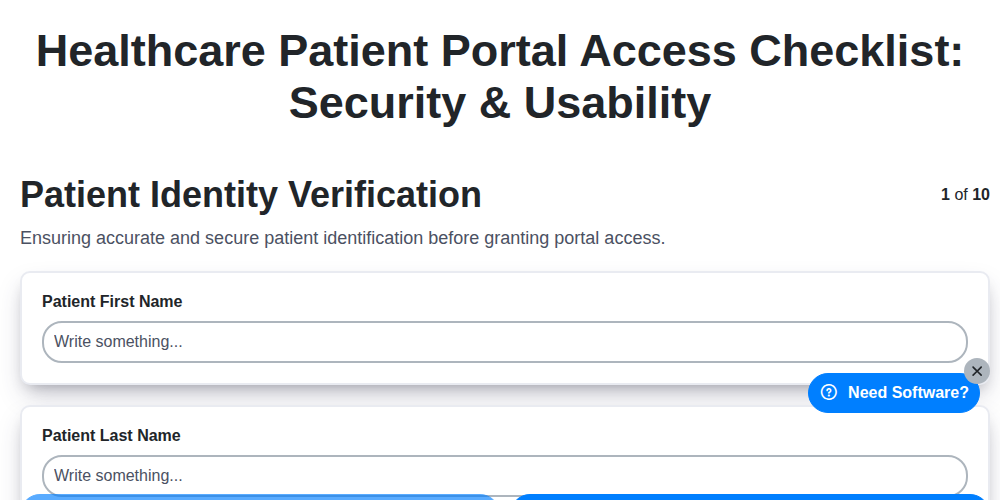
Healthcare Patient Portal Access Checklist: Security & Usability
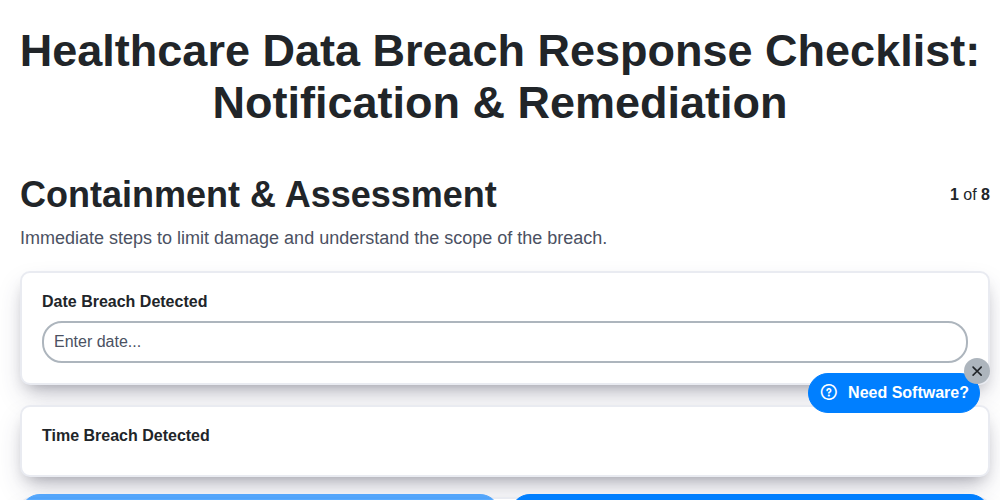
Healthcare Data Breach Response Checklist: Notification & Remediation
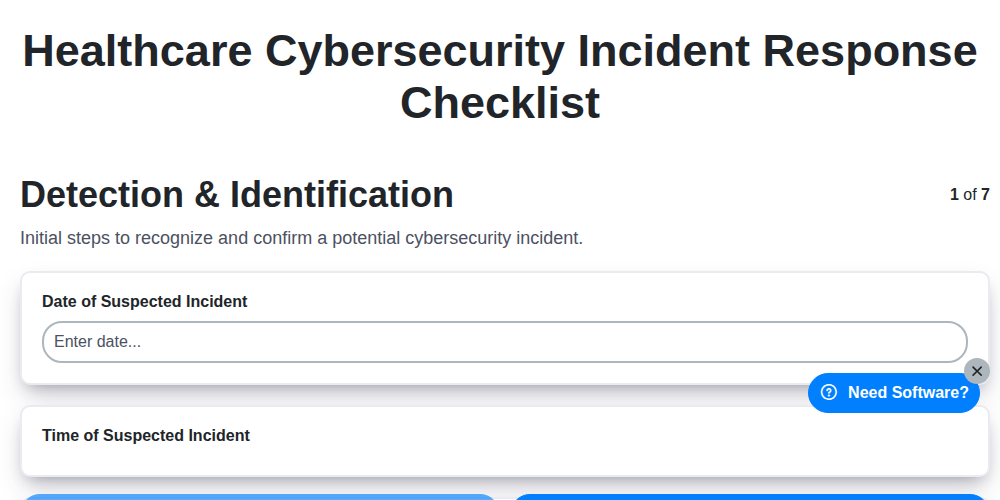
Healthcare Cybersecurity Incident Response Checklist
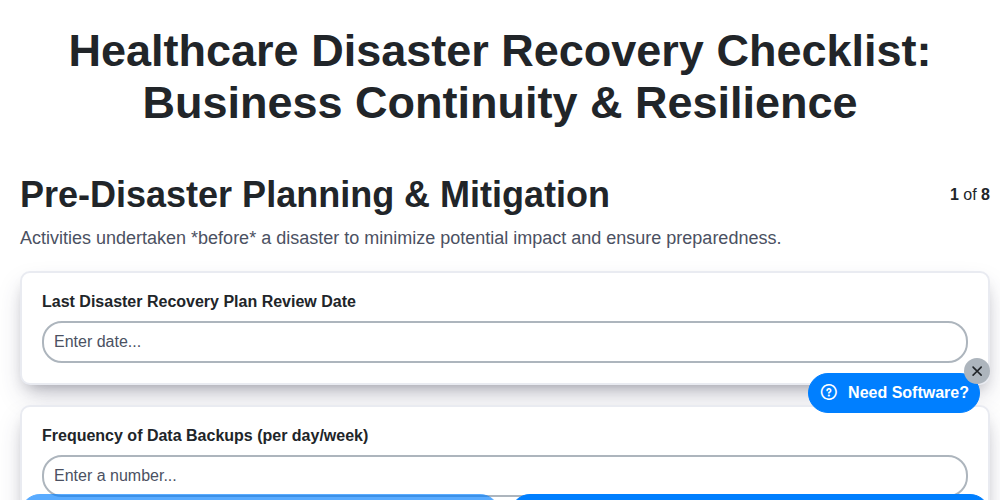
Healthcare Disaster Recovery Checklist: Business Continuity & Resilience
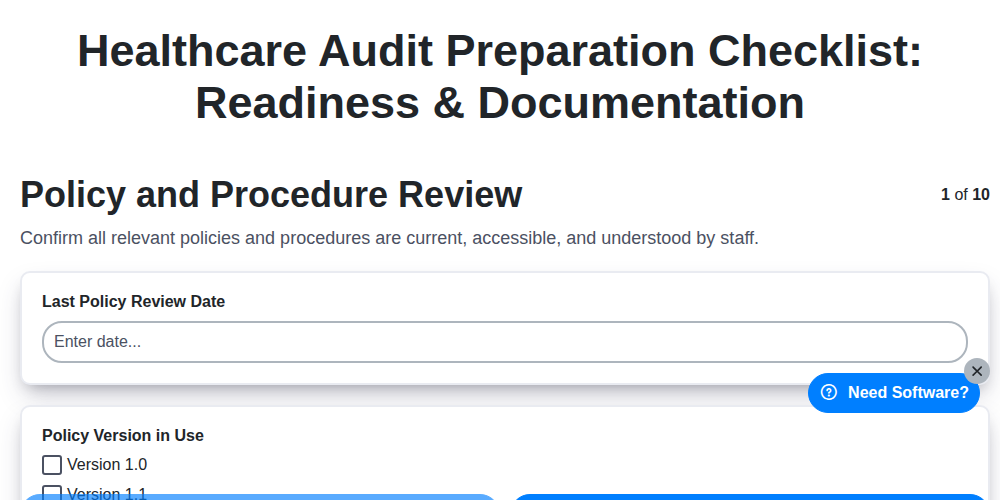
Healthcare Audit Preparation Checklist: Readiness & Documentation
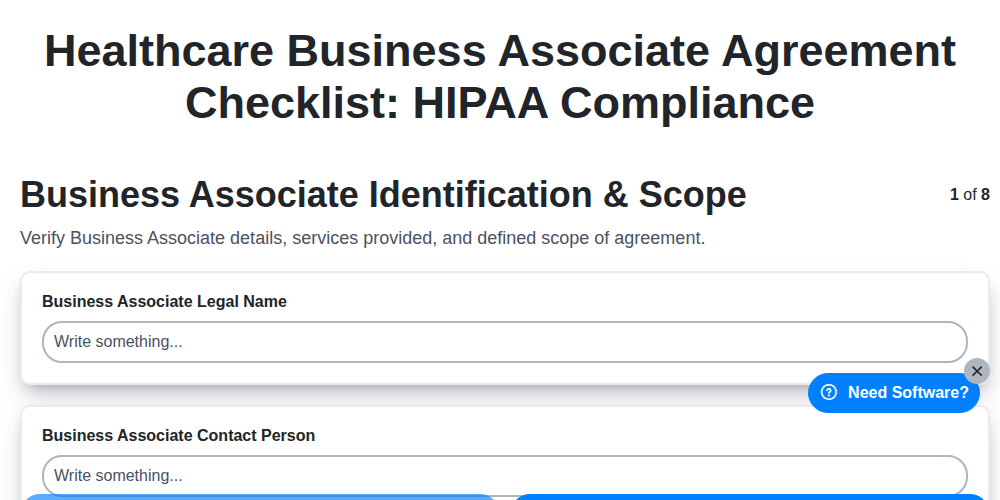
Healthcare Business Associate Agreement Checklist: HIPAA Compliance
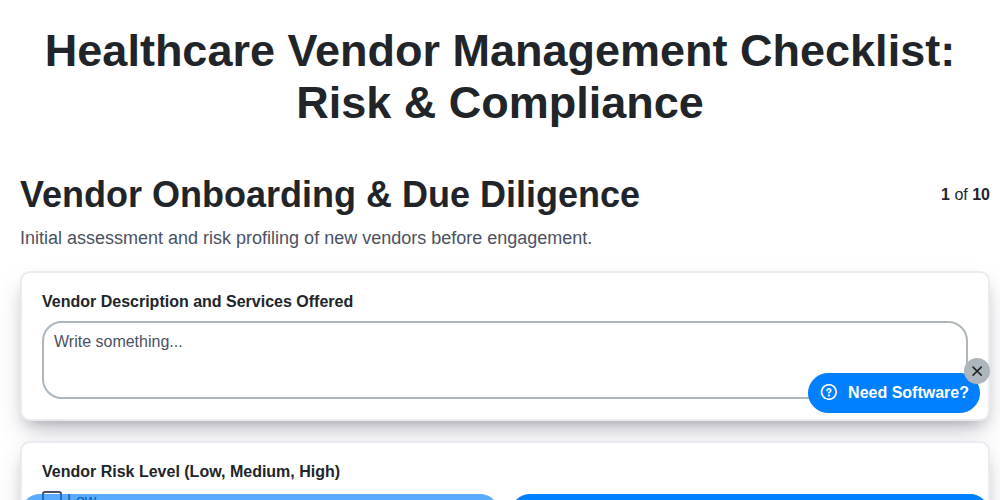
Healthcare Vendor Management Checklist: Risk & Compliance

Healthcare Patient Experience Checklist: Satisfaction & Feedback
Need help with
Healthcare?
Have a question? We're here to help. Please submit your inquiry, and we'll respond promptly.