 ChecklistGuro
 Healthcare Business Associate Agreement Checklist: HIPAA Compliance
Ensure HIPAA compliance and mitigate risk! This checklist streamlines your Business Associate Agreement process, safeguarding patient data and avoiding costly penalties. Simplify vendor management and stay protected.
This Template was installed 1 times.
Business Associate Identification & Scope
Verify Business Associate details, services provided, and defined scope of agreement.
Business Associate Legal Name
Business Associate Contact Person
Business Associate Contact Phone Number
Business Associate Type (e.g., Data Storage, Billing)
Detailed Description of Services Provided
Agreement Start Date
Business Associate Primary Location
Permitted Uses and Disclosures
Review allowed uses and disclosures of Protected Health Information (PHI).
Purpose of Disclosure
Detailed Description of Permitted Use
Recipient of Disclosure
Justification for Specific Disclosure (If applicable)
Requires Patient Authorization?
Authorization Expiration Date (If applicable)
Data Security and Breach Notification
Confirm security safeguards, breach reporting procedures, and timelines.
Encryption Method Used
Data Encryption Key Rotation Frequency (Days)
Description of Data Access Controls
Breach Notification Timeline Adherence
Last Security Risk Assessment Date
Security Training Topics Covered
Subcontractor Agreements
Assess Business Associate's adherence to subcontracting requirements and compliance.
Does the Business Associate have written agreements with subcontractors?
Upload a copy of the Business Associate's standard subcontractor agreement (if available).
Do the subcontractor agreements include HIPAA compliance clauses?
Describe the key HIPAA compliance requirements outlined in the subcontractor agreements.
Does the Business Associate require subcontractors to undergo HIPAA training?
Number of Subcontractors Requiring HIPAA Compliance Review
HIPAA Training and Compliance
Verify Business Associate's employee training and ongoing compliance efforts.
Initial Training Completion Date
Last Refresher Training Completion Date
Training Format (e.g., Online, In-Person)
Topics Covered in Training (Select all that apply)
Number of Employees Trained
Signature Acknowledging Training Completion
Term and Termination
Examine termination clauses, data return procedures, and ongoing obligations.
Agreement Start Date
Agreement Termination Date (if known)
Termination Notice Period (in days)
Termination Reason (if applicable)
Termination Method
Business Associate Representative Signature
Healthcare Organization Representative Signature
Business Associate Responsibilities
Outline and confirm responsibilities of the Business Associate in regards to HIPAA.
Description of Services Provided
Confirmation of HIPAA Training Completion
Number of Employees with Access to PHI
Specific Security Measures Implemented
Last Security Risk Assessment Date
Business Associate Representative Signature
Agreement Updates & Review
Ensure the agreement is reviewed and updated regularly to reflect current regulations and security best practices.
Last Review Date
Summary of Review Changes
Review Cycle Frequency (Months)
Compliance Updates Considered
Next Scheduled Review Date
Reviewer Signature
Frequently Asked Questions
Can I customize this template after installing it?
Absolutely. Once installed, you can add, remove, or reorder tasks, add custom fields, and adjust deadlines to fit your specific workflow.
Can I add images or photos to these checklist items?
Yes. Our platform allows you to attach photos, signatures, and notes to any checklist item for better verification and proof of completion.
Can I create a custom checklist from scratch instead of using a template?
Yes. You can use our "Create your own checklist" feature to build a unique workflow tailored exactly to your operational requirements.
Can I add dependencies between tasks?
Yes, you can set up conditional logic and dependencies to ensure your team follows the correct sequence of operations.
Can I assign specific checklist items to different team members?
Yes. You can assign individual tasks to specific employees, ensuring clear accountability across your entire team.
Can I use these checklists on mobile devices in the field?
Yes. Our platform is fully responsive, allowing your team to complete, update, and upload photos to checklists directly from any smartphone or tablet.
How do I notify my manager when a checklist is completed?
You can set up automated notifications (via email, push notification, or in-app alerts) to trigger whenever a checklist is finished or if an item fails inspection.
Can multiple people work on the same checklist simultaneously?
Yes, the platform supports real-time updates, allowing multiple users to contribute to a single live checklist.
Where is the data from completed checklists stored?
All completed checklists are stored securely in your Work OS dashboard, creating a permanent, searchable audit trail of your operations.
Can I generate reports based on my checklist results?
Yes. You can track completion rates, identify recurring issues, and monitor team performance through our integrated reporting and analytics tools.
How can I use these checklists for compliance or auditing purposes?
Because our checklists capture timestamps, photos, and digital signatures, they serve as a robust digital paper trail for regulatory compliance and internal audits.
Can I export my completed checklist data for use in other tools?
Yes. You can export your data in various formats (CSV, Excel, etc.) to integrate your operational insights with your other business software.
Comments
There are no comments yet. Be the first to add one!
Healthcare Management Solution Demo
Streamlining healthcare operations and improving patient care? ChecklistGuro's Work OS platform simplifies everything from patient scheduling and billing to compliance and staff management. Enhance efficiency, reduce administrative burden, and focus on what matters most: your patients. Learn how ChecklistGuro can transform your healthcare organization!
Related Checklist Templates
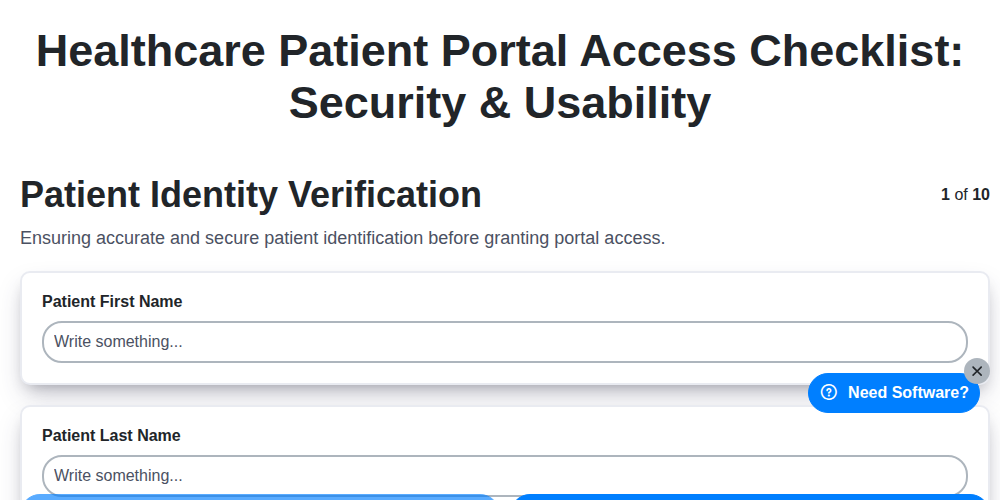
Healthcare Patient Portal Access Checklist: Security & Usability
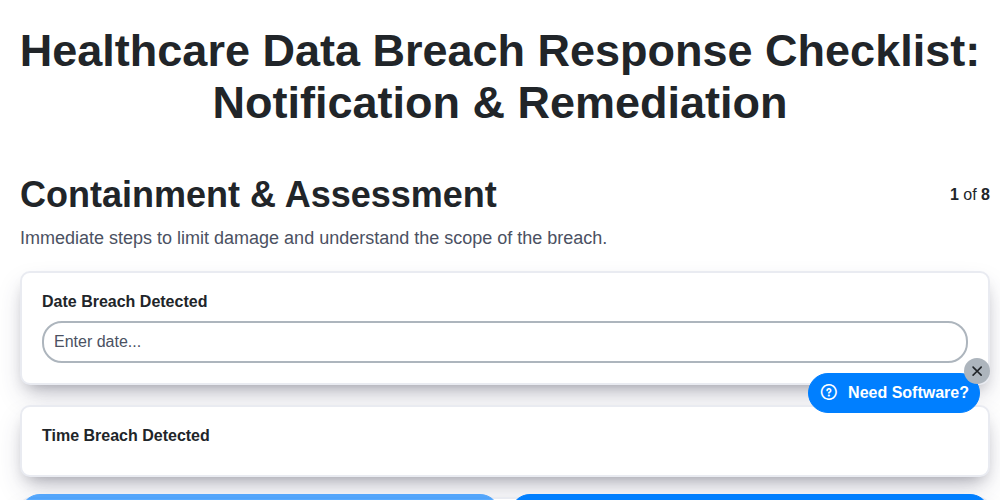
Healthcare Data Breach Response Checklist: Notification & Remediation
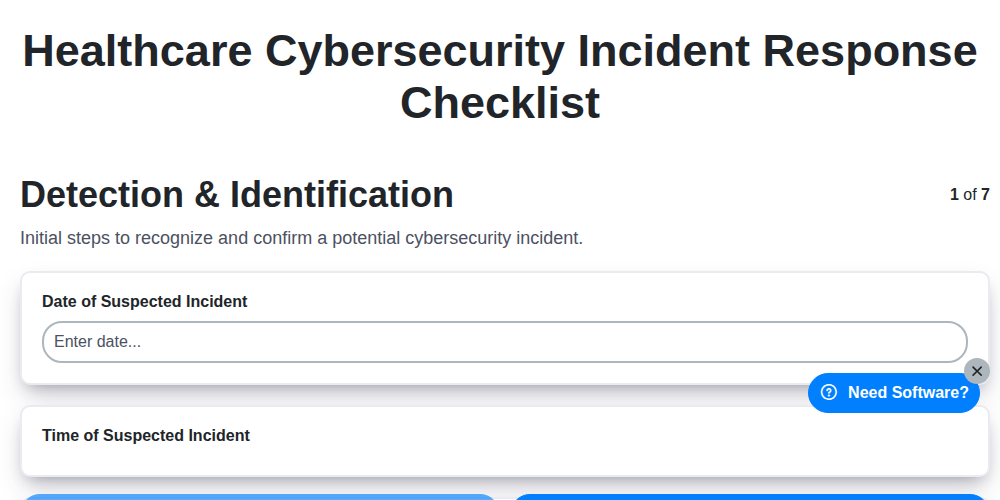
Healthcare Cybersecurity Incident Response Checklist

Healthcare IT Security Checklist: Data Protection & Access Control
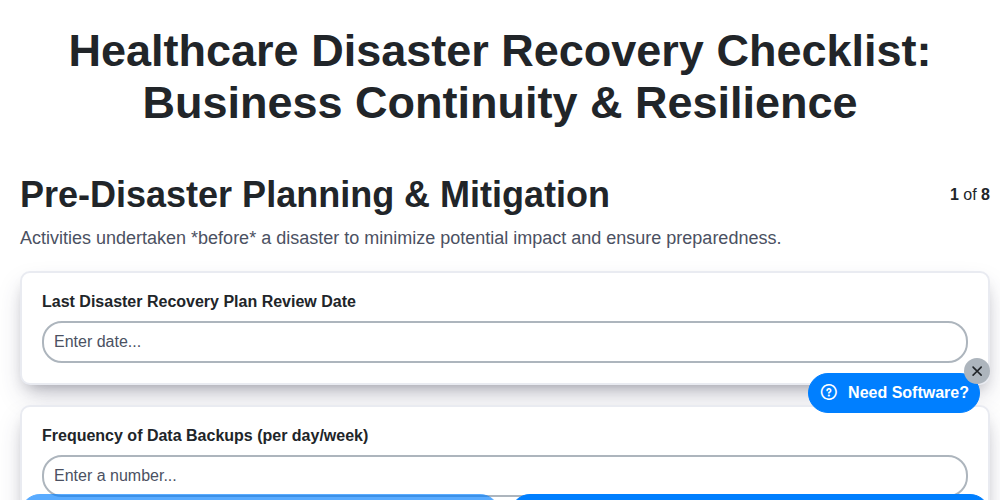
Healthcare Disaster Recovery Checklist: Business Continuity & Resilience
Healthcare Audit Preparation Checklist: Readiness & Documentation
Healthcare Vendor Management Checklist: Risk & Compliance

Healthcare Patient Experience Checklist: Satisfaction & Feedback
Need help with
Healthcare?
Have a question? We're here to help. Please submit your inquiry, and we'll respond promptly.