 ChecklistGuro
 Insurance Anti-Money Laundering (AML) Compliance Checklist
Protect your insurance business from financial crime. This AML compliance checklist ensures robust screening, transaction monitoring, and reporting - safeguarding your reputation and avoiding costly penalties. Download now!
This Template was installed 2 times.
Customer Identification Program (CIP)
Ensuring proper identification and verification of insurance customers.
Customer Name
Customer Type (Individual/Business)
Residential/Business Address
Date of Birth (for Individuals)
Tax Identification Number (TIN)
Proof of Identity (e.g., Passport, Driver's License)
Proof of Address (e.g., Utility Bill, Bank Statement)
Transaction Monitoring
Reviewing insurance transactions for suspicious activity and patterns.
Transaction Amount
Transaction Date
Transaction Type
Description of Transaction
Payment Method
Policy Number
Flags for Review (Select all that apply)
Sanctions Screening
Verifying customers and transactions against sanctioned party lists.
Customer Name
Customer Address
Beneficiary Name (if applicable)
Sanctions List Used (e.g., OFAC, EU, UN)
Matching Entities Found (check all that apply)
Sanctions Screening Date
Investigator Initials
Politically Exposed Persons (PEP) Screening
Identifying and assessing risks associated with Politically Exposed Persons.
PEP Status
Name of PEP (if applicable)
Relationship to Customer (if applicable)
Date PEP Status Determined
Geographic Risk Level (Country of Association)
Position/Title of PEP (if applicable)
Enhanced Due Diligence (EDD) Notes
EDD Approval Status
Record Keeping
Maintaining accurate and complete records of AML compliance efforts.
Record Creation Date
Summary of Transaction Details
Supporting Documentation (e.g., ID verification, transaction records)
Transaction Amount
Record Type
Record Identifier/Tracking Number
Employee Training
Providing comprehensive AML training to relevant employees.
Training Completion Date
Training Module Completed
Quiz Score (%)
Employee Comments / Feedback
Training Format
Proof of Completion (Certificate/Record)
Reporting Suspicious Activity
Establishing procedures for reporting suspicious activity to relevant authorities.
Detailed Description of Suspicious Activity
Estimated Value of Transaction(s)
Suspected Crime Type
Relevant Parties Involved
Date of Suspicious Activity
Time of Activity
Reporting Channel
Risk Assessment
Conducting regular AML risk assessments to identify vulnerabilities and implement appropriate controls.
Estimated Transaction Volume (Annual)
Primary AML Risk Factor(s)
Description of Current AML Risk Mitigation Strategies
Date of Last Risk Assessment
Risk Level (Overall)
Supporting Documentation (Risk Assessment Report)
Policy and Procedures Review
Periodically reviewing and updating AML policies and procedures to reflect changes in regulations and industry best practices.
Last Review Date
Summary of Changes Made
Review Frequency
Version Number
Supporting Documentation
Reviewer Name
Independent Testing
Conducting independent testing of AML controls to ensure effectiveness.
Date of Independent Test
Type of Test Performed
Number of Transactions Reviewed
Summary of Testing Methodology
Areas Tested
Findings/Deficiencies Identified
Recommendations for Remediation
Tester Signature
Frequently Asked Questions
Can I customize this template after installing it?
Absolutely. Once installed, you can add, remove, or reorder tasks, add custom fields, and adjust deadlines to fit your specific workflow.
Can I add images or photos to these checklist items?
Yes. Our platform allows you to attach photos, signatures, and notes to any checklist item for better verification and proof of completion.
Can I create a custom checklist from scratch instead of using a template?
Yes. You can use our "Create your own checklist" feature to build a unique workflow tailored exactly to your operational requirements.
Can I add dependencies between tasks?
Yes, you can set up conditional logic and dependencies to ensure your team follows the correct sequence of operations.
Can I assign specific checklist items to different team members?
Yes. You can assign individual tasks to specific employees, ensuring clear accountability across your entire team.
Can I use these checklists on mobile devices in the field?
Yes. Our platform is fully responsive, allowing your team to complete, update, and upload photos to checklists directly from any smartphone or tablet.
How do I notify my manager when a checklist is completed?
You can set up automated notifications (via email, push notification, or in-app alerts) to trigger whenever a checklist is finished or if an item fails inspection.
Can multiple people work on the same checklist simultaneously?
Yes, the platform supports real-time updates, allowing multiple users to contribute to a single live checklist.
Where is the data from completed checklists stored?
All completed checklists are stored securely in your Work OS dashboard, creating a permanent, searchable audit trail of your operations.
Can I generate reports based on my checklist results?
Yes. You can track completion rates, identify recurring issues, and monitor team performance through our integrated reporting and analytics tools.
How can I use these checklists for compliance or auditing purposes?
Because our checklists capture timestamps, photos, and digital signatures, they serve as a robust digital paper trail for regulatory compliance and internal audits.
Can I export my completed checklist data for use in other tools?
Yes. You can export your data in various formats (CSV, Excel, etc.) to integrate your operational insights with your other business software.
Comments
There are no comments yet. Be the first to add one!
Insurance Management Solution Demo
Managing policies, claims, and compliance in the insurance industry is complex. ChecklistGuro's Work OS platform streamlines your operations, from underwriting and renewals to claims processing and reporting. Improve efficiency, reduce errors, and enhance customer satisfaction. Discover how ChecklistGuro can transform your insurance business!
Related Checklist Templates
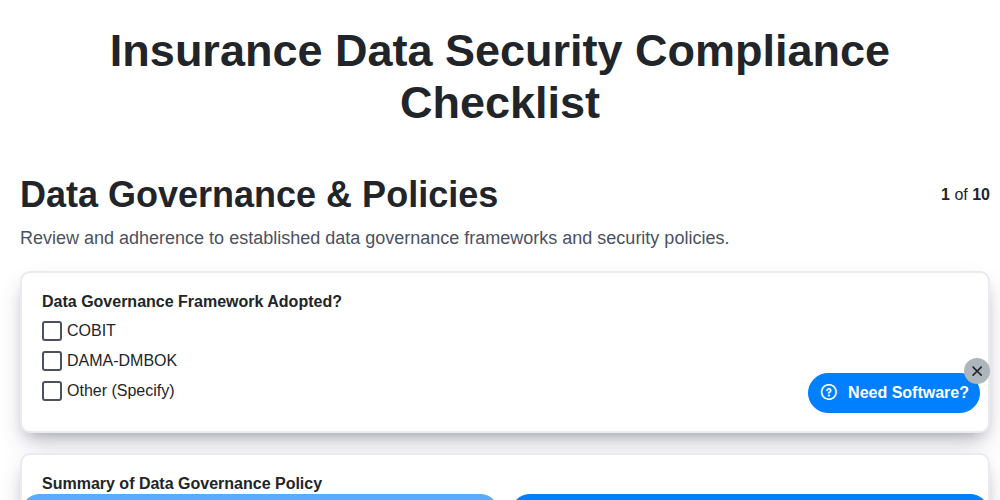
Insurance Data Security Compliance Checklist
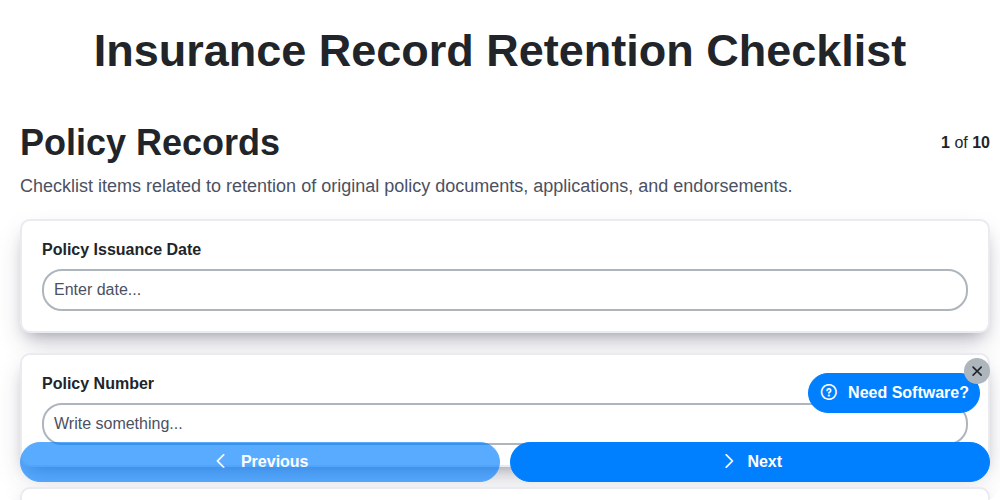
Insurance Record Retention Checklist
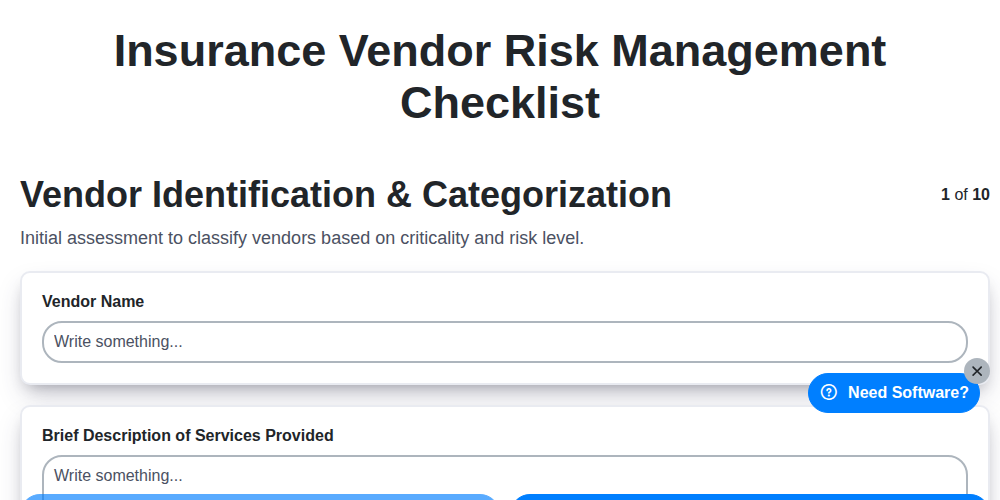
Insurance Vendor Risk Management Checklist
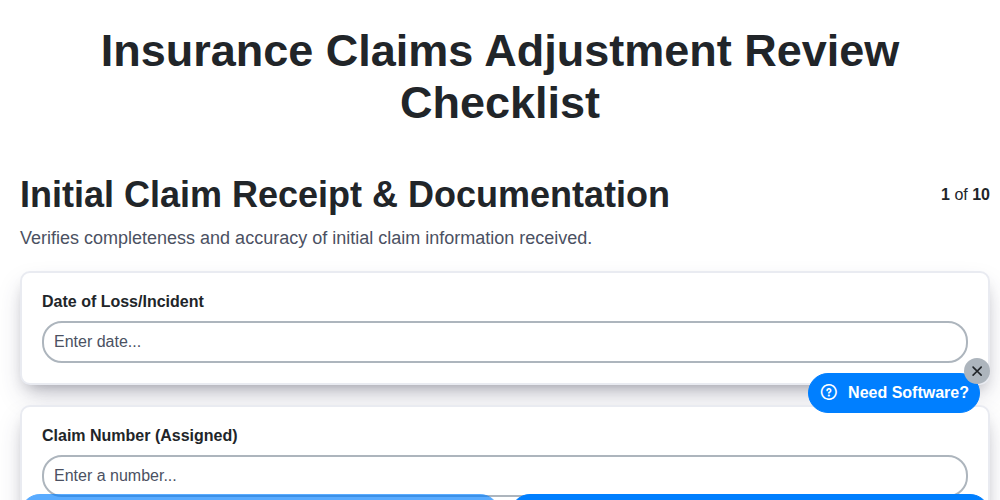
Insurance Claims Adjustment Review Checklist
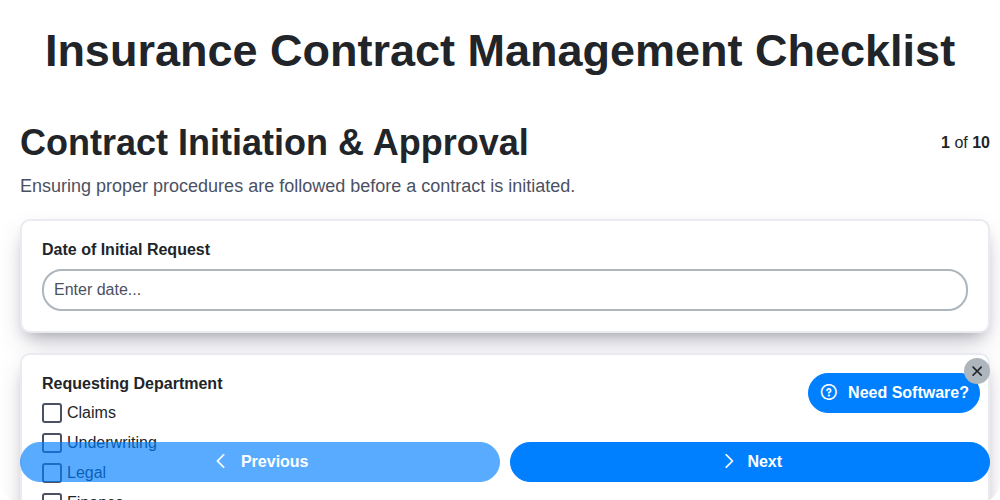
Insurance Contract Management Checklist
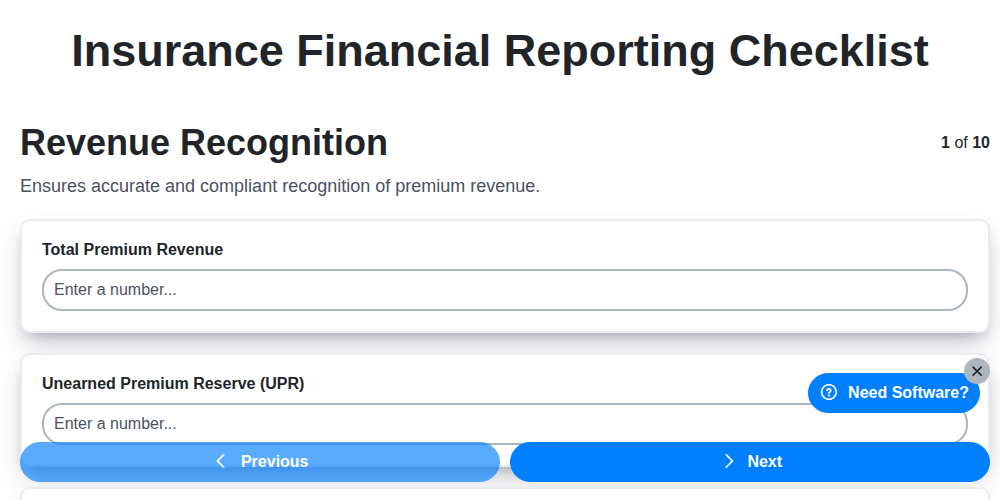
Insurance Financial Reporting Checklist
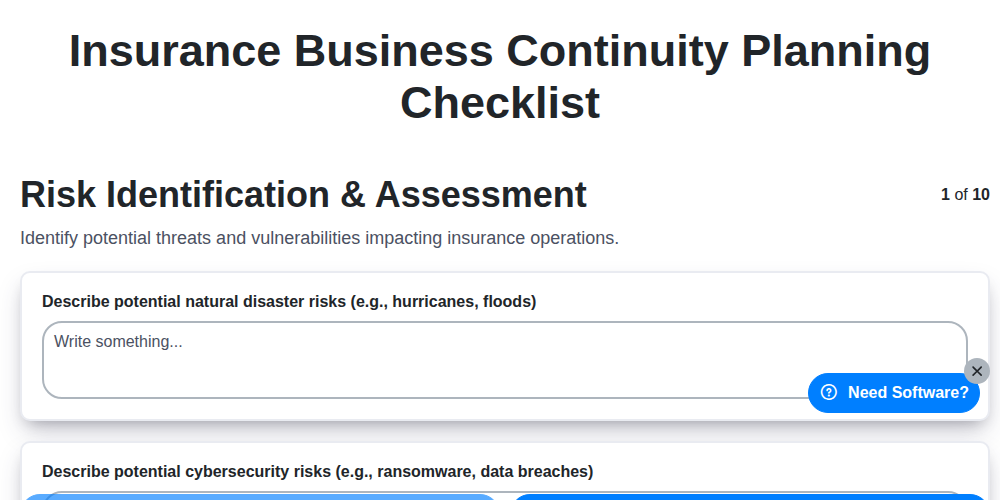
Insurance Business Continuity Planning Checklist
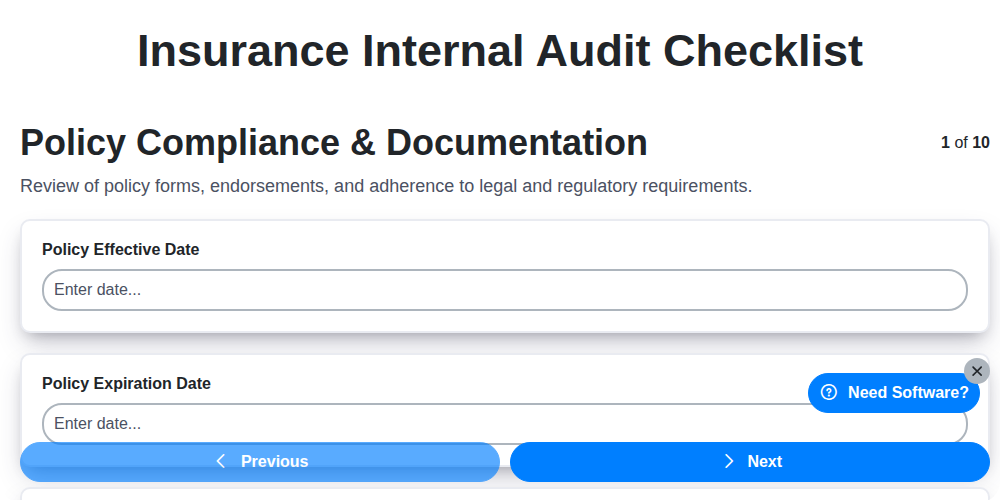
Insurance Internal Audit Checklist
Need help with
Insurance?
Have a question? We're here to help. Please submit your inquiry, and we'll respond promptly.