 ChecklistGuro
 Beauty Salon Professional Product Stock Replenishment Checklist 2026
Stop running out of essential salon supplies mid-service with the Beauty Salon Professional Product Stock Replenishment Checklist 2026. Designed specifically for salon owners and inventory managers, this professional-grade template ensures seamless stock control of hair color, skincare, developer, and salon essentials. Optimize your salon's workflow, prevent costly overstocking, and eliminate service interruptions by implementing this high-efficiency replenishment system. Perfect for maintaining consistent par levels and maximizing profitability in 2026.
Pre-Audit Inventory Verification
Verification of current physical stock counts against the digital Point of Sale (POS) or inventory management system records.
Audit Date
Storage Area/Station ID
System Recorded Quantity
Physical Counted Quantity
Discrepancy Status
Auditor Verification Signature
Backbar & Professional Use Supplies
Inspection of large-format products used during services, including shampoos, conditioners, color tubes, developers, and chemical treatments.
Product Name
Current Quantity on Hand
Minimum Par Level
Stock Status
Last Inspection Date
Condition Issues Found
Inventory Auditor Signature
Retail Product Shelf Audit
Evaluation of front-of-house retail inventory, focusing on consumer-facing items, hair care, skincare, and accessories available for purchase.
Product Name
Current Quantity on Shelf
Shelf Condition Status
Product Category
Shelf Photo Documentation
Auditor Verification
Product Expiry & Condition Assessment
Checking for expired, expired-imminent, or compromised packaging/bottles to ensure product safety and quality compliance for 202-6.
Product Condition Status
Expiration Date Identified
Days Until Expiration
Identified Issues
Detailed Damage Notes
Photo of Damaged Item
Low Stock & Reorder Point Identification
Identification of all items that have fallen below their established minimum threshold (Par Levels) and require immediate replenishment.
Product Name
Current Stock Level
Reorder Threshold (Par Level)
Quantity to Order
Preferred Vendor
Order Placement Date
Inventory Manager Approval
Vendor & Order Processing
Documentation of pending orders, incoming shipments, and the creation of new purchase orders for identified shortages.
Order Placement Date
Primary Vendor Name
Items to Reorder
Estimated Order Total ($)
Order Notes & Special Instructions
Upload Purchase Order (PO) Copy
Inventory Manager Approval
Disposal & Waste Log
Recording of damaged, expired, or contaminated products that must be removed from the inventory and disposed of according to salon policy.
Disposal Date
Disposed Product Name
Reason for Disposal
Quantity Discarded
Disposal Details & Notes
Photo Evidence of Damaged Product
Inventory Manager Approval
Frequently Asked Questions
Can I customize this template after installing it?
Absolutely. Once installed, you can add, remove, or reorder tasks, add custom fields, and adjust deadlines to fit your specific workflow.
Can I add images or photos to these checklist items?
Yes. Our platform allows you to attach photos, signatures, and notes to any checklist item for better verification and proof of completion.
Can I create a custom checklist from scratch instead of using a template?
Yes. You can use our "Create your own checklist" feature to build a unique workflow tailored exactly to your operational requirements.
Can I add dependencies between tasks?
Yes, you can set up conditional logic and dependencies to ensure your team follows the correct sequence of operations.
Can I assign specific checklist items to different team members?
Yes. You can assign individual tasks to specific employees, ensuring clear accountability across your entire team.
Can I use these checklists on mobile devices in the field?
Yes. Our platform is fully responsive, allowing your team to complete, update, and upload photos to checklists directly from any smartphone or tablet.
How do I notify my manager when a checklist is completed?
You can set up automated notifications (via email, push notification, or in-app alerts) to trigger whenever a checklist is finished or if an item fails inspection.
Can multiple people work on the same checklist simultaneously?
Yes, the platform supports real-time updates, allowing multiple users to contribute to a single live checklist.
Where is the data from completed checklists stored?
All completed checklists are stored securely in your Work OS dashboard, creating a permanent, searchable audit trail of your operations.
Can I generate reports based on my checklist results?
Yes. You can track completion rates, identify recurring issues, and monitor team performance through our integrated reporting and analytics tools.
How can I use these checklists for compliance or auditing purposes?
Because our checklists capture timestamps, photos, and digital signatures, they serve as a robust digital paper trail for regulatory compliance and internal audits.
Can I export my completed checklist data for use in other tools?
Yes. You can export your data in various formats (CSV, Excel, etc.) to integrate your operational insights with your other business software.
Comments
There are no comments yet. Be the first to add one!
Inventory Management Solution Demo
Optimize your inventory & boost profitability! ChecklistGuro streamlines tracking, ordering, & fulfillment. Reduce waste, minimize stockouts, & improve efficiency. Manage it all with our Work OS.
Related Checklist Templates
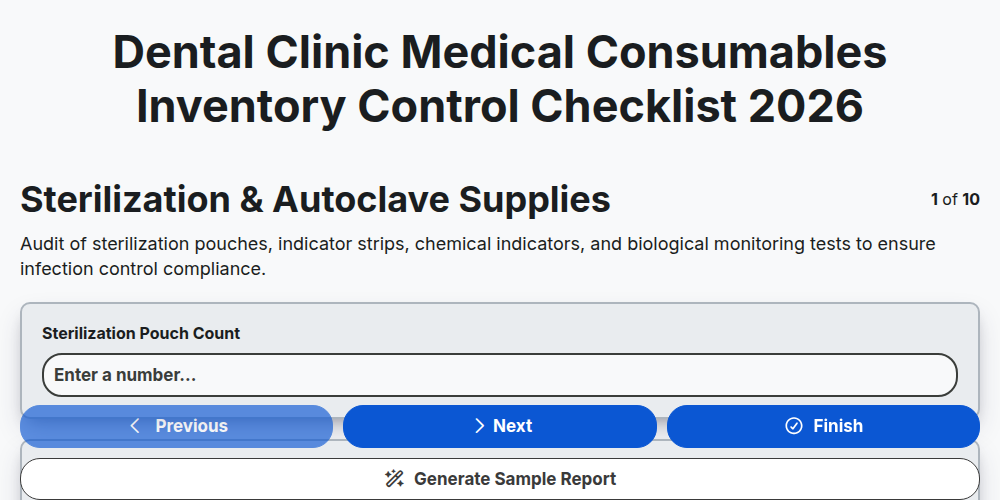
Dental Clinic Medical Consumables Inventory Control Checklist 2026
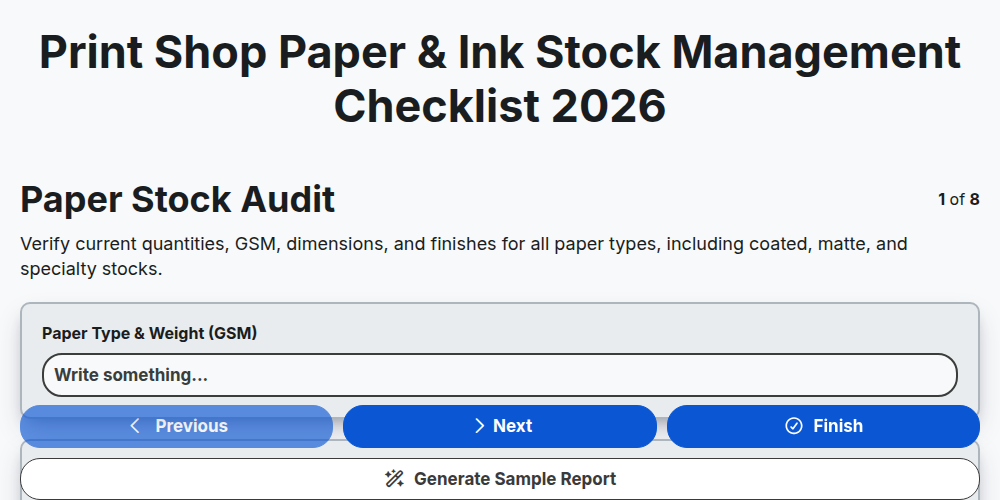
Print Shop Paper & Ink Stock Management Checklist 2026
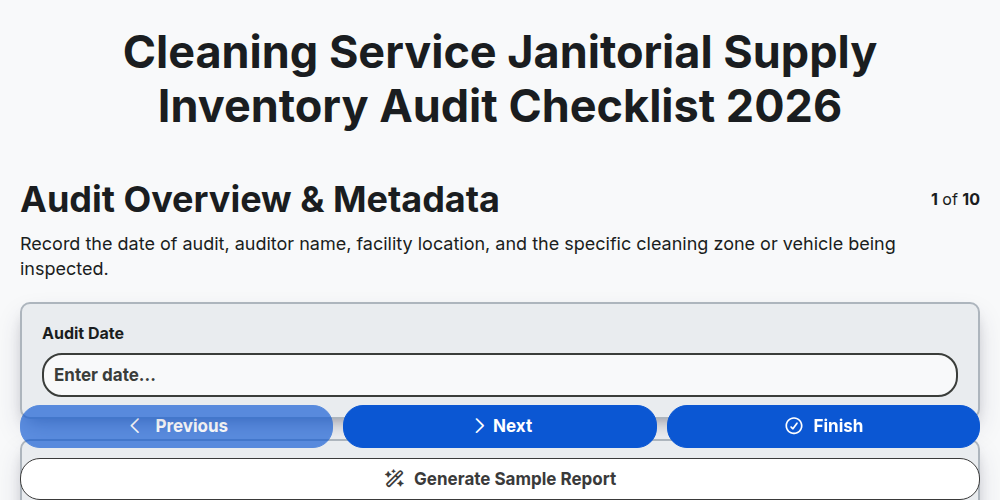
Cleaning Service Janitorial Supply Inventory Audit Checklist 2026
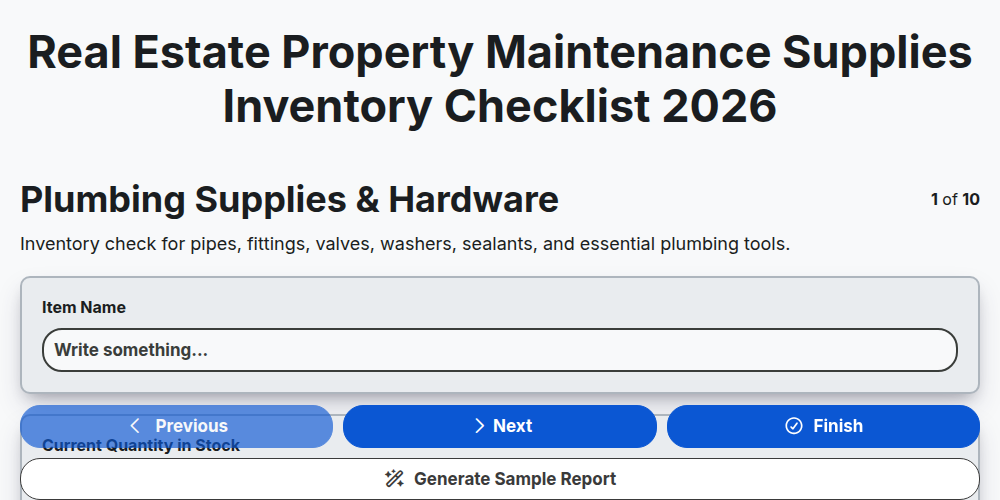
Real Estate Property Maintenance Supplies Inventory Checklist 2026
Grocery Perishable Goods Waste Reduction Checklist 2026
Electronics Component Warehouse Stock Verification Checklist 2026
Hotel Linen & Room Amenities Inventory Control Checklist 2026
Skincare & Cosmetics Batch Expiry Tracking Checklist 2026
Need help with
Inventory Management?
Have a question? We're here to help. Please submit your inquiry, and we'll respond promptly.