 ChecklistGuro
 Cleaning Service Janitorial Supply Inventory Audit Checklist 2026
Stop the guesswork and eliminate costly shortages with the ultimate Cleaning Service Janitorial Supply Inventory Audit Checklist 2026. Designed specifically for facility managers and cleaning business owners, this professional-grade template streamlines your supply chain by ensuring every chemical, tool, and consumable is accounted for. Avoid emergency last-minute orders and optimize your budget with a systematic approach to tracking mop heads, disinfectants, microfiber cloths, and heavy-duty equipment. Whether you are managing a small team or a large-scale commercial cleaning operation, this 2026 edition provides a structured, audit-ready framework to prevent stockouts, reduce waste, and maintain peak operational efficiency. Download your professional janitorial inventory control asset today and master your supply management.
Audit Overview & Metadata
Record the date of audit, auditor name, facility location, and the specific cleaning zone or vehicle being inspected.
Audit Date
Auditor Name
Inspection Site/Warehouse Location
Audit Type
Audit Notes & Observations
Auditor Signature
Chemicals & Disinfectants Inventory
Verify quantities and safety status of all cleaning agents, including disinfectants, degreasers, glass cleaners, and multi-surface sprays.
Chemical Product Name
Current Quantity on Hand
Container Condition
Expiry Date Verification
Storage Location
Photo of Product Label
Disposable Supplies & Consumables
Audit stock levels of single-use items such as paper towels, trash liners, toilet tissue, hand soap refills, and microfibre wipes.
Paper Towel Rolls Quantity
Trash Liner Rolls (Small/Medium/Large)
Hand Soap Refill Level
Missing Consumables
Consumables Discrepancy Notes
Last Restock Date
Cleaning Tools & Hardware Condition
Inspect the physical state and quantity of durable equipment like mops, brooms, vacuum cleaners, squeegees, and spray bottles.
Equipment Being Inspected
Quantity of Functional Tools
Overall Hardware Condition Status
Maintenance Notes & Required Repairs
Photos of Damaged Equipment
Inspector Verification
Personal Protective Equipment (PPE) Stock
Ensure adequate supply of safety gear including disposable gloves, face masks, eye protection, and aprons for all staff.
PPE Items Inspected
Gloves Stock Count
Masks/Respirators Stock Count
PPE Condition Status
Defective PPE Notes
PPE Inspection Photo
Safety Officer Verification
Safety Data Sheet (SDS) & Compliance Check
Verify that all chemical containers are correctly labeled and that updated SDS documentation is accessible and up to date.
SDS Documentation Status
Compliance Checklist Items Verified
Discrepancies or Compliance Issues Found
Upload Photo of SDS Station/Folder
Safety Officer Verification
Equipment Maintenance & Battery Status
Check the functionality and charge levels of corded/cordless vacuum cleaners, floor buffers, and motorized scrubbing machines.
Last Inspection Date
Equipment Condition Status
Battery Charge Level (%)
Equipment Inspected
Maintenance Notes & Repairs Required
Photo of Equipment Damage/Condition
Technician Verification
Discrepancy & Reorder Alert
Identify any variances between physical counts and digital records, and flag items that have fallen below the 2026 minimum threshold.
Quantity Discrepancy
Reorder Priority
Discrepancy Explanation
Items Requiring Immediate Restock
Target Reorder Date
Waste & Damage Assessment
Note any expired chemicals, leaking containers, or broken equipment that requires immediate disposal or replacement.
Type of Damage Identified
Item Name/Description
Quantity to be Discarded
Damage Details & Root Cause
Photo Evidence of Damage
Auditor Verification
Final Sign-off & Next Audit Schedule
Final verification by the supervisor and scheduling of the next mandatory inventory cycle for the upcoming month.
Audit Completion Date
Auditor Signature
Next Scheduled Audit Date
Audit Status
Auditor Notes & Observations
Frequently Asked Questions
Can I customize this template after installing it?
Absolutely. Once installed, you can add, remove, or reorder tasks, add custom fields, and adjust deadlines to fit your specific workflow.
Can I add images or photos to these checklist items?
Yes. Our platform allows you to attach photos, signatures, and notes to any checklist item for better verification and proof of completion.
Can I create a custom checklist from scratch instead of using a template?
Yes. You can use our "Create your own checklist" feature to build a unique workflow tailored exactly to your operational requirements.
Can I add dependencies between tasks?
Yes, you can set up conditional logic and dependencies to ensure your team follows the correct sequence of operations.
Can I assign specific checklist items to different team members?
Yes. You can assign individual tasks to specific employees, ensuring clear accountability across your entire team.
Can I use these checklists on mobile devices in the field?
Yes. Our platform is fully responsive, allowing your team to complete, update, and upload photos to checklists directly from any smartphone or tablet.
How do I notify my manager when a checklist is completed?
You can set up automated notifications (via email, push notification, or in-app alerts) to trigger whenever a checklist is finished or if an item fails inspection.
Can multiple people work on the same checklist simultaneously?
Yes, the platform supports real-time updates, allowing multiple users to contribute to a single live checklist.
Where is the data from completed checklists stored?
All completed checklists are stored securely in your Work OS dashboard, creating a permanent, searchable audit trail of your operations.
Can I generate reports based on my checklist results?
Yes. You can track completion rates, identify recurring issues, and monitor team performance through our integrated reporting and analytics tools.
How can I use these checklists for compliance or auditing purposes?
Because our checklists capture timestamps, photos, and digital signatures, they serve as a robust digital paper trail for regulatory compliance and internal audits.
Can I export my completed checklist data for use in other tools?
Yes. You can export your data in various formats (CSV, Excel, etc.) to integrate your operational insights with your other business software.
Comments
There are no comments yet. Be the first to add one!
Inventory Management Solution Demo
Optimize your inventory & boost profitability! ChecklistGuro streamlines tracking, ordering, & fulfillment. Reduce waste, minimize stockouts, & improve efficiency. Manage it all with our Work OS.
Related Checklist Templates
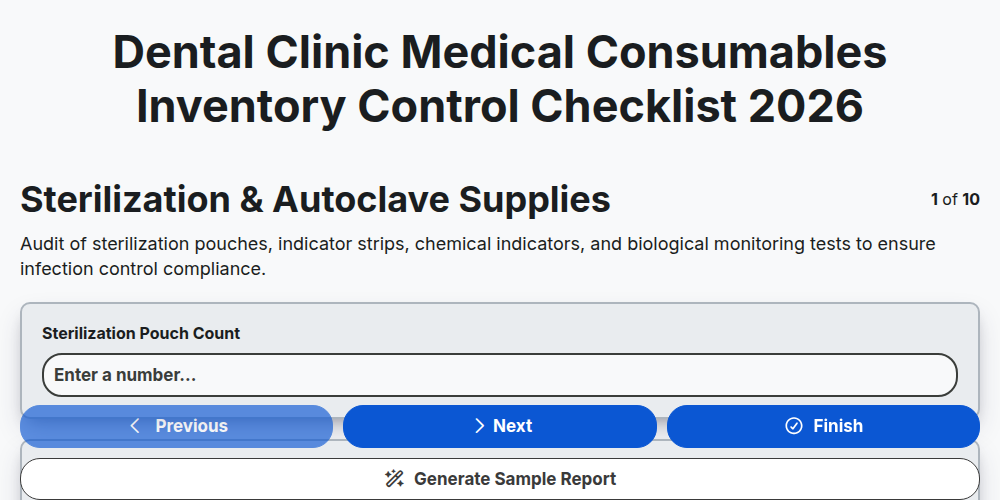
Dental Clinic Medical Consumables Inventory Control Checklist 2026
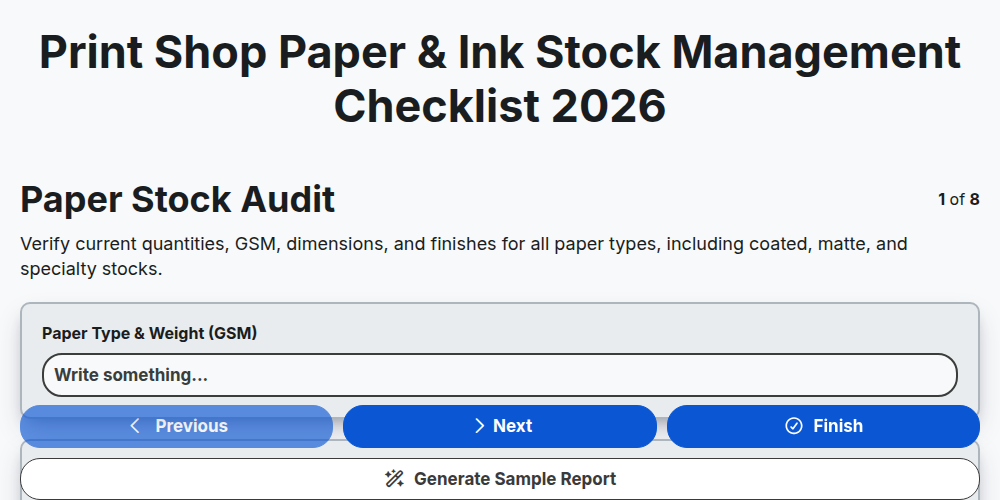
Print Shop Paper & Ink Stock Management Checklist 2026
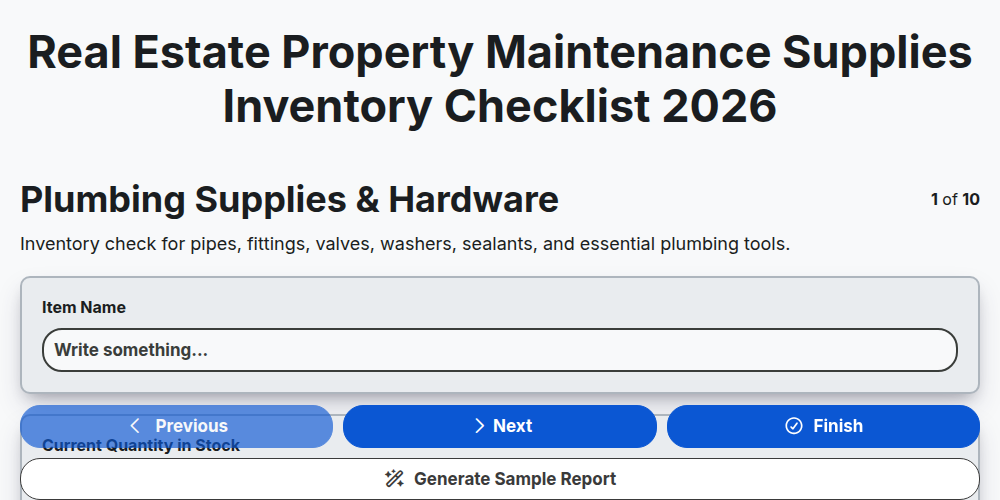
Real Estate Property Maintenance Supplies Inventory Checklist 2026
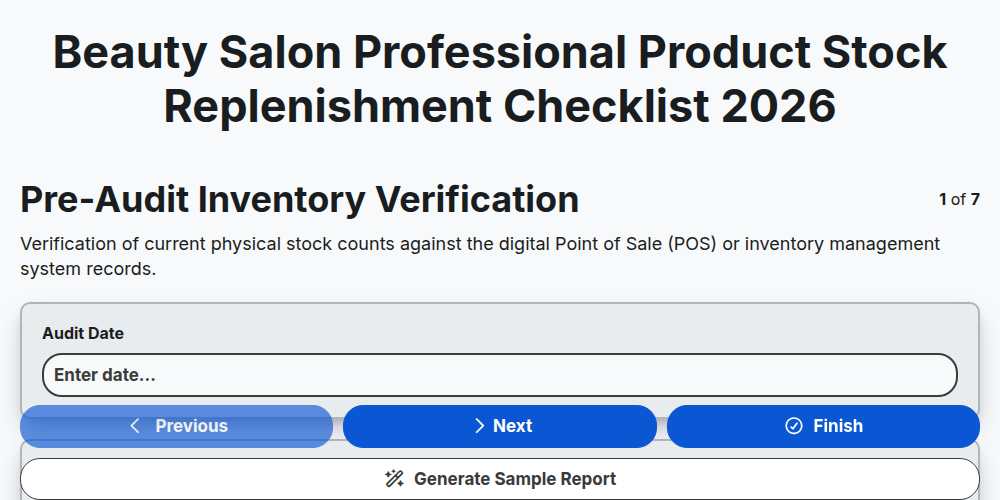
Beauty Salon Professional Product Stock Replenishment Checklist 2026
Grocery Perishable Goods Waste Reduction Checklist 2026
Electronics Component Warehouse Stock Verification Checklist 2026
Hotel Linen & Room Amenities Inventory Control Checklist 2026
Skincare & Cosmetics Batch Expiry Tracking Checklist 2026
Need help with
Inventory Management?
Have a question? We're here to help. Please submit your inquiry, and we'll respond promptly.