 ChecklistGuro
Solar Panel Maintenance Checklist Template
Keep your solar investment shining! Our Solar Panel Maintenance Checklist Template ensures peak energy production and prevents costly repairs. Download now and schedule proactive inspections, cleaning, and performance checks for optimal efficiency and longevity.
This Template was installed 5 times.
Visual Inspection
Check for any visible damage, debris, or discoloration.
Panel Condition
Describe any visible damage
Upload photos of panel condition
Number of cracked cells (if any)
Evidence of Delamination?
Evidence of discoloration?
Notes on Frame Condition
Panel Cleaning
Remove dirt, dust, and other debris to maximize energy production.
Cleaning Date
Cleaning Start Time
Cleaning Method Used
Water Pressure (PSI)
Cleaning Notes
Panel Temperature (°C)
Wiring and Connections
Inspect wiring, connectors, and junction boxes for corrosion, damage, or loose connections.
Wire Gauge (AWG)
Connector Type
Connector Manufacturer
Comments on Wire Condition
Corrosion Present?
Torque Value (Nm/lb-in)
Inverter Performance
Monitor inverter status, error codes, and output power to ensure optimal operation.
DC Voltage (V)
AC Voltage (V)
Output Power (kW)
Efficiency (%)
Error Codes Present?
Error Code Details (If Applicable)
Last Firmware Update Date
Time of Reading
Mounting Structure
Examine mounting hardware and structure for corrosion, looseness, or signs of stress.
Torque Value (Nm/ft-lbs)
Mounting Bolt Condition (1-10, 10=Excellent)
Corrosion Present?
Description of any corrosion observed
Mounting Hardware Integrity?
Distance Between Mounting Points (mm/in)
DC Disconnect Switch
Verify proper operation and labeling of the DC disconnect switch.
Switch Identification Number
Last Inspection Date
Switch Voltage (V)
Switch Operational Status
Notes / Observations
Inspector Signature
Grounding System
Check grounding connections and ensure proper grounding integrity.
Grounding Conductor Visual Inspection Notes
Ground Resistance Value (Ω)
Grounding Connection Condition
Last Grounding System Inspection Date
Any observed corrosion on grounding components?
Grounding system bonding integrity?
Vegetation Management
Ensure surrounding vegetation is trimmed to prevent shading and maintain airflow.
Distance to Nearest Vegetation (ft)
Vegetation Type
Description of Vegetation Concerns
Last Trimming Date
Trimming Required?
Notes on Trimming Actions (if applicable)
Performance Monitoring
Review system performance data and compare to expected values to identify anomalies.
DC Voltage (V)
AC Voltage (V)
DC Current (A)
AC Current (A)
Power Output (kW)
Date of Performance Check
Time of Performance Check
Performance Notes/Observations
Documentation
Record maintenance activities, observations, and any repairs performed.
Date of Inspection
Time of Inspection
Observations/Notes
Panel Voltage (V)
Panel Current (A)
Technician Signature
Next Scheduled Maintenance
Frequently Asked Questions
Can I customize this template after installing it?
Absolutely. Once installed, you can add, remove, or reorder tasks, add custom fields, and adjust deadlines to fit your specific workflow.
Can I add images or photos to these checklist items?
Yes. Our platform allows you to attach photos, signatures, and notes to any checklist item for better verification and proof of completion.
Can I create a custom checklist from scratch instead of using a template?
Yes. You can use our "Create your own checklist" feature to build a unique workflow tailored exactly to your operational requirements.
Can I add dependencies between tasks?
Yes, you can set up conditional logic and dependencies to ensure your team follows the correct sequence of operations.
Can I assign specific checklist items to different team members?
Yes. You can assign individual tasks to specific employees, ensuring clear accountability across your entire team.
Can I use these checklists on mobile devices in the field?
Yes. Our platform is fully responsive, allowing your team to complete, update, and upload photos to checklists directly from any smartphone or tablet.
How do I notify my manager when a checklist is completed?
You can set up automated notifications (via email, push notification, or in-app alerts) to trigger whenever a checklist is finished or if an item fails inspection.
Can multiple people work on the same checklist simultaneously?
Yes, the platform supports real-time updates, allowing multiple users to contribute to a single live checklist.
Where is the data from completed checklists stored?
All completed checklists are stored securely in your Work OS dashboard, creating a permanent, searchable audit trail of your operations.
Can I generate reports based on my checklist results?
Yes. You can track completion rates, identify recurring issues, and monitor team performance through our integrated reporting and analytics tools.
How can I use these checklists for compliance or auditing purposes?
Because our checklists capture timestamps, photos, and digital signatures, they serve as a robust digital paper trail for regulatory compliance and internal audits.
Can I export my completed checklist data for use in other tools?
Yes. You can export your data in various formats (CSV, Excel, etc.) to integrate your operational insights with your other business software.
Comments
There are no comments yet. Be the first to add one!
Maintenance Management Solution Demo
Maximize equipment uptime & reduce costs! ChecklistGuro streamlines maintenance scheduling, work order management, & asset tracking. Prevent breakdowns, optimize performance, & extend equipment life. Manage it all with our Work OS.
Related Checklist Templates
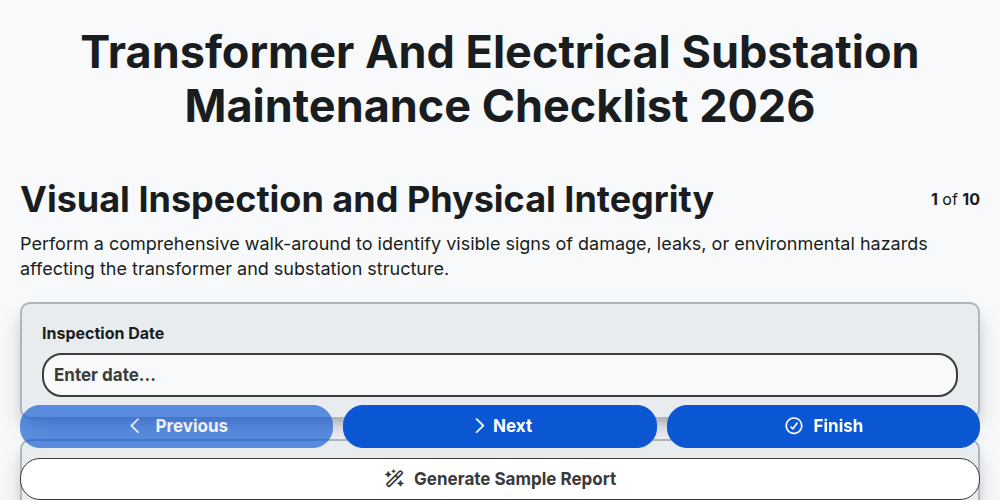
Transformer and Electrical Substation Maintenance Checklist 2026
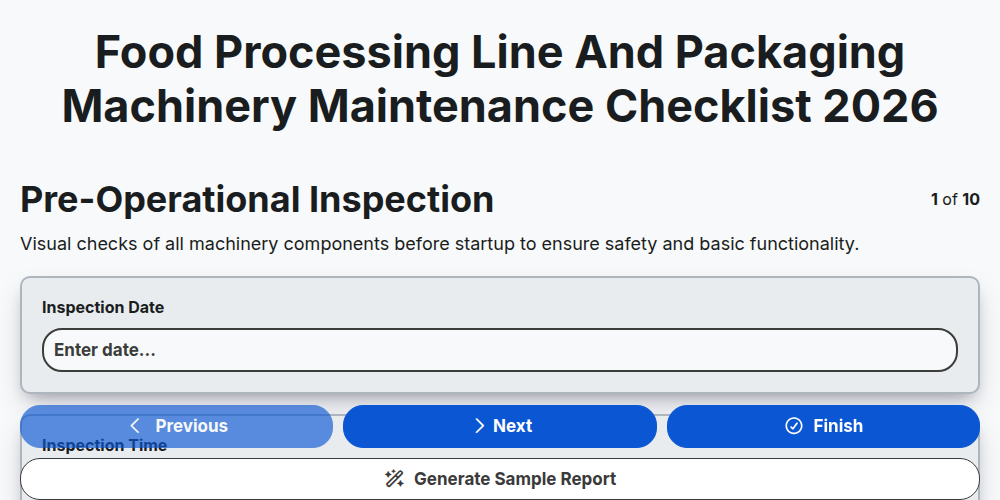
Food Processing Line and Packaging Machinery Maintenance Checklist 2026
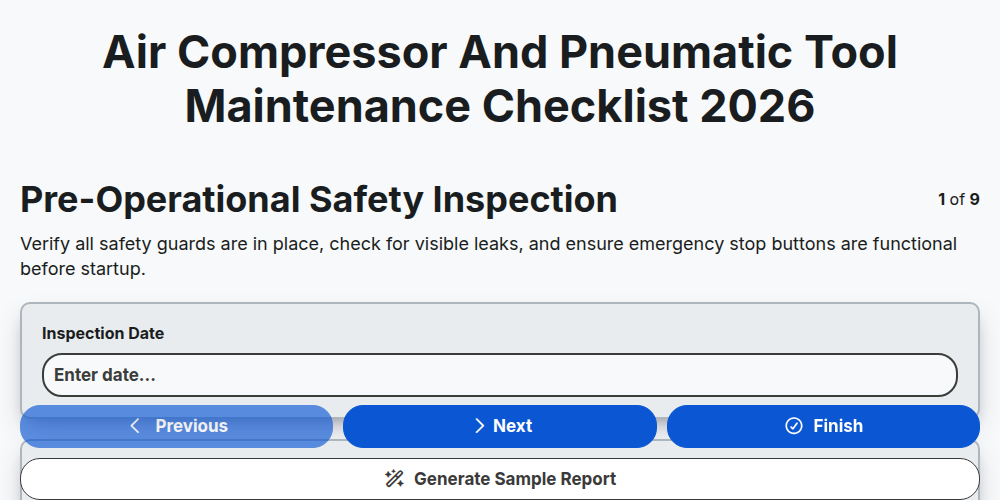
Air Compressor and Pneumatic Tool Maintenance Checklist 2026
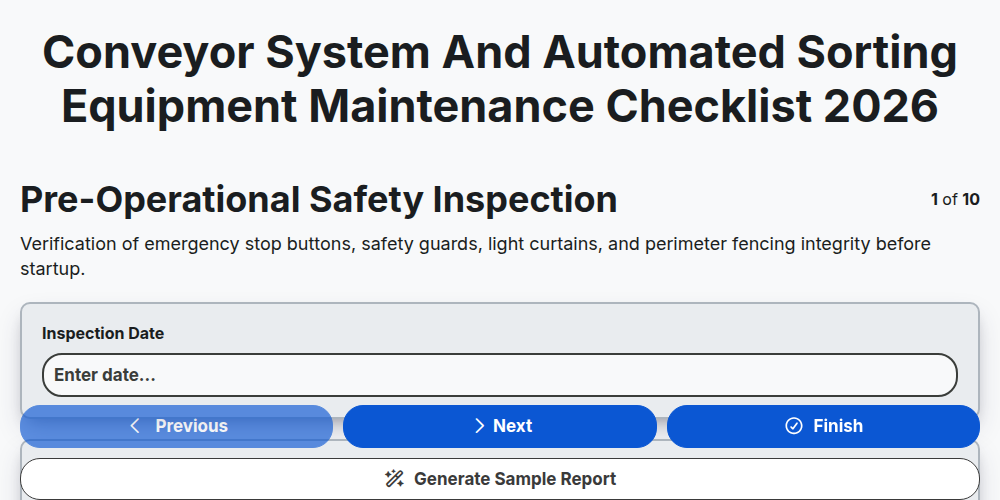
Conveyor System and Automated Sorting Equipment Maintenance Checklist 2026
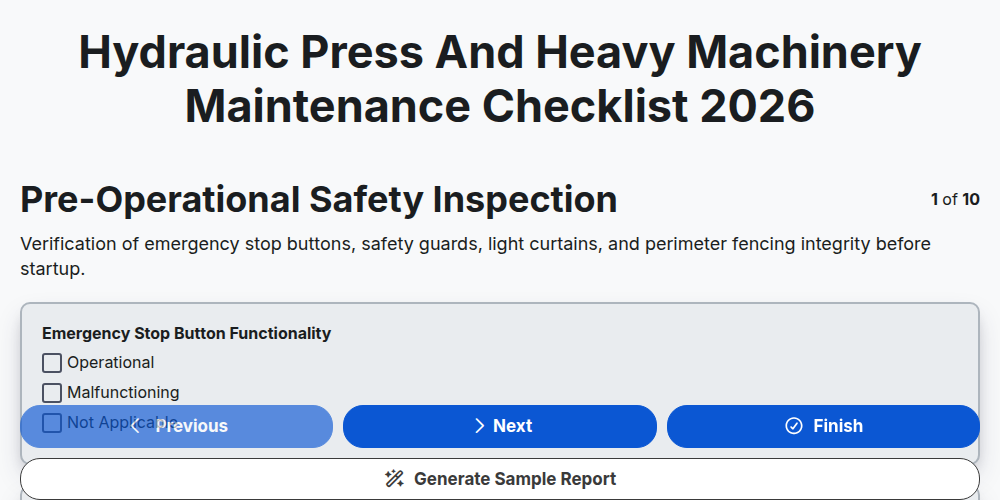
Hydraulic Press and Heavy Machinery Maintenance Checklist 2026
Printing Press and Offset Machinery Maintenance Checklist 2026
Industrial Generator and Backup Power System Maintenance Checklist 2026
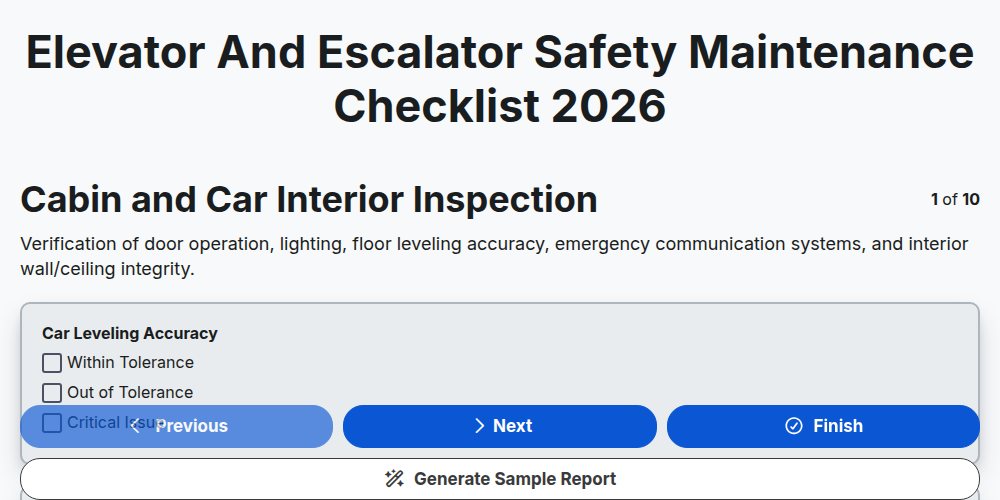
Elevator and Escalator Safety Maintenance Checklist 2026
Need help with
Maintenance Management?
Have a question? We're here to help. Please submit your inquiry, and we'll respond promptly.