 ChecklistGuro
 8S (5S + Safety + Sanitation + Standardized Work) Checklist
Boost Manufacturing Efficiency & Safety! Download our free 8S (5S + Safety + Sanitation + Standardized Work) Checklist. Streamline your workspace, reduce waste, improve safety, and increase productivity with this essential manufacturing tool. Get organized today!
This Template was installed 2 times.
Sort (Seiri)
Eliminate unnecessary items from the work area. Identify and remove items that are not needed.
Describe items identified for removal during Sort.
What categories of items were removed?
Number of items removed.
Were items moved to a 'holding area' for potential reuse/disposal?
If 'Yes' to the previous question, describe the holding area and its purpose.
Was a 'Red Tag' system used for items being evaluated?
If 'Yes', describe how the red tag system was implemented and what criteria were used.
Date items were removed
Set in Order (Seiton)
Arrange necessary items in a logical and accessible manner. 'A place for everything, and everything in its place.'
Location of Tools/Equipment (Distance in meters)
Clearly Marked Location for Frequently Used Tools
Shadow Boards Used for Tools?
Are Tool/Equipment Locations Clearly Marked?
What visual aids are used for organization?
Describe any deviations from the defined layout and explain reasons
Photo of current layout (Optional)
Shine (Seiso)
Clean the work area regularly. This includes equipment, floors, and work surfaces.
Overall Cleanliness Score (1-5, 5 being spotless)
Describe cleaning tasks completed today (e.g., machine cleaning, floor scrubbing, spill cleanup)
Areas cleaned today (check all that apply)
Photo Evidence of Cleaning (Optional)
Note any areas requiring further or more frequent cleaning.
Time spent on cleaning activities (in minutes)
Type of cleaning chemicals used (if applicable)
Standardize (Seiketsu)
Create and maintain standards for Sort, Set in Order, and Shine. Create visual cues and procedures.
Frequency of 5S Audits:
Time allocated for daily cleaning (minutes):
Photographs of standardized layouts (before/after)
Detailed description of the visual management system:
Method for reporting 5S violations:
Date of last 5S training session:
Describe process for updating standardized procedures:
Sustain (Shitsuke)
Maintain and improve the 5S standards. Reinforce discipline and continuous improvement.
Frequency of 5S Audits (Weeks)
Last 5S Training Date
5S Champion Identified?
Summary of Corrective Actions Needed (from previous audits)
Which of the following support mechanisms are in place?
Are audit results communicated to employees?
Notes/Comments on Sustainment Efforts
Safety
Assess and address potential safety hazards within the work area, related to equipment, processes, and materials. Focus on prevention.
PPE Availability (Count of Required Items)
Hazard Identification - Confined Spaces?
Hazard Identification - Lockout/Tagout?
Describe any observed safety hazards.
Distance from moving equipment (feet)
Emergency Stop functionality?
Last Safety Training Date
Sanitation
Ensure cleanliness and hygiene to prevent contamination and maintain a healthy work environment. Focus on food safety, if applicable.
Frequency of Cleaning (Days)
Areas Cleaned (Check all that apply)
Specific Cleaning Agents Used (List chemicals and concentrations)
Photos of Cleaning Procedure
Type of Waste Generated (Select best fit)
Last Sanitation Inspection Date
Any Issues/Corrective Actions Required
Pest Control Status
Standardized Work
Document and adhere to established procedures for all tasks. Ensure consistency and efficiency in operations.
Is a current Standard Operating Procedure (SOP) available for this process?
Briefly describe the process being standardized.
Cycle time (minutes) – as per documented Standard.
Actual cycle time observed (minutes).
Is the standardized work instructions readily accessible to all personnel?
Upload a copy of the Standardized Work Instruction (SWI) document.
Describe any deviations from the standardized work process observed.
Is training provided and documented for this standardized work?
Frequently Asked Questions
Can I customize this template after installing it?
Absolutely. Once installed, you can add, remove, or reorder tasks, add custom fields, and adjust deadlines to fit your specific workflow.
Can I add images or photos to these checklist items?
Yes. Our platform allows you to attach photos, signatures, and notes to any checklist item for better verification and proof of completion.
Can I create a custom checklist from scratch instead of using a template?
Yes. You can use our "Create your own checklist" feature to build a unique workflow tailored exactly to your operational requirements.
Can I add dependencies between tasks?
Yes, you can set up conditional logic and dependencies to ensure your team follows the correct sequence of operations.
Can I assign specific checklist items to different team members?
Yes. You can assign individual tasks to specific employees, ensuring clear accountability across your entire team.
Can I use these checklists on mobile devices in the field?
Yes. Our platform is fully responsive, allowing your team to complete, update, and upload photos to checklists directly from any smartphone or tablet.
How do I notify my manager when a checklist is completed?
You can set up automated notifications (via email, push notification, or in-app alerts) to trigger whenever a checklist is finished or if an item fails inspection.
Can multiple people work on the same checklist simultaneously?
Yes, the platform supports real-time updates, allowing multiple users to contribute to a single live checklist.
Where is the data from completed checklists stored?
All completed checklists are stored securely in your Work OS dashboard, creating a permanent, searchable audit trail of your operations.
Can I generate reports based on my checklist results?
Yes. You can track completion rates, identify recurring issues, and monitor team performance through our integrated reporting and analytics tools.
How can I use these checklists for compliance or auditing purposes?
Because our checklists capture timestamps, photos, and digital signatures, they serve as a robust digital paper trail for regulatory compliance and internal audits.
Can I export my completed checklist data for use in other tools?
Yes. You can export your data in various formats (CSV, Excel, etc.) to integrate your operational insights with your other business software.
Comments
There are no comments yet. Be the first to add one!
Manufacturing Management Solution Demo
Stop chasing paperwork and wrestling with disconnected systems! Our solution brings clarity and control to your production process. From standard operating procedures (SOPs) and equipment maintenance to quality control and inventory tracking, we simplify every step.
Related Checklist Templates
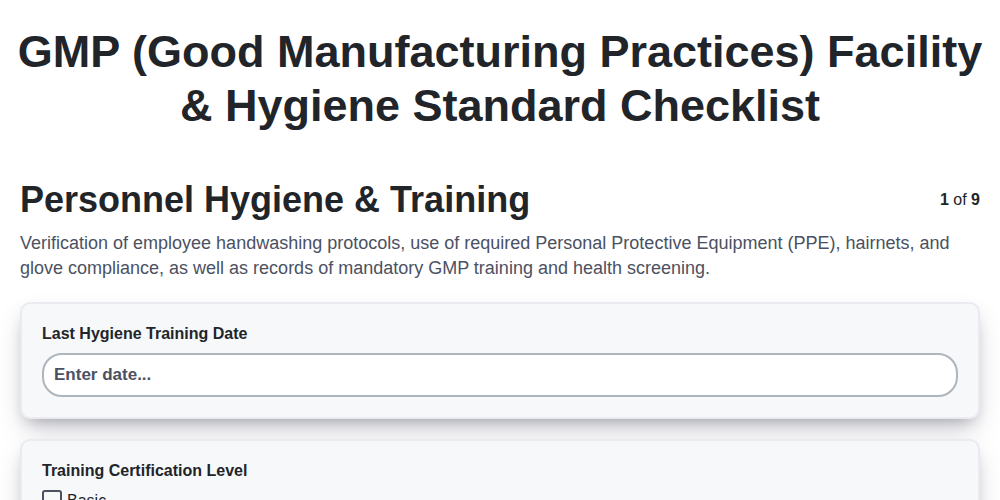
GMP (Good Manufacturing Practices) Facility & Hygiene Standard Checklist
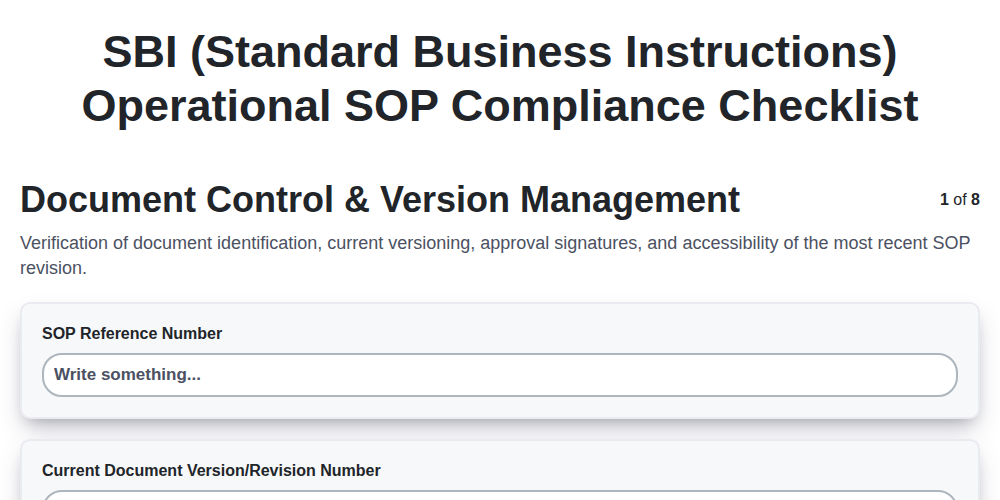
SBI (Standard Business Instructions) Operational SOP Compliance Checklist
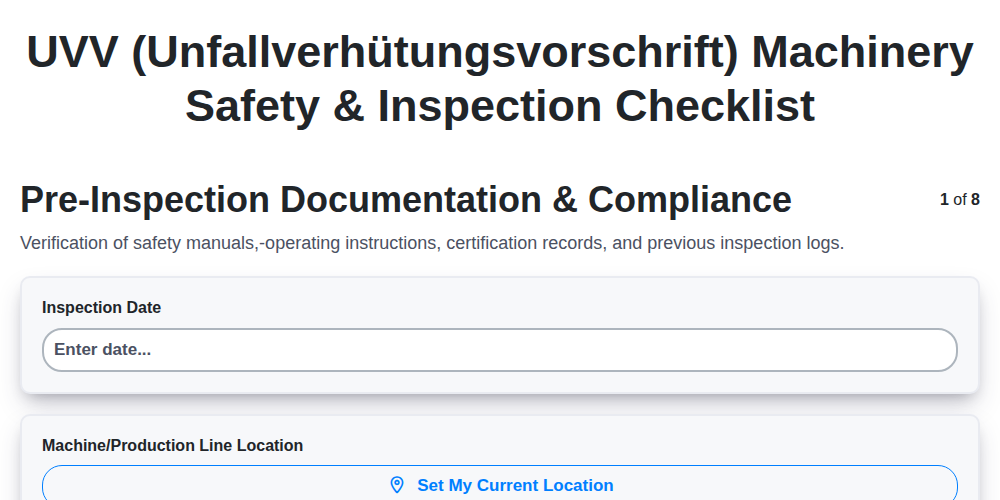
UVV (Unfallverhütungsvorschrift) Machinery Safety & Inspection Checklist
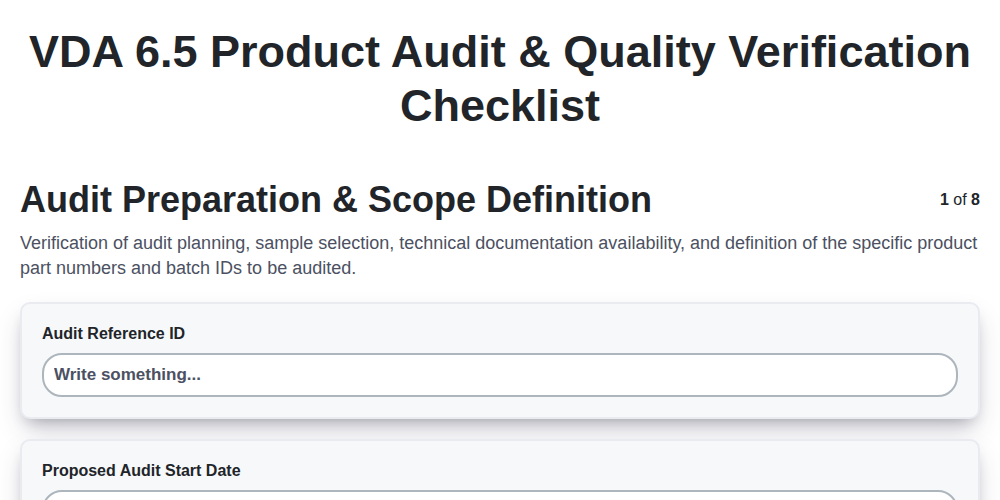
VDA 6.5 Product Audit & Quality Verification Checklist
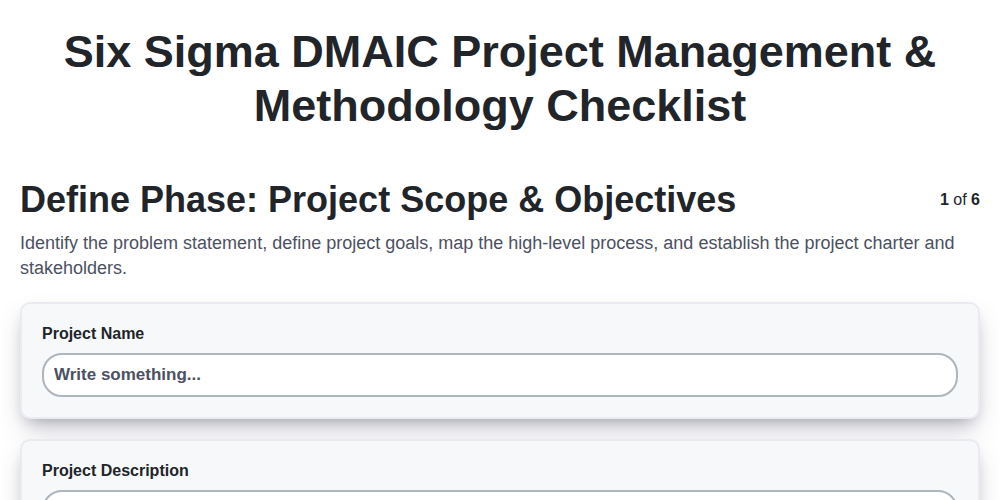
Six Sigma DMAIC Project Management & Methodology Checklist
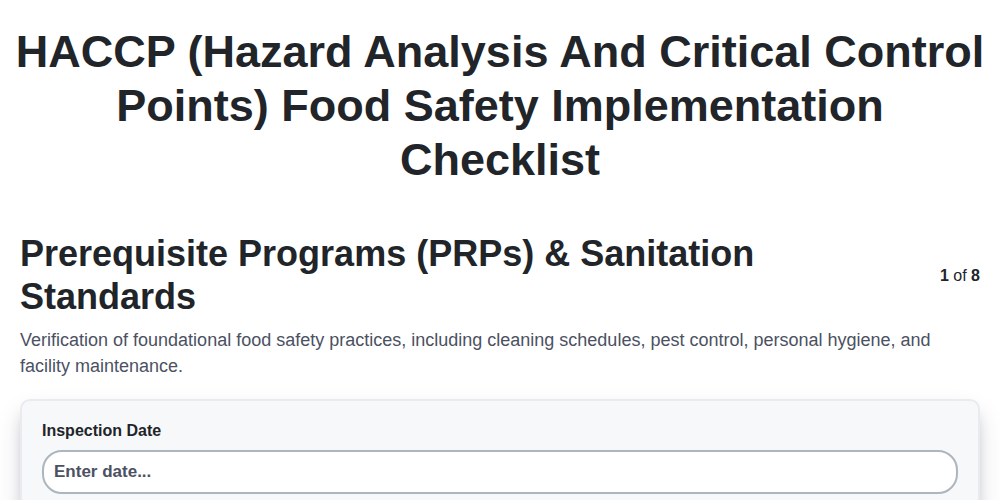
HACCP (Hazard Analysis and Critical Control Points) Food Safety Implementation Checklist
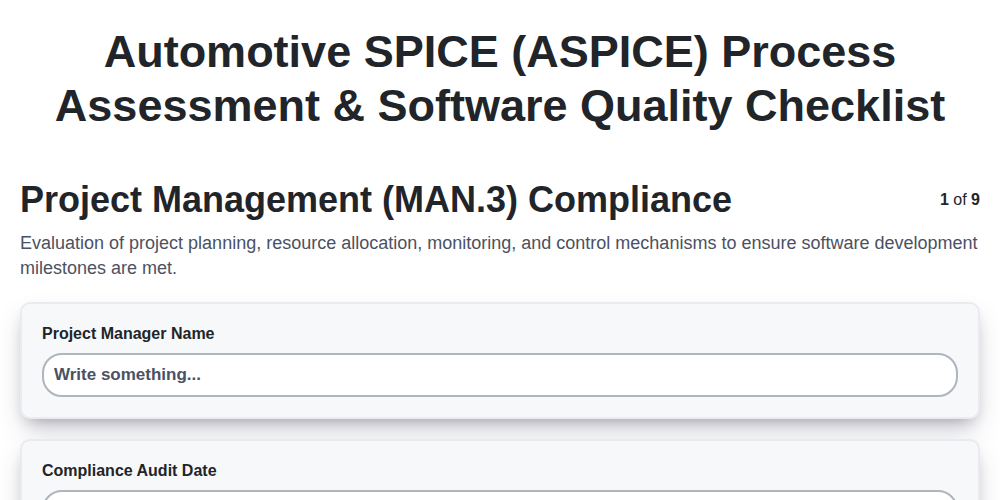
Automotive SPICE (ASPICE) Process Assessment & Software Quality Checklist
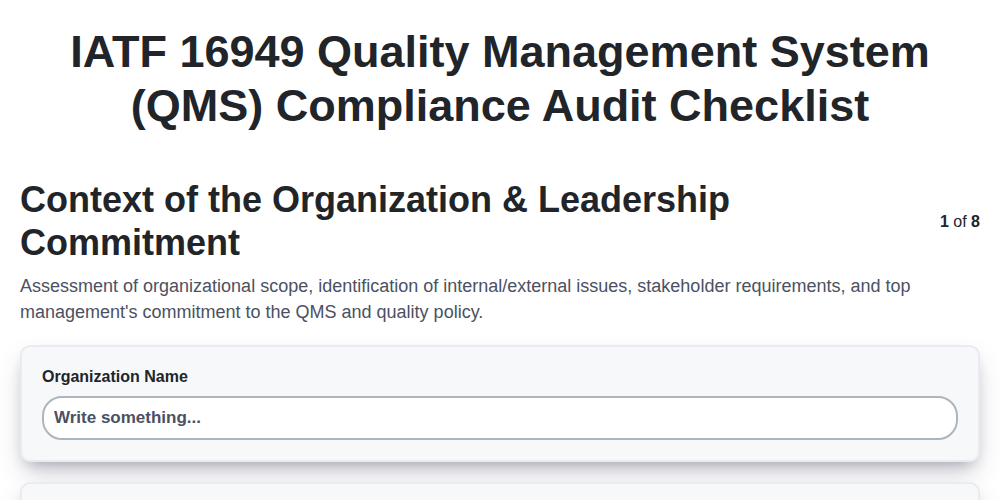
IATF 16949 Quality Management System (QMS) Compliance Audit Checklist
We can do it Together
Need help with
Manufacturing?
Have a question? We're here to help. Please submit your inquiry, and we'll respond promptly.