 ChecklistGuro
 Heijunka (Production Leveling) Implementation Checklist
Unlock smoother production & eliminate bottlenecks! 🛠️ Our Heijunka (Production Leveling) Implementation Checklist for Manufacturing helps you optimize workflow, reduce waste, and boost efficiency. Download now & level up your factory! #Heijunka #Manufacturing #LeanManufacturing #ProductionLeveling #Checklist
This Template was installed 3 times.
Phase 1: Assessment & Preparation
Focuses on understanding the current state, identifying pain points, and gaining buy-in for Heijunka implementation.
Describe the current production environment (e.g., make-to-stock, make-to-order, mixed).
Estimate the current level of production variability (e.g., using a scale of 1-10, 1 being very stable, 10 being extremely variable).
Identify the primary goals of Heijunka implementation (Select all that apply).
Identify key stakeholders for Heijunka implementation and their roles.
What are the current challenges that contribute to production instability? (Select all that apply)
Target Date for Initial Heijunka Assessment Completion
Document potential resistance to change and strategies for addressing it.
Phase 2: Data Gathering & Analysis
Involves collecting and analyzing historical data to understand demand patterns and production capabilities.
Historical Demand Data Collection Period (Months)
Upload Historical Sales Data (CSV/Excel)
Describe Data Sources Used (e.g., ERP, CRM, spreadsheets)
Number of Product Families/Lines to Analyze
Which Demand Patterns Observed (Select all that apply)
Average Lead Time for Raw Materials (Days)
Current WIP (Work-In-Progress) Levels (Units)
Describe any significant external factors impacting demand (e.g., promotions, competitor actions)
Phase 2a: Demand Forecasting & Segmentation (if applicable)
Focus on forecasting and classifying demand to understand variability and prioritize product lines.
Historical Demand Data Points Analyzed (Months/Years)
Forecasting Methods Considered/Implemented
Primary Demand Segmentation Criteria
Forecast Accuracy (MAPE - Mean Absolute Percentage Error) - Baseline
Forecast Accuracy (MAPE - Mean Absolute Percentage Error) - Post-Segmentation/Forecasting
Justification for Selected Segmentation Criteria
Level of Customer Collaboration in Forecasting
Phase 3: Heijunka Design & Planning
Defining the Heijunka plan: Establishing takt time, batch sizes, sequence, and buffer strategies.
Calculate Current Takt Time
Determine Initial Heijunka Sequence Type (e.g., Fixed Sequence, Dynamic Sequence)
Establish Initial Batch Sizes (considering changeover time and inventory costs)
Document Rationale for Batch Size Decisions
Calculate Changeover Times for all Product Variations
Define Buffer Strategy (e.g., Supermarket, Kanban)
Calculate Minimum Buffer Levels (based on variability and takt time)
Describe the Heijunka Schedule Logic (how production is sequenced)
Phase 4: Pilot Implementation & Testing
Implementing Heijunka on a limited scope to test the plan and identify areas for improvement.
Select Pilot Production Line
Pilot Duration (in days)
Describe the initial scope of the pilot Heijunka implementation (e.g., products, processes)
Which metrics will be tracked during the pilot?
Pilot Start Date
Pilot End Date (Planned)
Document any significant challenges encountered during the pilot.
Overall Pilot Success (Initial Assessment)
Upload relevant data/charts from the pilot (optional)
Phase 5: Full-Scale Implementation
Rolling out the Heijunka plan across the entire manufacturing operation.
Initial Product Line Rollout Sequence
Scheduled Start Date for Full-Scale Implementation
Number of Production Lines Initially Included
Describe any deviations from the original Heijunka design plan during full-scale rollout.
Which departments are actively participating in the full-scale rollout?
Level of Automation used in initial rollout.
Contact Person for Full-Scale Implementation
Document any initial training provided to employees during full-scale launch.
Phase 6: Monitoring & Continuous Improvement
Tracking key metrics and making adjustments to the Heijunka plan to optimize performance.
Average Daily Production Variation (compared to target)
On-Time Delivery Performance (OTD)
Work-in-Progress (WIP) Inventory Levels
Overall team satisfaction with the Heijunka system
Summarize key observations and issues encountered during the monitoring period.
Which metrics are showing a concerning trend?
Date of last Heijunka Review Meeting
Document Action Items and assigned owners resulting from the review
Supporting Infrastructure & Training
Ensuring necessary systems, tools, and employee training are in place to support Heijunka.
Current Level of Kanban System Usage (if applicable)
Systems/Tools to be Integrated with Heijunka (select all that apply)
Number of Employees Requiring Initial Heijunka Training
Target Date for Initial Heijunka Training Completion
Training Program Outline (brief description)
Training Delivery Method (select one)
Training Materials (presentations, guides, etc.)
Documented Standard Operating Procedures (SOPs) for Heijunka Processes (describe)
Availability of Visual Management Tools (e.g., whiteboards, displays)
Comments
There are no comments yet. Be the first to add one!
Manufacturing Management Solution Demo
Stop chasing paperwork and wrestling with disconnected systems! Our solution brings clarity and control to your production process. From standard operating procedures (SOPs) and equipment maintenance to quality control and inventory tracking, we simplify every step.
Related Checklist Templates
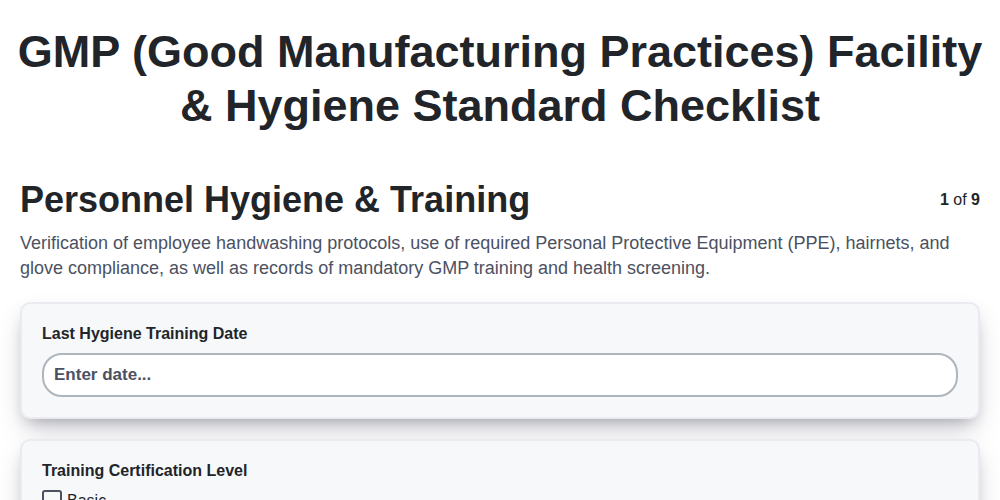
GMP (Good Manufacturing Practices) Facility & Hygiene Standard Checklist
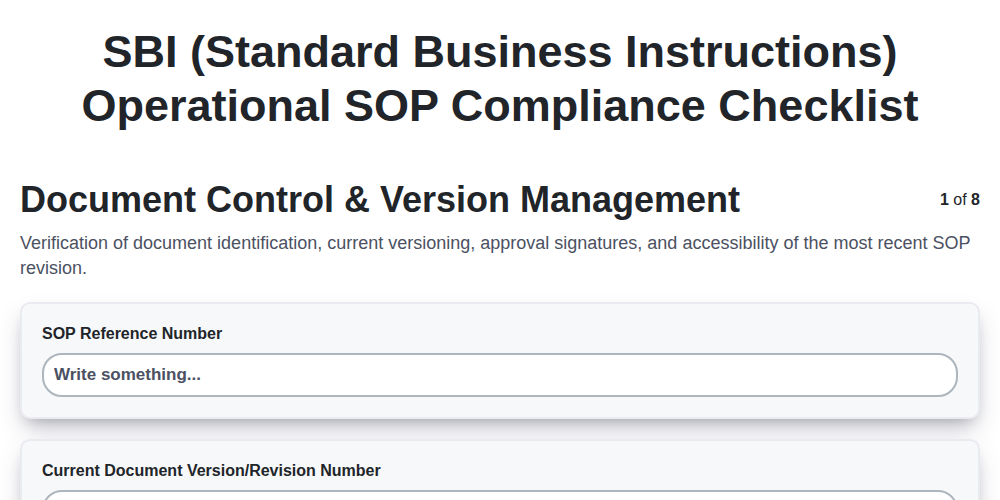
SBI (Standard Business Instructions) Operational SOP Compliance Checklist
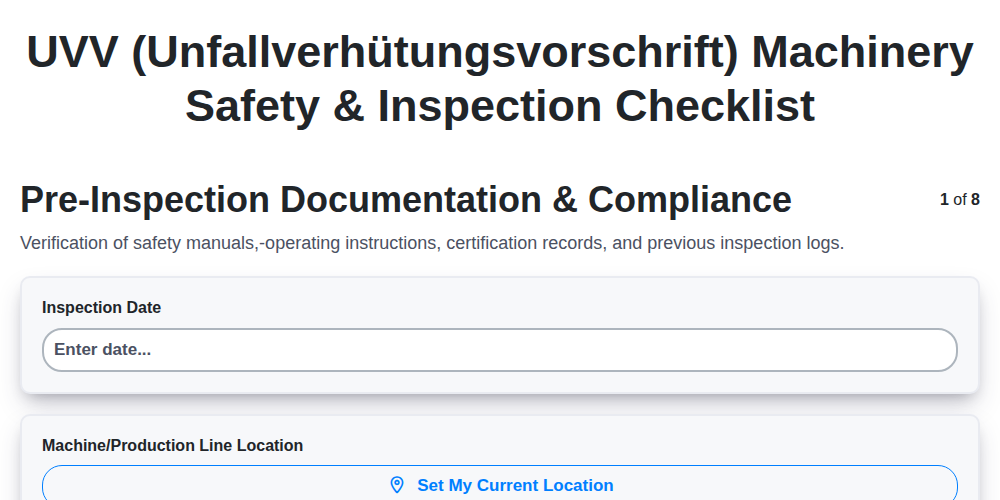
UVV (Unfallverhütungsvorschrift) Machinery Safety & Inspection Checklist
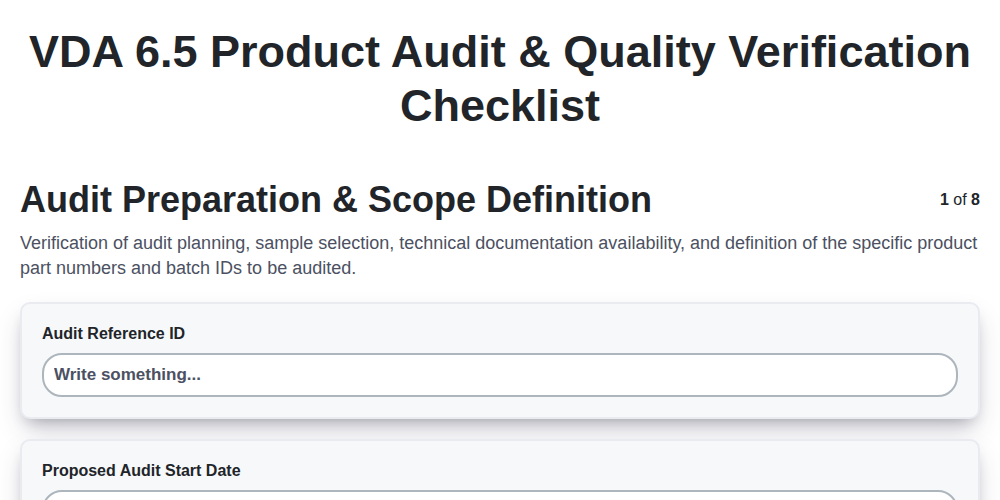
VDA 6.5 Product Audit & Quality Verification Checklist
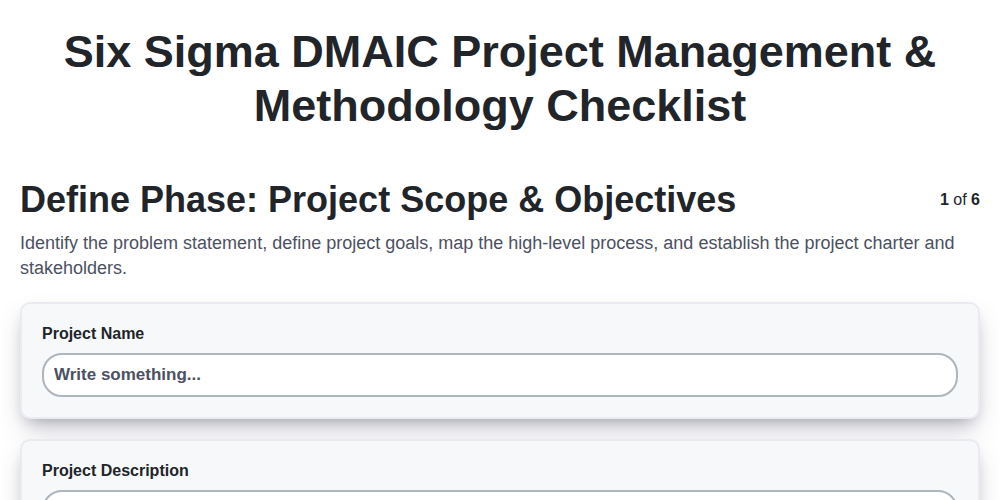
Six Sigma DMAIC Project Management & Methodology Checklist
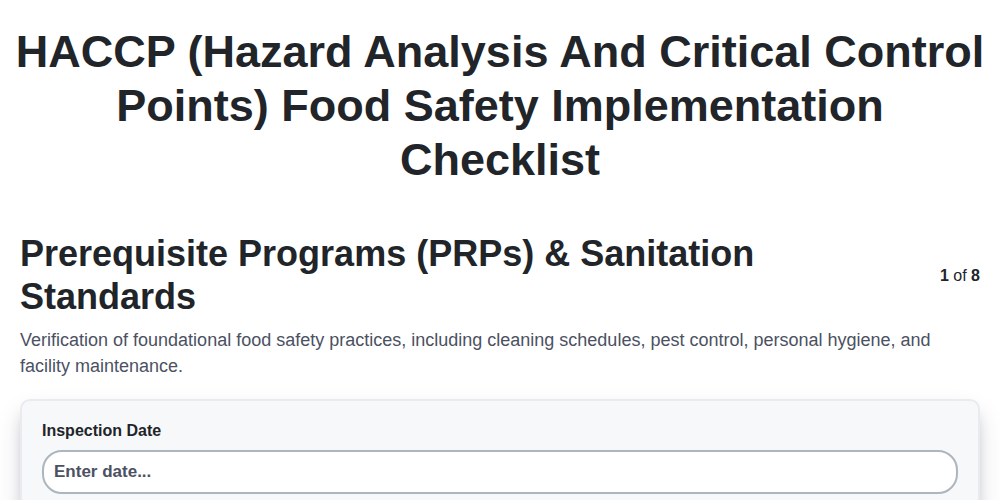
HACCP (Hazard Analysis and Critical Control Points) Food Safety Implementation Checklist
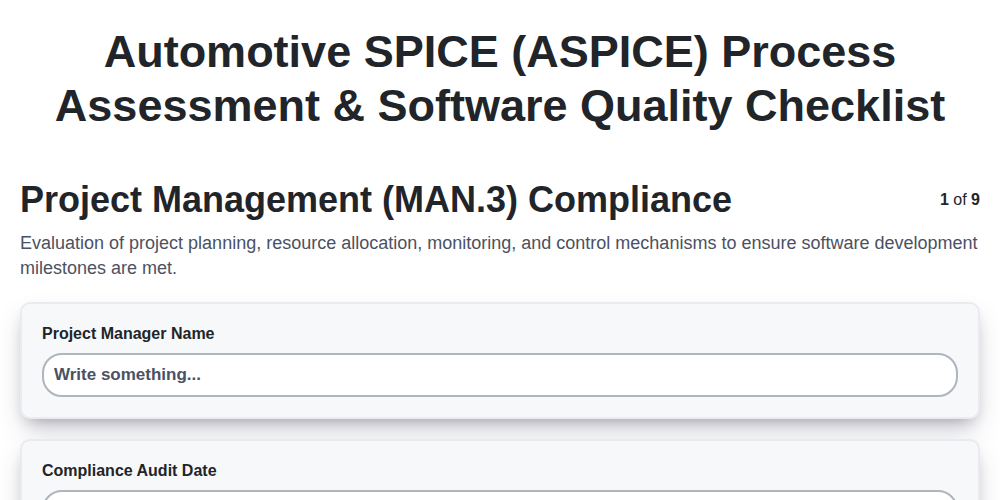
Automotive SPICE (ASPICE) Process Assessment & Software Quality Checklist
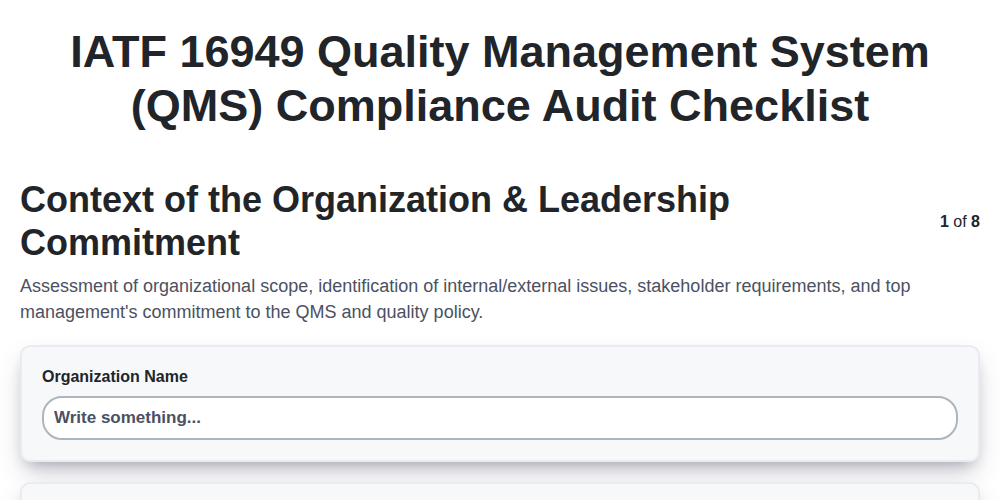
IATF 16949 Quality Management System (QMS) Compliance Audit Checklist
We can do it Together
Need help with
Manufacturing?
Have a question? We're here to help. Please submit your inquiry, and we'll respond promptly.