 ChecklistGuro
 TPM (Total Productive Maintenance) Checklist
Boost manufacturing uptime & efficiency! Download our free TPM (Total Productive Maintenance) Checklist - a comprehensive guide to proactive maintenance, reduced downtime, and improved equipment reliability. Optimize your production process today!
This Template was installed 1 times.
Autonomous Maintenance (Jishu Hozen)
Focuses on operators taking responsibility for basic equipment maintenance and cleaning, preventing minor issues from escalating.
Date of Last Cleaning
Description of Cleaning Performed
Time Spent on Cleaning (minutes)
Any Abnormal Noises/Vibrations Observed?
Leaks Observed (Oil, Water, etc.) - Location & Type
Lubricant Level Check (if applicable)
Visual Inspection Items Checked
Next Scheduled Autonomous Maintenance Date
Operator Comments/Observations
Planned Maintenance (Seiso/Inspections)
Scheduled cleaning, lubrication, and inspections to maintain equipment condition and prevent breakdowns.
Last Cleaning Date
Cleaning Notes (Areas cleaned, issues found)
Lubricant Quantity (Units)
Lubricant Type
Vibration Reading (mm/s)
Visual Inspection Result
Detailed Inspection Comments
Next Lubrication Due Date
Inspection Photos (Optional)
Fixed/Predictive Maintenance (Kikaku Hozen)
Maintenance activities based on data analysis and trends to proactively prevent failures. Includes predictive maintenance techniques.
Last Vibration Analysis Date
Bearing Temperature (Celsius)
Motor Current (Amps)
Pressure Readings (PSI)
Lubricant Type
Notes from Previous Predictive Maintenance
Infrared Image (if applicable)
Time of Last Oil Sample Analysis
Condition of Filter (Visual)
Early Failure Detection (Yoju Kanri)
Focuses on identifying early warning signs of equipment deterioration, allowing for timely intervention.
Bearing Temperature (Celsius)
Vibration Level (mm/s)
Motor Current (Amps)
Unusual Noise Observed?
Describe any unusual noises or behaviors.
Lubricant Condition (Visual Inspection)
Date of Last Leak Detection Inspection
Any anomalies detected during inspection (detailed notes)
Safety & Ergonomics (Anzensen):
Elements related to operator safety and ergonomic considerations during maintenance activities.
PPE (Personal Protective Equipment) Utilized?
Noise Level (dB) during maintenance
Ergonomic Risk Assessment Completed?
Any ergonomic concerns observed?
Lockout/Tagout (LOTO) Procedure followed?
Last Ergonomic Risk Assessment Date
Incident/Near Miss Reporting (if applicable)
Areas requiring ergonomic improvements?
Maintenance Planning & Preparation (Mitashi Hozen)
Ensuring necessary parts, tools, and procedures are available for planned maintenance.
Planned Maintenance Date
Planned Maintenance Start Time
Estimated Maintenance Time (hours)
Detailed Maintenance Procedure/Steps
Required Tools
Required Spare Parts
Maintenance Checklist/Diagram
Notes/Comments regarding preparation
Equipment Improvement (Kaizen)
Continual improvement of equipment reliability and maintainability through design and process modifications.
Describe any design changes implemented to reduce maintenance frequency.
Estimated cost savings from implemented equipment improvements (USD).
Which improvement techniques were used (e.g., FMEA, 5S, Poke-yoke)?
Detail any changes made to reduce the complexity of maintenance tasks.
Reduction in MTBF (Mean Time Between Failures) due to improvement (hours).
Date of Kaizen implementation.
Describe any changes made to equipment materials to increase lifespan or reduce corrosion.
Training & Documentation
Ensuring all personnel involved in maintenance are properly trained and documentation is accurate and up-to-date.
Maintenance Procedure Review & Updates
Hours of TPM Training Completed (per operator)
Date of Last TPM Training Session
TPM Training Modules Covered
Upload Training Records (certificates, attendance sheets)
Trainer Qualification Level
Specify 'Other' Trainer Qualification (if selected)
Date of last documentation review
Frequently Asked Questions
Can I customize this template after installing it?
Absolutely. Once installed, you can add, remove, or reorder tasks, add custom fields, and adjust deadlines to fit your specific workflow.
Can I add images or photos to these checklist items?
Yes. Our platform allows you to attach photos, signatures, and notes to any checklist item for better verification and proof of completion.
Can I create a custom checklist from scratch instead of using a template?
Yes. You can use our "Create your own checklist" feature to build a unique workflow tailored exactly to your operational requirements.
Can I add dependencies between tasks?
Yes, you can set up conditional logic and dependencies to ensure your team follows the correct sequence of operations.
Can I assign specific checklist items to different team members?
Yes. You can assign individual tasks to specific employees, ensuring clear accountability across your entire team.
Can I use these checklists on mobile devices in the field?
Yes. Our platform is fully responsive, allowing your team to complete, update, and upload photos to checklists directly from any smartphone or tablet.
How do I notify my manager when a checklist is completed?
You can set up automated notifications (via email, push notification, or in-app alerts) to trigger whenever a checklist is finished or if an item fails inspection.
Can multiple people work on the same checklist simultaneously?
Yes, the platform supports real-time updates, allowing multiple users to contribute to a single live checklist.
Where is the data from completed checklists stored?
All completed checklists are stored securely in your Work OS dashboard, creating a permanent, searchable audit trail of your operations.
Can I generate reports based on my checklist results?
Yes. You can track completion rates, identify recurring issues, and monitor team performance through our integrated reporting and analytics tools.
How can I use these checklists for compliance or auditing purposes?
Because our checklists capture timestamps, photos, and digital signatures, they serve as a robust digital paper trail for regulatory compliance and internal audits.
Can I export my completed checklist data for use in other tools?
Yes. You can export your data in various formats (CSV, Excel, etc.) to integrate your operational insights with your other business software.
Comments
There are no comments yet. Be the first to add one!
Manufacturing Management Solution Demo
Stop chasing paperwork and wrestling with disconnected systems! Our solution brings clarity and control to your production process. From standard operating procedures (SOPs) and equipment maintenance to quality control and inventory tracking, we simplify every step.
Related Checklist Templates
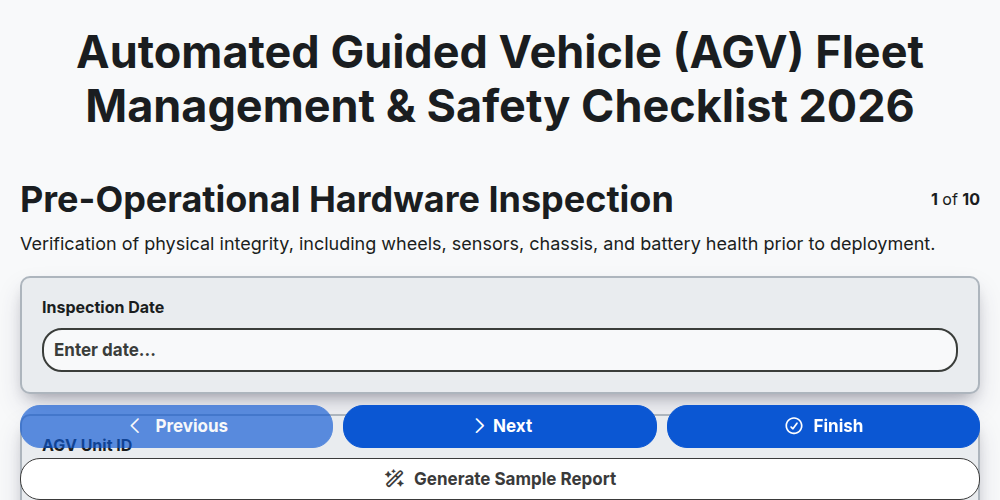
Automated Guided Vehicle (AGV) Fleet Management & Safety Checklist 2026
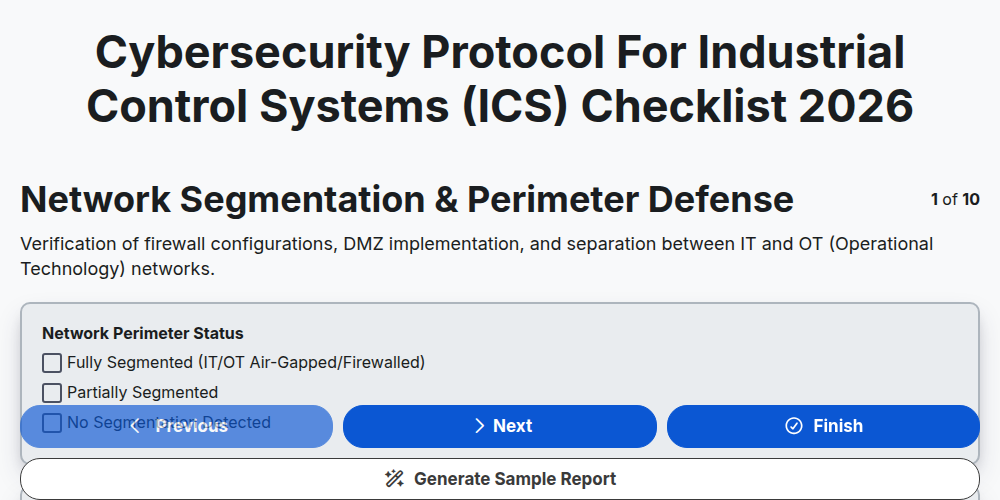
Cybersecurity Protocol for Industrial Control Systems (ICS) Checklist 2026
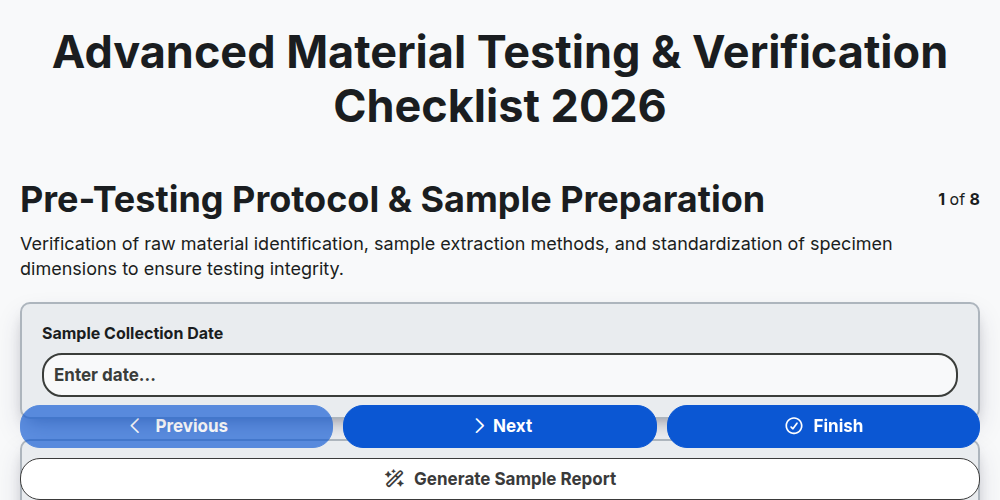
Advanced Material Testing & Verification Checklist 2026
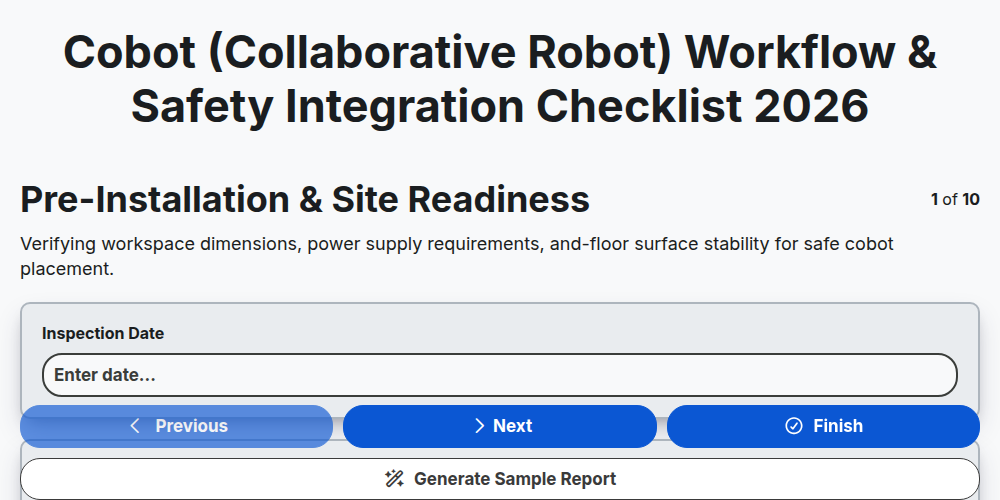
Cobot (Collaborative Robot) Workflow & Safety Integration Checklist 2026
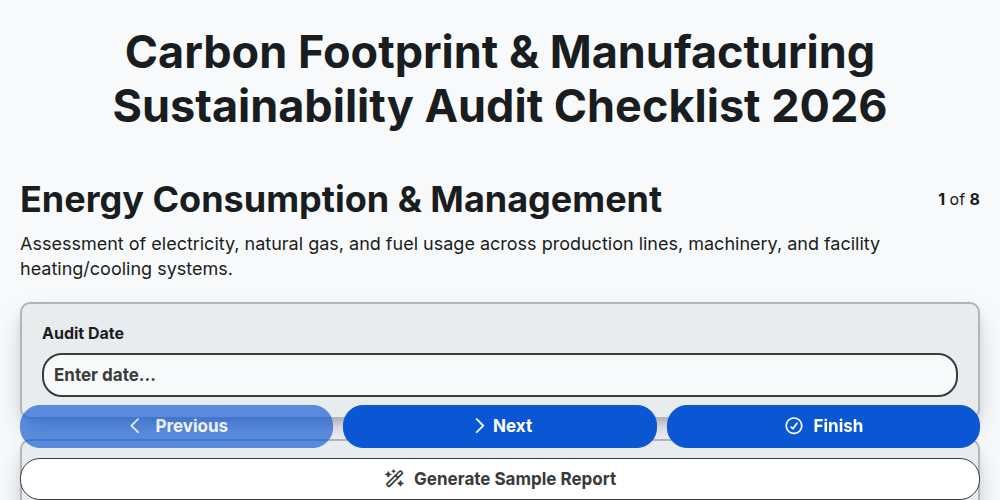
Carbon Footprint & Manufacturing Sustainability Audit Checklist 2026
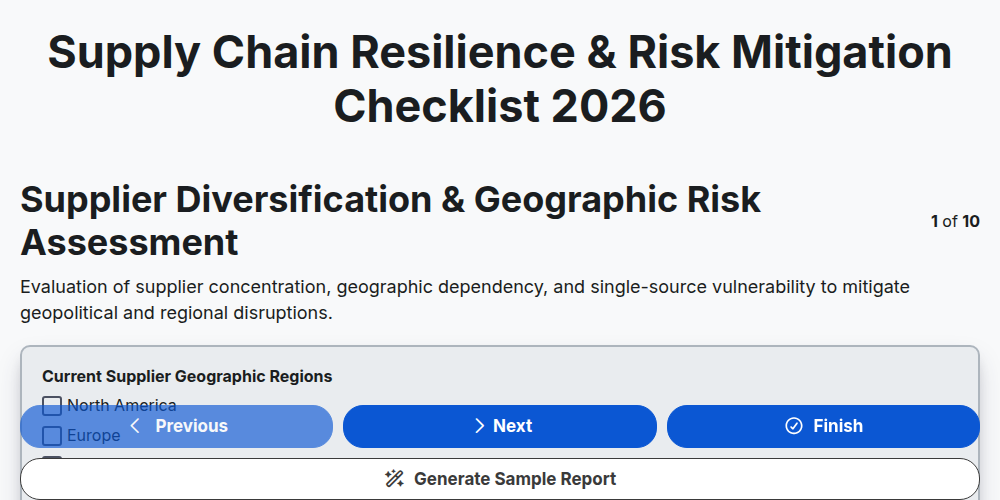
Supply Chain Resilience & Risk Mitigation Checklist 2026
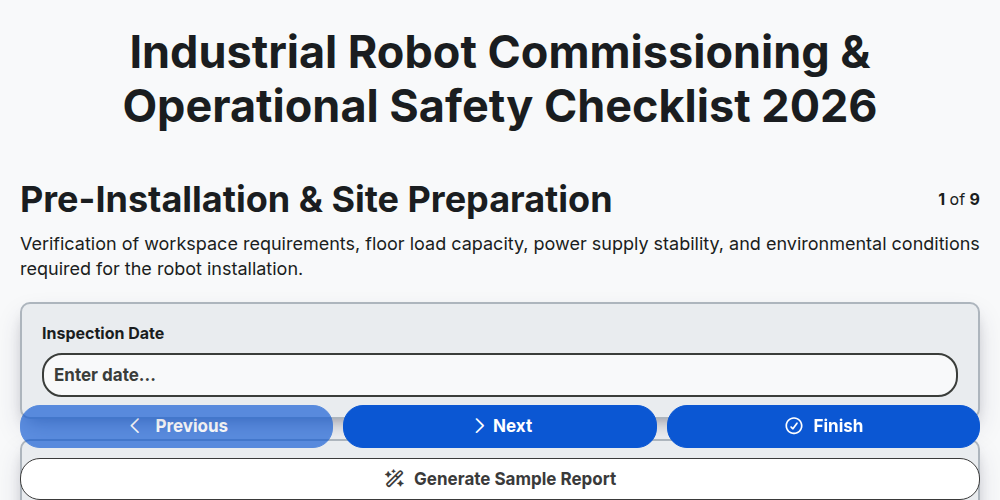
Industrial Robot Commissioning & Operational Safety Checklist 2026
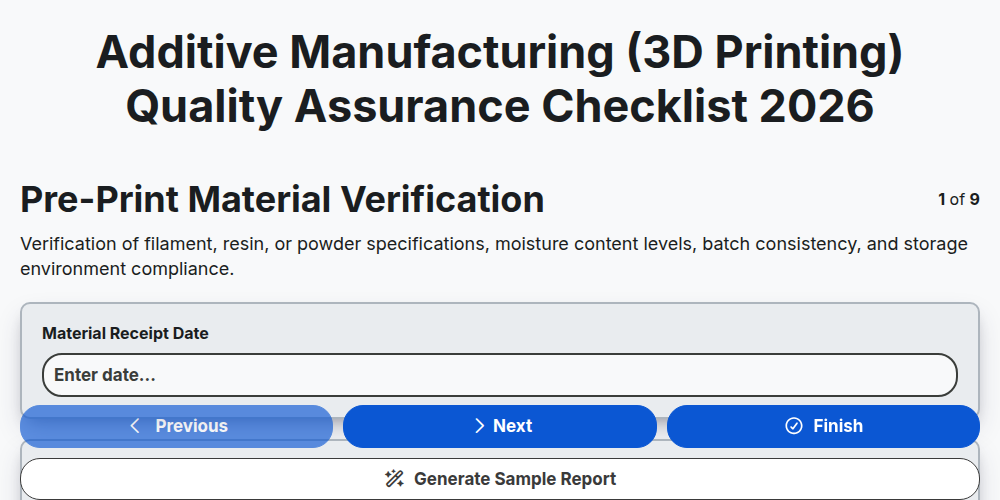
Additive Manufacturing (3D Printing) Quality Assurance Checklist 2026
Need help with
Manufacturing?
Have a question? We're here to help. Please submit your inquiry, and we'll respond promptly.