 ChecklistGuro
 MRP Production Schedule Attainment Checklist 2026
Ensure your manufacturing operations stay on track and hit every deadline with the ultimate MRP Production Schedule Attainment Checklist 2026. Designed for production managers and supply chain professionals, this high-performance checklist provides a systematic framework to monitor plan adherence, identify bottlenecks in real-time, and bridge the gap between planned orders and actual output. Eliminate production delays, optimize resource utilization, and drive operational excellence by auditing your execution accuracy against your master production schedule. Perfect for auditing shop floor performance, reducing unplanned downtime, and ensuring your 2026 production targets are met with precision.
Pre-Production Schedule Verification
Ensuring all master production schedules (MPS) are reviewed for accuracy, resource availability, and material readiness before execution begins.
Schedule Review Date
Production Line/Work Center
Verification Checklist Items
Planned Order Quantity
Schedule Discrepancy Notes
Production Supervisor Approval
Resource and Capacity Alignment
Validating that machine availability, labor shifts, and tooling requirements align with the planned production timelines for the current period.
Production Shift Date
Production Line/Work Center
Available Man-Hours
Required Resources Verified
Capacity Constraint Notes
Production Supervisor Approval
Material Availability & Readiness
Confirming that all raw materials, sub-assemblies, and packaging components are physically present and staged according to the production sequence.
Required Raw Materials Verified
Inventory Buffer Level (%)
Material Staging Completion Date
Material Readiness Status
Material Inspection/COA Documents
Notes on Identified Shortages
Real-Time Execution Monitoring
Tracking active work orders against the baseline schedule to identify deviations, bottlenecks, or unplanned downtime as they occur.
Current Shift Date
Observation Timestamp
Work Order Status
Current Production Yield (%)
Identified Bottlenecks or Deviations
Active Delay Drivers
Floor Supervisor Verification
Post-Production Performance Analysis
Evaluating completed production runs against the original plan to calculate variance in quantity, timing, and efficiency.
Production Completion Date
Planned vs. Actual Quantity Variance
Production Target Met?
Analysis of Production Deviations
Production Yield Report
Production Supervisor Approval
Variance Root Cause Identification
Documenting specific reasons for schedule deviations, such as equipment failure, material shortages, or labor shortages, for corrective action.
Date of Deviation Discovery
Primary Cause of Variance
Detailed Variance Description
Corrective Action Owner
Supporting Evidence (Photos/Incident Reports)
Production Supervisor Approval
Schedule Update & Feedback Loop
Updating the MRP system with actual production completion data and adjusting future production windows based on realized performance.
Schedule Update Completion Date
MRP System Update Status
Adjustments Made to Future Production Windows
Affected Work Orders
Production Planner Approval
KPI Reporting & Documentation
Finalizing Attainment Rate metrics, Plan vs. Actual reports, and archiving all relevant data for 2026 compliance and continuous improvement audits.
Report Completion Date
Final Schedule Attainment Percentage (%)
Total Number of Missed Work Orders
Reporting Period
Executive Summary of Performance Trends
Attached Variance Analysis Report
Production Manager Approval
Frequently Asked Questions
Can I customize this template after installing it?
Absolutely. Once installed, you can add, remove, or reorder tasks, add custom fields, and adjust deadlines to fit your specific workflow.
Can I add images or photos to these checklist items?
Yes. Our platform allows you to attach photos, signatures, and notes to any checklist item for better verification and proof of completion.
Can I create a custom checklist from scratch instead of using a template?
Yes. You can use our "Create your own checklist" feature to build a unique workflow tailored exactly to your operational requirements.
Can I add dependencies between tasks?
Yes, you can set up conditional logic and dependencies to ensure your team follows the correct sequence of operations.
Can I assign specific checklist items to different team members?
Yes. You can assign individual tasks to specific employees, ensuring clear accountability across your entire team.
Can I use these checklists on mobile devices in the field?
Yes. Our platform is fully responsive, allowing your team to complete, update, and upload photos to checklists directly from any smartphone or tablet.
How do I notify my manager when a checklist is completed?
You can set up automated notifications (via email, push notification, or in-app alerts) to trigger whenever a checklist is finished or if an item fails inspection.
Can multiple people work on the same checklist simultaneously?
Yes, the platform supports real-time updates, allowing multiple users to contribute to a single live checklist.
Where is the data from completed checklists stored?
All completed checklists are stored securely in your Work OS dashboard, creating a permanent, searchable audit trail of your operations.
Can I generate reports based on my checklist results?
Yes. You can track completion rates, identify recurring issues, and monitor team performance through our integrated reporting and analytics tools.
How can I use these checklists for compliance or auditing purposes?
Because our checklists capture timestamps, photos, and digital signatures, they serve as a robust digital paper trail for regulatory compliance and internal audits.
Can I export my completed checklist data for use in other tools?
Yes. You can export your data in various formats (CSV, Excel, etc.) to integrate your operational insights with your other business software.
Comments
There are no comments yet. Be the first to add one!
Related Checklist Templates
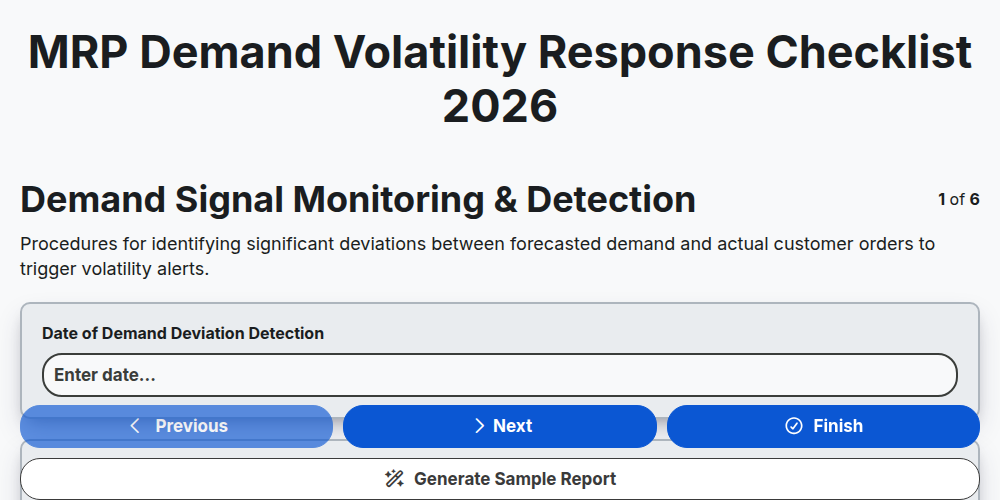
MRP Demand Volatility Response Checklist 2026
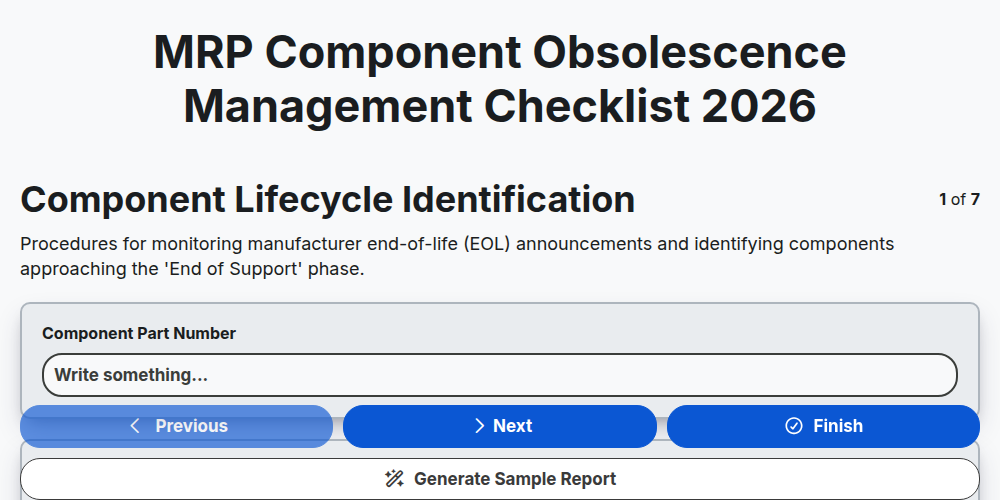
MRP Component Obsolescence Management Checklist 2026
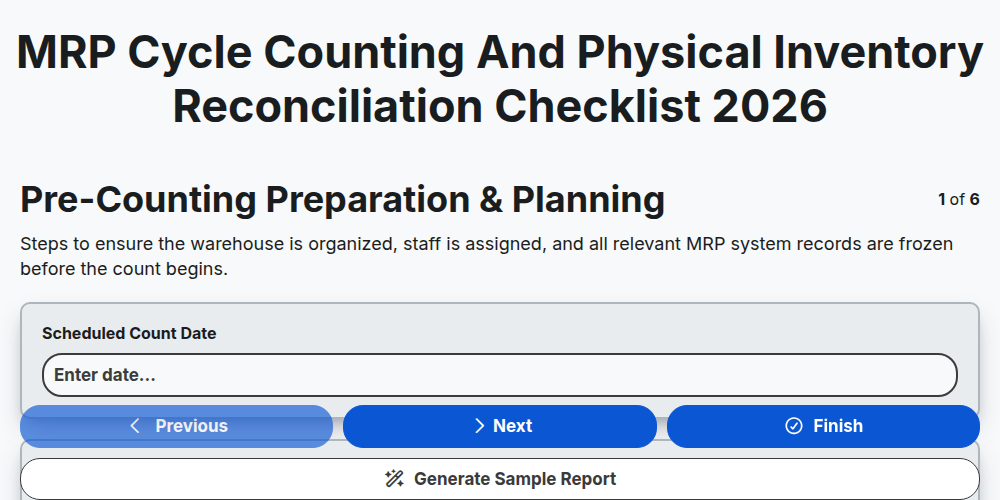
MRP Cycle Counting and Physical Inventory Reconciliation Checklist 2026
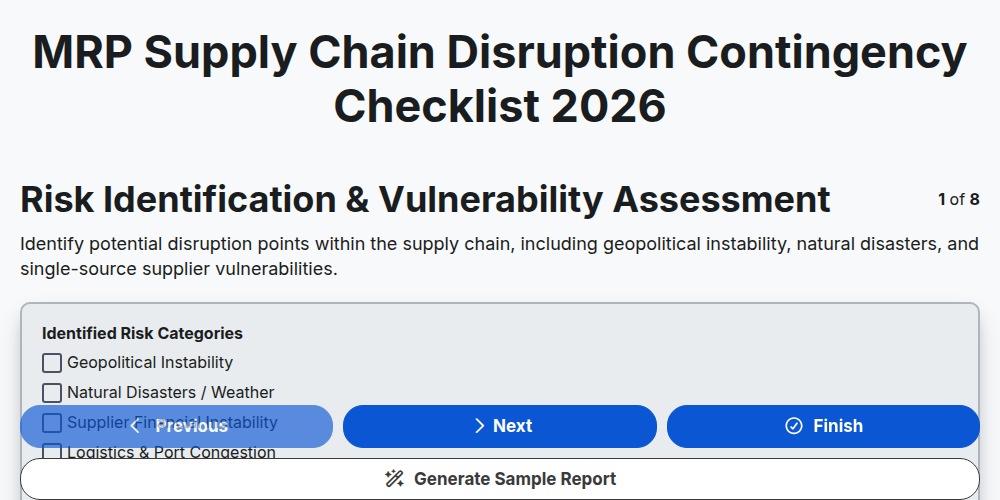
MRP Supply Chain Disruption Contingency Checklist 2026
MRP Finished Goods Allocation Strategy Checklist 2026
MRP Material Shortage Risk Assessment Checklist 2026
MRP Warehouse Slotting and Layout Optimization Checklist 2026
MRP Raw Material Traceability Audit Checklist 2026
Need help with
Material Requirements Planning (MRP)?
Have a question? We're here to help. Please submit your inquiry, and we'll respond promptly.