 ChecklistGuro
 MRP Raw Material Traceability Audit Checklist 2026
Ensure full supply chain visibility and regulatory compliance with our professional MRP Raw Material Traceability Audit Checklist 2026. Designed for production managers and quality assurance professionals, this comprehensive template helps you track material lineage, verify batch consistency, and identify potential bottlenecks in your manufacturing workflow. Streamline your material requirements planning, mitigate risk of non-compliance, and maintain rigorous documentation standards with this ready-to-use auditing tool for 2026.
Pre-Audit Preparation & Documentation
Verification of all required standard operating procedures (SOPs), master data records, and previous audit findings to establish the audit scope.
Audit Scheduled Date
Auditor Name
Audit Site/Warehouse Facility
Pre-Audit Documents Verified
Upload Audit Scope Definition
Audit Objectives and Scope Notes
Auditor Acknowledgment
Supplier Identification & Documentation Verification
Ensuring all incoming raw materials are accompanied by accurate Certificates of Analysis (CoA), Certificates of Conformance (CoC), and accurate supplier lot numbers.
Date of Document Review
Supplier Compliance Status
Verified Documents Present
Supplier Lot/Batch Number
Upload Scanned Supplier Certificate
Discrepancies Found in Supplier Documentation
Auditor Verification Signature
Receiving & Inbound Inspection Protocol
Audit of the inbound receiving process, focusing on timestamp accuracy, physical labeling, and the immediate entry of lot details into the MRP system.
Inspection Date
Purchase Order (PO) Number
Supplier Lot/Batch Number
Arrival Condition Status
Quantity Received
Inspection Findings & Discrepancies
Upload Certificate of Analysis (CoA)
Inspector Signature
Lot and Batch Identification Accuracy
Verification of physical labels against the digital MRP records to ensure no mismatch between material identity and batch/lot identifiers.
Lot Verification Status
Detected Lot Number Mismatch Details
Date of Physical Inspection
Photo Evidence of Physical Label
Observations on Label Legibility and Accuracy
Auditor Verification Signature
Storage & Inventory Segregation Controls
Evaluation of quarantine procedures for non-conforming materials and the physical separation of different lots to prevent cross-contamination or misidentification.
Storage Area Condition
Segregation Methods Observed
Observed Segregation Issues
Inspection Date
Auditor Verification
MRP System Traceability Mapping
Testing the 'Forward and Backward Traceability' capability by tracking a specific raw material lot from its arrival through to its consumption in a specific work order.
Traceability Test ID/Lot Number
Traceability Test Date
Trace Direction
Traceability Path Verification Details
Discrepancy Types Found
System Traceability Report Screenshot
Auditor Verification Signature
Digital Record Integrity & Data Entry
Review of real-time data entry practices, ensuring that quantity adjustments, transfers, and consumption logs are recorded without delay.
Date of Data Entry Verification
Data Entry Operator Name
Data Accuracy Status
Number of Records Sampled
Description of Identified Data Errors
Common Error Types Observed
Upload Screenshot of MRP System Error Log
Auditor Verification Signature
Sub-Component & Packaging Traceability
Ensuring that secondary packaging and sub-components used in the material preparation are correctly linked to the parent lot in the MRP database.
Sub-component Batch Status
Parent Lot Number
Sub-component Serial/Lot ID
Packaging Expiry Date Verification
Traceability Verification Steps Completed
Supporting Evidence/Photos
Auditor Verification Signature
Discrepancy Management & Corrective Actions
Assessment of the workflow for handling traceability breaks, including error logging, root cause analysis, and the implementation of corrective and preventive actions (CAPA).
Discrepancy Severity Level
Discrepancy Description
Root Cause Analysis
Corrective Action Deadline
Evidence of Corrective Action
Quality Manager Approval
Post-Audit Compliance & Reporting
Final review of audit findings, completion of the 2026 compliance summary, and scheduling of follow-up verification tasks.
Audit Completion Date
Audit Compliance Status
Summary of Audit Findings
Final Audit Report PDF
Lead Auditor Signature
Frequently Asked Questions
Can I customize this template after installing it?
Absolutely. Once installed, you can add, remove, or reorder tasks, add custom fields, and adjust deadlines to fit your specific workflow.
Can I add images or photos to these checklist items?
Yes. Our platform allows you to attach photos, signatures, and notes to any checklist item for better verification and proof of completion.
Can I create a custom checklist from scratch instead of using a template?
Yes. You can use our "Create your own checklist" feature to build a unique workflow tailored exactly to your operational requirements.
Can I add dependencies between tasks?
Yes, you can set up conditional logic and dependencies to ensure your team follows the correct sequence of operations.
Can I assign specific checklist items to different team members?
Yes. You can assign individual tasks to specific employees, ensuring clear accountability across your entire team.
Can I use these checklists on mobile devices in the field?
Yes. Our platform is fully responsive, allowing your team to complete, update, and upload photos to checklists directly from any smartphone or tablet.
How do I notify my manager when a checklist is completed?
You can set up automated notifications (via email, push notification, or in-app alerts) to trigger whenever a checklist is finished or if an item fails inspection.
Can multiple people work on the same checklist simultaneously?
Yes, the platform supports real-time updates, allowing multiple users to contribute to a single live checklist.
Where is the data from completed checklists stored?
All completed checklists are stored securely in your Work OS dashboard, creating a permanent, searchable audit trail of your operations.
Can I generate reports based on my checklist results?
Yes. You can track completion rates, identify recurring issues, and monitor team performance through our integrated reporting and analytics tools.
How can I use these checklists for compliance or auditing purposes?
Because our checklists capture timestamps, photos, and digital signatures, they serve as a robust digital paper trail for regulatory compliance and internal audits.
Can I export my completed checklist data for use in other tools?
Yes. You can export your data in various formats (CSV, Excel, etc.) to integrate your operational insights with your other business software.
Comments
There are no comments yet. Be the first to add one!
Related Checklist Templates
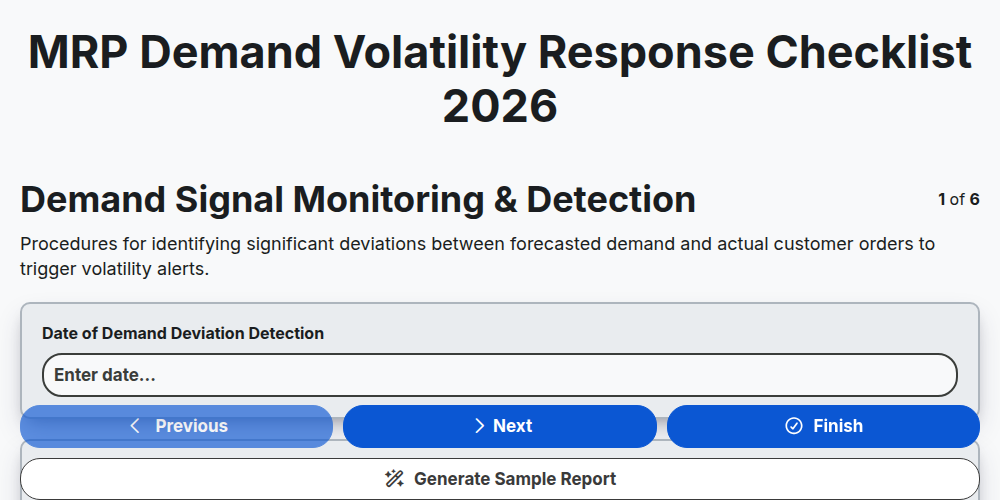
MRP Demand Volatility Response Checklist 2026
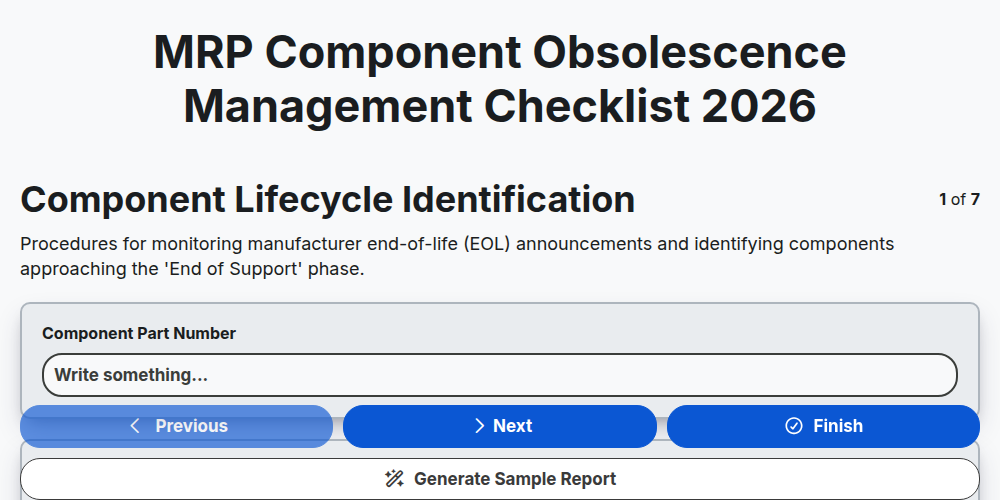
MRP Component Obsolescence Management Checklist 2026
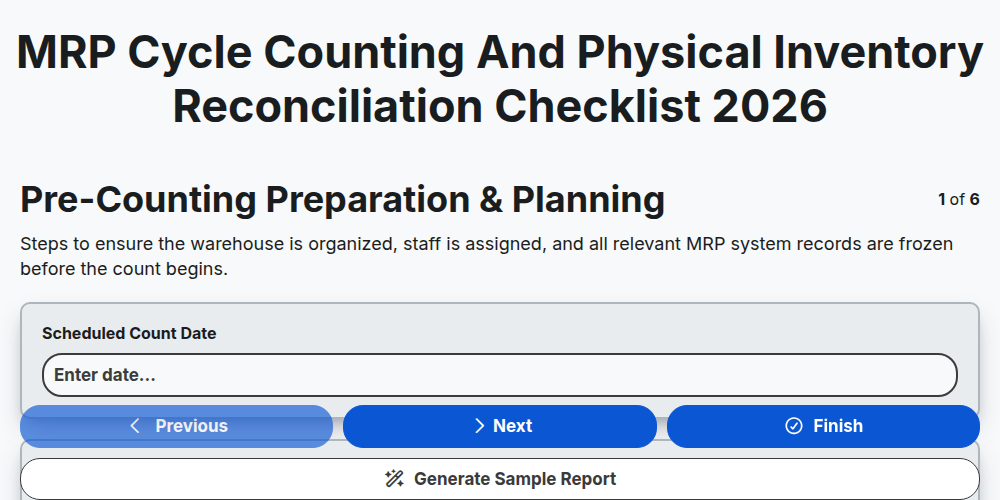
MRP Cycle Counting and Physical Inventory Reconciliation Checklist 2026
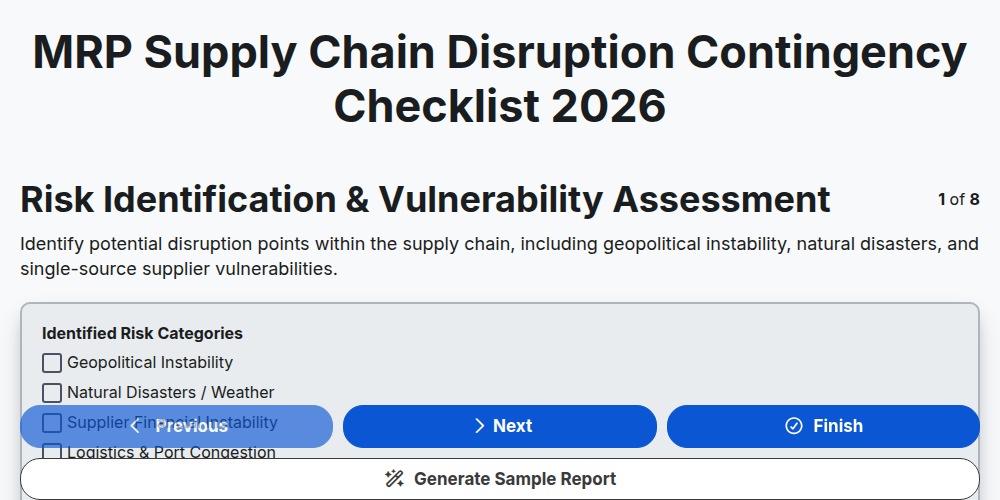
MRP Supply Chain Disruption Contingency Checklist 2026
MRP Production Schedule Attainment Checklist 2026
MRP Finished Goods Allocation Strategy Checklist 2026
MRP Material Shortage Risk Assessment Checklist 2026
MRP Warehouse Slotting and Layout Optimization Checklist 2026
Need help with
Material Requirements Planning (MRP)?
Have a question? We're here to help. Please submit your inquiry, and we'll respond promptly.