 ChecklistGuro
 Public Transport Fleet Decommissioning & Asset Disposal Checklist 2026
Streamline your end-of-life vehicle retirement process with the professional Public Transport Fleet Decommissioning & Asset Disposal Checklist 2026. Designed specifically for transit agencies and fleet managers, this comprehensive audit template ensures every step of the decommissioning lifecycle-from technical decommissioning and parts harvesting to environmental compliance and permanent asset removal-is documented with precision. Eliminate the risks of regulatory non-compliance and ensure maximum residual value recovery with this essential, high-standard operational tool for modern public transport management.
Pre-Decommissioning Documentation & Approval
Verification of retirement authorization, financial records, and regulatory compliance approvals for removing assets from active service.
Decommissioning Authorization Date
Decommissioning Order Reference Number
Approval Status
Required Regulatory Permits Verified
Approved Authorization Document
Authorized Manager Signature
Asset Identification & Inventory Audit
Detailed logging of vehicle VINs, fleet numbers, engine numbers, and decommissioning date to ensure accurate inventory reconciliation.
Vehicle Identification Number (VIN)
Fleet Asset ID/Number
Decommissioning Effective Date
Vehicle Type
Current Odometer Reading
Associated Equipment Included
Asset Photo Evidence
Auditor Verification Signature
Data Sanitization & Software Removal
Process for wiping GPS tracking data, fare collection software, driver telematics, and all onboard IT system configurations.
Data Wipe Completion Date
Sanitization Method Used
Removed Digital Systems
Verification of Uninstalled Software Licenses
Digital Erasure Certificate/Log Upload
IT Technician Certification
Hazardous Material & Fluid Extraction
Checklist for the safe drainage and disposal of oils, coolants, refrigerants, batteries, and any other toxic substances in compliance with 2026 environmental standards.
Extraction Completion Date
Fluids and Materials Extracted
Volume of Recovered Fluids (Liters)
Disposal Facility Reference Number
Waste Transfer Note / Disposal Certificate
Environmental Safety Officer Authorization
Component Salvage & Parts Reclamation
Identification and removal of reusable components, spare parts, and high-value hardware for maintenance of the remaining active fleet.
Salvaged Components Identified
Component Condition Report
Estimated Resale/Reuse Value (USD)
Photos of Reclaimed Parts
Date of Extraction
Parts Manager Verification
Physical Dismantling & Structural Strip-down
Safety protocols and procedures for the mechanical disassembly of the vehicle body and chassis components.
Dismantling Commencement Date
Primary Dismantling Method
Structural Components Removed
Weight of Stripped Structural Material (kg)
Notes on Structural Integrity or Damage Found
Photographic Evidence of Strip-down Progress
Lead Technician Verification
Branding & Livery Removal
Verification of the complete removal of agency logos, route identifiers, decals, and any proprietary transit branding.
Removed Branding Components
Residual Adhesive/Residue Inspection Notes
Date of Branding Removal Completion
Photo Evidence of Stripped Vehicle
Supervisor Verification Signature
Asset Disposal & Recycling Compliance
Documentation of the final destination of the asset, including scrap metal certificates, recycling permits, and eco-friendly disposal receipts.
Disposal Completion Date
Disposal Method
Disposal Facility Name
Disposal Certificate or Recycling Receipt
Compliance Verification Checklist
Compliance Officer Authorization
Final Financial & Asset Register Update
Final step to update the enterprise resource planning (ERP) system and adjust the fleet depreciation and balance sheet records.
Decommissioning Completion Date
Asset ID/Fleet Number
Final Depreciation Value (USD)
Disposal Method
Disposal Certificate or Invoice
Finance Officer Approval
Final Asset Disposition Notes
Frequently Asked Questions
Can I customize this template after installing it?
Absolutely. Once installed, you can add, remove, or reorder tasks, add custom fields, and adjust deadlines to fit your specific workflow.
Can I add images or photos to these checklist items?
Yes. Our platform allows you to attach photos, signatures, and notes to any checklist item for better verification and proof of completion.
Can I create a custom checklist from scratch instead of using a template?
Yes. You can use our "Create your own checklist" feature to build a unique workflow tailored exactly to your operational requirements.
Can I add dependencies between tasks?
Yes, you can set up conditional logic and dependencies to ensure your team follows the correct sequence of operations.
Can I assign specific checklist items to different team members?
Yes. You can assign individual tasks to specific employees, ensuring clear accountability across your entire team.
Can I use these checklists on mobile devices in the field?
Yes. Our platform is fully responsive, allowing your team to complete, update, and upload photos to checklists directly from any smartphone or tablet.
How do I notify my manager when a checklist is completed?
You can set up automated notifications (via email, push notification, or in-app alerts) to trigger whenever a checklist is finished or if an item fails inspection.
Can multiple people work on the same checklist simultaneously?
Yes, the platform supports real-time updates, allowing multiple users to contribute to a single live checklist.
Where is the data from completed checklists stored?
All completed checklists are stored securely in your Work OS dashboard, creating a permanent, searchable audit trail of your operations.
Can I generate reports based on my checklist results?
Yes. You can track completion rates, identify recurring issues, and monitor team performance through our integrated reporting and analytics tools.
How can I use these checklists for compliance or auditing purposes?
Because our checklists capture timestamps, photos, and digital signatures, they serve as a robust digital paper trail for regulatory compliance and internal audits.
Can I export my completed checklist data for use in other tools?
Yes. You can export your data in various formats (CSV, Excel, etc.) to integrate your operational insights with your other business software.
Comments
There are no comments yet. Be the first to add one!
Public Transport Management Solution Demo
Optimize public transport operations & enhance passenger experience! ChecklistGuro streamlines route planning, vehicle maintenance, and incident reporting. Improve efficiency, safety, and reliability. Manage it all with our Work OS.
Related Checklist Templates
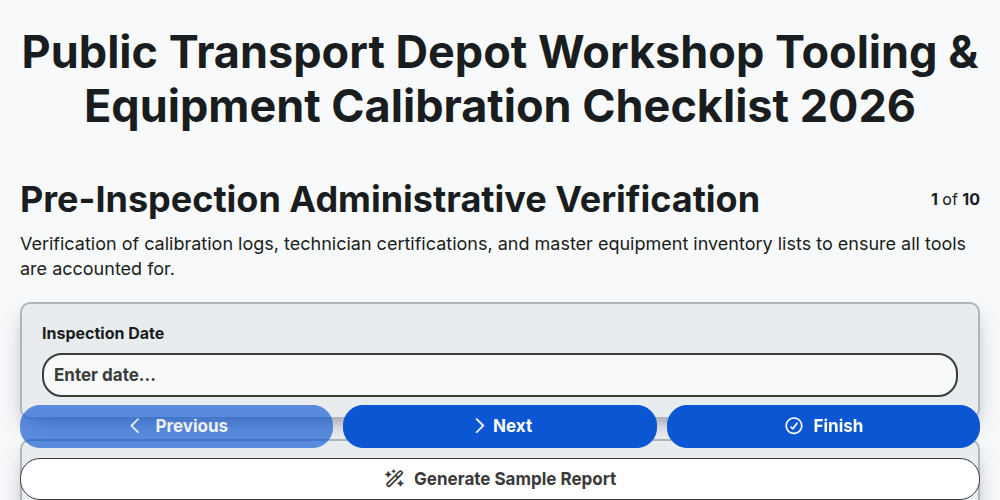
Public Transport Depot Workshop Tooling & Equipment Calibration Checklist 2026
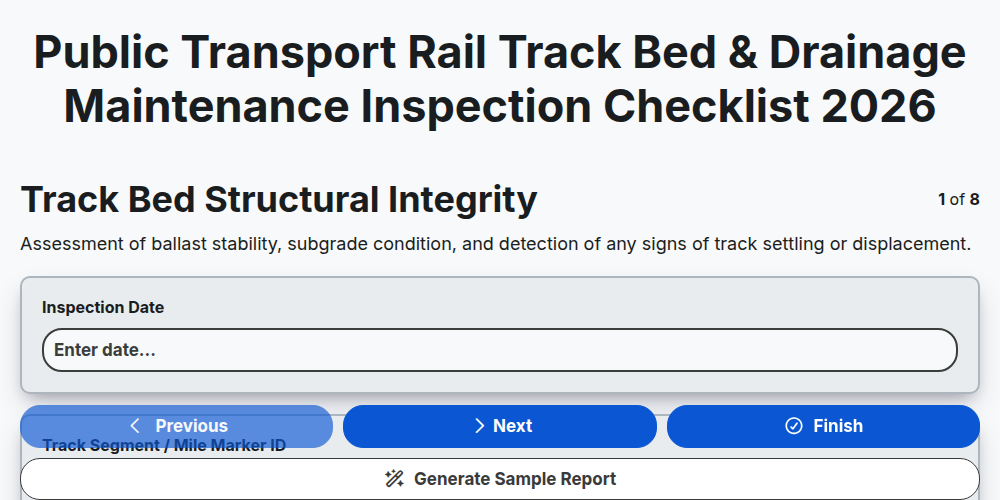
Public Transport Rail Track Bed & Drainage Maintenance Inspection Checklist 2026
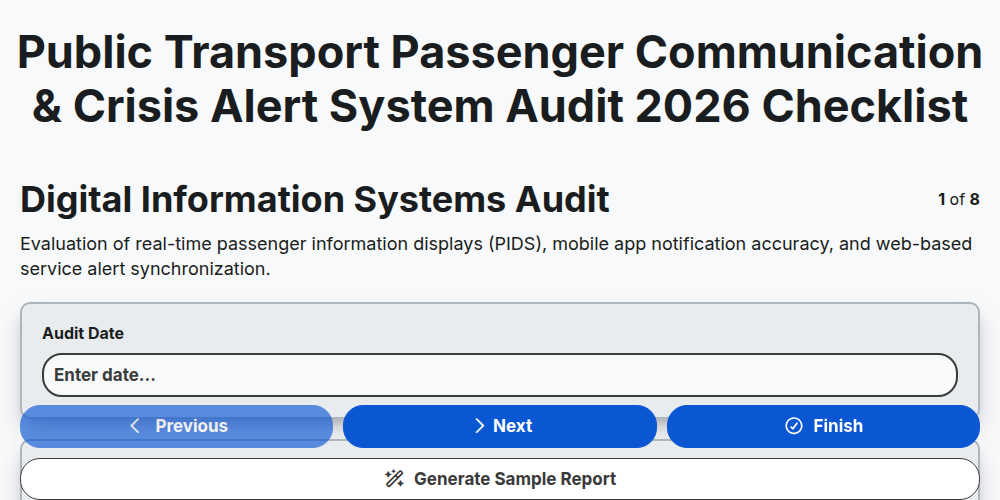
Public Transport Passenger Communication & Crisis Alert System Audit 2026
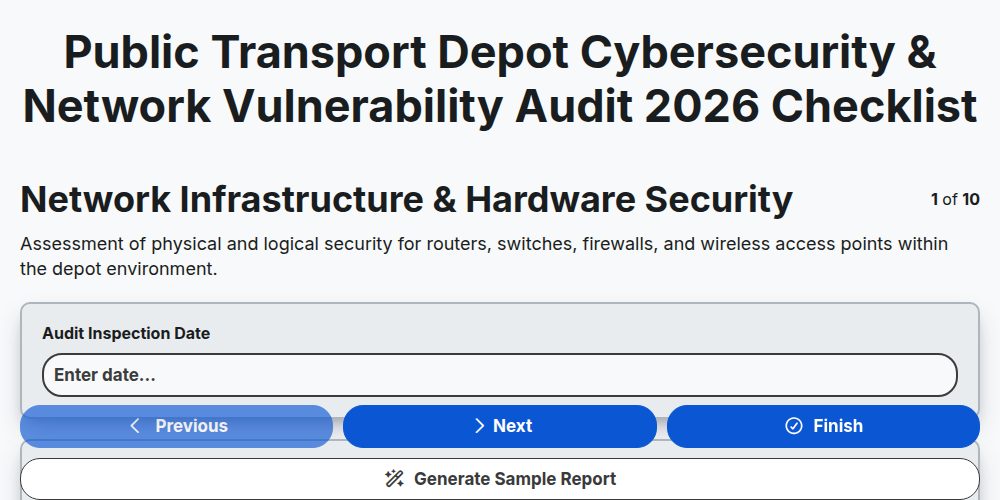
Public Transport Depot Cybersecurity & Network Vulnerability Audit 2026
Public Transport Fleet Battery Health & EV Charging Infrastructure Checklist 2026
Public Transport Mobile Ticketing & Contactless Payment Security Audit 2026
Public Transport Multi-Modal Integration & Transfer Hub Audit Checklist 2026
Public Transport Underground Station Ventilation & Airflow Inspection Checklist 2026
Need help with
Public Transport Management?
Have a question? We're here to help. Please submit your inquiry, and we'll respond promptly.