 ChecklistGuro
 Music Store Instrument Inventory Checklist Template
Never miss a beat! Our Music Store Instrument Inventory Checklist Template ensures your guitars, keyboards, and drums are always accounted for. Streamline your stocktaking, minimize losses, and keep your music store running smoothly. Download now and harmonize your inventory management!
This Template was installed 4 times.
Initial Inventory Verification
Confirm starting quantities match records.
Inventory Verification Date
Starting Quantity - Guitar (Acoustic)
Starting Quantity - Guitar (Electric)
Starting Quantity - Drum Kit
Starting Quantity - Keyboard/Piano
System Used for Record Keeping
Notes on Initial Verification
Instrument Condition Assessment
Evaluate the physical state of each instrument.
Serial Number (if applicable)
Overall Condition
Detailed Condition Notes (e.g., scratches, dings, repairs)
Functionality Check
Photo of Condition (optional)
Strings/Reeds/Batteries (if applicable)
Case/Gig Bag Condition
Accessory and Part Inventory
Account for related accessories and replacement parts.
Strings/Cables (Quantity)
Picks/Tuning Pegs (Quantity)
Straps (Quantity)
Cases/Gig Bags (Quantity)
Amplifier Tubes (Quantity)
Drumsticks (Pairs - Quantity)
Reeds (Type & Quantity)
Notes on Accessories/Parts Condition
Rental Equipment Status
Check rental agreements and equipment readiness.
Rental Start Date
Rental End Date (Expected)
Rental Fee
Condition Upon Rental
Customer Name
Rental Agreement ID
Returned?
Expected Return Time
Consignment Inventory Tracking
Verify consignment agreements and artist payouts.
Consignment Item ID
Artist/Consignor Name
Quantity Consigned
Consignment Start Date
Consignment End Date (Expected)
Consignment Price
Payment Split (%)
Units Sold
Storage Area Organization
Assess storage area cleanliness and instrument placement.
Aisle Designation
Instrument Count per Shelf
Shelf Stability
Lighting Adequacy
Notes on Temperature Control
Dust Accumulation Level
Security Protocol Compliance
Check security measures for theft prevention.
Alarm System Armed?
Security Cameras Operational?
Number of Security Keys Available
Last Security System Maintenance Date
Door Locks Verified - All Secure?
Notes on observed security concerns
Record Discrepancies & Adjustments
Document and correct any inventory discrepancies.
Discrepancy Quantity
Reason for Discrepancy
Detailed Explanation of Discrepancy
Adjusted Quantity
Adjustment Type
Adjustment Date
Adjustment Time
Authorized Signature
Final Reconciliation & Reporting
Compare physical count to records and generate a report.
Total Value of Inventory
Number of Discrepancies Found
Summary of Discrepancy Adjustments
Reconciliation Completion Date
Reconciliation Status
Supporting Documentation (e.g., Adjustment Logs)
Comments/Notes on Reconciliation
Frequently Asked Questions
Can I customize this template after installing it?
Absolutely. Once installed, you can add, remove, or reorder tasks, add custom fields, and adjust deadlines to fit your specific workflow.
Can I add images or photos to these checklist items?
Yes. Our platform allows you to attach photos, signatures, and notes to any checklist item for better verification and proof of completion.
Can I create a custom checklist from scratch instead of using a template?
Yes. You can use our "Create your own checklist" feature to build a unique workflow tailored exactly to your operational requirements.
Can I add dependencies between tasks?
Yes, you can set up conditional logic and dependencies to ensure your team follows the correct sequence of operations.
Can I assign specific checklist items to different team members?
Yes. You can assign individual tasks to specific employees, ensuring clear accountability across your entire team.
Can I use these checklists on mobile devices in the field?
Yes. Our platform is fully responsive, allowing your team to complete, update, and upload photos to checklists directly from any smartphone or tablet.
How do I notify my manager when a checklist is completed?
You can set up automated notifications (via email, push notification, or in-app alerts) to trigger whenever a checklist is finished or if an item fails inspection.
Can multiple people work on the same checklist simultaneously?
Yes, the platform supports real-time updates, allowing multiple users to contribute to a single live checklist.
Where is the data from completed checklists stored?
All completed checklists are stored securely in your Work OS dashboard, creating a permanent, searchable audit trail of your operations.
Can I generate reports based on my checklist results?
Yes. You can track completion rates, identify recurring issues, and monitor team performance through our integrated reporting and analytics tools.
How can I use these checklists for compliance or auditing purposes?
Because our checklists capture timestamps, photos, and digital signatures, they serve as a robust digital paper trail for regulatory compliance and internal audits.
Can I export my completed checklist data for use in other tools?
Yes. You can export your data in various formats (CSV, Excel, etc.) to integrate your operational insights with your other business software.
Comments
There are no comments yet. Be the first to add one!
Retail Management Solution Demo
Boost retail efficiency! ChecklistGuro simplifies store operations, inventory management, and employee training. Improve customer experience and maximize profitability. Manage it all with our Work OS.
Related Checklist Templates
Pet Store Inventory Stock Level Checklist Template
Bookstore Inventory Reordering Checklist Template
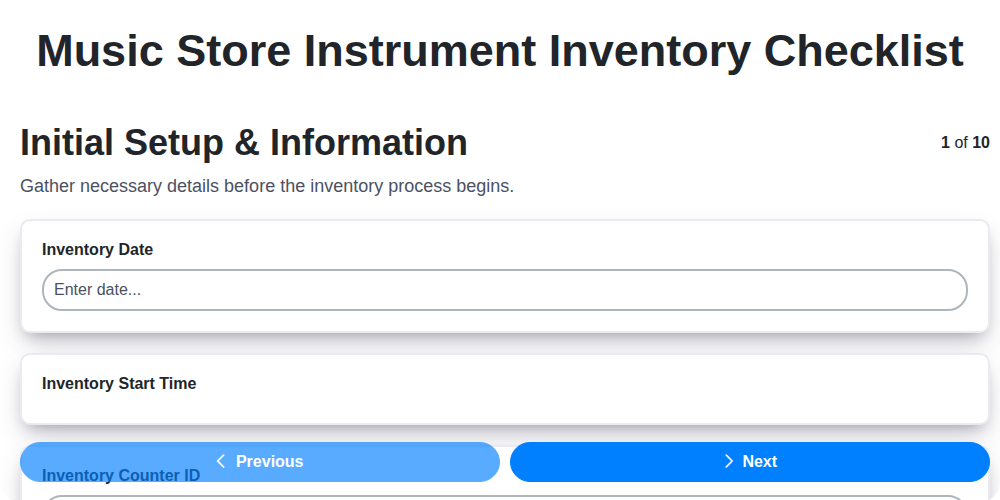
Music Store Instrument Inventory Checklist
Furniture Store Inventory Damage Assessment Checklist
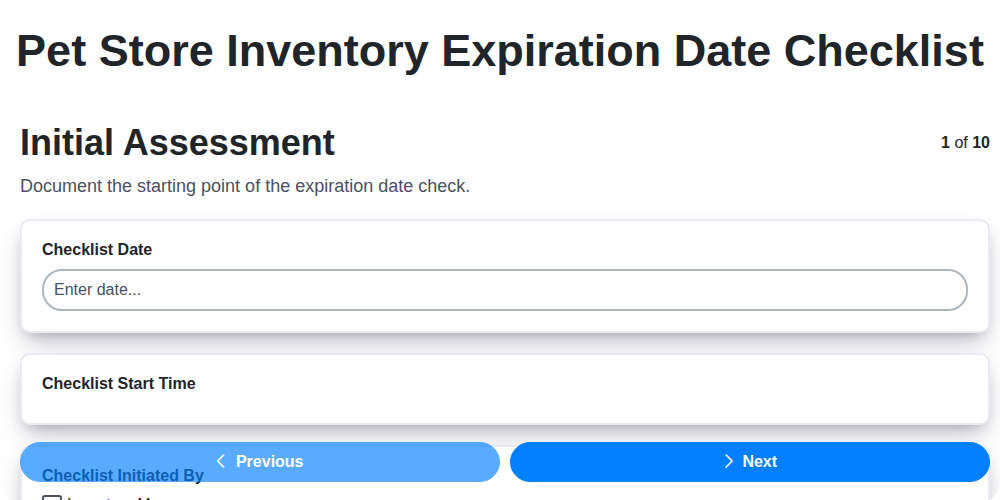
Pet Store Inventory Expiration Date Checklist
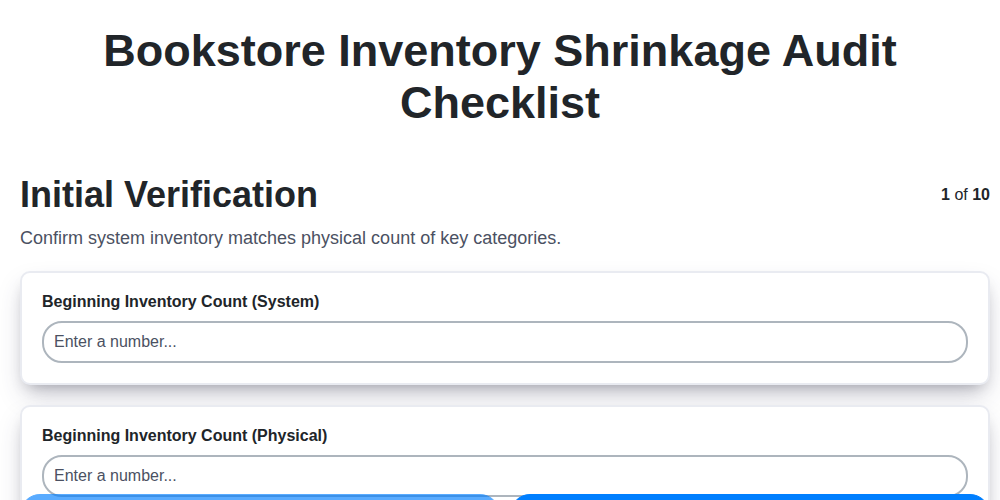
Bookstore Inventory Shrinkage Audit Checklist
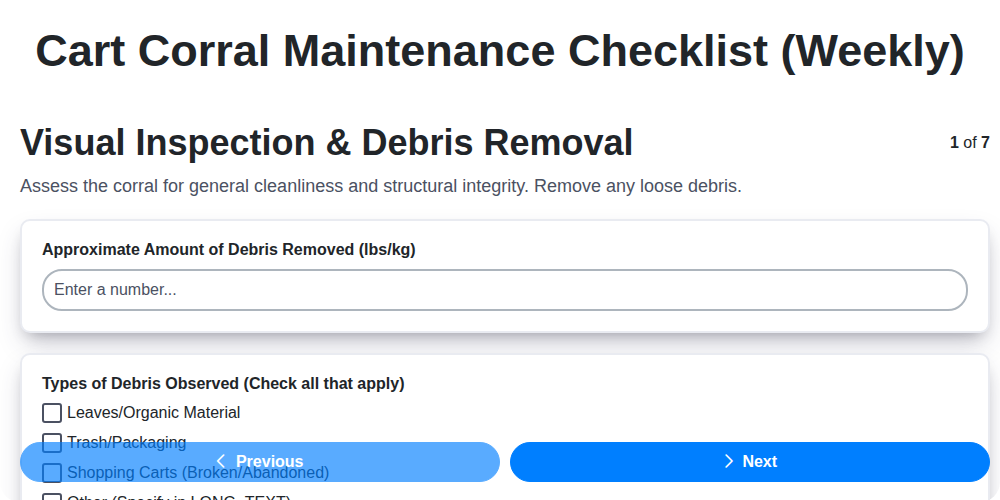
Cart Corral Maintenance Checklist (Weekly)
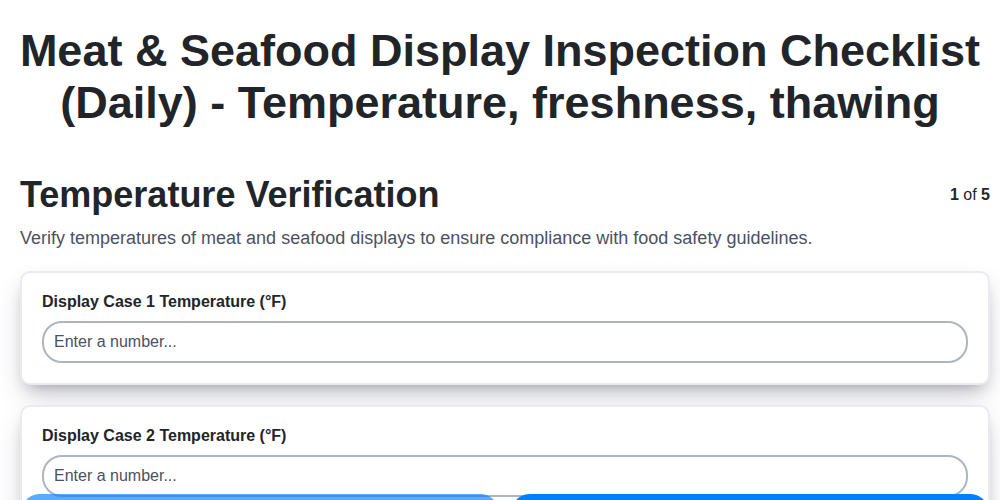
Meat & Seafood Display Inspection Checklist (Daily) - Temperature, freshness, thawing
We can do it Together
Need help with
Retail?
Have a question? We're here to help. Please submit your inquiry, and we'll respond promptly.