 ChecklistGuro
 Pet Store Inventory Expiration Date Checklist
Don't let expired pet food and supplies impact your bottom line! This Pet Store Inventory Expiration Date Checklist helps you stay organized, minimize waste, and ensure happy, healthy furry (and scaled!) customers. Easily track expiration dates, prioritize stock rotation, and maintain a pristine pet store with this essential checklist.
This Template was installed 5 times.
Initial Assessment
Document the starting point of the expiration date check.
Checklist Date
Checklist Start Time
Checklist Initiated By
Temperature (if applicable)
Any Pre-Existing Concerns?
Dry Food & Treats
Check expiration dates on all dry food and treat products.
Lot Number
Expiration Date
Condition (Bag/Packaging)
Quantity Remaining (lbs/oz)
Brand
Notes/Comments
Canned/Wet Food
Verify expiration dates on all canned or wet food items.
Expiration Date
Quantity
Condition (Can/Packaging)
Brand
Notes/Comments
Medications & Supplements
Carefully examine expiration dates for all medications and supplements, adhering to any special handling procedures.
Medication/Supplement Name
Expiration Date
Quantity on Hand
Lot Number (if applicable)
Storage Condition
Temperature (if refrigerated/frozen)
Notes/Special Instructions
Grooming Supplies
Check expiration dates on shampoos, conditioners, and other grooming products.
Product Type (Shampoo, Conditioner, etc.)
Expiration Date
Lot Number
Condition (New, Slightly Damaged, Expired)
Notes/Comments
Toys & Accessories
While less common, check for any relevant expiration dates or 'use by' dates on toys or accessories.
Date of Inspection
Type of Accessory
Quantity of Item
Condition of Item
Expiration/Best By Date (If Applicable)
Quarantine/Special Diet Items
Thoroughly review expiration dates for any items held in quarantine or for animals on special diets.
Animal ID/Name
Diet Type
Start Date of Special Diet
Expiration Date of Current Food
Quantity Remaining (Units)
Notes/Special Instructions
Food Source (Vendor)
Disposal/Removal
Document the disposal or removal of expired products, including method and date.
Quantity Disposed
Disposal Method
Disposal Date
Notes on Disposal (e.g., Lot Numbers, Specific Products)
Disposed By (Employee)
Supporting Documentation (Receipts, Waste Manifests)
Restocking & Rotation
Note any restocking or rotation needs to ensure older products are used first (FIFO).
Quantity of items needing restock
Restock Priority Level
Estimated Restock Date
Notes on Restock Order (e.g., specific brand requests)
Rotation Method
Final Review & Sign-off
Confirm all areas have been checked, and obtain sign-off to complete the checklist.
Checklist Completion Date
Checklist Completion Time
Reviewer Name
Overall Assessment (Condition of Inventory)
Notes/Comments (Optional)
Reviewer Signature
Comments
There are no comments yet. Be the first to add one!
Retail Management Solution Demo
Boost retail efficiency! ChecklistGuro simplifies store operations, inventory management, and employee training. Improve customer experience and maximize profitability. Manage it all with our Work OS.
Related Checklist Templates
Music Store Instrument Inventory Checklist Template
Pet Store Inventory Stock Level Checklist Template
Bookstore Inventory Reordering Checklist Template
Music Store Instrument Inventory Checklist
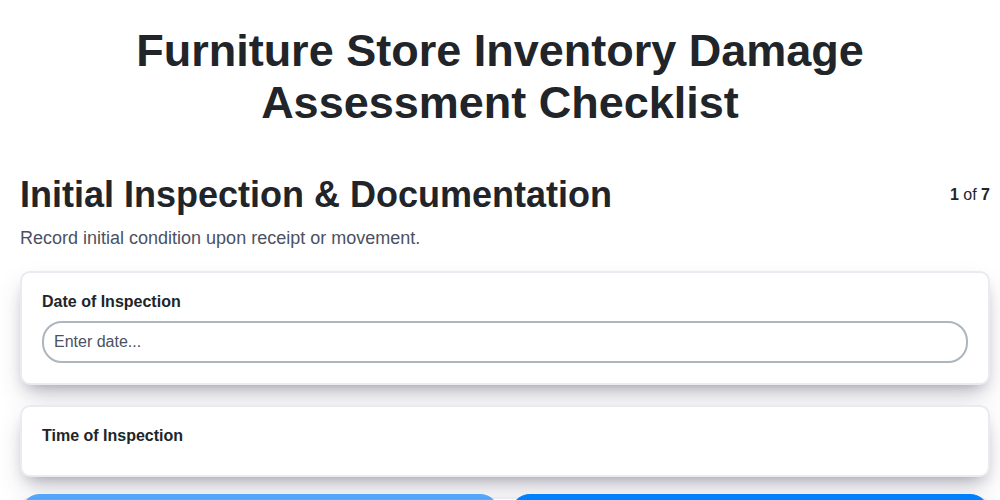
Furniture Store Inventory Damage Assessment Checklist
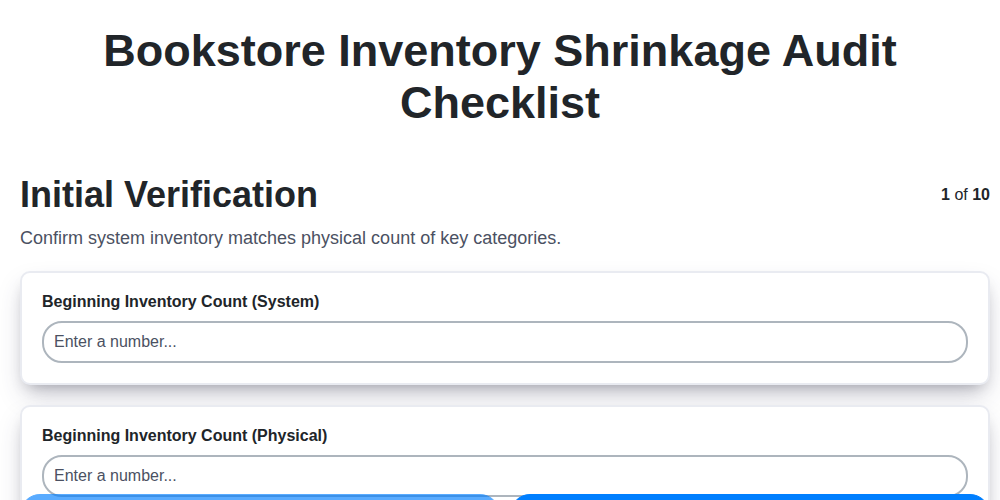
Bookstore Inventory Shrinkage Audit Checklist
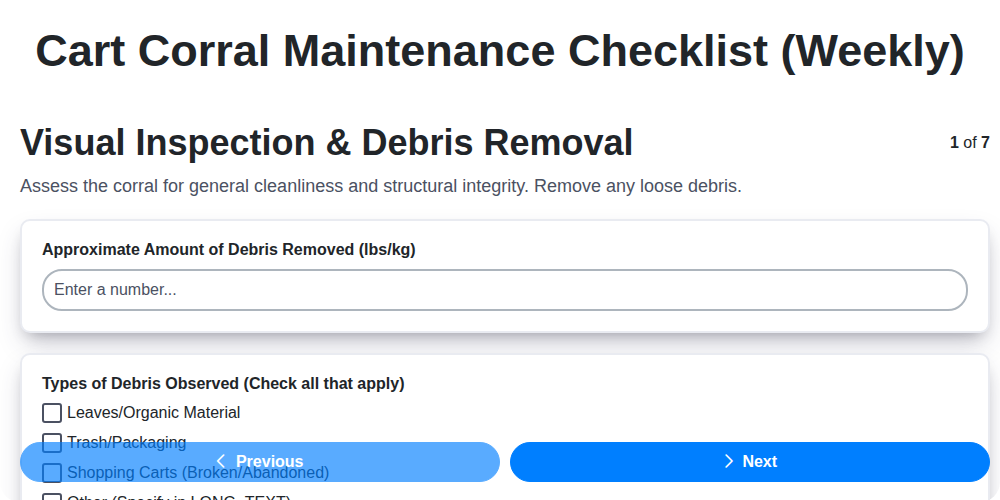
Cart Corral Maintenance Checklist (Weekly)
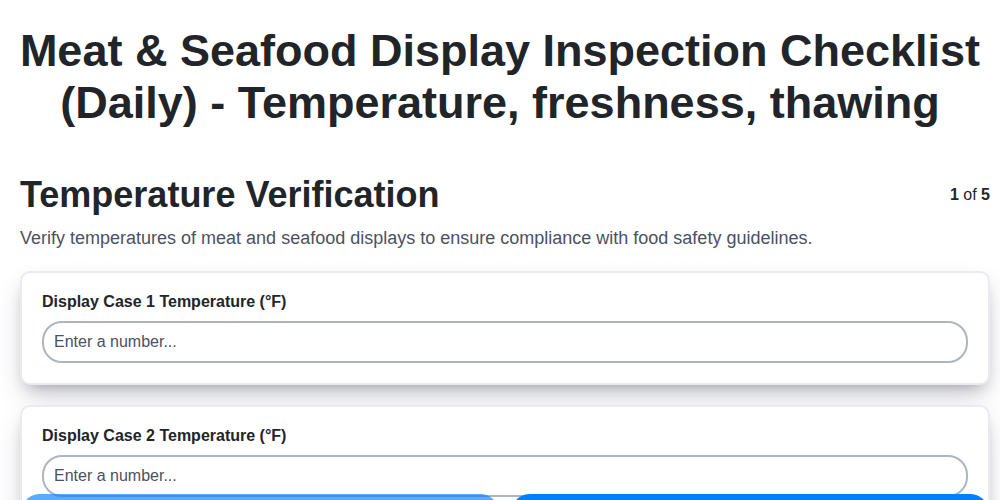
Meat & Seafood Display Inspection Checklist (Daily) - Temperature, freshness, thawing
We can do it Together
Need help with
Retail?
Have a question? We're here to help. Please submit your inquiry, and we'll respond promptly.