 ChecklistGuro
 Music Store Instrument Inventory Checklist
Ensure your music store's inventory is perfectly tuned with our instrument inventory checklist. Track guitars, amps, drums, and more - avoid costly errors and maximize profit margins. Download now!
This Template was installed 2 times.
Initial Setup & Information
Gather necessary details before the inventory process begins.
Inventory Date
Inventory Start Time
Inventory Counter ID
Inventory Counter Name
Purpose of Inventory
Inventory Type
Inventory Location
Guitar & Bass Inventory
Detailed check of guitars and bass guitars, including model, serial number, condition, and accessories.
Serial Number
Brand
Model
Year of Manufacture
Finish/Color
Condition Notes (Damage, Repairs)
Estimated Value (USD)
Action (Playability)
Keyboard & Synthesizer Inventory
Record details of keyboards and synthesizers.
Model Name
Serial Number
Purchase Price
Current Value (Estimated)
Condition (Excellent, Good, Fair, Poor)
Notes/Details (e.g., modifications, repairs)
Date of Last Service/Repair
Photo of Keyboard
Drums & Percussion Inventory
Check drums, cymbals, and other percussion instruments.
Drum Kit Serial Number
Drum Kit Type
Number of Cymbals
Cymbal Type
Drum Head Condition Rating (1-5)
Notes on Condition / Damage
Snare Drum Brand
Last Tuning Date
Amplifier & Effects Inventory
Verify amplifiers, pedals, and effects units.
Serial Number
Manufacturer
Type (Amp/Effect)
Model Name
Wattage (if applicable)
Power Supply
Notes (Damage, Modifications)
Photo of Unit
Strings & Accessories
Account for strings, picks, cables, tuners, and other related accessories.
Guitar String Gauge (E)
Bass String Gauge (E)
String Brand
Pick Thickness (mm)
Cable Type
Tuner Batteries (Count)
Notes on Accessories Condition
Sheet Music & Books
Inventory sheet music, instructional books, and songbooks.
Quantity
Title
Composer/Author
Edition Number
Genre
Date of Purchase/Acquisition
Price Paid
Condition
Condition Assessment
Document any damages, repairs needed, or cosmetic imperfections.
Scratch Depth (mm)
Neck Straightness
Frets - Condition
Describe any cosmetic damage
Hardware - Condition
Estimated Repair Cost ($)
Upload Photo of Damage
Location & Storage
Verify instruments are in correct storage locations and accessible.
Rack Number
Shelf Number
Bin Number
Storage Type
Accessibility
Storage Notes
Final Review & Discrepancy Reporting
Compare physical count to records, note any discrepancies, and take corrective actions.
Total Items Counted
Expected Items Count
Discrepancy Quantity
Discrepancy Explanation (e.g., loss, theft, misplacement)
Discrepancy Category
Discrepancy Reported Date
Discrepancy Reported Time
Reported By (Employee Name)
Comments
There are no comments yet. Be the first to add one!
Retail Management Solution Demo
Boost retail efficiency! ChecklistGuro simplifies store operations, inventory management, and employee training. Improve customer experience and maximize profitability. Manage it all with our Work OS.
Related Checklist Templates
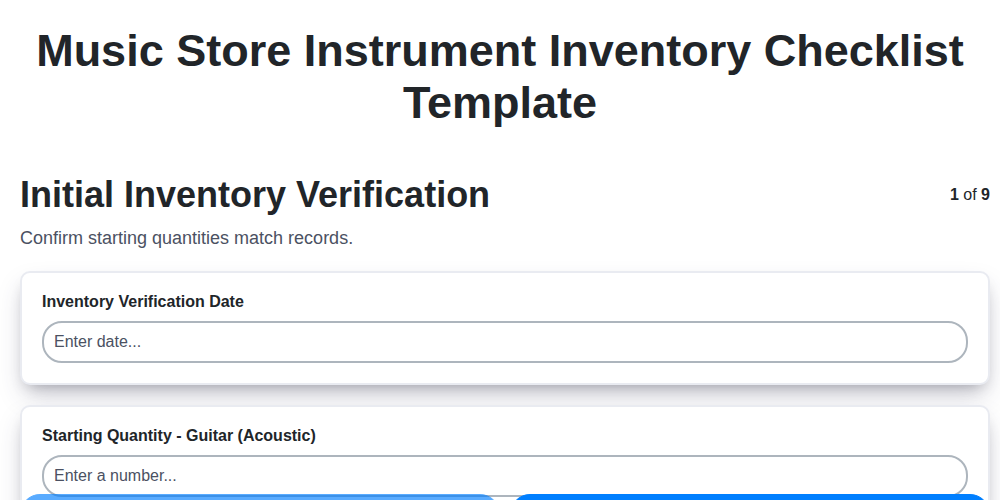
Music Store Instrument Inventory Checklist Template
Pet Store Inventory Stock Level Checklist Template
Bookstore Inventory Reordering Checklist Template
Furniture Store Inventory Damage Assessment Checklist
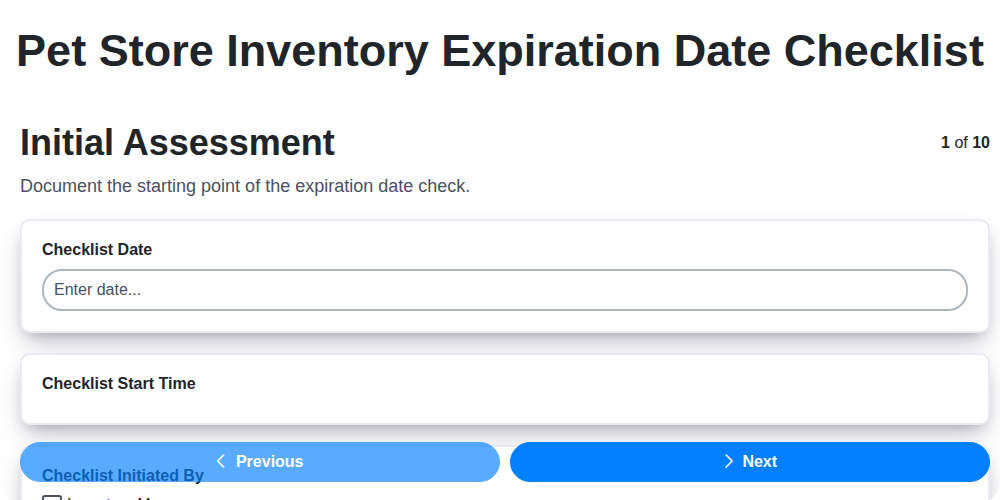
Pet Store Inventory Expiration Date Checklist
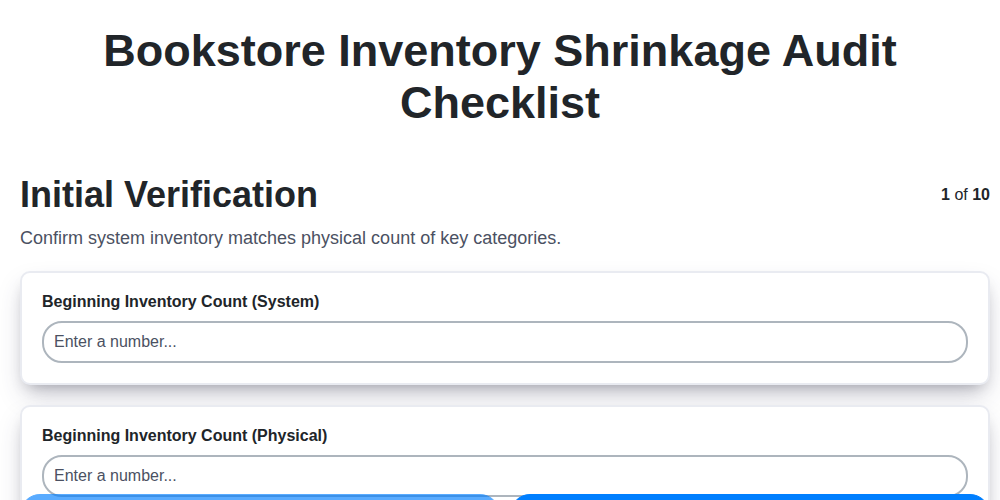
Bookstore Inventory Shrinkage Audit Checklist
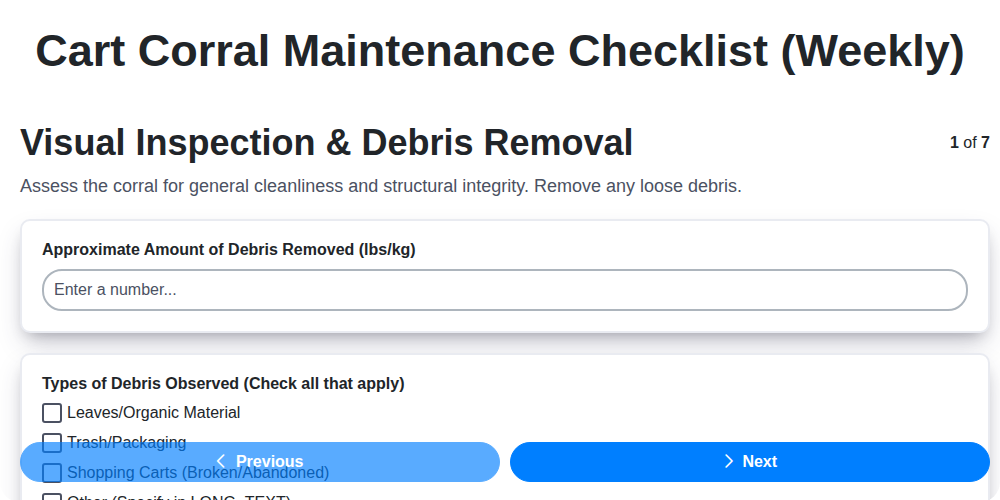
Cart Corral Maintenance Checklist (Weekly)
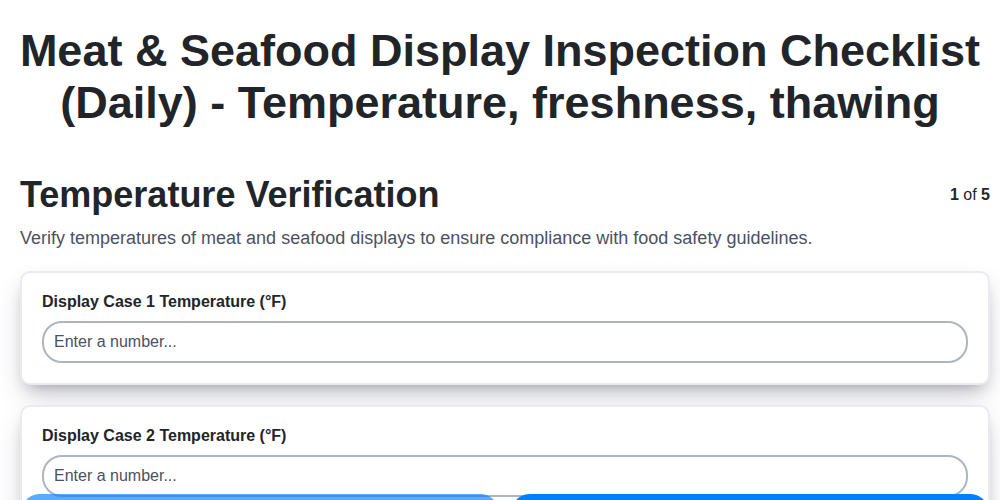
Meat & Seafood Display Inspection Checklist (Daily) - Temperature, freshness, thawing
We can do it Together
Need help with
Retail?
Have a question? We're here to help. Please submit your inquiry, and we'll respond promptly.