 ChecklistGuro
Retail Customer Experience Survey Checklist
Unlock exceptional retail experiences! This Retail Customer Experience Survey Checklist ensures you gather actionable feedback, identify pain points, and boost customer loyalty. Streamline your survey process and drive business growth with our customizable template.
This Template was installed 1 times.
Pre-Visit & Store Appearance
Evaluates the customer's experience before entering the store and the store's overall cleanliness and visual appeal.
Google Review Star Rating (Pre-Visit)
Storefront Cleanliness
Exterior Signage Visibility
Describe any observations about the store's exterior appearance
Music/Atmosphere (if applicable)
Staff Interaction & Service
Focuses on the quality of interactions with staff, including greeting, assistance, and responsiveness.
How were you greeted by staff upon entering the store?
How helpful was the staff in answering your questions?
Approximately how long did you wait for assistance? (in minutes)
Please describe your interaction with the staff.
Did the staff seem knowledgeable about the products?
Customer Signature (optional)
Product Selection & Availability
Assesses the variety and accessibility of products offered.
Number of Product Categories Available
Was it easy to find the products you were looking for?
Which of the following product attributes were important to you? (Select all that apply)
How would you rate the product assortment overall?
Please specify any products you were looking for but couldn't find.
Checkout Process & Efficiency
Focuses on the speed and ease of the checkout experience.
Checkout Time (minutes)
Was the cashier friendly?
Were your payment methods accepted?
Number of items purchased
Any issues encountered during checkout?
Did you feel rushed during checkout?
Was the checkout process clear and easy to understand?
Overall Satisfaction & Loyalty
Measures overall satisfaction and likelihood of return visits and recommendations.
How likely are you to recommend our store to a friend or colleague (1-10)?
Overall, how satisfied were you with your shopping experience today?
Please share any additional comments or suggestions you may have.
Would you shop at this store again?
How would you rate the value for money (1-5)?
Which of the following best describe your reason for visiting today? (Select all that apply)
Date of visit
Time of visit (approximate)
Frequently Asked Questions
Can I customize this template after installing it?
Absolutely. Once installed, you can add, remove, or reorder tasks, add custom fields, and adjust deadlines to fit your specific workflow.
Can I add images or photos to these checklist items?
Yes. Our platform allows you to attach photos, signatures, and notes to any checklist item for better verification and proof of completion.
Can I create a custom checklist from scratch instead of using a template?
Yes. You can use our "Create your own checklist" feature to build a unique workflow tailored exactly to your operational requirements.
Can I add dependencies between tasks?
Yes, you can set up conditional logic and dependencies to ensure your team follows the correct sequence of operations.
Can I assign specific checklist items to different team members?
Yes. You can assign individual tasks to specific employees, ensuring clear accountability across your entire team.
Can I use these checklists on mobile devices in the field?
Yes. Our platform is fully responsive, allowing your team to complete, update, and upload photos to checklists directly from any smartphone or tablet.
How do I notify my manager when a checklist is completed?
You can set up automated notifications (via email, push notification, or in-app alerts) to trigger whenever a checklist is finished or if an item fails inspection.
Can multiple people work on the same checklist simultaneously?
Yes, the platform supports real-time updates, allowing multiple users to contribute to a single live checklist.
Where is the data from completed checklists stored?
All completed checklists are stored securely in your Work OS dashboard, creating a permanent, searchable audit trail of your operations.
Can I generate reports based on my checklist results?
Yes. You can track completion rates, identify recurring issues, and monitor team performance through our integrated reporting and analytics tools.
How can I use these checklists for compliance or auditing purposes?
Because our checklists capture timestamps, photos, and digital signatures, they serve as a robust digital paper trail for regulatory compliance and internal audits.
Can I export my completed checklist data for use in other tools?
Yes. You can export your data in various formats (CSV, Excel, etc.) to integrate your operational insights with your other business software.
Comments
There are no comments yet. Be the first to add one!
Survey Management Solution Demo
Gather valuable insights with ease! ChecklistGuro simplifies survey creation, distribution, and analysis. Automate data collection, improve response rates, and make data-driven decisions. Manage it all with our Work OS.
Related Checklist Templates
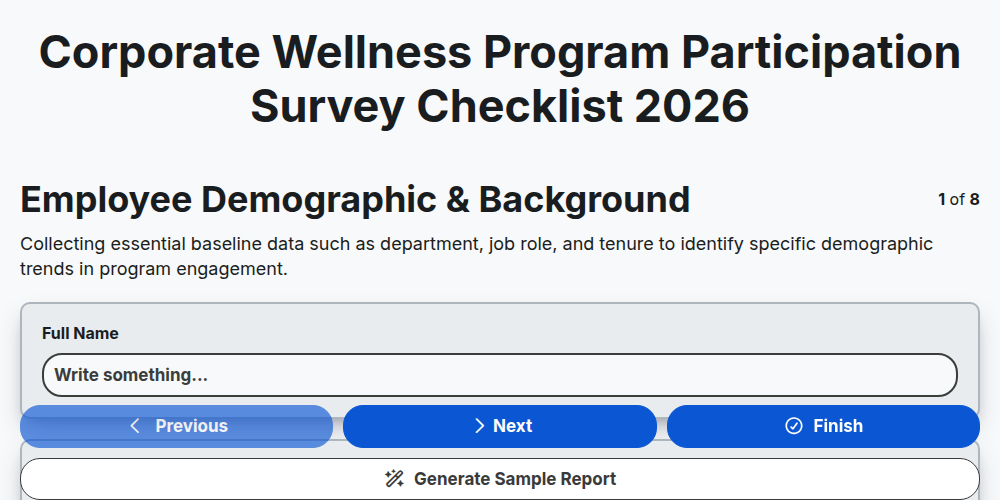
Corporate Wellness Program Participation Survey Checklist 2026
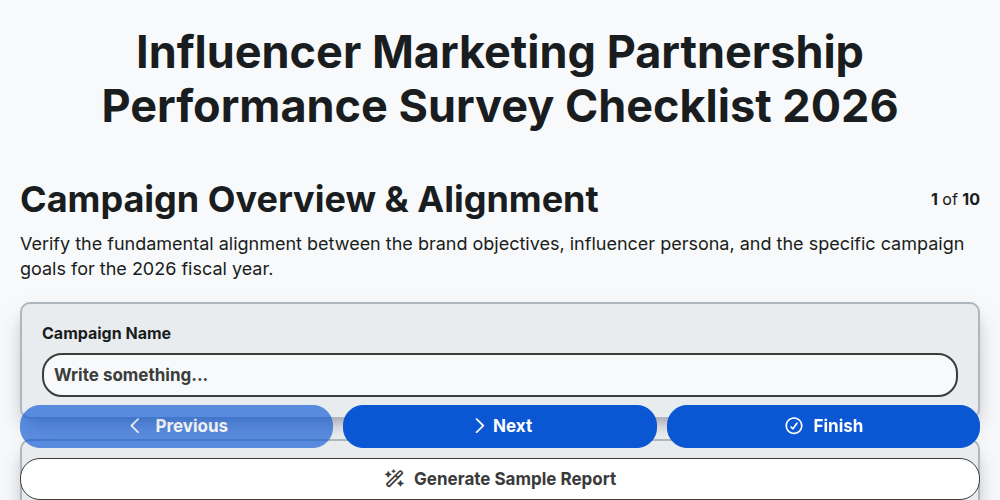
Influencer Marketing Partnership Performance Survey Checklist 2026
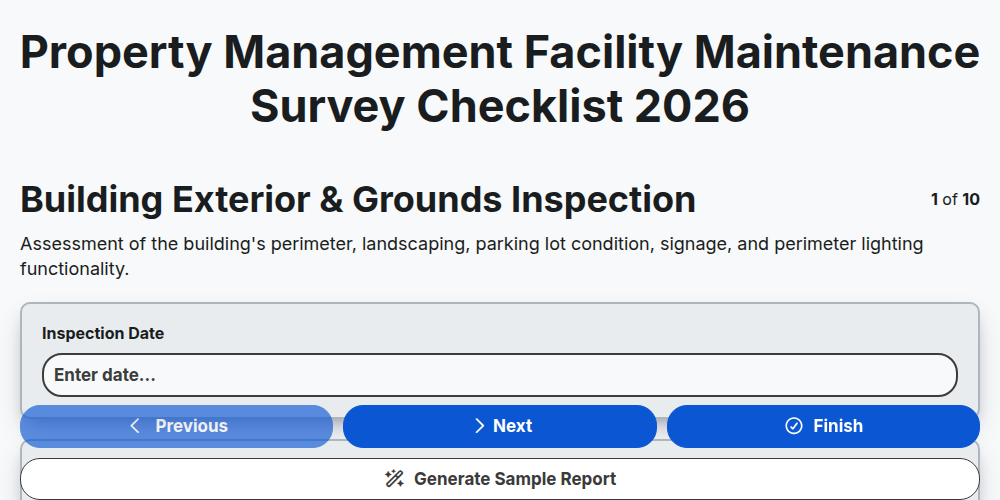
Property Management Facility Maintenance Survey Checklist 2026
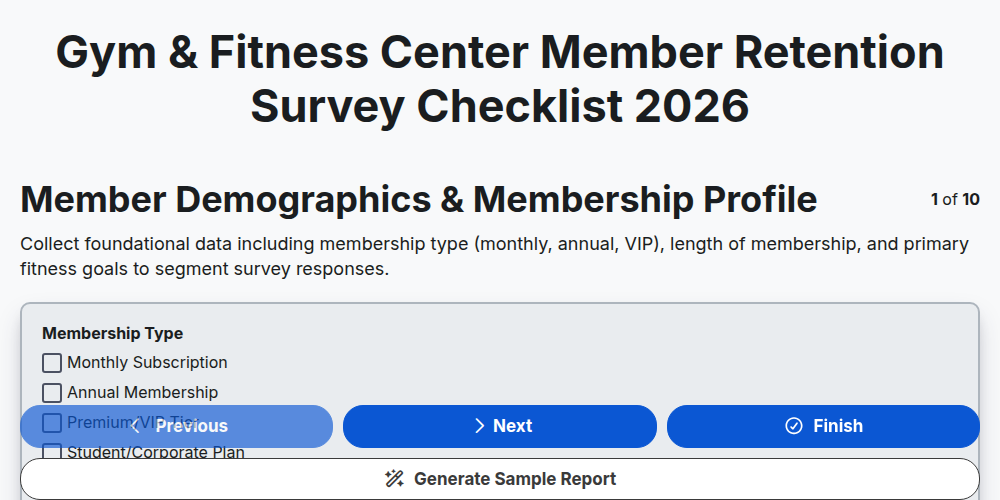
Gym & Fitness Center Member Retention Survey Checklist 2026
Software SaaS Product Feature Usage Survey Checklist 2026
Supply Chain Vendor Compliance & Audit Survey Checklist 2026
Hospitality Staff Training & Performance Survey Checklist 2026
Corporate Training Program Effectiveness Survey Checklist 2026
Need help with
Survey Management?
Have a question? We're here to help. Please submit your inquiry, and we'll respond promptly.