 ChecklistGuro
 Internal Audit Process & Task Completion Checklist 2026
Ensure total operational compliance and operational excellence with our professional Internal Audit Process & Task Completion Checklist 2026. Designed for auditors, compliance officers, and department heads, this high-intent, ready-to-use template streamlines every stage of the audit lifecycle-from initial scope definition and risk assessment to fieldwork execution and final reporting. Eliminate oversight, reduce manual errors, and maintain a rigorous audit trail with a structured, step-by-step workflow. Perfect for managing complex internal controls and ensuring all regulatory tasks are completed with precision and accountability in 2026.
Pre-Audit Preparation & Scope Definition
Defining the audit objectives, identifying key stakeholders, and establishing the timeline and scope of the audit parameters.
Audit Project Name
Audit Objectives & Scope Description
Audit Commencement Date
Audit Severity Level
Departments to be Audited
Audit Charter or Reference Policy
Lead Auditor Approval
Audit Documentation & Evidence Collection
Gathering all necessary logs, financial records, policy documents, and digital footprints required for verification.
Document Retrieval Date
Document Type
Evidence Attachment
Document Reference ID
Observations & Discrepancies
Verification Status
Auditor Verification Signature
Process Verification & Control Testing
Testing internal controls, verifying compliance with established SOPs, and evaluating the effectiveness of existing safeguards.
Control Test Status
Control ID/Reference Number
Observation Notes
Evidence Documentation
Testing Completion Date
Auditor Verification Signature
Discrepancy Identification & Risk Assessment
Documenting findings, identifying gaps in compliance, and assessing the potential impact of discovered risks to the organization.
Discrepancy Description
Detailed Impact Analysis
Risk Severity Level
Affected Departments
Date of Discovery
Supporting Evidence
Corrective Action Plan (CAP) Development
Assigning ownership to identified issues, setting remediation deadlines, and outlining the steps required to resolve non-compliance.
Identified Deficiency Summary
Root Cause Analysis
Risk Priority Level
Remediation Task Description
Remediation Deadline
Responsible Departments
Audit Manager Approval
Audit Report Finalization & Distribution
Compiling final findings into a formal report and communicating results to executive leadership and relevant department heads.
Final Audit Report Title
Report Finalization Date
Audit Severity Level
Executive Summary of Findings
Distribution List (Stakeholders)
Upload Finalized Audit Report (PDF)
Lead Auditor Approval Signature
Post-Audit Follow-up & Verification
Tracking the progress of remediation tasks and conducting a secondary review to ensure all corrective actions were successfully implemented.
Follow-up Completion Date
Remediation Status
Verification Notes & Observations
Evidence of Remediation
Auditor Verification Signature
Frequently Asked Questions
Can I customize this template after installing it?
Absolutely. Once installed, you can add, remove, or reorder tasks, add custom fields, and adjust deadlines to fit your specific workflow.
Can I add images or photos to these checklist items?
Yes. Our platform allows you to attach photos, signatures, and notes to any checklist item for better verification and proof of completion.
Can I create a custom checklist from scratch instead of using a template?
Yes. You can use our "Create your own checklist" feature to build a unique workflow tailored exactly to your operational requirements.
Can I add dependencies between tasks?
Yes, you can set up conditional logic and dependencies to ensure your team follows the correct sequence of operations.
Can I assign specific checklist items to different team members?
Yes. You can assign individual tasks to specific employees, ensuring clear accountability across your entire team.
Can I use these checklists on mobile devices in the field?
Yes. Our platform is fully responsive, allowing your team to complete, update, and upload photos to checklists directly from any smartphone or tablet.
How do I notify my manager when a checklist is completed?
You can set up automated notifications (via email, push notification, or in-app alerts) to trigger whenever a checklist is finished or if an item fails inspection.
Can multiple people work on the same checklist simultaneously?
Yes, the platform supports real-time updates, allowing multiple users to contribute to a single live checklist.
Where is the data from completed checklists stored?
All completed checklists are stored securely in your Work OS dashboard, creating a permanent, searchable audit trail of your operations.
Can I generate reports based on my checklist results?
Yes. You can track completion rates, identify recurring issues, and monitor team performance through our integrated reporting and analytics tools.
How can I use these checklists for compliance or auditing purposes?
Because our checklists capture timestamps, photos, and digital signatures, they serve as a robust digital paper trail for regulatory compliance and internal audits.
Can I export my completed checklist data for use in other tools?
Yes. You can export your data in various formats (CSV, Excel, etc.) to integrate your operational insights with your other business software.
Comments
There are no comments yet. Be the first to add one!
Task Management Solution Demo
Get organized & boost productivity! ChecklistGuro simplifies task management, prioritization, & progress tracking. Achieve more, stress less, & hit your goals. Manage it all with our Work OS.
Related Checklist Templates
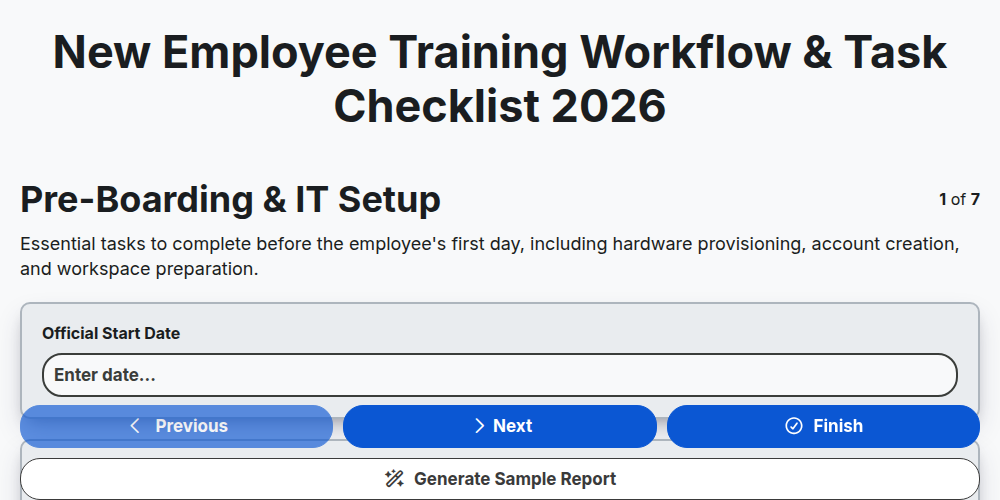
New Employee Training Workflow & Task Checklist 2026
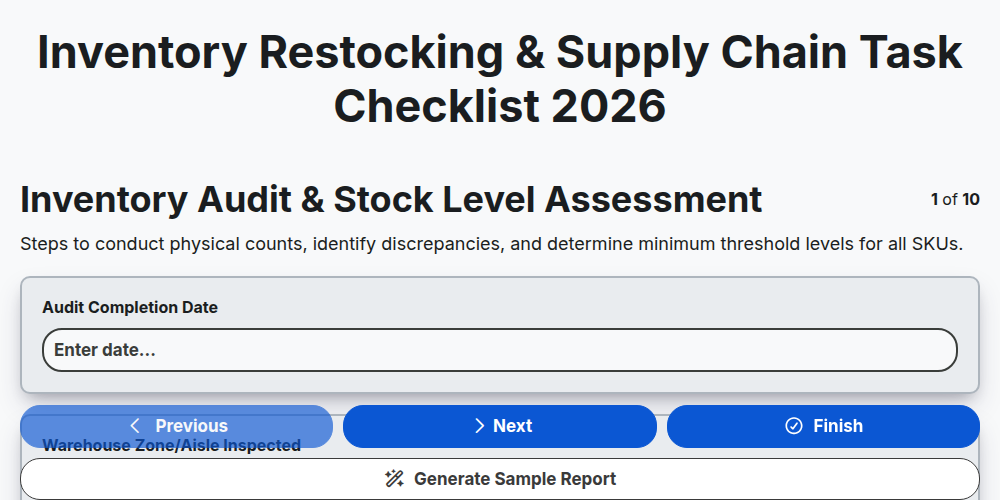
Inventory Restocking & Supply Chain Task Checklist 2026
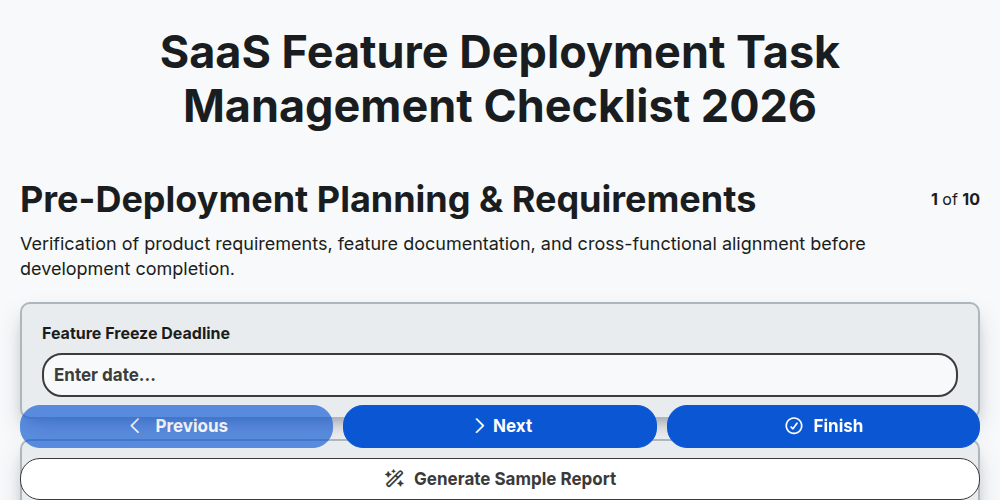
SaaS Feature Deployment Task Management Checklist 2026
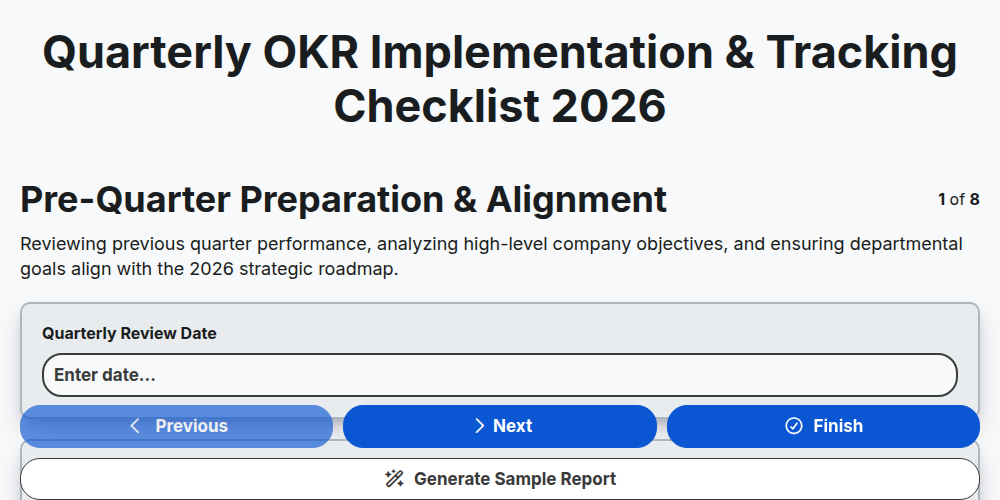
Quarterly OKR Implementation & Tracking Checklist 2026
Product Launch Execution & Task Orchestration Checklist 2026
Departmental Resource Allocation Checklist 2026
Project Milestone Tracking & Deadline Management Checklist 2026
Remote Team Workflow Optimization Checklist 2026
Need help with
Task Management?
Have a question? We're here to help. Please submit your inquiry, and we'll respond promptly.