 ChecklistGuro
 WMS Inventory Shrinkage Prevention & Investigation Checklist 2026
Stop profit leaks and safeguard your bottom line with the ultimate WMS Inventory Shrinkage Prevention & Investigation Checklist 2026. Designed for warehouse managers and inventory controllers, this professional-grade template provides a systematic framework to identify, track, and mitigate stock discrepancies, theft, and administrative errors. Streamline your auditing process, enhance WMS data accuracy, and implement proactive controls to minimize loss and optimize warehouse profitability in 2026.
Pre-Audit & Preparation
Steps to organize the warehouse environment, define the scope of the shrinkage investigation, and ensure all necessary personnel and tools are ready.
Audit Scheduled Date
Warehouse Zone/Aisle Under Audit
Audit Type
Required Audit Tools
Lead Auditor Name
Pre-Audit WMS Inventory Report
Physical Inventory Verification
Procedures for conducting blind counts, comparing physical stock levels against WMS records, and identifying immediate discrepancies.
Inventory Audit Date
Warehouse Zone/Aisle Number
SKU/Item Identifier
System-Recorded Quantity
Physical Count Quantity
Discrepancy Status
Observation of Physical Condition
Auditor Verification Signature
WMS Transactional Audit
A deep dive into the system logs to identify unauthorized adjustments, unrecorded receipts, or misplaced outbound movements within the WMS.
Audit Execution Date
Discrepancy Type
Total Discrepancy Value ($)
Transaction Log Findings
Audited Transaction Modules
WMS Error Report Export
Auditor Verification
Security & Access Control Review
Evaluating warehouse entry/exit logs, CCTV coverage, and reviewing user permission levels within the WMS to prevent internal theft.
Audit Date
Security Areas Inspected
WMS User Access Review Status
CCTV Footage Review Logs
Security Incident Observations
Security Supervisor Verification
Receiving & Putaway Integrity Check
Verifying that goods received match the PO and that the WMS correctly reflects the exact bin locations assigned during the putaway process.
Date of Receiving Audit
Dock Door/Receiving Bay Number
PO (Purchase Order) Status Verification
Quantity Discrepancy Count
Identified Putaway Errors
Notes on Receiving Anomalies
Upload Photo of Discrepant Shipment
Warehouse Supervisor Verification
Damage & Waste Documentation
Auditing the process for reporting damaged goods, expired stock, and ensuring all 'write-off' transactions are properly authorized in the system.
Date of Damage Discovery
Type of Damage
Quantity of Damaged Units
SKU / Item Number
Detailed Damage Description
Photo Evidence of Damage
Supervisor Approval Signature
Discrepancy Investigation & Root Cause Analysis
Standardized steps for investigating high-value variances, identifying patterns of loss, and determining if the cause is human error or theft.
Primary Discrepancy Category
Root Cause Description
Value of Discrepancy (USD)
Involved Personnel/Departments
Date of Discrepancy Discovery
Supporting Evidence (Photos/Logs)
Investigating Manager Approval
Corrective Action & System Update
Finalizing inventory adjustments in the WMS, updating standard operating procedures (SOPs), and implementing preventative measures for 2026.
Date of Correction Completion
Root Cause Identified
Corrective Actions Implemented
Detailed Summary of Preventative Measures
Proof of Inventory Adjustment/Document
Warehouse Manager Approval
Frequently Asked Questions
Can I customize this template after installing it?
Absolutely. Once installed, you can add, remove, or reorder tasks, add custom fields, and adjust deadlines to fit your specific workflow.
Can I add images or photos to these checklist items?
Yes. Our platform allows you to attach photos, signatures, and notes to any checklist item for better verification and proof of completion.
Can I create a custom checklist from scratch instead of using a template?
Yes. You can use our "Create your own checklist" feature to build a unique workflow tailored exactly to your operational requirements.
Can I add dependencies between tasks?
Yes, you can set up conditional logic and dependencies to ensure your team follows the correct sequence of operations.
Can I assign specific checklist items to different team members?
Yes. You can assign individual tasks to specific employees, ensuring clear accountability across your entire team.
Can I use these checklists on mobile devices in the field?
Yes. Our platform is fully responsive, allowing your team to complete, update, and upload photos to checklists directly from any smartphone or tablet.
How do I notify my manager when a checklist is completed?
You can set up automated notifications (via email, push notification, or in-app alerts) to trigger whenever a checklist is finished or if an item fails inspection.
Can multiple people work on the same checklist simultaneously?
Yes, the platform supports real-time updates, allowing multiple users to contribute to a single live checklist.
Where is the data from completed checklists stored?
All completed checklists are stored securely in your Work OS dashboard, creating a permanent, searchable audit trail of your operations.
Can I generate reports based on my checklist results?
Yes. You can track completion rates, identify recurring issues, and monitor team performance through our integrated reporting and analytics tools.
How can I use these checklists for compliance or auditing purposes?
Because our checklists capture timestamps, photos, and digital signatures, they serve as a robust digital paper trail for regulatory compliance and internal audits.
Can I export my completed checklist data for use in other tools?
Yes. You can export your data in various formats (CSV, Excel, etc.) to integrate your operational insights with your other business software.
Comments
There are no comments yet. Be the first to add one!
WMS - Warehouse Management System Solution Demo
Optimize your warehouse operations & boost efficiency! ChecklistGuro's WMS streamlines inventory management, order fulfillment, and shipping. Reduce errors, improve accuracy, & maximize space utilization. Manage it all with our Work OS.
Related Checklist Templates
WMS Warehouse Digital Transformation Roadmap Checklist 2026
WMS Warehouse Workflow Standardization Checklist 2026
WMS Warehouse Safety & Ergonomic Compliance Checklist 2026
WMS Peak Season Scaling & Preparedness Checklist 2026
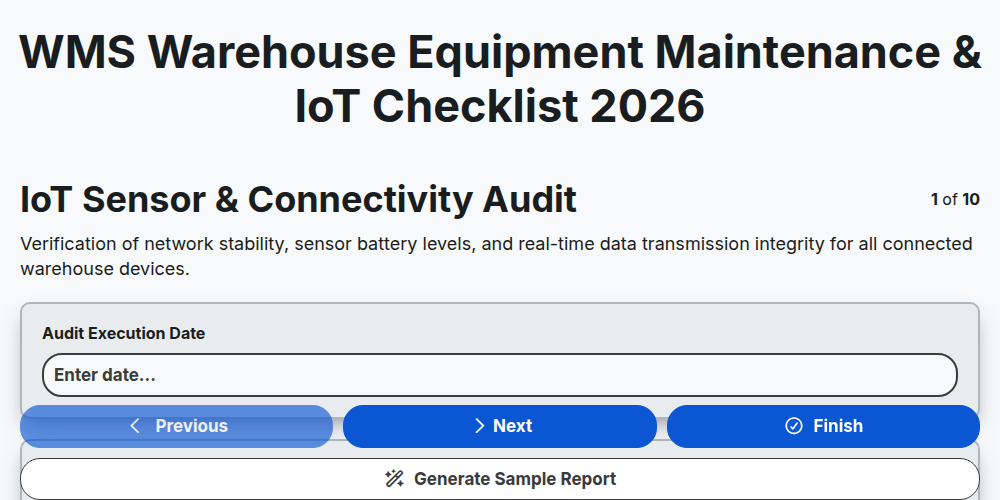
WMS Warehouse Equipment Maintenance & IoT Checklist 2026
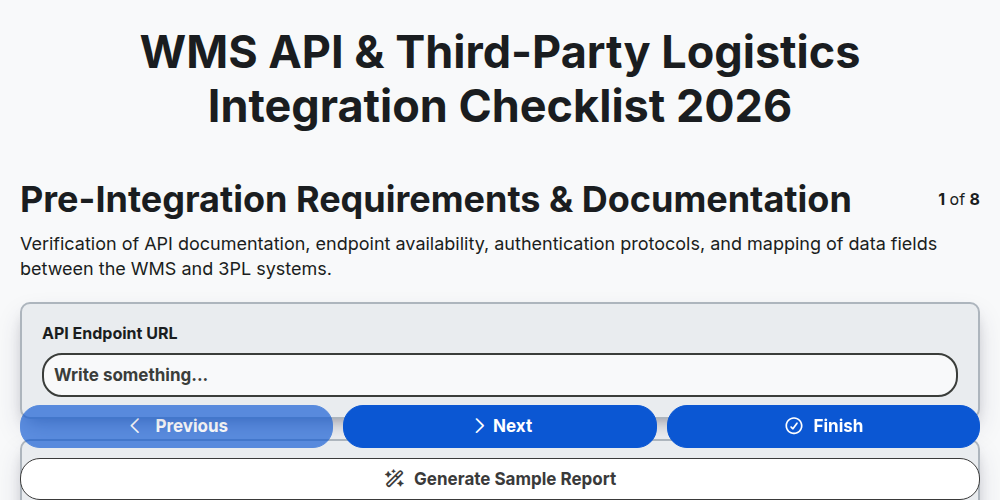
WMS API & Third-Party Logistics Integration Checklist 2026
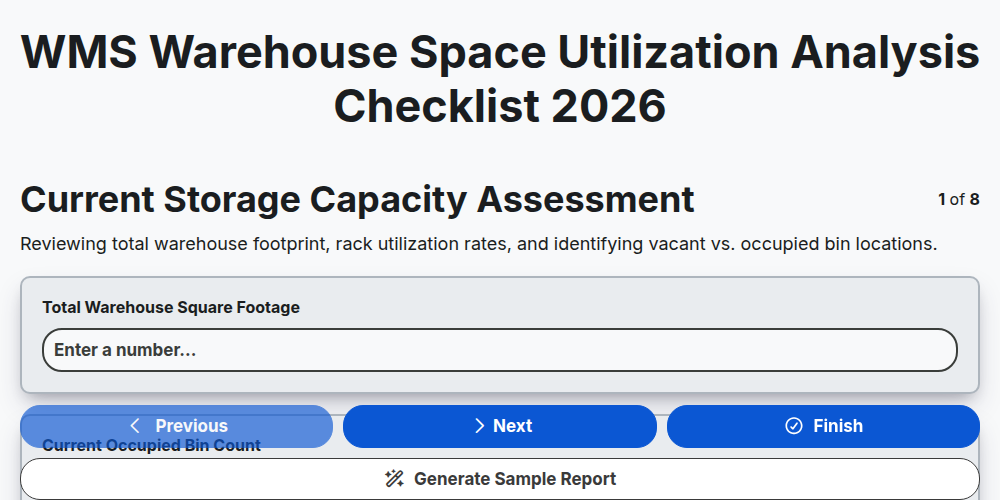
WMS Warehouse Space Utilization Analysis Checklist 2026
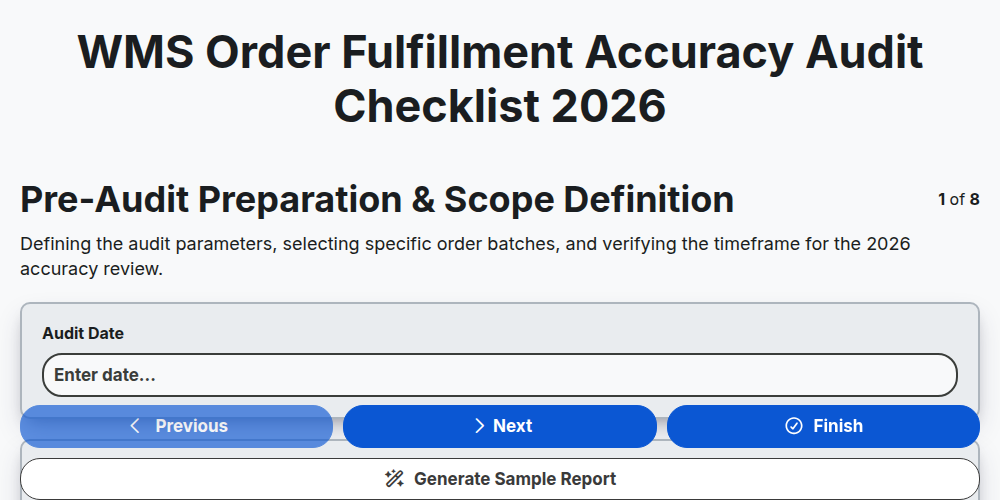
WMS Order Fulfillment Accuracy Audit Checklist 2026
Need help with
Warehouse Management System (WMS)?
Have a question? We're here to help. Please submit your inquiry, and we'll respond promptly.