 ChecklistGuro
 WMS Warehouse Workflow Standardization Checklist 2026
Streamline your warehouse operations and eliminate process variability with the WMS Warehouse Workflow Standardization Checklist 2026. Designed for operations managers and logistics professionals, this comprehensive template provides a step-by-step framework to unify picking, packing, and replenishment procedures across your entire facility. Ensure consistent execution, reduce human error, and maximize the ROI of your Warehouse Management System by implementing standardized, repeatable workflows that drive operational excellence and scalability in 2026.
Standard Operating Procedure (SOP) Alignment
Ensure all digital workflows within the WMS are mapped precisely to physical warehouse movement and documented SOPs.
SOP Documentation Status
SOP Reference ID
Workflow Modules Covered
Last SOP Review Date
Upload Approved SOP Document
Operations Manager Approval
Inbound Process Standardization
Verify uniform procedures for receiving, unloading, and initial verification to prevent data entry discrepancies.
Receiving Dock Assignment
Arrival Date
Verification Steps Completed
Total Units Received
Packing Slip / BOL Upload
Discrepancy Notes
Receiver Signature
Inventory Placement & Putaway Rules
Standardize logic for automated and manual putaway tasks to maintain consistent bin utilization and accessibility.
Putaway Strategy Used
Required Verification Steps
Target Bin/Zone Destination
Allocated Storage Capacity (%)
Putaway Completion Date
Supervisor Verification
Picking & Packing Uniformity
Audit picking paths, batching methods, and packing station configurations to ensure repeatable execution across all shifts.
Verified Picking Methods
Packing Station ID
Packing Material Standard Used
Average Pick Time (Seconds)
Photo of Standardized Packing Setup
Floor Supervisor Verification
Outbound & Shipping Protocol
Standardize documentation, carrier labeling, and manifest generation to ensure consistency in final dispatch.
Shipping Method Used
Shipping Documentation Verified
Dispatch Date
Carrier Tracking Number
Proof of Delivery/Manifest Copy
Warehouse Supervisor Approval
Exception Handling & Error Resolution
Define standardized workflows for managing damaged goods, short picks, and system-generated discrepancies.
Error Category
Incident Description
Date of Occurrence
Affected Warehouse Zone/Bin
Photo Evidence of Discrepancy
Supervisor Approval
User Interface & Data Entry Standardization
Review terminal/scanner input methods to ensure all operators use standardized naming conventions and unit measurements.
Standardized Input Method
Data Entry Error Checkpoints
Input Format Convention
Last Interface Audit Date
Supervisor Verification
Updated Data Entry Manual (PDF)
Equipment & Hardware Synchronization
Ensure all handheld scanners, printers, and IoT devices follow the same configuration and software versioning.
Devices Audited
Hardware Firmware Version
Last Synchronization Date
Connectivity Status
Hardware Maintenance Log
Technician Verification
Performance Metric & KPI Tracking
Standardize how warehouse productivity, error rates, and throughput are captured and reported within the WMS.
Audit Date
Order Picking Accuracy Rate (%)
Dock-to-Stock Cycle Time (Minutes)
KPI Target Achievement Status
Variance Analysis & Root Cause
Warehouse Manager Approval
Training & Continuous Improvement Loop
Validate that all standardized workflows are reflected in training modules and updated during periodic process reviews.
Last Training Session Date
Training Completion Status
Topics Covered in Training
Identified Process Gaps or Feedback
Training Attendance Logs
Supervisor Verification
Frequently Asked Questions
Can I customize this template after installing it?
Absolutely. Once installed, you can add, remove, or reorder tasks, add custom fields, and adjust deadlines to fit your specific workflow.
Can I add images or photos to these checklist items?
Yes. Our platform allows you to attach photos, signatures, and notes to any checklist item for better verification and proof of completion.
Can I create a custom checklist from scratch instead of using a template?
Yes. You can use our "Create your own checklist" feature to build a unique workflow tailored exactly to your operational requirements.
Can I add dependencies between tasks?
Yes, you can set up conditional logic and dependencies to ensure your team follows the correct sequence of operations.
Can I assign specific checklist items to different team members?
Yes. You can assign individual tasks to specific employees, ensuring clear accountability across your entire team.
Can I use these checklists on mobile devices in the field?
Yes. Our platform is fully responsive, allowing your team to complete, update, and upload photos to checklists directly from any smartphone or tablet.
How do I notify my manager when a checklist is completed?
You can set up automated notifications (via email, push notification, or in-app alerts) to trigger whenever a checklist is finished or if an item fails inspection.
Can multiple people work on the same checklist simultaneously?
Yes, the platform supports real-time updates, allowing multiple users to contribute to a single live checklist.
Where is the data from completed checklists stored?
All completed checklists are stored securely in your Work OS dashboard, creating a permanent, searchable audit trail of your operations.
Can I generate reports based on my checklist results?
Yes. You can track completion rates, identify recurring issues, and monitor team performance through our integrated reporting and analytics tools.
How can I use these checklists for compliance or auditing purposes?
Because our checklists capture timestamps, photos, and digital signatures, they serve as a robust digital paper trail for regulatory compliance and internal audits.
Can I export my completed checklist data for use in other tools?
Yes. You can export your data in various formats (CSV, Excel, etc.) to integrate your operational insights with your other business software.
Comments
There are no comments yet. Be the first to add one!
WMS - Warehouse Management System Solution Demo
Optimize your warehouse operations & boost efficiency! ChecklistGuro's WMS streamlines inventory management, order fulfillment, and shipping. Reduce errors, improve accuracy, & maximize space utilization. Manage it all with our Work OS.
Related Checklist Templates
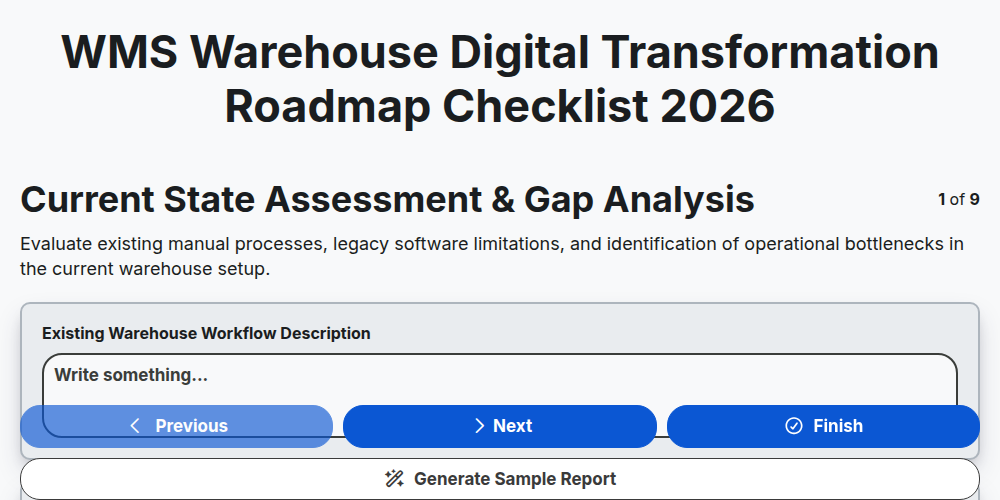
WMS Warehouse Digital Transformation Roadmap Checklist 2026
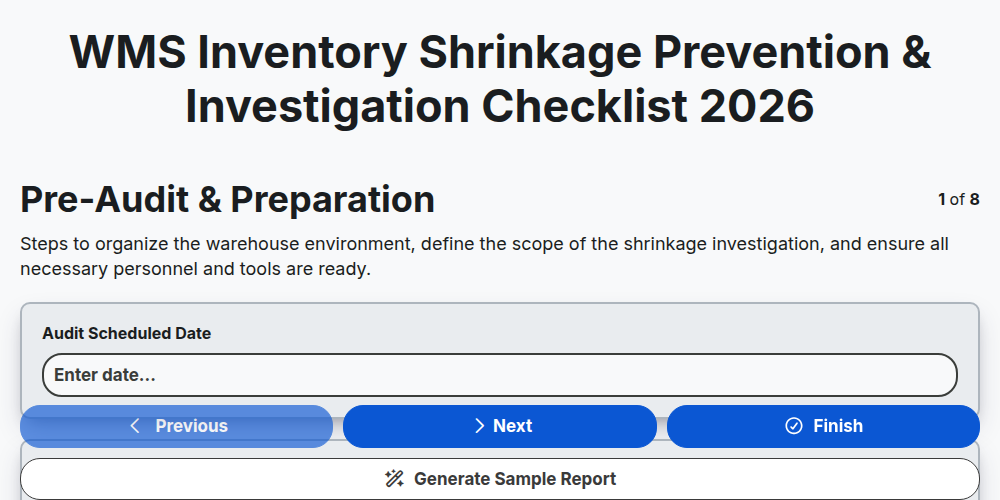
WMS Inventory Shrinkage Prevention & Investigation Checklist 2026
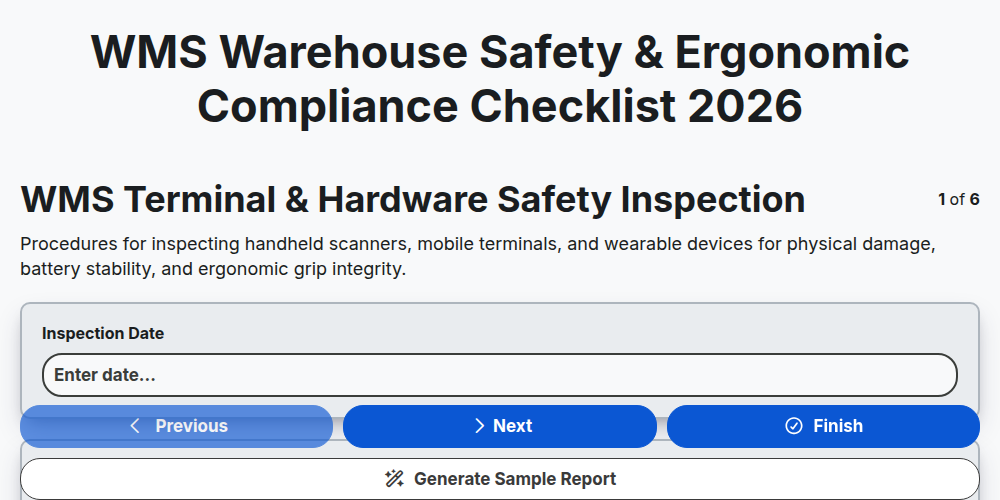
WMS Warehouse Safety & Ergonomic Compliance Checklist 2026
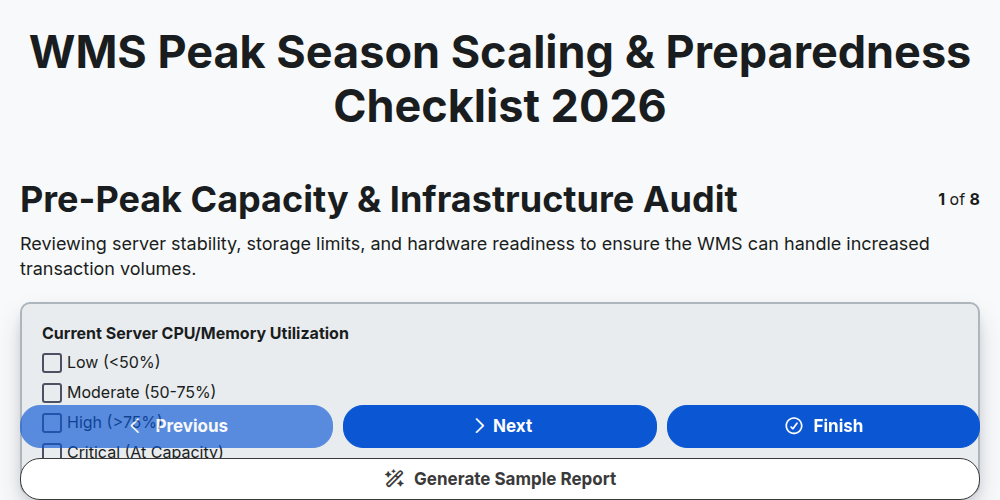
WMS Peak Season Scaling & Preparedness Checklist 2026
WMS Warehouse Equipment Maintenance & IoT Checklist 2026
WMS API & Third-Party Logistics Integration Checklist 2026
WMS Warehouse Space Utilization Analysis Checklist 2026
WMS Order Fulfillment Accuracy Audit Checklist 2026
Need help with
Warehouse Management System (WMS)?
Have a question? We're here to help. Please submit your inquiry, and we'll respond promptly.